Motion Director · AI explainer video generator
AI explainer videos that start with What if.
Type one question. A director researches it, writes an escalating story, designs the look, makes every scene, voices it and scores it. It lands in your editor as a real project, ready to post or to become a series.
Style gallery
64 looks. Every one designed, not filtered.
Each style is a full bible: palette, how every picture is drawn, the camera, the type, the on-screen counter and the captions. Every video below was made by Motion Director from one question. Tap one to make it yourself, then change anything.
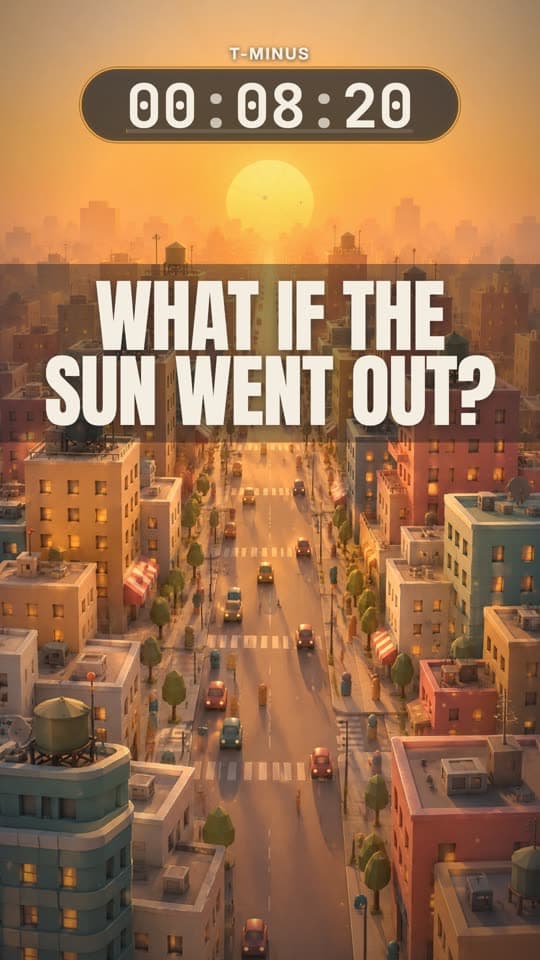
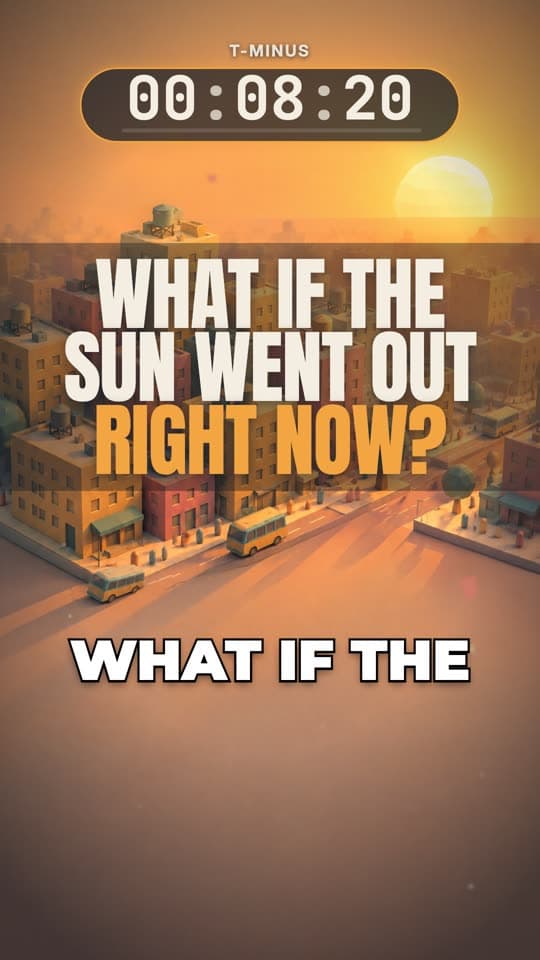
Ember Countdown
What if the Sun went out right now?
Make this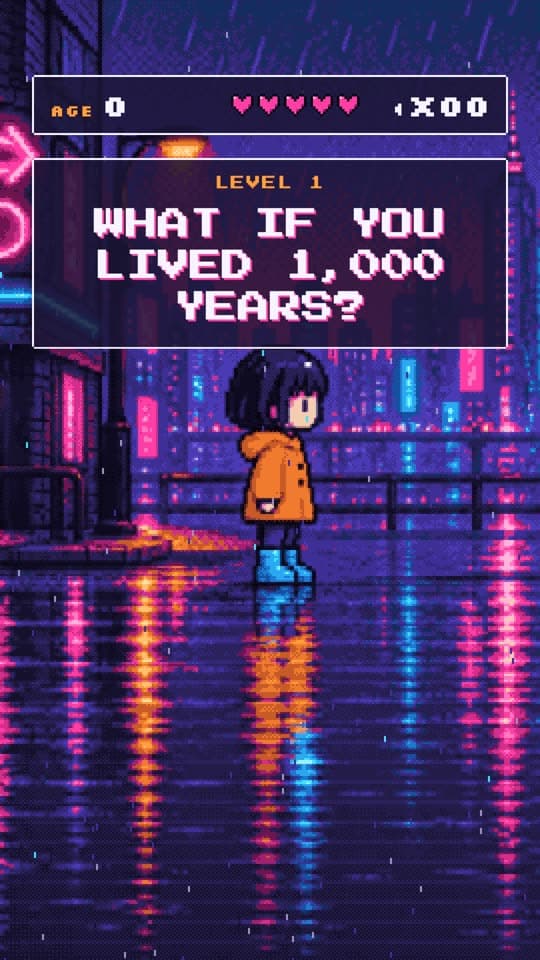
Midnight Sprite
What if you lived 1,000 years?
Make this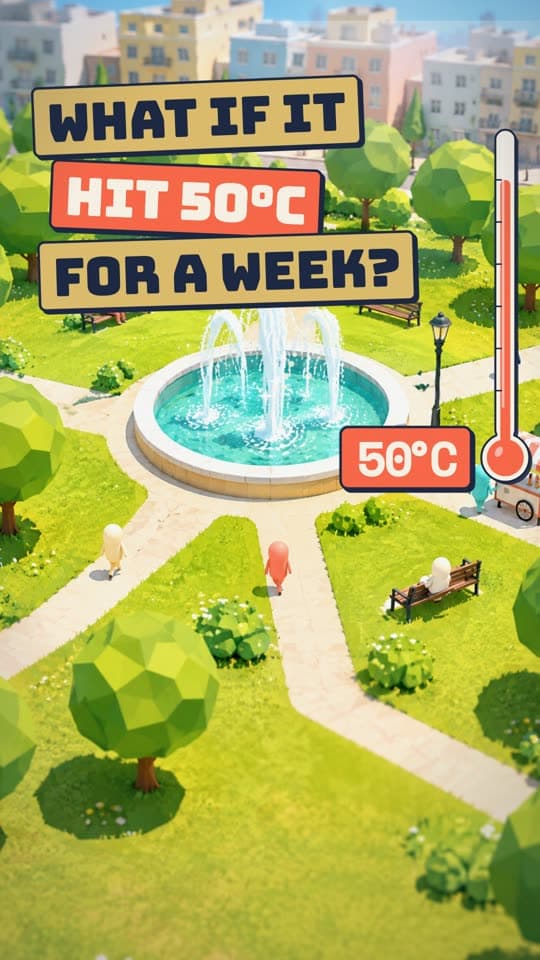
Scorched Commons
What if it was 50 C for a whole week?
Make this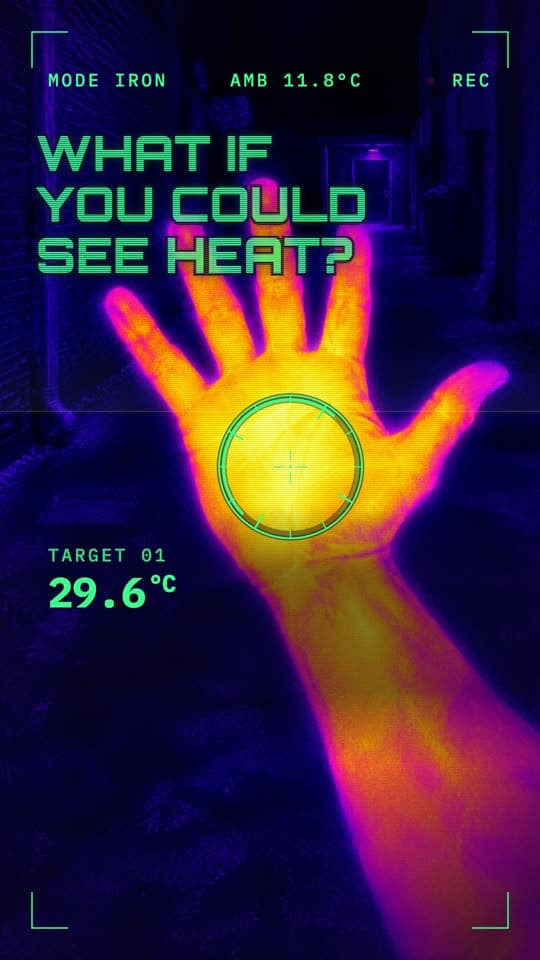
Thermal Prowl
What if you could see heat?
Make this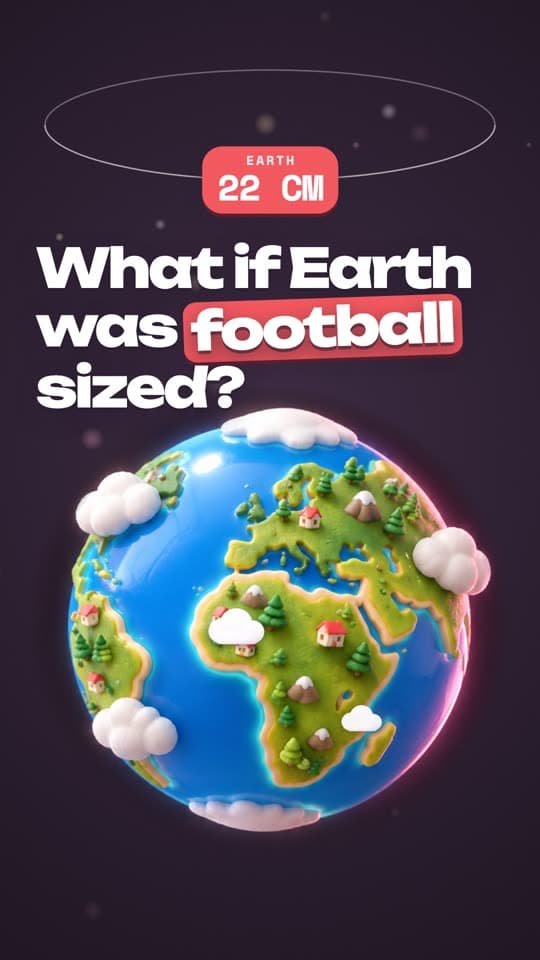
Pocket Globe
What if Earth was the size of a football?
Make this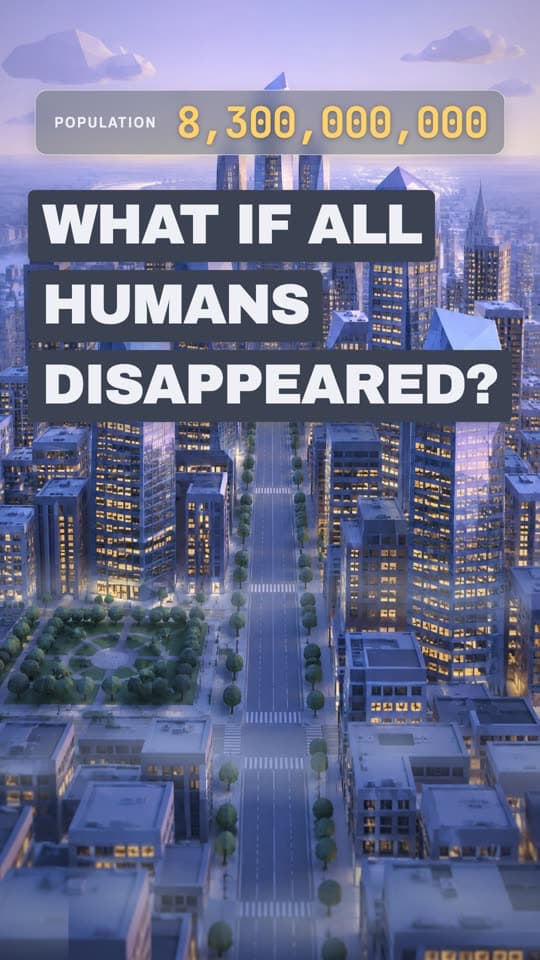
Faceted Metro
What if all humans disappeared?
Make this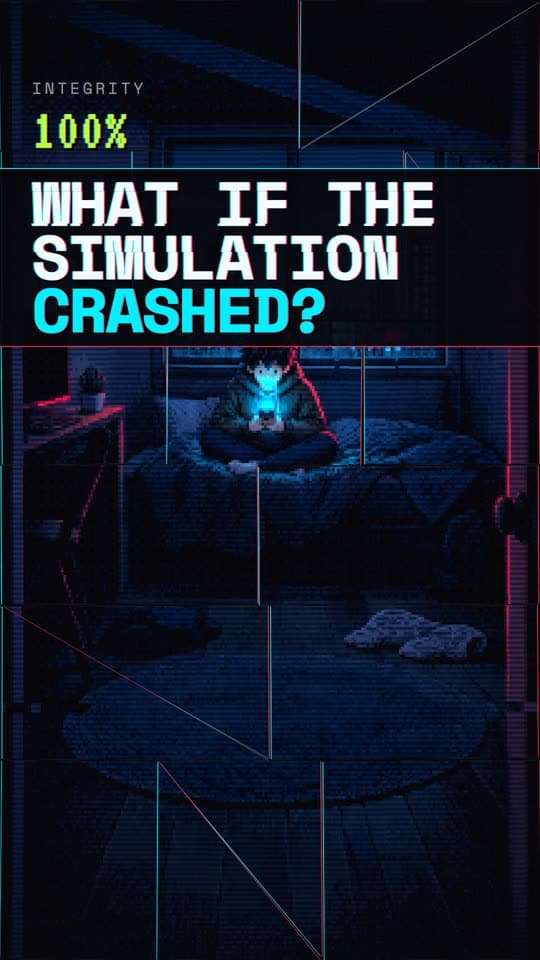
Glitch Mosaic
What if we lived in a simulation and it crashed?
Make this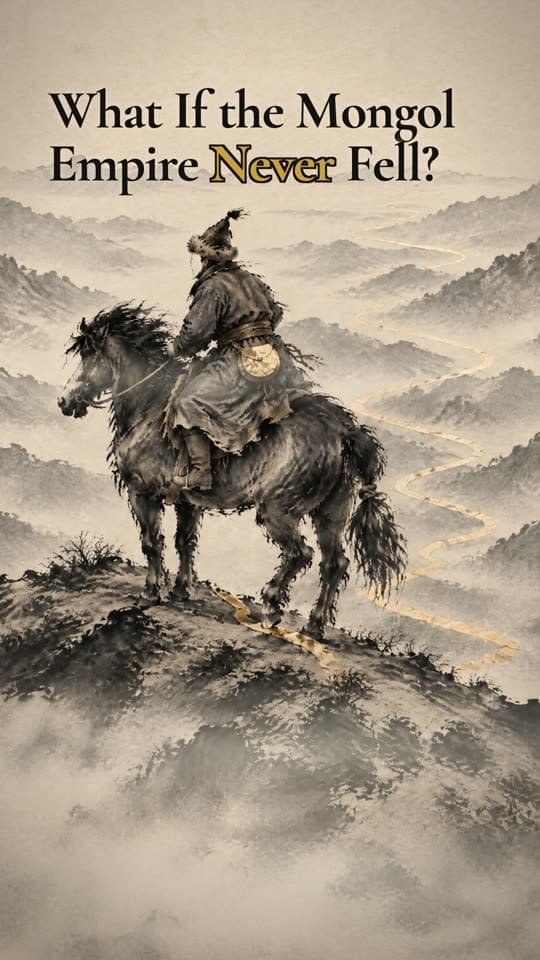
Gilded Brush
What if the Mongol Empire never fell?
Make this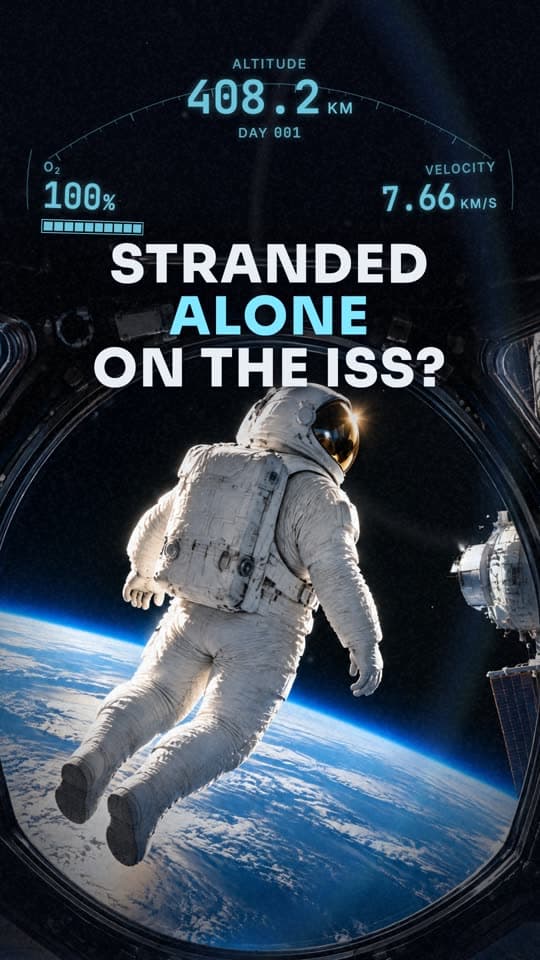
Orbit Telemetry
What if you were stranded on the ISS alone?
Make this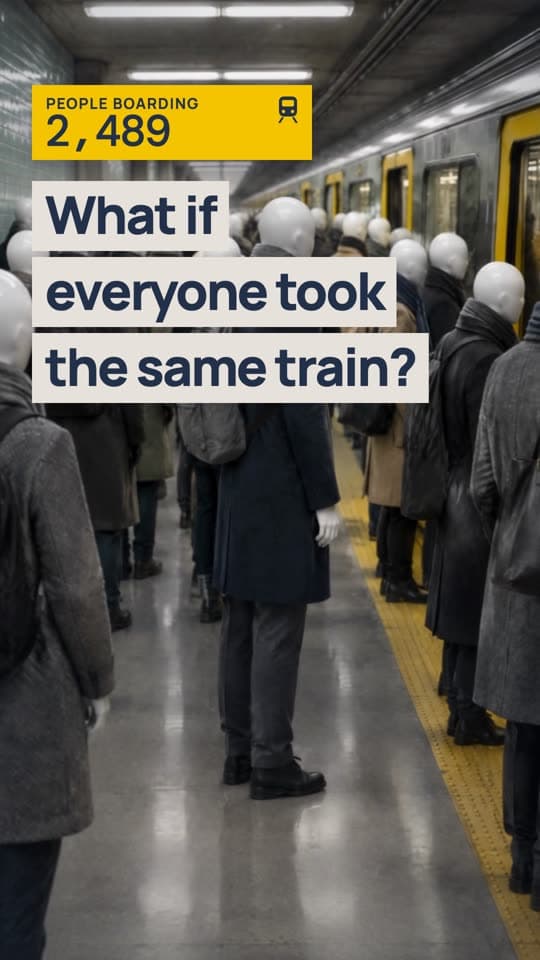
Plaster Commuters
What if everyone took the same train at once?
Make this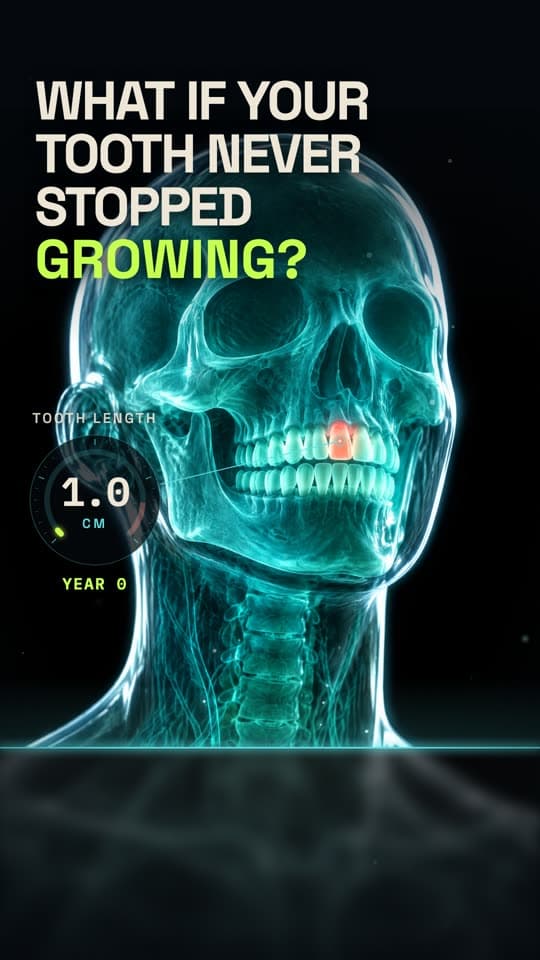
Glass Anatomy
What if one of your teeth never stopped growing?
Make this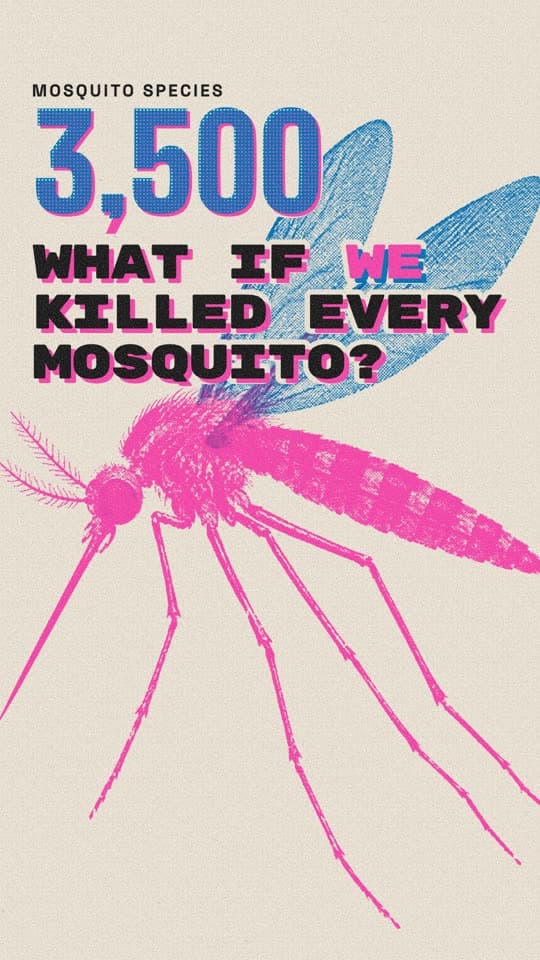
Risograph Bulletin
What if we killed all mosquitoes?
Make this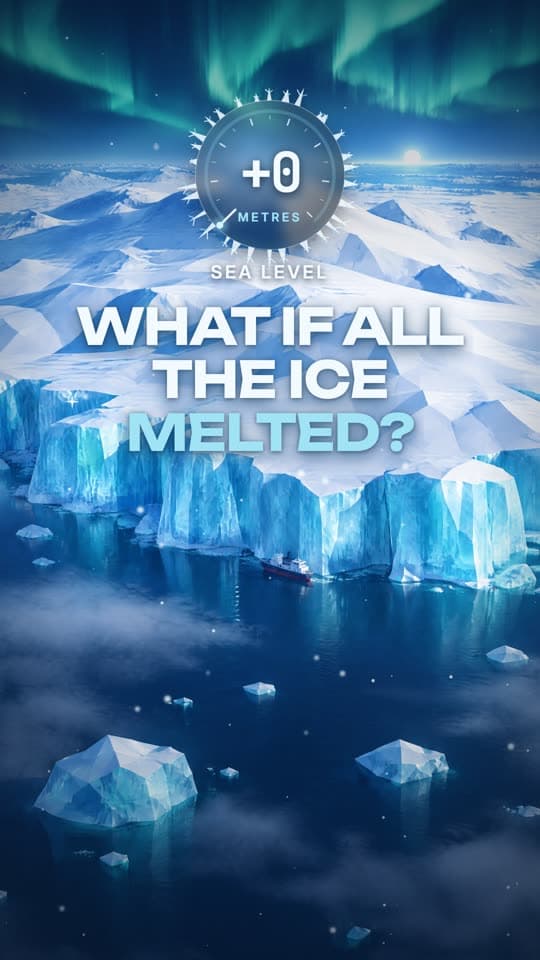
Glacier Facets
What if all the ice on Earth melted?
Make this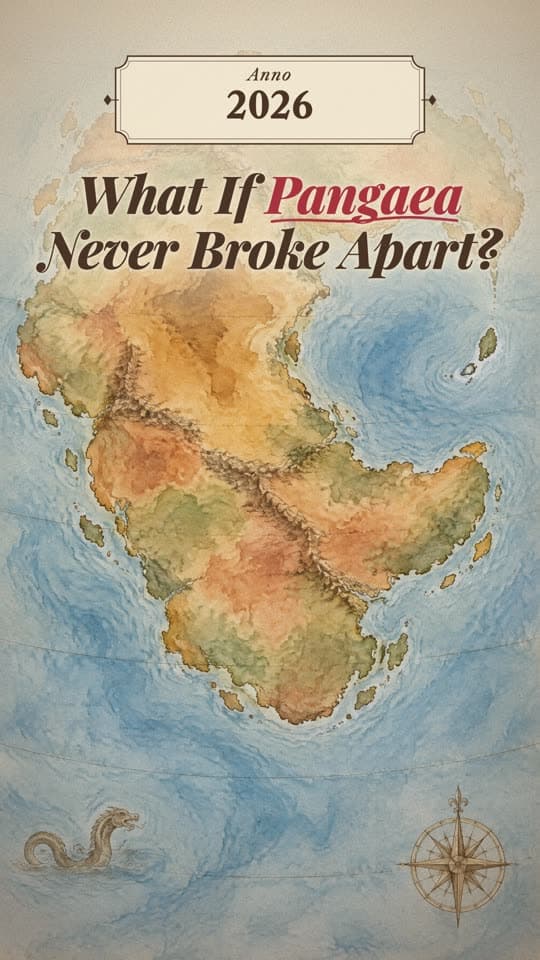
Inkwash Cartography
What if Pangaea never broke apart?
Make this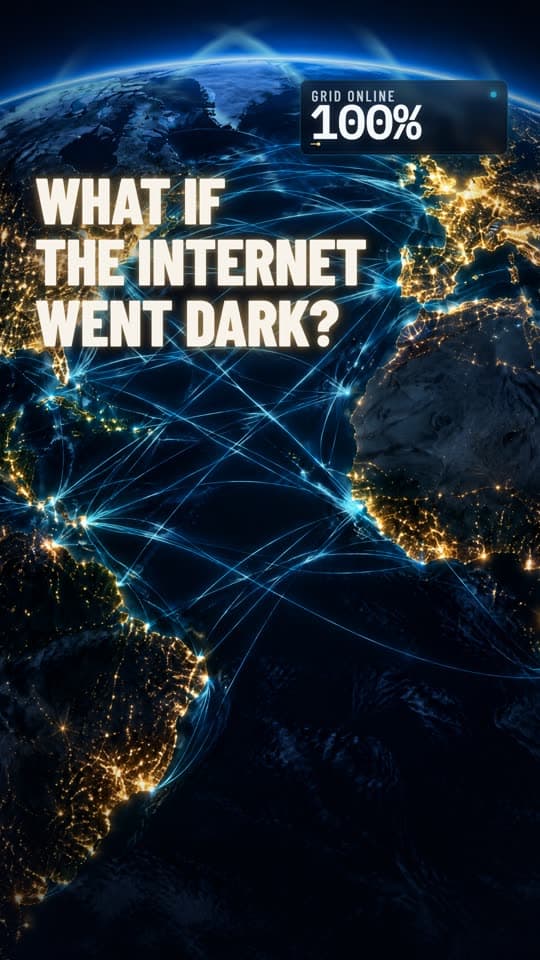
Lights Out Network
What if the entire internet went dark?
Make this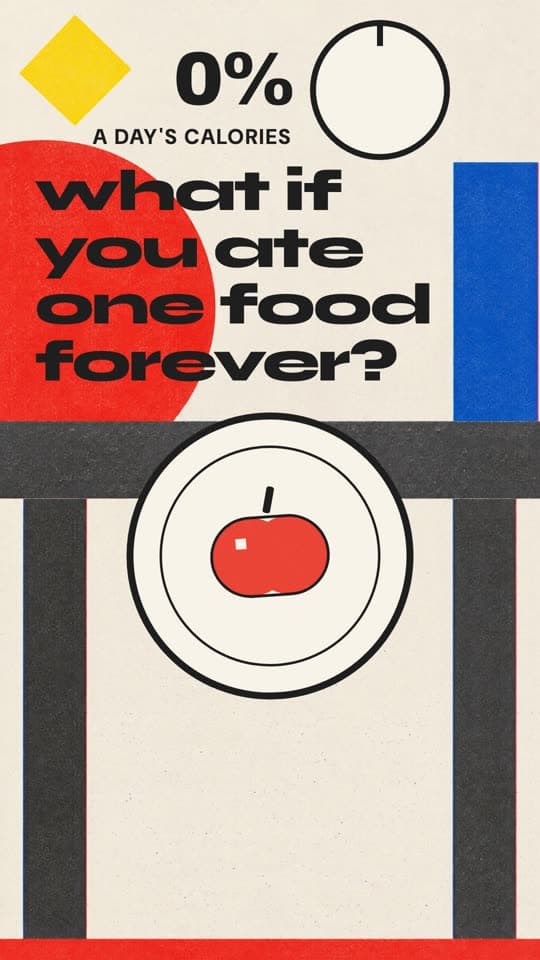
Bauhaus Speckle
What if you could only eat one food forever?
Make this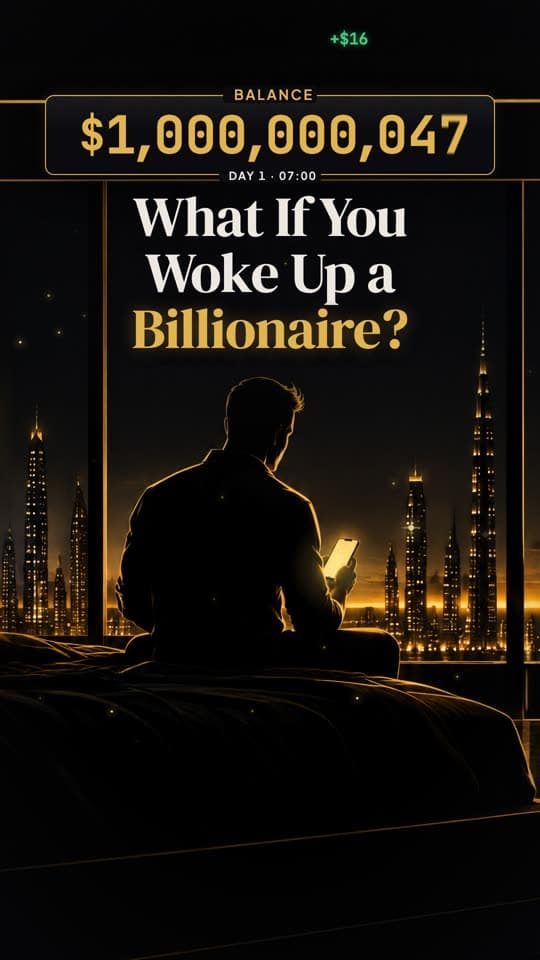
Vault Tally
What would you do if you woke up a billionaire?
Make this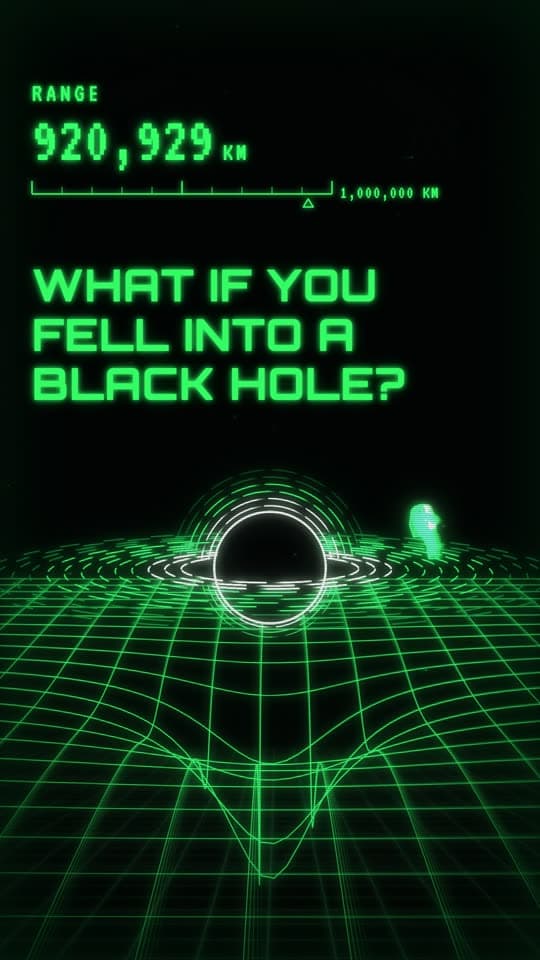
Cathode Wireframe
What if you fell into a black hole?
Make this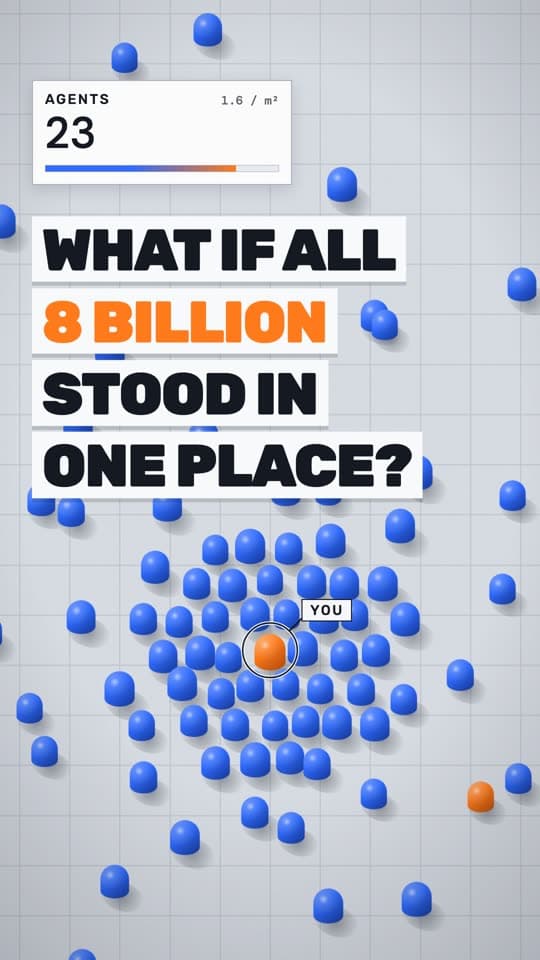
Swarm Engine
What if all 8 billion people stood in one place?
Make this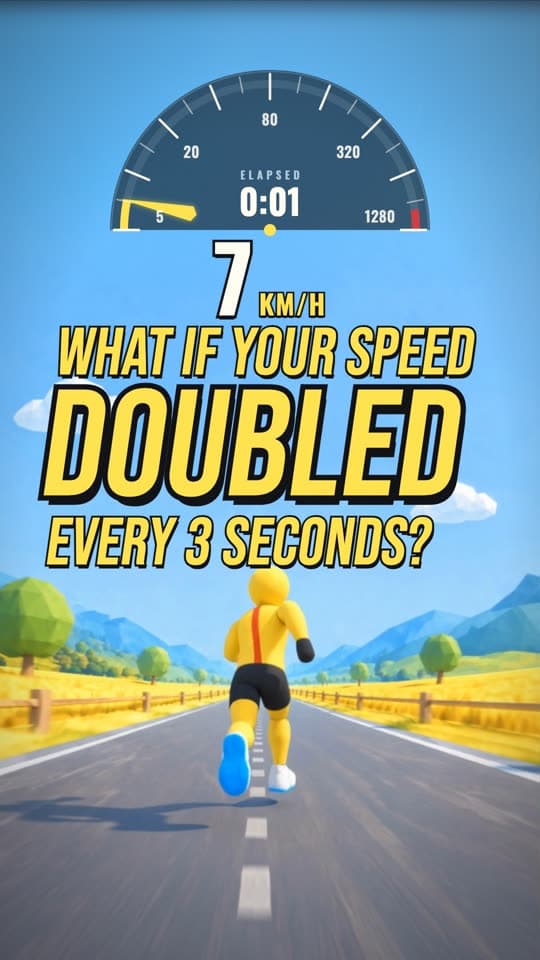
Velocity Ladder
What if your speed doubled every 3 seconds?
Make this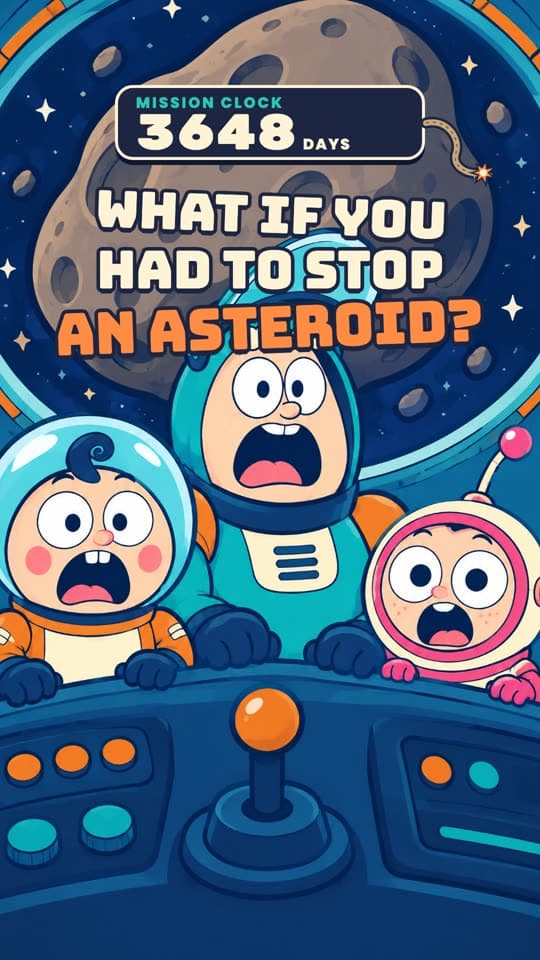
Rocket Errand
What if you had to save Earth from an asteroid?
Make this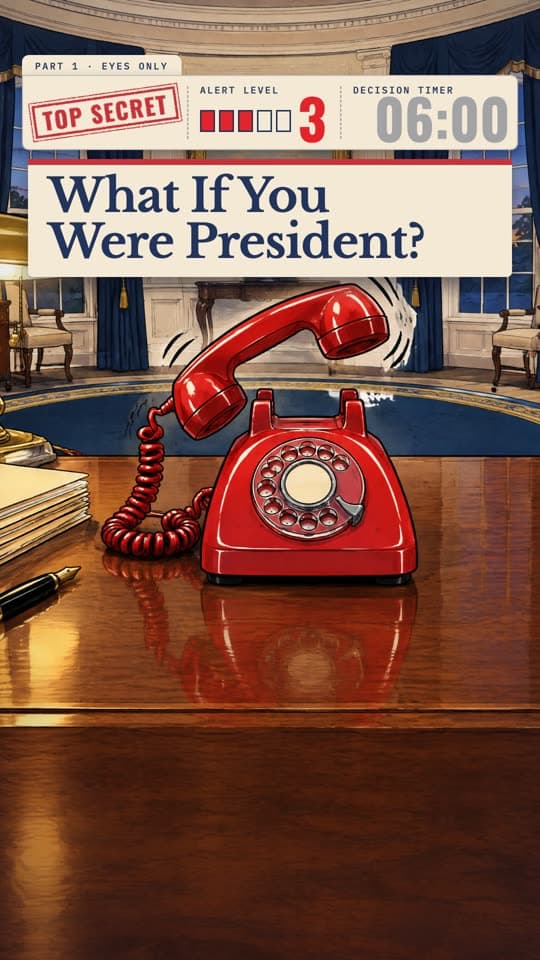
Big Desk Crisis
What if you were president during a nuclear emergency?
Make this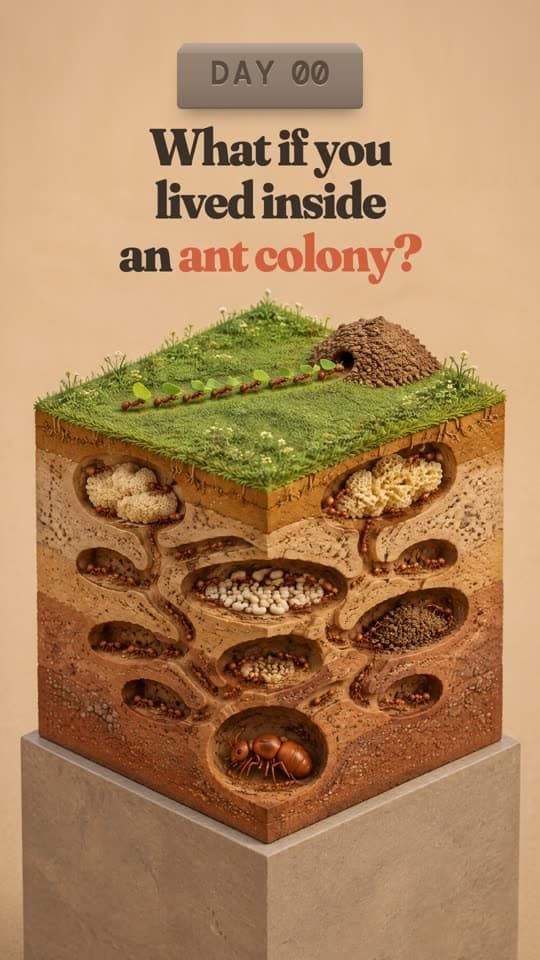
Plinth Kingdom
What if you lived inside an ant colony?
Make this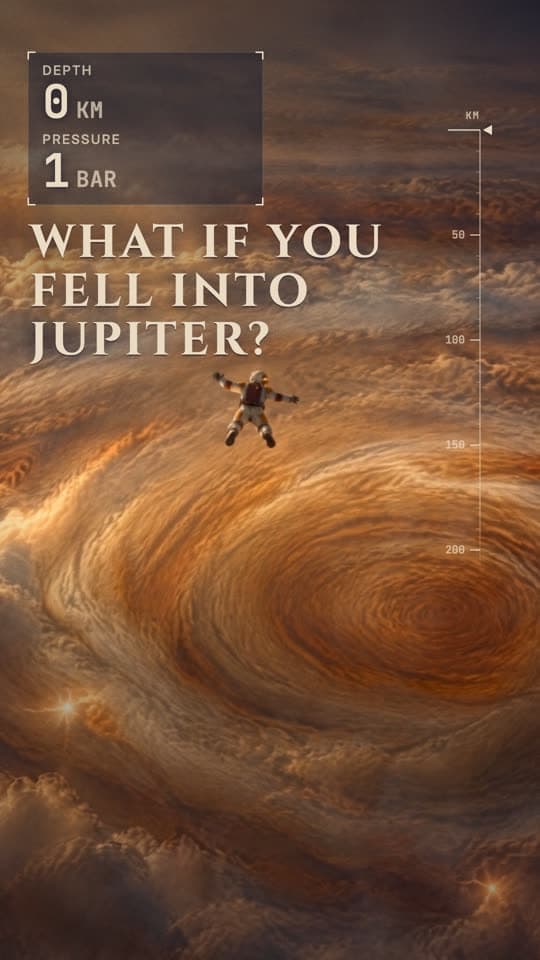
Storm Descent
What if you fell into Jupiter?
Make this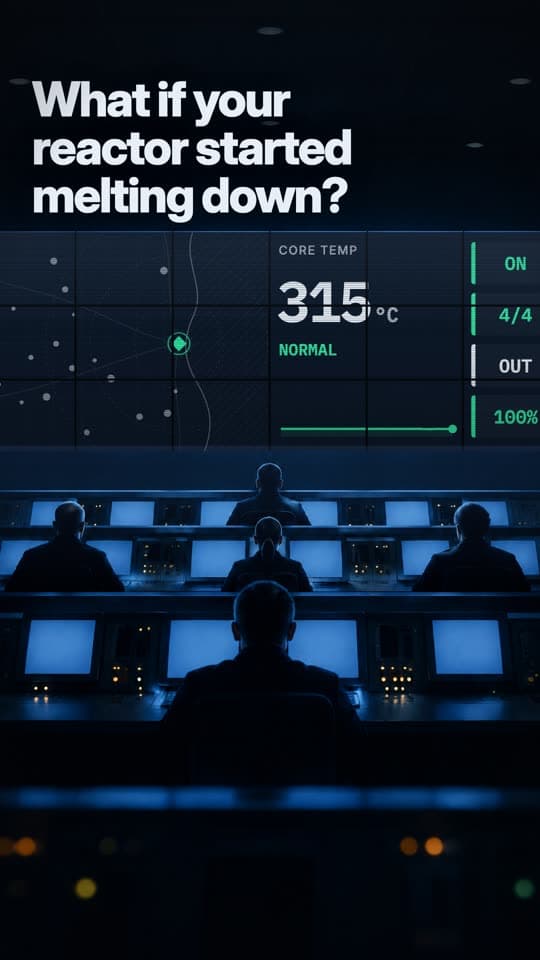
Mission Wall
What if a nuclear reactor started melting down?
Make this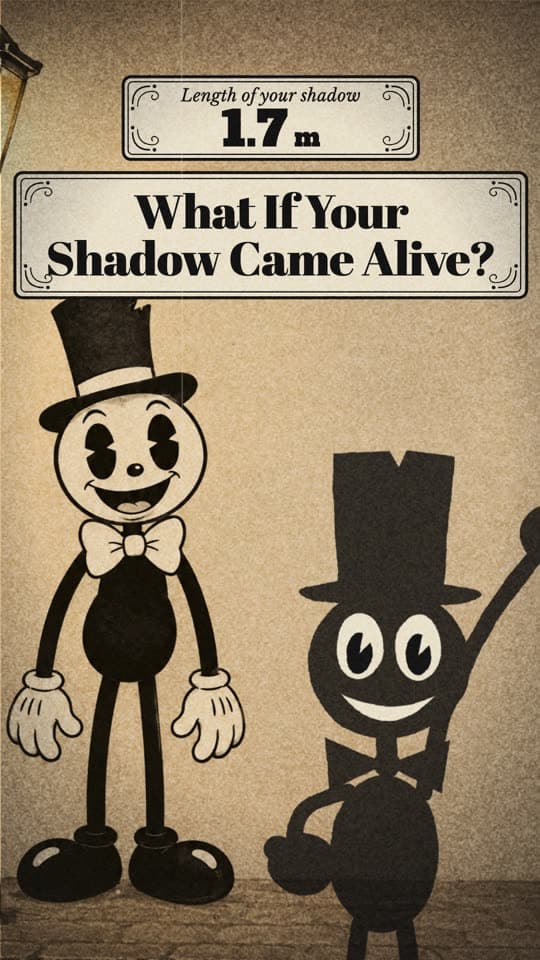
Inkwell Jamboree
What if your shadow came alive?
Make this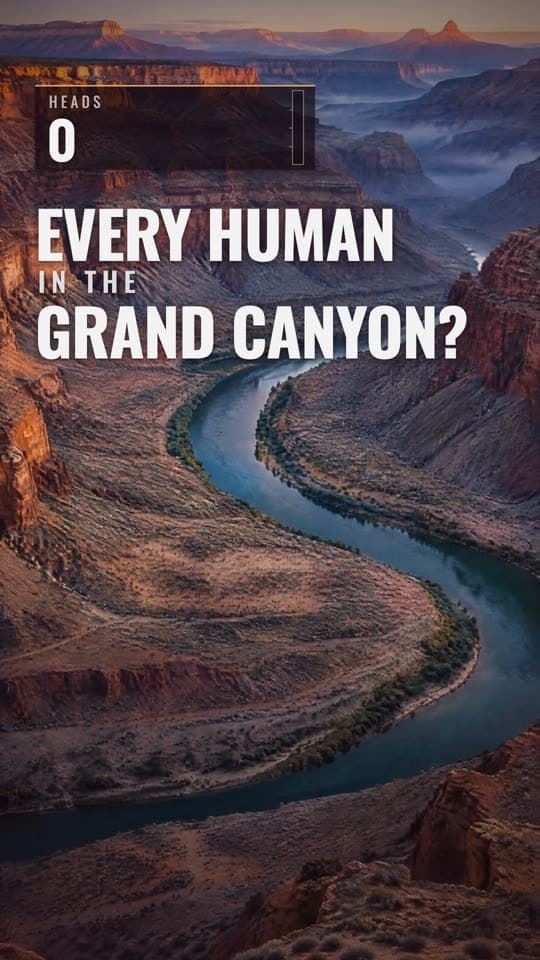
Gorge Multitude
What if every human stood in the Grand Canyon?
Make this
Woolen Heavens
What if clouds were solid?
Make this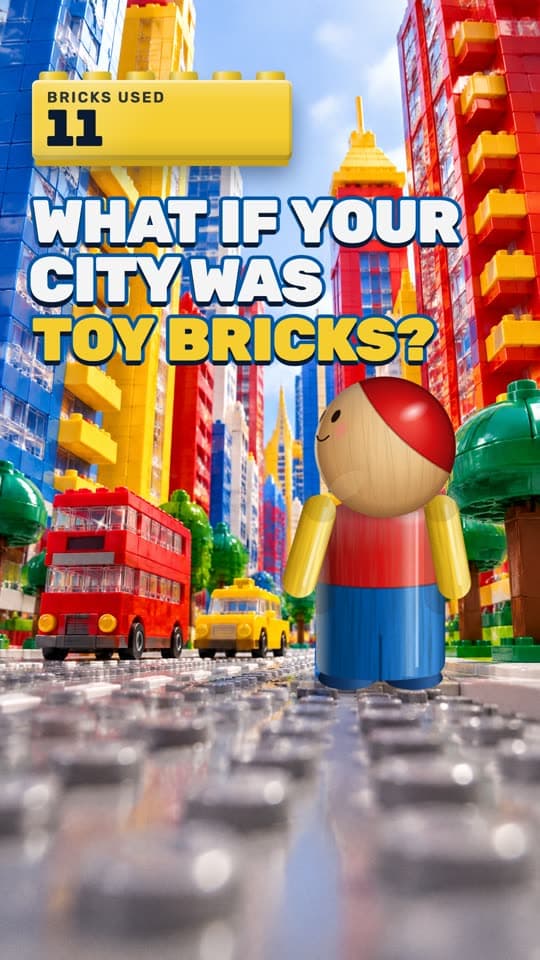
Stud Kingdom
What if a city was built from toy bricks?
Make this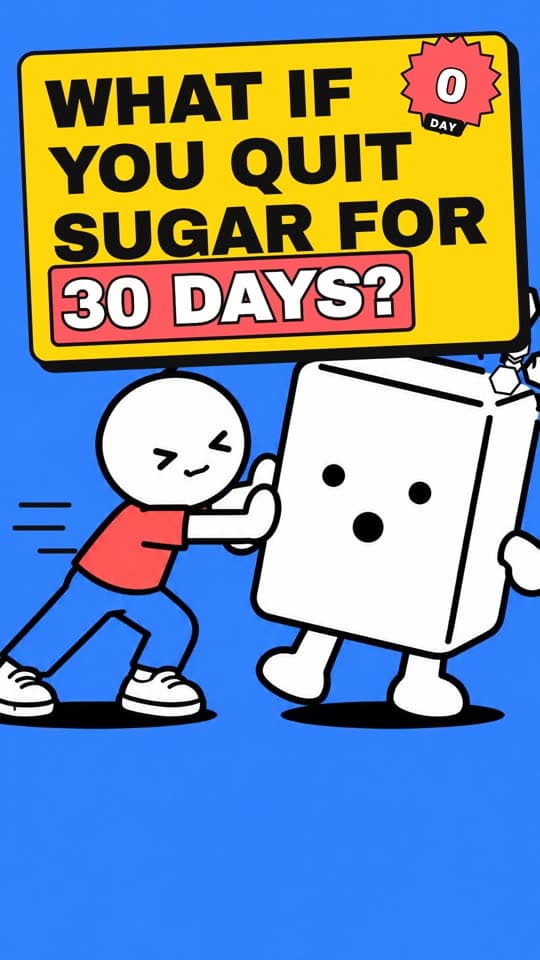
Loud Shapes
What if you stopped eating sugar for 30 days?
Make this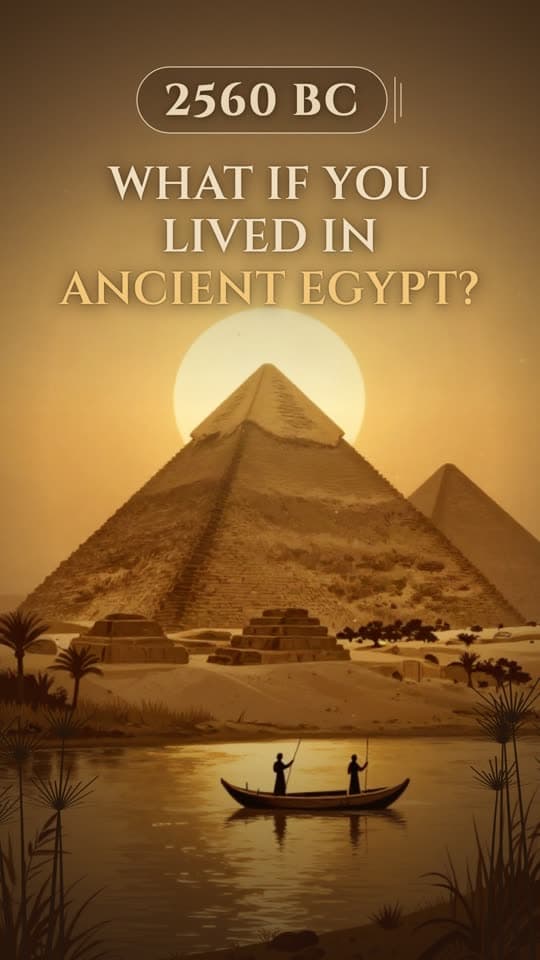
Umber Shadowplay
What if you lived in ancient Egypt?
Make this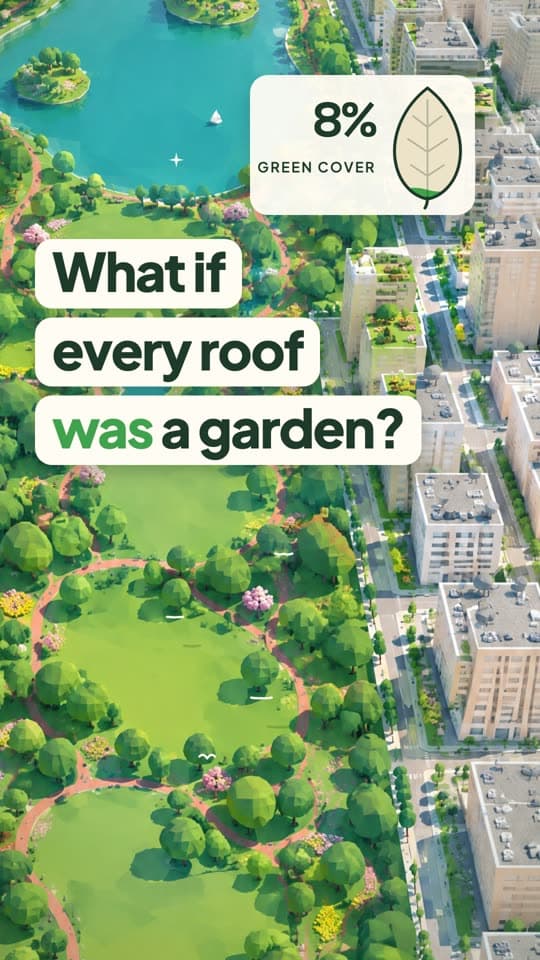
Treeline Towers
What if every roof was a garden?
Make this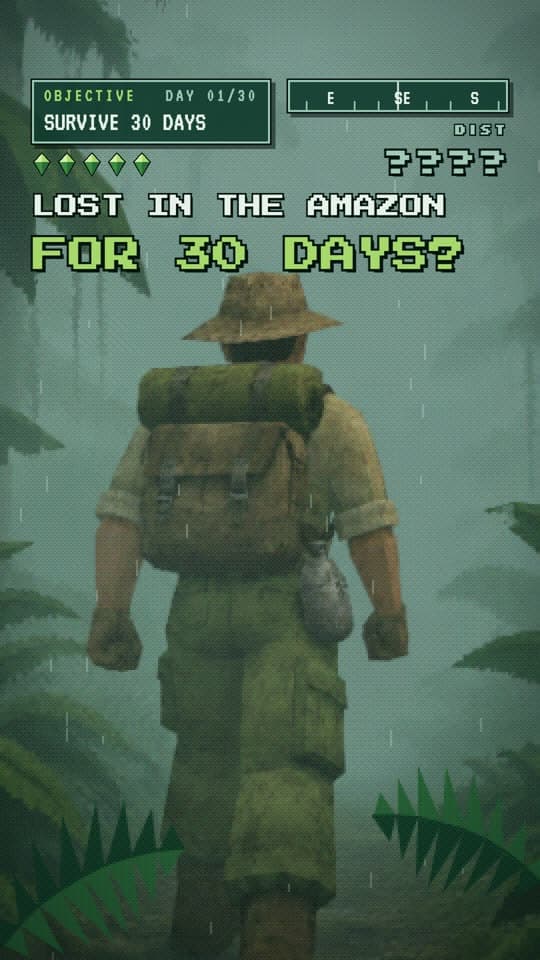
Low Res Rainforest
What if you were lost in the Amazon for 30 days?
Make this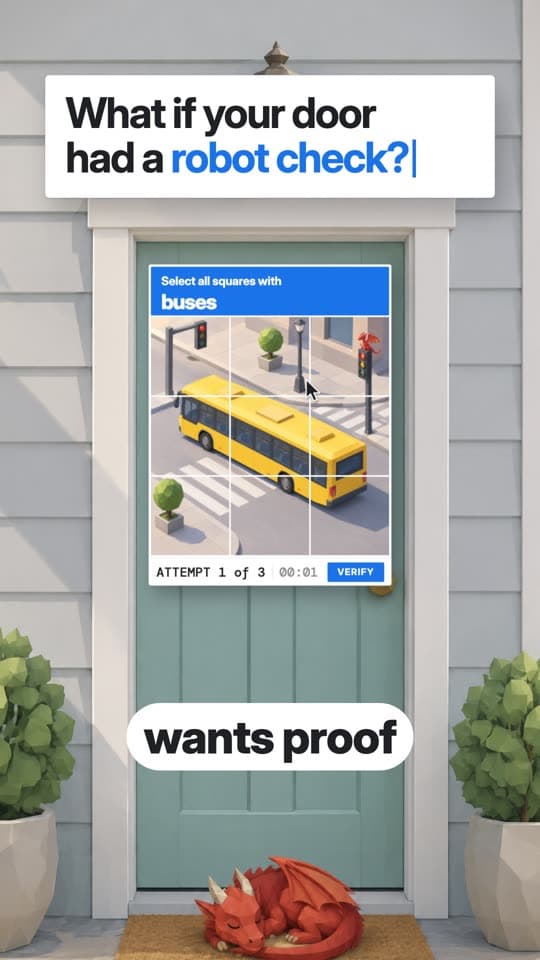
Robot Check
What if you had to prove you were human to enter your house?
Make this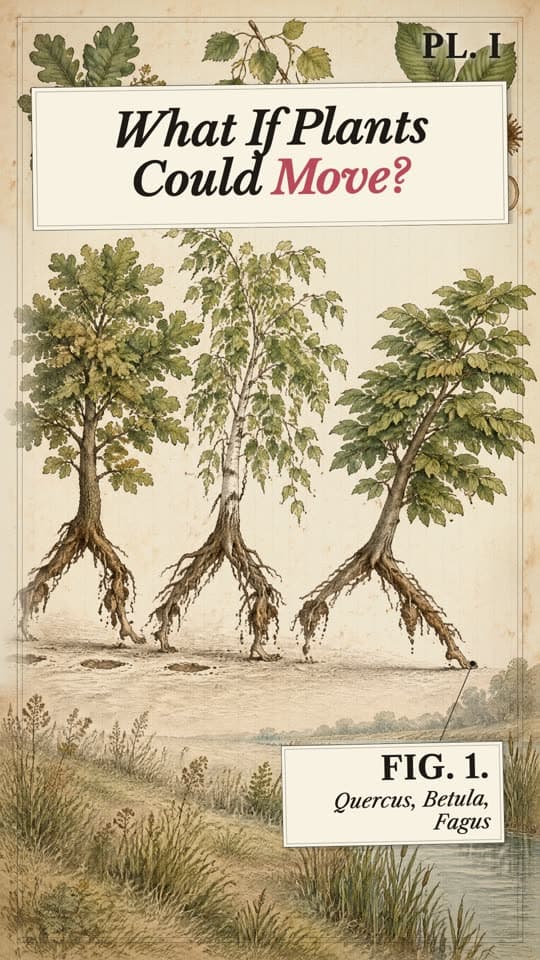
Herbarium Folio
What if plants could move?
Make this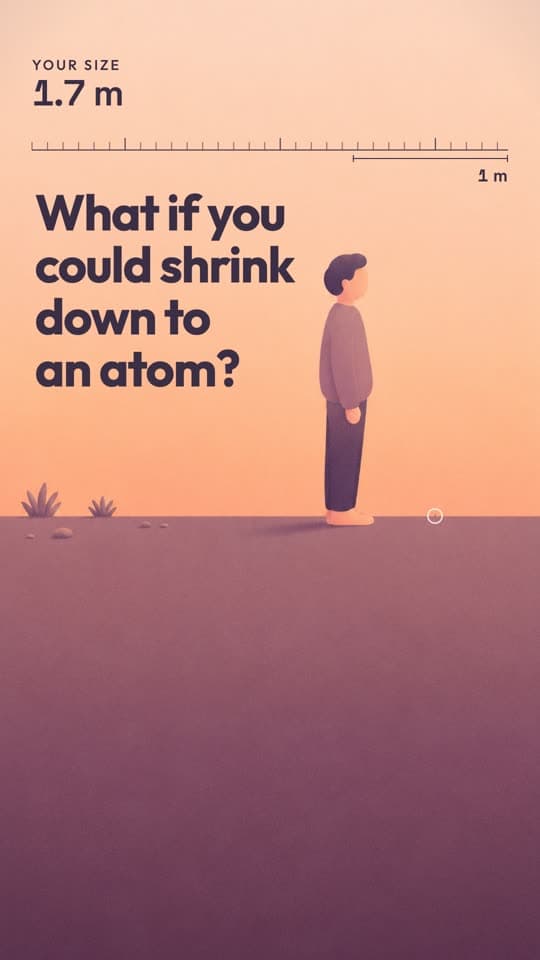
Apricot Ladder
What if you could shrink down to an atom?
Make this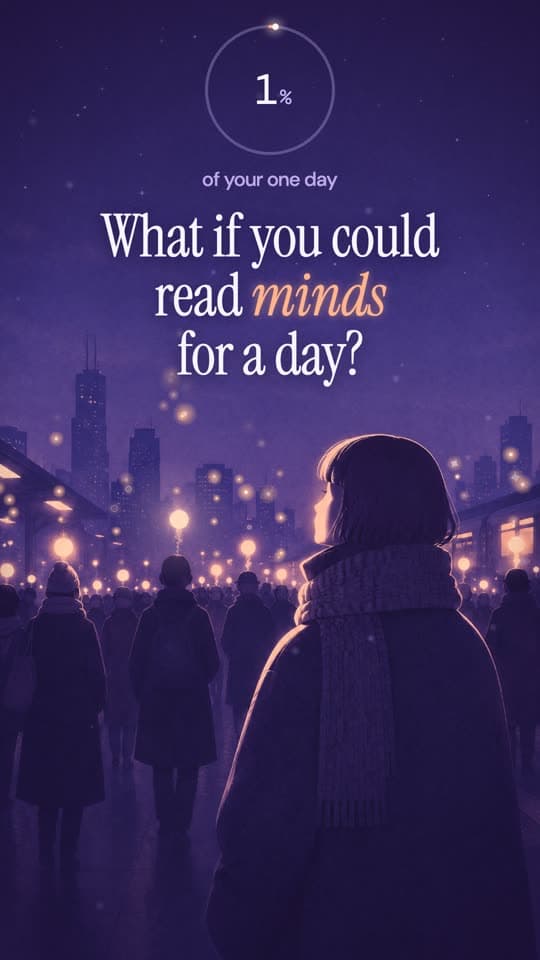
Amethyst Plane
What if you could read minds for a day?
Make this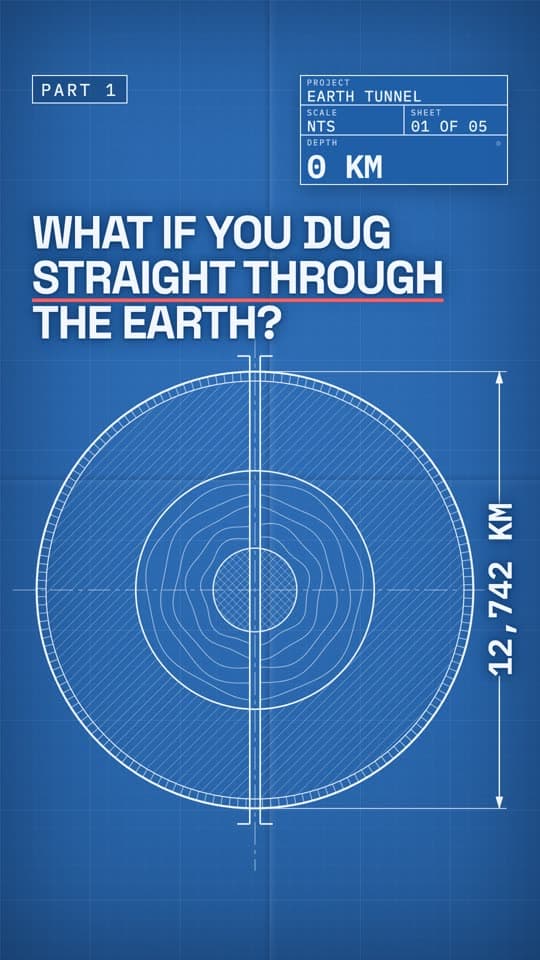
Draftsman Sheet
What if you built a tunnel through the centre of the Earth?
Make this
Bullion Showroom
What if you owned a solid gold car?
Make this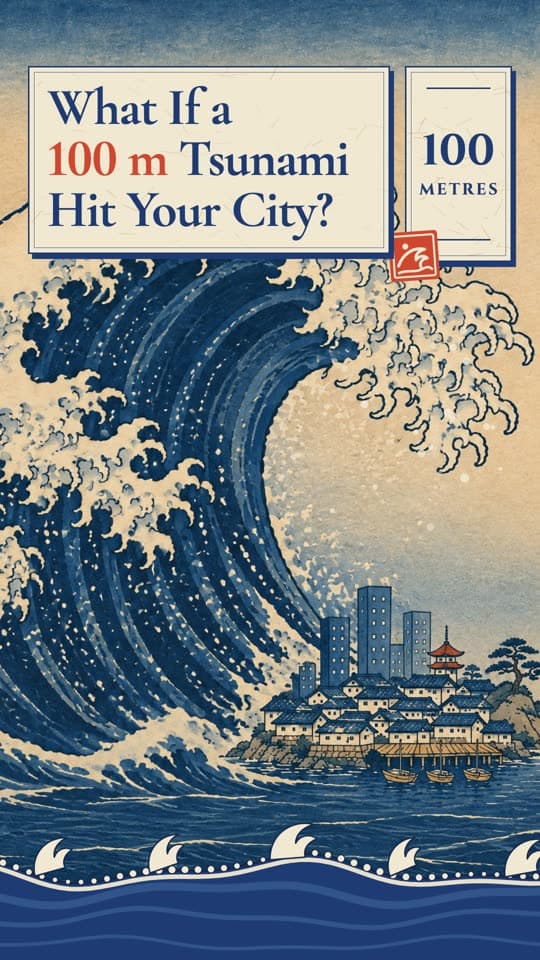
Carved Tide
What if a 100 m tsunami hit a city?
Make this
Or ask your own. Open Motion Director
Low-poly 3D
12- Ember Countdown · Low-poly cities sweating under a ticking heat clock
- Scorched Commons · A low-poly city park wilting under a climbing thermometer
- Faceted Metro · A low-poly downtown skyline where a counter rises or falls
- Glacier Facets · An ice-blue low-poly world freezing one degree at a time
- and 8 more
Cinematic photoreal
7- Plaster Commuters · Blank mannequin crowds acting out everyday life at scale
- Glass Anatomy · Translucent x-ray cutaways of bodies and machines in action
- Storm Descent · Falling through the clouds of a giant planet in IMAX scale
- Gorge Multitude · Unthinkable crowds filling canyons and valleys for scale
- and 3 more
Clay, knit and toy
6- Pocket Globe · A tiny vinyl toy planet you can spin in one hand
- Plinth Kingdom · Isometric dioramas cut from the ground and set on a plinth
- Woolen Heavens · Hand-knit skies, felt clouds and yarn planets
- Laugh Track Set · Tilt-shift miniature sitcom sets where life goes very wrong
- and 2 more
Flat vector
5- Vault Tally · Dark luxury vector scenes with a money counter that never stops
- Loud Shapes · Thick-outlined flat vector explainers with punchy colour blocks
- Apricot Ladder · Soft gradient scale comparisons from tiny to colossal
- Amethyst Plane · Moody violet flat illustrations with glowing accents
- and 1 more
Screens and HUD
5- Thermal Prowl · Heat-vision scanner footage of things that should not be there
- Orbit Telemetry · Through an astronaut visor as the numbers decide your fate
- Mission Wall · A wall of control-room screens tracking a crisis live
- Listening Post · A dark radio room decoding a signal that should not exist
- and 1 more
Ink and engraving
4- Gilded Brush · Sumi ink on rice paper, every hero moment leafed in gold
- Umber Shadowplay · Sepia silhouettes against glowing skies, like shadow puppets
- Herbarium Folio · Victorian botanical engravings that come to life
- Carved Tide · Japanese-style woodblock prints with flat colour and curling waves
What if videos
192 questions, ready to make.
Every style comes with questions it was designed for. Tap one to make it as it is, or ask your own.
- What if the Sun went out right now?
- What if you lived 1,000 years?
- What if it was 50 C for a whole week?
- What if you could see heat?
- What if Earth was the size of a football?
- What if all humans disappeared?
- What if we lived in a simulation and it crashed?
- What if the Mongol Empire never fell?
- What if you were stranded on the ISS alone?
- What if everyone took the same train at once?
- What if one of your teeth never stopped growing?
- What if we killed all mosquitoes?
- What if all the ice on Earth melted?
- What if Pangaea never broke apart?
- What if the entire internet went dark?
- What if you could only eat one food forever?
- What would you do if you woke up a billionaire?
- What if you fell into a black hole?
- What if all 8 billion people stood in one place?
- What if your speed doubled every 3 seconds?
- What if you had to save Earth from an asteroid?
- What if you were president during a nuclear emergency?
- What if you lived inside an ant colony?
- What if you fell into Jupiter?
- What if a nuclear reactor started melting down?
- What if your shadow came alive?
- What if every human stood in the Grand Canyon?
- What if clouds were solid?
- What if a city was built from toy bricks?
- What if you stopped eating sugar for 30 days?
- What if you lived in ancient Egypt?
- What if every roof was a garden?
- What if you were lost in the Amazon for 30 days?
- What if you had to prove you were human to enter your house?
- What if plants could move?
- What if you could shrink down to an atom?
- What if you could read minds for a day?
- What if you built a tunnel through the centre of the Earth?
- What if you owned a solid gold car?
- What if you saved $10 a day for 40 years?
- What if a 100 m tsunami hit a city?
- What if you met a bear on a hike?
- What if we received a message from aliens?
- What if you watched the world's slowest drip for 100 years?
- What if you could relive one day of your life?
- What if your city was built in 24 hours?
- What if you were the last witness to a crime?
- What if Earth was a cube?
- What if everyone stopped working for a year?
- What if everyone earned the same salary?
- What if you never slept again?
- What if you ate fast food every day for a year?
- What if Africa was split in two?
- What if your roommate was a robot?
- What if you travelled to the edge of the universe?
- What if humans had tails?
- What if you only had 1 hour left to live?
- What if you lived in medieval London?
- What if you lived at the bottom of the ocean?
- What if dragons were real?
- What if you dug a hole through the Earth?
- What if you had a million dollars in coins?
- What if your camera showed you leaving while you were in bed?
- What if everyone stopped using plastic?
- What if Earth got 10 degrees hotter overnight?
- What if you never had to sleep?
- What if every tree on Earth vanished?
- What if something lived in your walls?
- What if Earth stopped spinning?
- What if everyone moved to one city?
- What if time stopped for everyone but you?
- What if you were a samurai for one day?
- What if you jumped from space?
- What if you could only work 4 hours a day?
- What if you swallowed a magnet?
- What if money disappeared tomorrow?
- What if a new ice age started tomorrow?
- What if the Roman Empire still existed?
- What if the power grid failed for a month?
- What if humans had a fixed lifespan of 100?
- What if you earned $1 every second?
- What if an asteroid was heading for Earth?
- What if 100 men fought 1 gorilla?
- What if you ran at the speed of light?
- What if you were the first person on Mars?
- What if you had to evacuate a whole city?
- What if a medieval village got Wi-Fi?
- What if you stood on Saturn's rings?
- What if a city had to be evacuated in one hour?
- What if gravity reversed for one minute?
- What if all the world's rice was piled up?
- What if it rained for 40 days?
- What if you built a tower to space?
- What if you walked 10,000 steps every day for a year?
- What if the Library of Alexandria never burned?
- What if cars were banned from cities?
- What if dinosaurs never went extinct?
- What if robots took the test instead of us?
- What if you ate only wild plants for a month?
- How big is the biggest star compared to the Sun?
- What if dreams were shared?
- What if the Titanic was built today?
- What if gold became worthless overnight?
- What if you read one book a week?
- What if the oceans drained for a day?
- What if you were lost in a national park overnight?
- What if a radio station broadcast numbers every night?
- What if honey replaced the ocean?
- What if the last train never came?
- What if sea level rose 1 metre a day?
- What if you woke up with no memory in a strange city?
- What if Earth was a donut?
- What if the Earth went silent?
- What if the week had 4 days?
- What if the night lasted 6 months?
- What if sugar was banned?
- What if the USA was one big city?
- What if you could hear everyone's thoughts at dinner?
- What if the Sun was a black hole?
- What if you could only speak 100 words a day?
- What if you could only tell the truth?
- What if the Titanic never sank?
- What if a forest could walk?
- What if you met a god of the old myths?
- What if the Moon disappeared?
- What if you shrank to the size of an ant?
- What if your house had one extra room overnight?
- What if the world population halved?
- What if every volcano erupted at once?
- What if you woke up on the same day forever?
- What if summer never ended?
- What if the ocean floor was scanned at night?
- What if the Moon fell into Earth?
- What if every building was 1 km tall?
- What if your memories could be deleted?
- What if the Silk Road was never built?
- What if your oxygen ran out on the Moon?
- What if nobody was allowed to own a car?
- What if you stopped drinking water for a week?
- What if the internet was turned off for a year?
- What if you fell into a glacier crevasse?
- What if the Mediterranean dried up?
- What if a solar storm hit Earth tonight?
- What if gravity was 2x stronger?
- What if you won the lottery at 18?
- What if light got a little slower every day?
- What if everyone on Earth jumped at once?
- What if a car never had to brake?
- What if you had 24 hours to live on the Moon?
- What if you ruled the world for one day?
- What if your house was on the sea floor?
- What if a rogue planet passed by Earth?
- What if a hurricane hit New York?
- What if you shrank to the size of a bug?
- What if everyone's trash was dumped in one valley?
- What if the sky turned another colour?
- What if dinosaurs came back to a brick town?
- What if you drank only coffee for a week?
- What if you were born 10,000 years ago?
- What if a city had more trees than people?
- What if you found a lost city in the jungle?
- What if every choice in life was a captcha?
- What if a mushroom network ran the forest?
- What if the Moon was as close as the ISS?
- What if you could never forget anything?
- What if a skyscraper was 10 km tall?
- What if you had all the gold ever mined?
- What if you quit your phone for a month?
- What if you sailed into the world's biggest whirlpool?
- What if Yellowstone erupted?
- What if a signal came from the deep ocean?
- What if glaciers moved as fast as rivers?
- What if you could talk to your future self?
- What if an earthquake hit a city made of cubes?
- What if your neighbour was a spy?
- What if Earth had rings like Saturn?
- What if you lived alone in a valley for 10 years?
- What if we used one global currency?
- What if streetlights all went out forever?
- What if you drank 10 cups of coffee a day?
- What if continents drifted 100 times faster?
- What if your family swapped bodies for a day?
- What if you lived on a planet with two suns?
- What if animals could talk for one day?
- What if you were the last person on Earth?
- What if you were a Viking for a year?
- What if you visited a city in the clouds?
- What if mermaids lived in the deep sea?
- What if you fell into the Sun?
- What if your bones were made of rubber?
- What if your neighbour never came out in daylight?
- What if nobody had kids for 20 years?
How it works
One question in. A finished episode out.
- 1
Ask the question
Type one What if, or any premise you want explained. Pick a style, a length from 15 seconds to 5 minutes and up to four episodes.
Add a reference reel and the director measures its pacing, captions and hook. It never reuses the footage.
- 2
The director makes it
It researches the facts, writes an escalating story, casts recurring characters, designs the look, makes every scene, records a narrator and scores it. Leave a note at any moment.
Every claim is checked. The premise is clearly hypothetical, and no real person is depicted.
- 3
Open it, post it, repeat it
Each episode lands in the editor as a real project: scenes, voice, captions and music on their own tracks. Post it, or turn the batch into a series that keeps going.
Revise any episode with a note afterwards.
In every episode
Built like the explainers that go viral.
The director is held to the craft of the formats that hold attention. An episode that misses one of these is not delivered: it is fixed first.
- 01
The hook in the first frame
The question is on screen at 0.0 seconds with a stake in under two, no logo, no preamble.
- 02
Something changes every few seconds
The premise, the first consequence, the turn nobody expects, the worst case, the payoff. The picture never sits still for 4 seconds.
- 03
A live number on screen
Where the premise has a number, a counter, a timer, a temperature or a depth ticks with the narration.
- 04
Checked facts
Every factual claim is searched before it is said. Wonder, not misinformation.
- 05
A narrator and word-timed captions
One voice line per scene, so a single line can be redone. Captions page one to three words at a time.
- 06
Music and sound on the turns
A score under the voice, ducked, with sound effects on the big moments. Mastered to -14 LUFS.
- 07
An ending that loops
A line back to the start, or a question that gets the comments going. Episode two says Part 2.
Episodes and the series bible
Part 2 looks like Part 1, because it remembers.
Ask for up to 4 episodes. Episode 1 writes a series bible: the cast, the palette, the type, the on-screen counter, the narrator and what comes next. Every later episode is made from it, so the world stays the same.
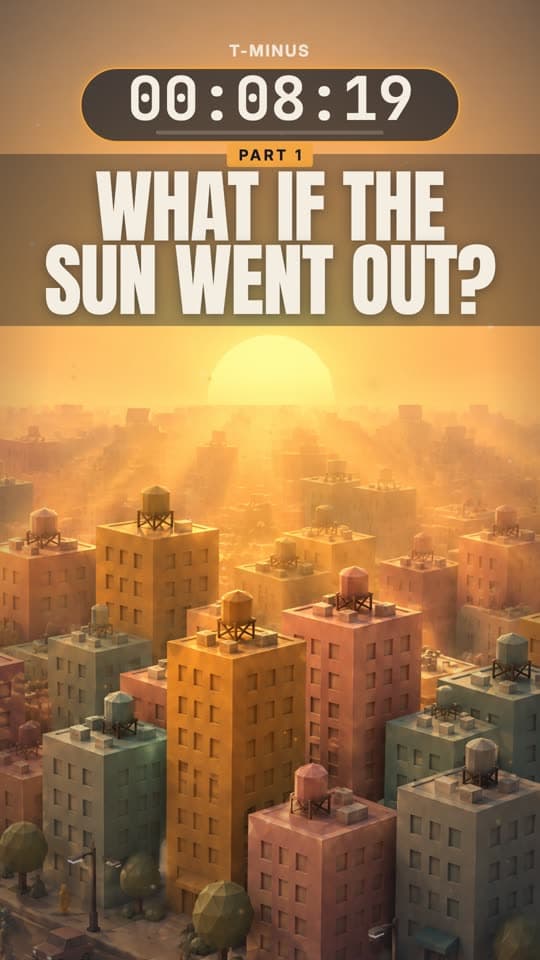
Where could the last humans survive?
Same city, same capsule people, same amber countdown, a new question.
Series bible · What if the Sun went out
Written by episode 1The Sun stops shining right now, and a toy-scale low-poly world lives through what follows, from the last eight minutes of light to the last warm places on Earth.
Cast
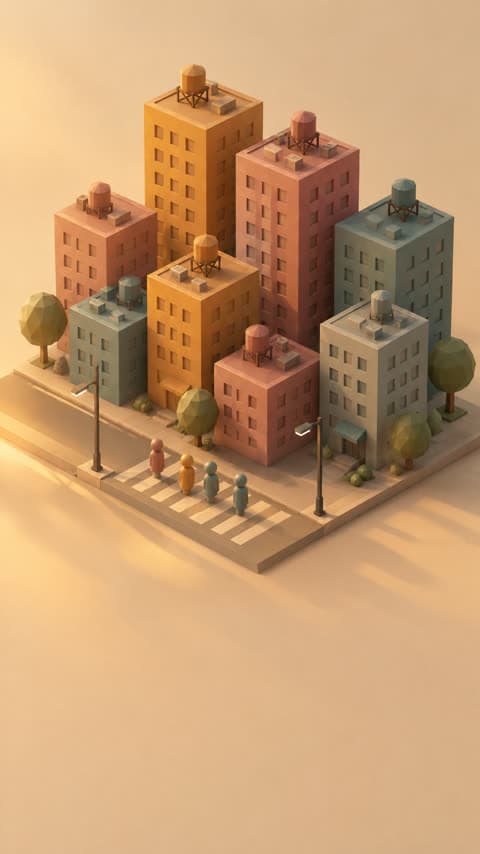
The city
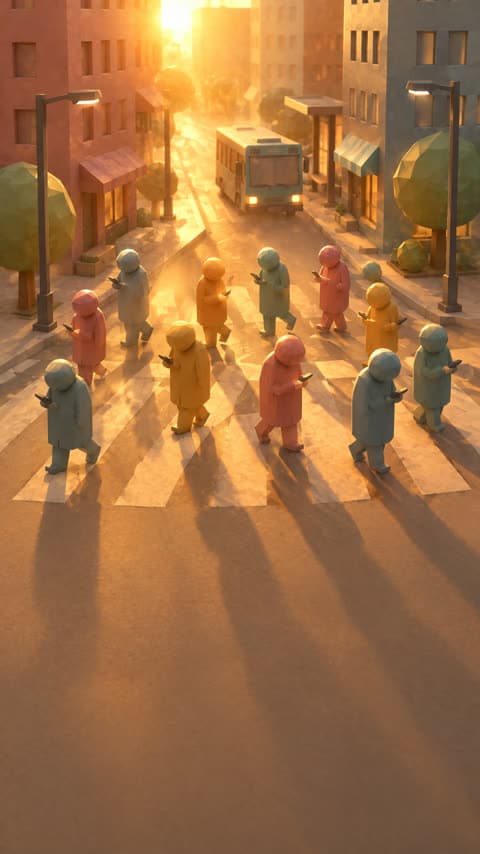
Capsule people
Palette
Type
- AntonHook and Part card
- JetBrains MonoHUD numerals
- InterHUD labels
- Montserrat BlackCaptions
On-screen counter
T-MINUS 00:08:20, ticking in amber, the last ten seconds in red. At zero it flips to SURFACE TEMP, then DEPTH.
Series
Make it a series. It keeps posting.
One click turns a batch into a Faceless series. The director's list of next episodes becomes the topic queue, the style, the voice and the captions carry over, and new episodes are made and posted on your schedule.
Posts to YouTube, TikTok, Instagram, Facebook and more. Start a faceless YouTube channel
- Tue
Part 2: Where could the last humans survive?
Next - Wed
What if the Moon disappeared tonight?
Queued - Thu
What if Earth stopped spinning for one second?
Queued - Fri
What if the Sun doubled in size?
Queued
What you get
Faceless Motion Director next to Higgsfield Content Factory.
Both start from a What if. Here is where they differ, from each product's public pages in October 2026.
| What | Faceless | Higgsfield |
|---|---|---|
| Setup | SetupNothing to connect: our director, our subscription | Generating in your own AI assistant needs your own subscription and their connector |
| What you get | What you getA Faceless project: every scene, the voice, captions and score on editor tracks | A finished mp4 |
| Changes | ChangesNotes at any moment while it is made, revisions per episode after | No revision on the site |
| Episodes | EpisodesA series bible: episodes 2 to 4 reuse the cast, the look and the HUD of episode 1 | Each episode is a separate generation |
| Reference video | Reference videoMeasured for cut rhythm, caption style and hook length, and the brief says how it was used | A link for format and pacing |
| After the file | After the fileOne click to a series that keeps making episodes and posts them | Ends at the file |
| Captions | CaptionsBurned in, word timed, and editable as a caption track | Not stated |
More side by side comparisons on the compare page.
Pricing
Priced by the second. The director is free.
Credits come with every plan, from $29 a month. The pictures and clips it makes are included. Each episode is charged when it starts and refunded if the studio cannot make it.
See plansStills
1credit / s
Pictures and type brought to life in code. Fast and sharp.
30 credits for 30 s
Motion
3credits / s
Key moments become generated video clips.
180 credits for 1 min
15 s to 5 min per episode, up to 4 episodes. Minimum 15 credits an episode. A revision costs 35% of the episode.
Explainer videos, answered
What is an AI explainer video generator?
It turns a question or a topic into a finished explainer video without you writing, drawing, recording or editing anything. Faceless goes further than a template: a director researches the topic, writes the story, designs a look, makes every scene, voices it, scores it and cuts it, then hands you the project to change.What is a What if video?
A short video that takes one hypothetical, like what if the Sun went out or what if you fell into a black hole, and walks through what would really happen, step by step, with the science or history behind it. They are one of the most watched faceless formats on YouTube Shorts, TikTok and Reels.Do I have to write a script?
No. One question is enough. You can add a direction (a tone, an angle, a twist you want) and pick a tone from curious to horror, but the director writes the script, and you can change any line after.What styles can I pick?
64 styles across low-poly 3D, pixel art, watercolour, clay, paper craft, blueprints, maps, anime, noir and more. Each is a full style bible: palette, how every picture is drawn, the camera, the type, the on-screen counter and the captions. Or leave it on Auto and the director picks.How long can a video be?
From 15 seconds to 5 minutes, in 5 second steps, and from 1 to 4 episodes per batch. Thirty seconds and one episode is the default.Can I give it a video to copy the style of?
Yes. Paste a TikTok, Instagram or YouTube link, or upload an mp4. The director measures its cut rhythm, caption style and hook length and says how it used them. It never reuses the footage, the words or anyone's likeness.Can I edit the video after?
Yes. Every episode opens in the Faceless editor with the scenes, the narration, the captions and the music on their own tracks. You can also leave a note and the director revises the episode, at 35% of its price.Can it post for me every day?
Yes. Make this a series turns a batch into a Faceless series: the director's list of next episodes becomes the topic queue, and the series makes and posts new episodes to YouTube, TikTok, Instagram and more on your schedule.How much does it cost?
Stills episodes cost 1 credit a second (30 credits for 30 seconds); Motion episodes, where key moments become generated video clips, cost 3 credits a second. The minimum is 15 credits an episode. The director and every generated picture and clip are included: nothing is charged on top. The same price table covers every Motion Director video, a motion graphics film included. Plans start at $29 a month.
What if your next video made itself?
Type the question. Watch the director make it. Open it in the editor, post it, and let the series take it from there.
- 64 styles
- Lands in the editor
- Turns into a series