
Master Your Content Creation
Step-by-step guides to help you create better videos and grow your audience
Getting started
What is Faceless?
A 60-second overview: what Faceless is and what it does for you.
Getting Around Faceless
A tour of every part of Faceless: creation, automation, publishing, and your account.
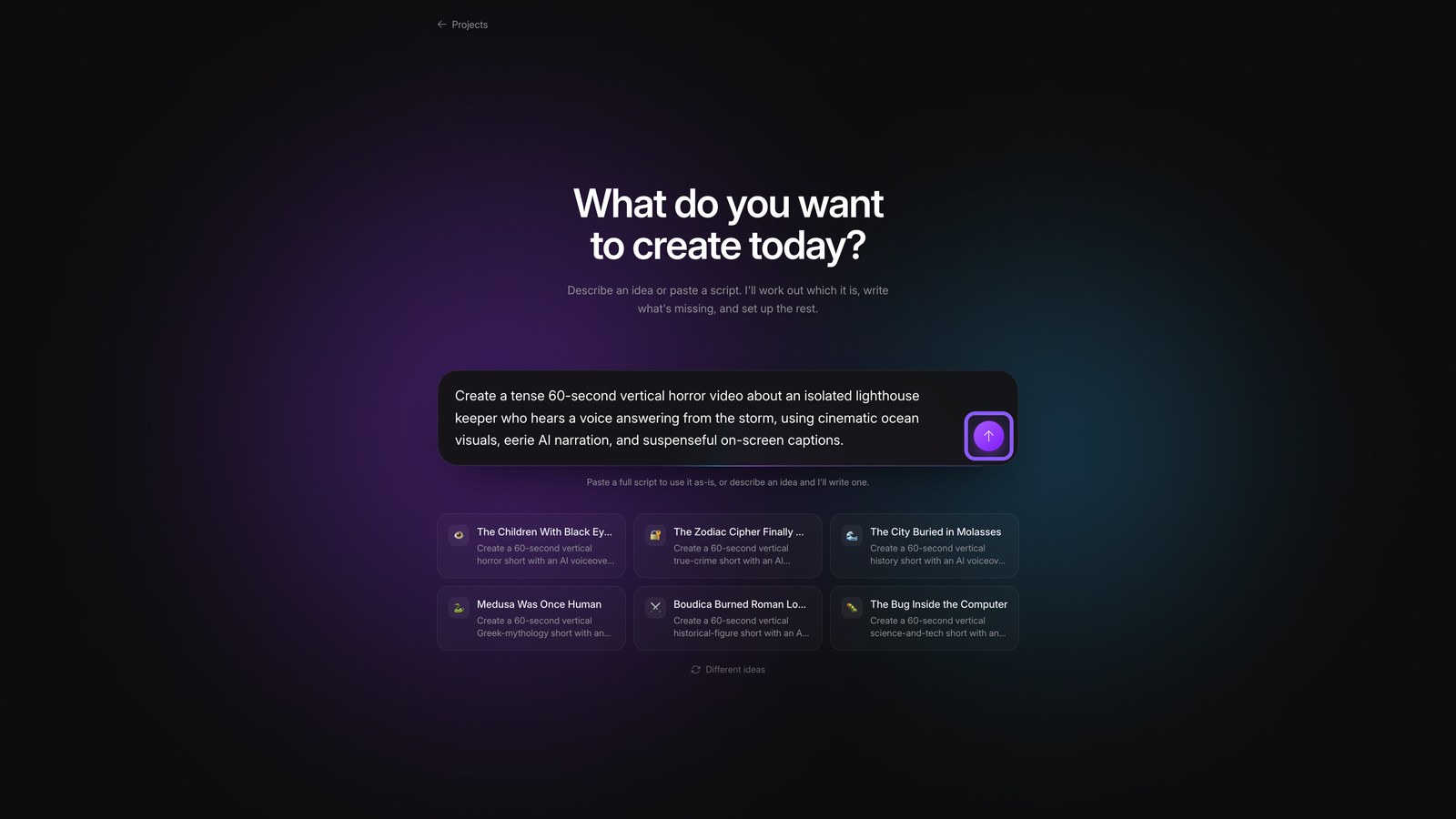
Create a Video with the Faceless Agent
Turn a written prompt into a new Faceless video using the Agent.
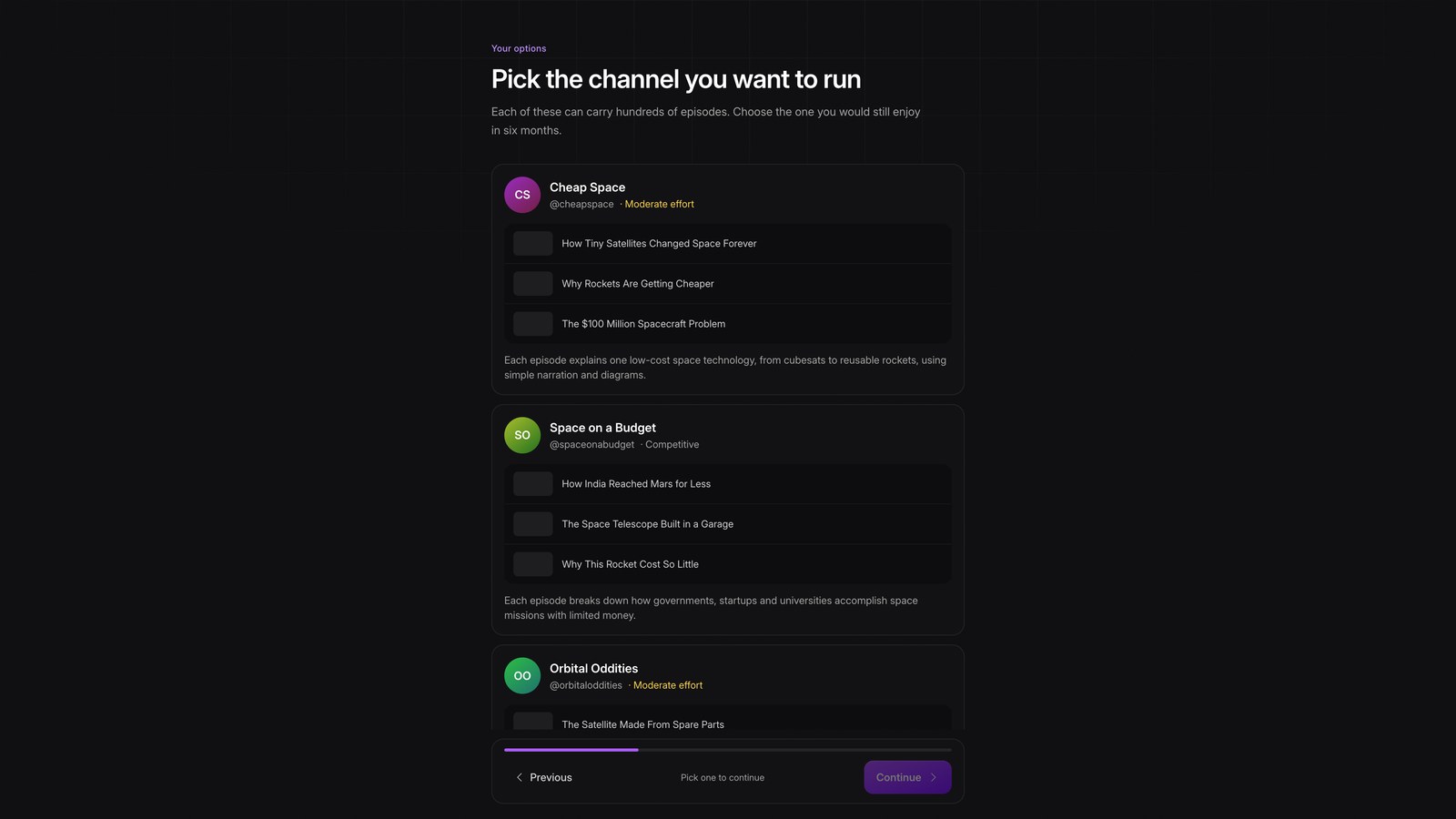
Plan a Channel
Turn your interests into a full channel plan: idea, format, look, voice, and schedule.
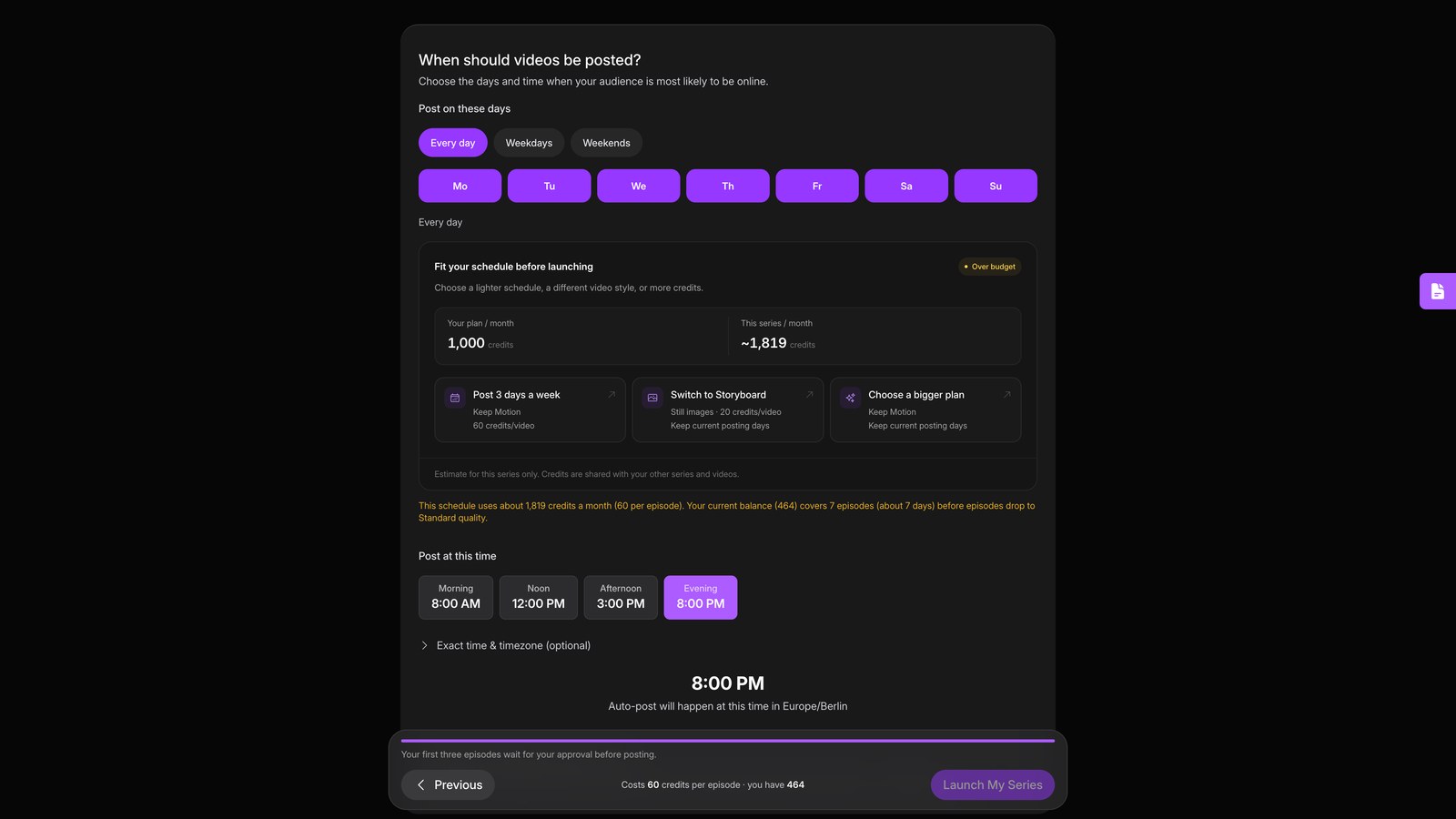
Start an Automated Video Series
Set up a series that writes, makes and posts a new video every day on its own.
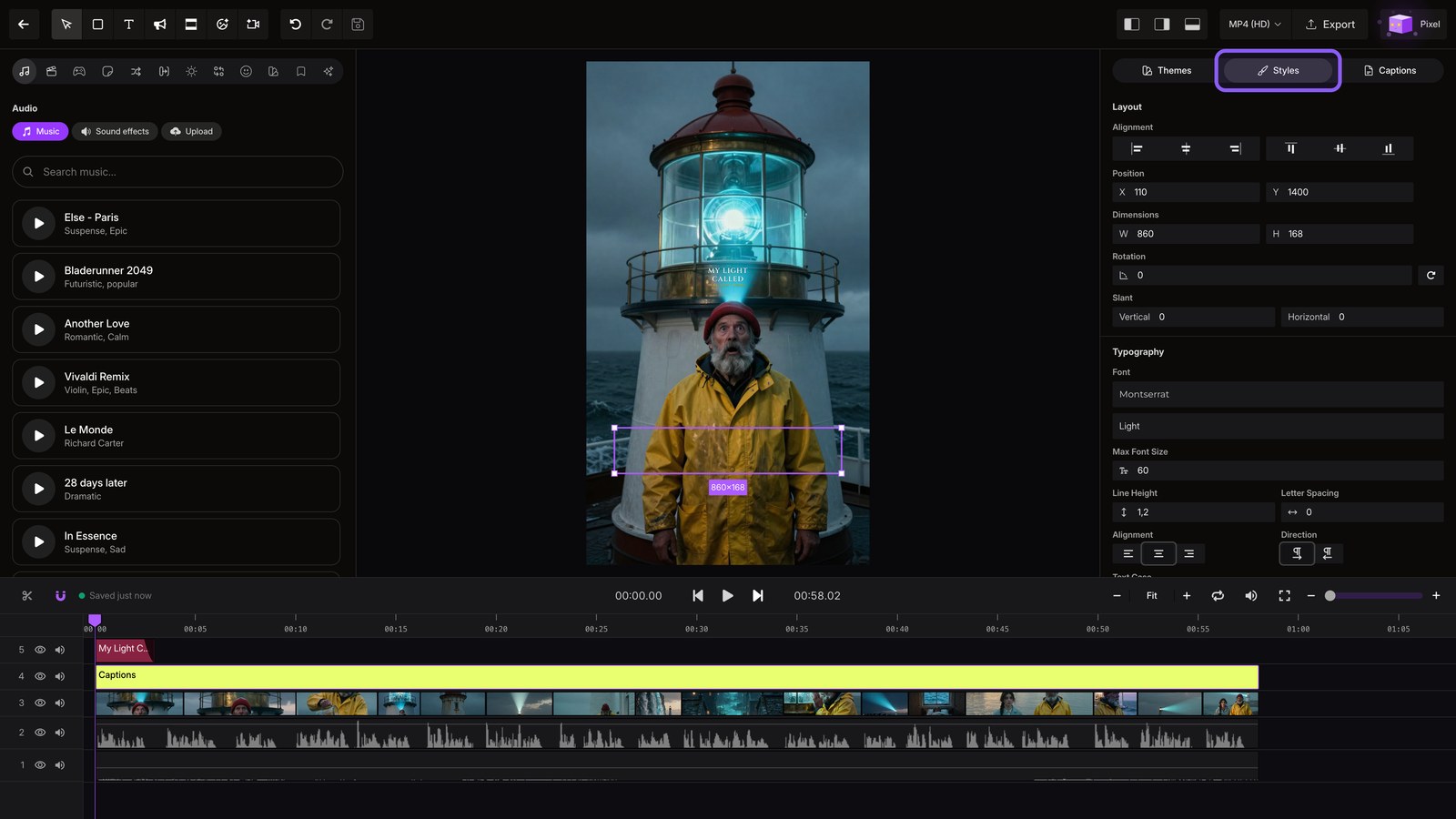
Edit Your Video
Open a finished video in the editor and explore captions, media, effects, and audio.
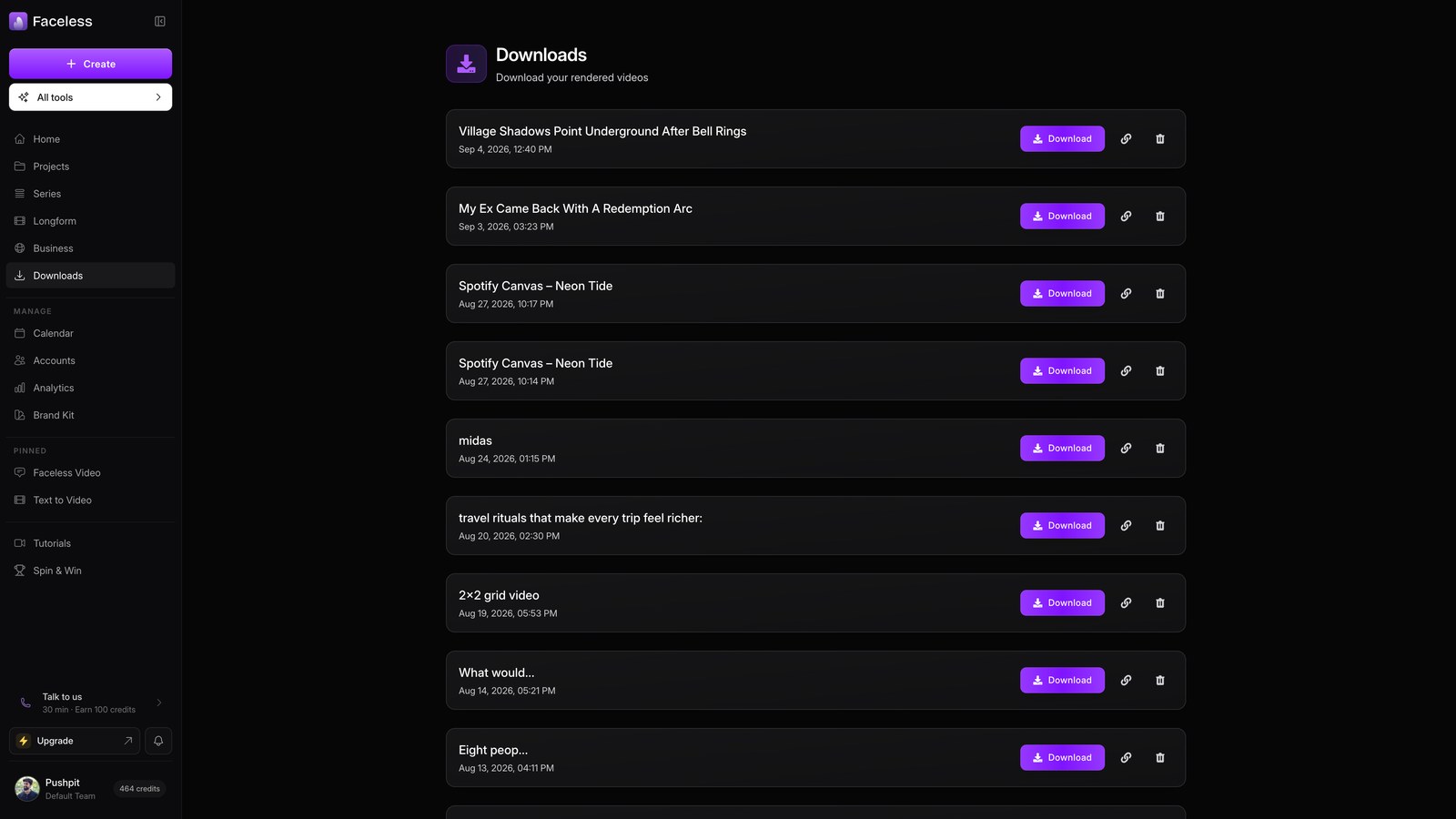
Export & Download
Render a finished edit in HD or 4K and grab the file from Downloads.
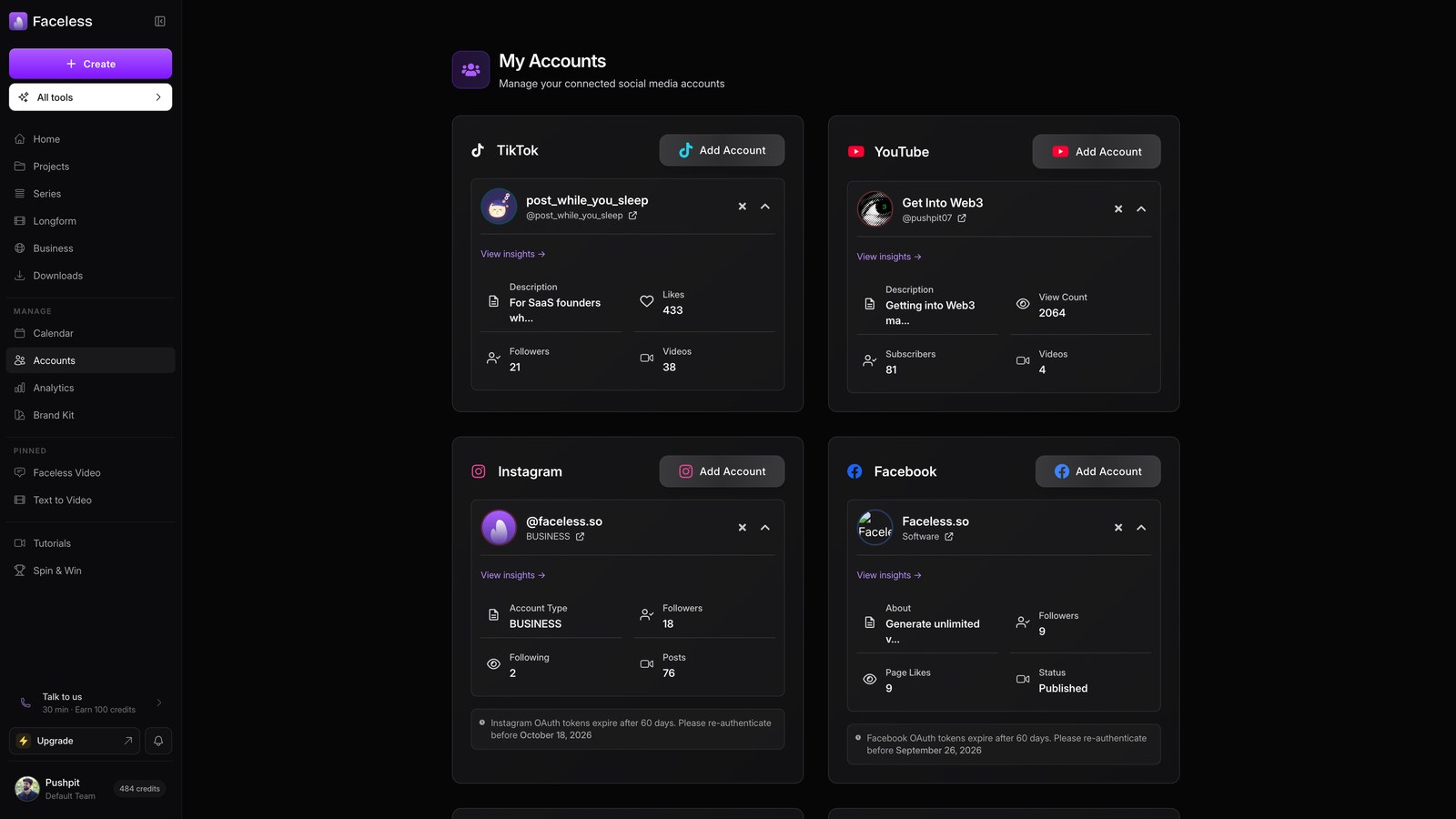
Connect Your Social Accounts
Link YouTube, TikTok, Instagram and more so Faceless can post for you.
Playbooks
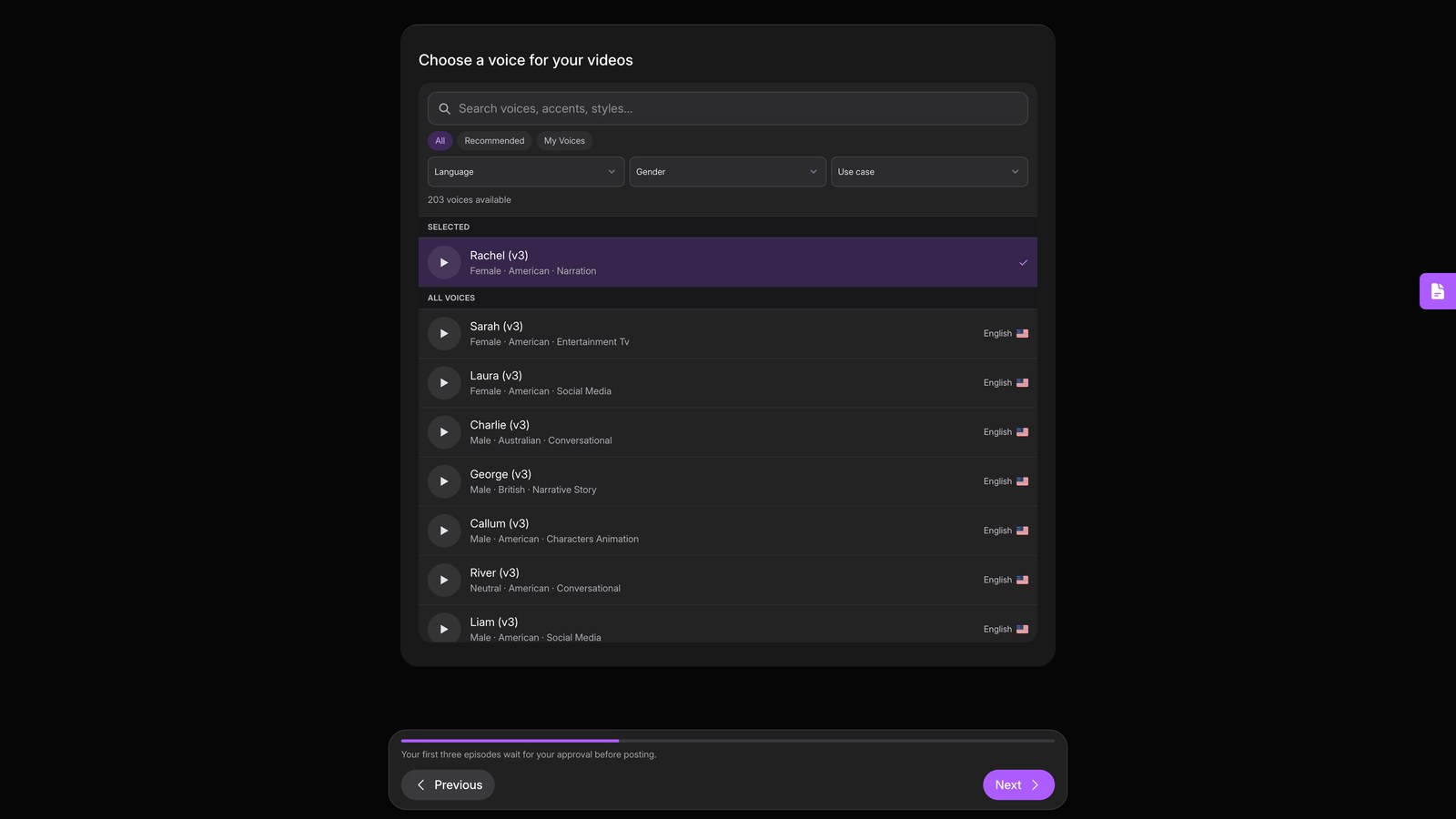
Launch a True-Crime Channel in 15 Minutes
Set up a fully automated true-crime channel, from blank account to launch-ready series.
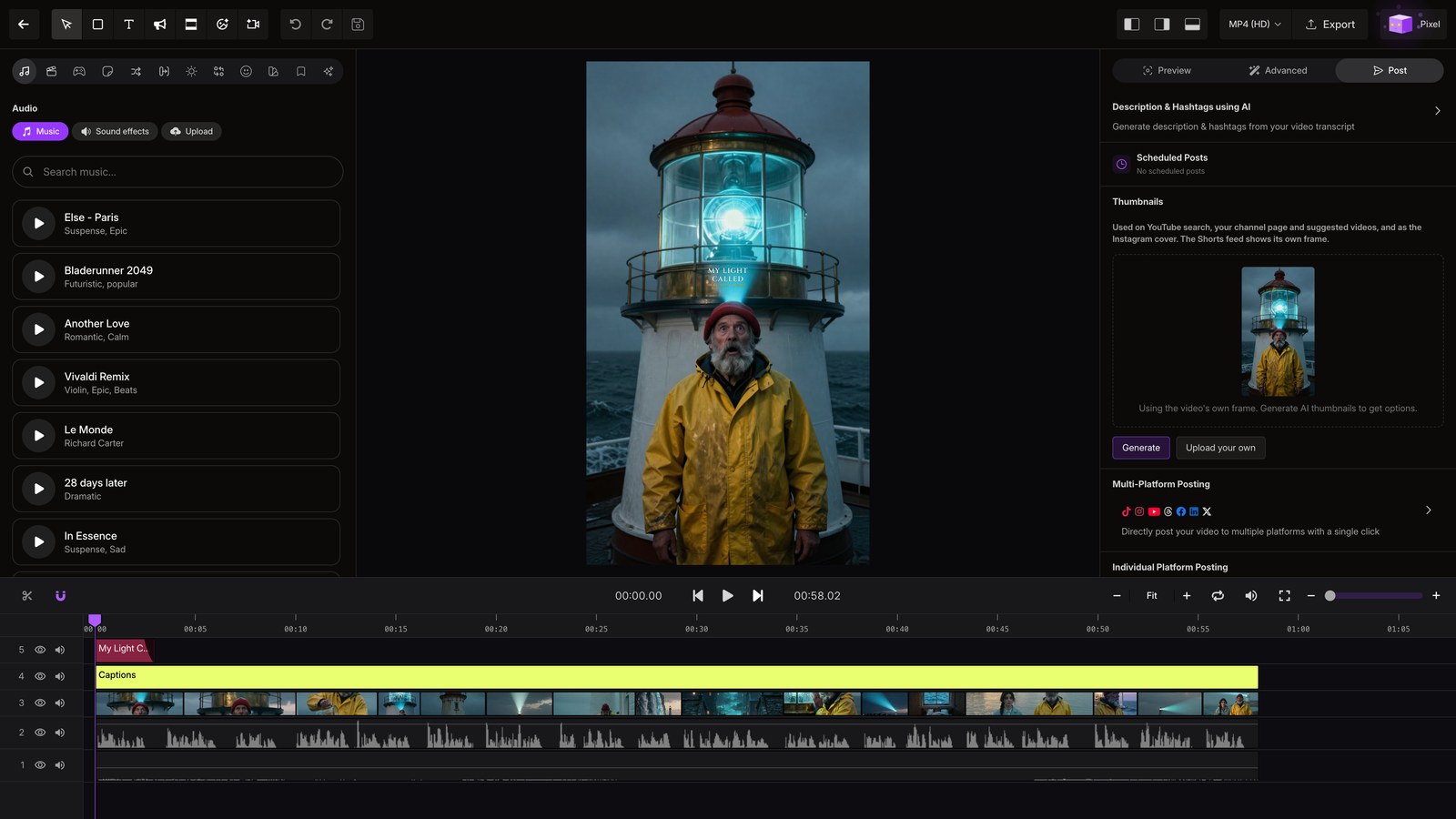
Repurpose One Video to 5 Platforms
Take one finished video and ship it to every connected platform in a couple of clicks.
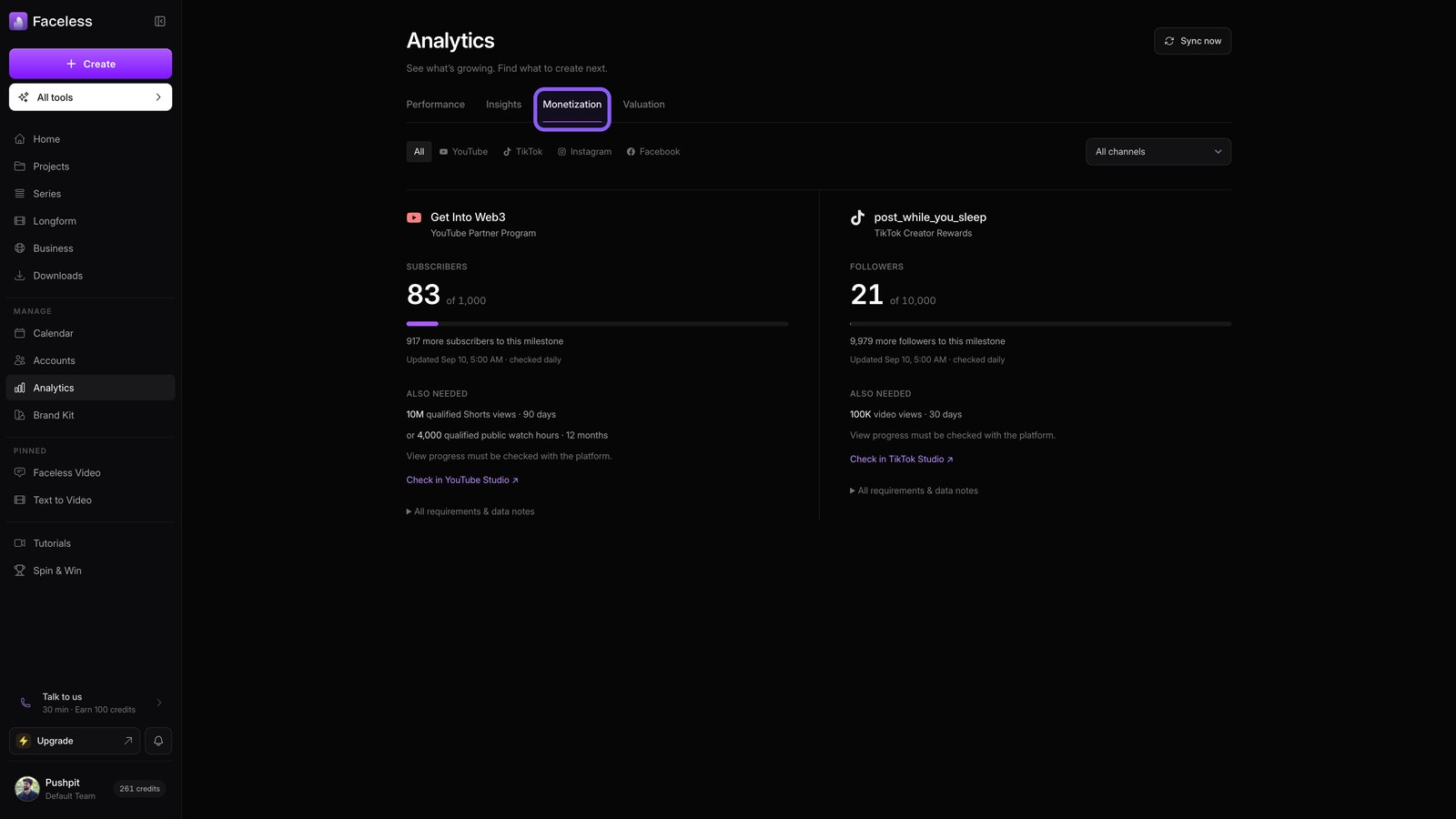
From $0 to Your First Published Post
The four-step path from a blank account to content that is live: series, platforms, site, tracking.
Automation & publishing
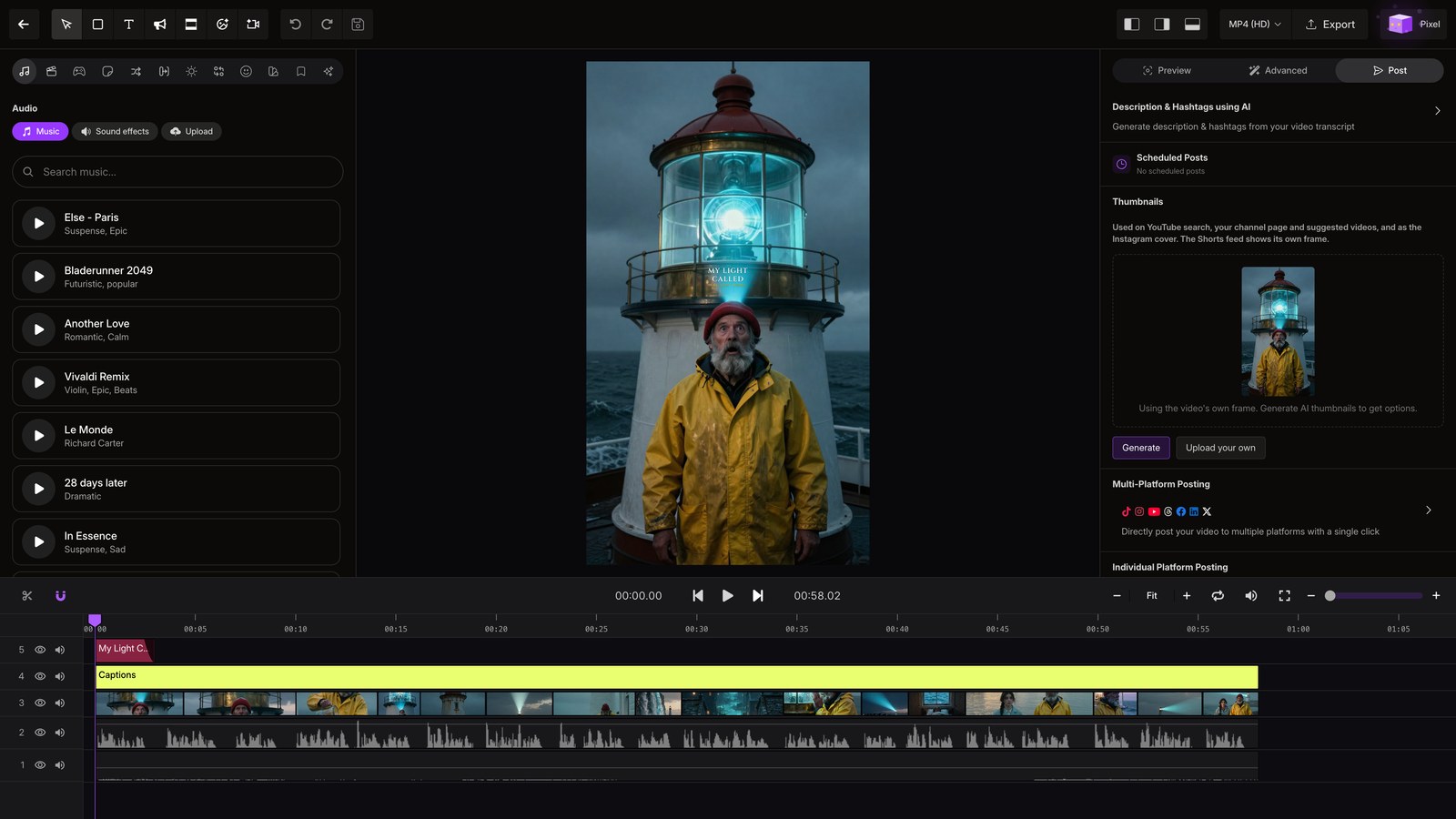
Publish From the Editor
Post or schedule any single video to your connected platforms, right from the editor.
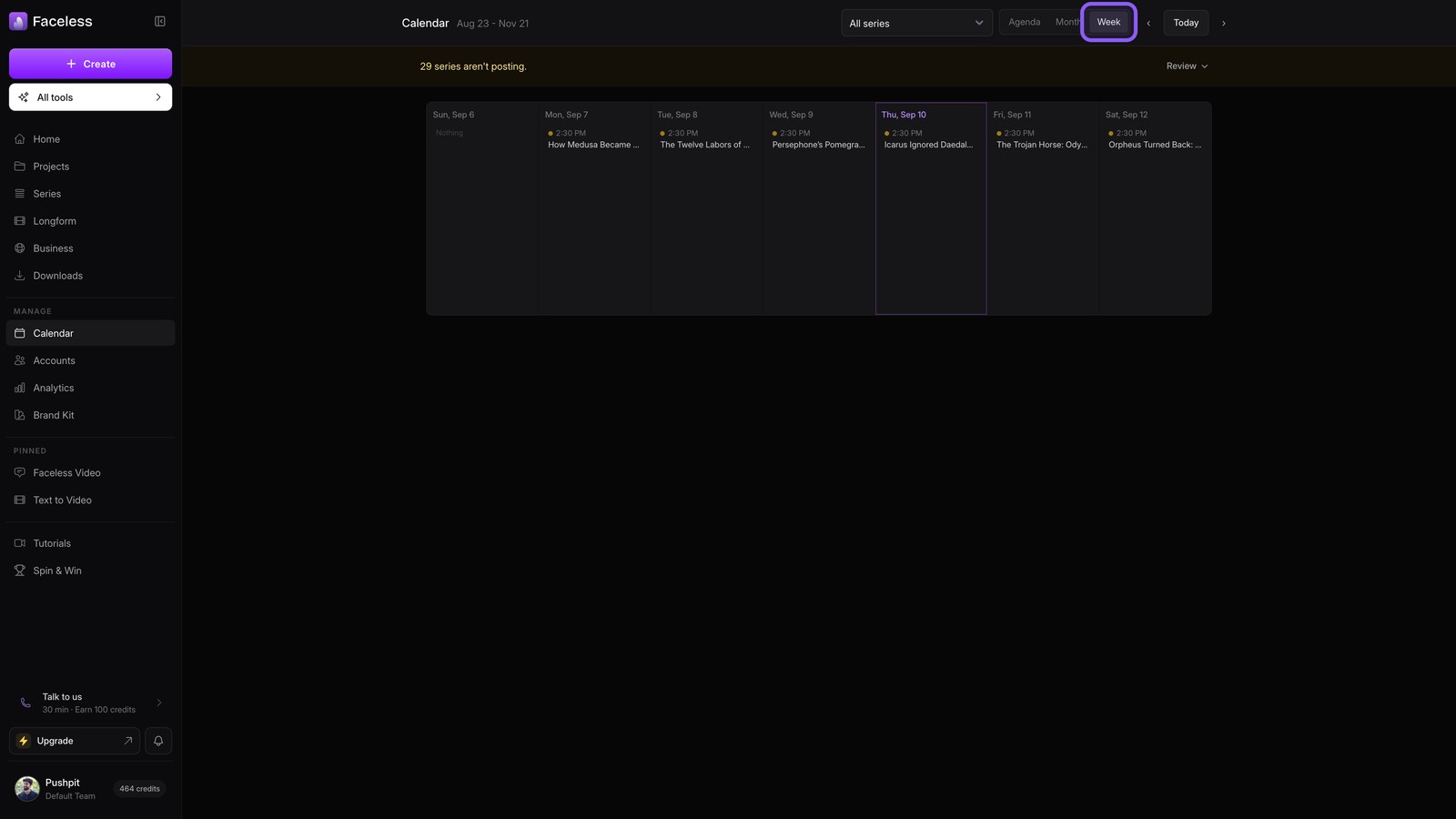
Manage Your Content Calendar
See everything your series will post, move dates, and keep posting healthy.
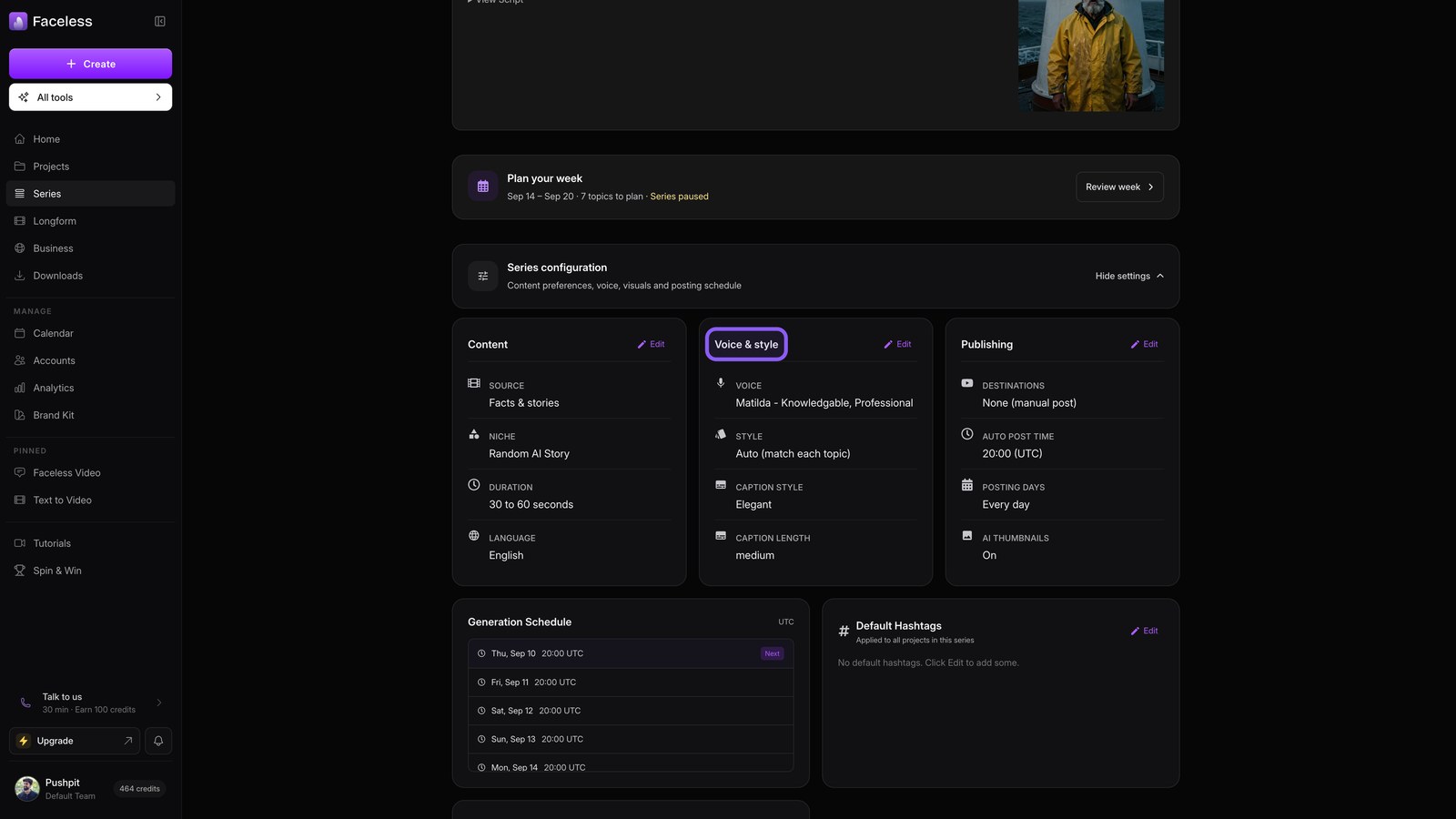
Manage a Running Series
Check on your automated series, tune every setting, and keep it fueled.
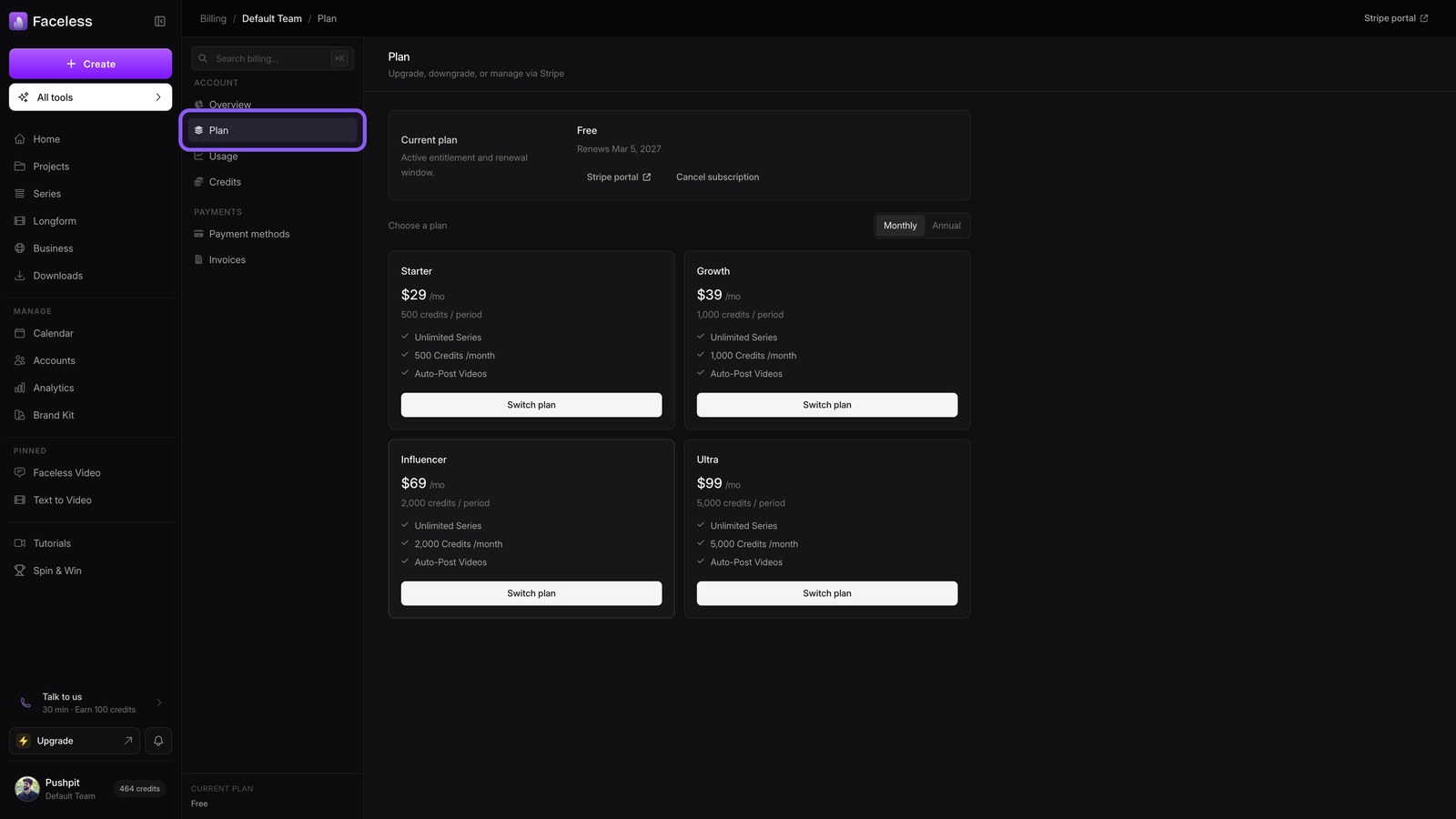
Credits vs Plans
Understand what credits buy, why a daily series needs a plan, and how to top up.
Creation formats
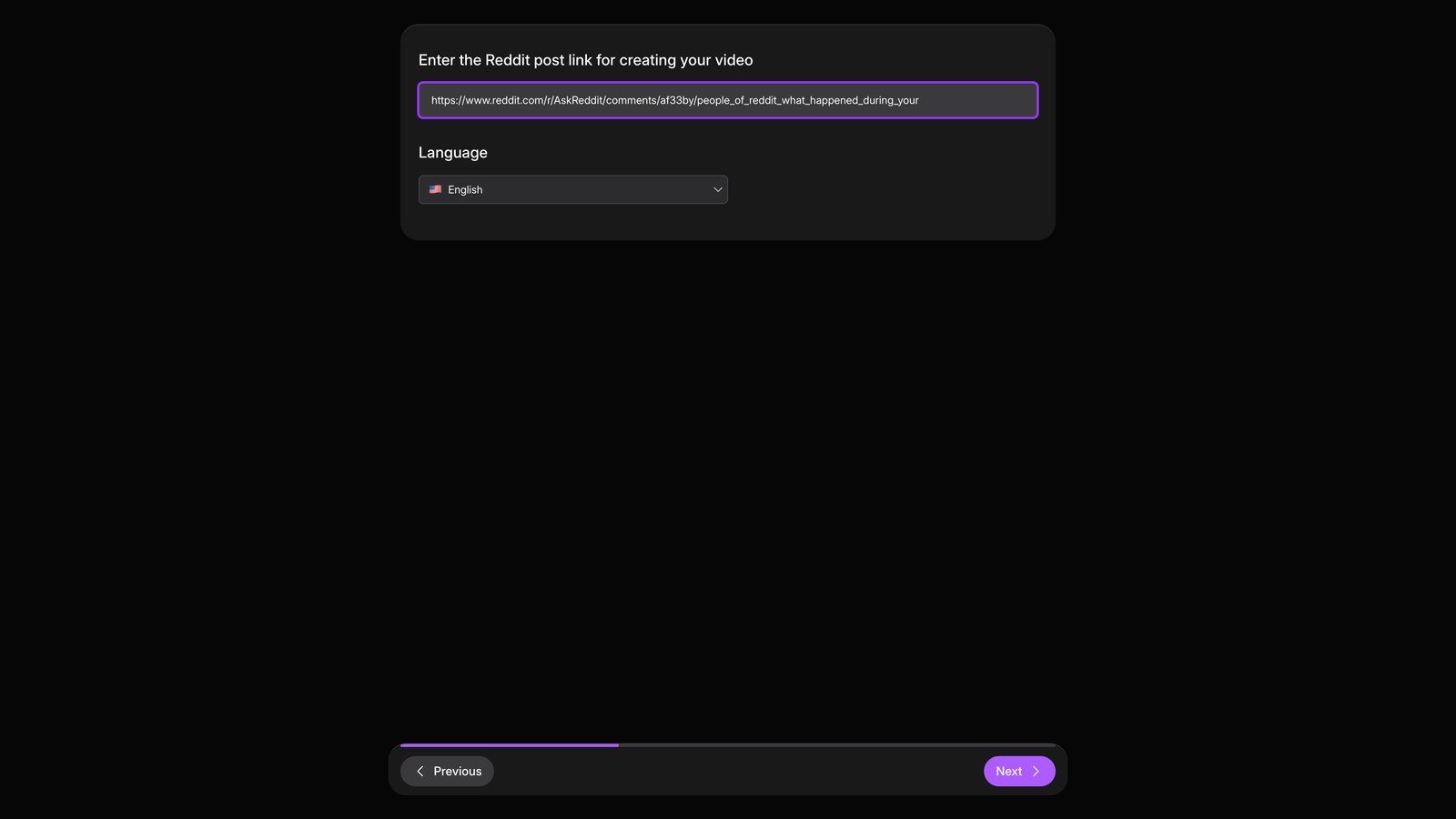
Reddit Stories
Paste a Reddit thread, let Faceless narrate it, then fine-tune it in the editor.
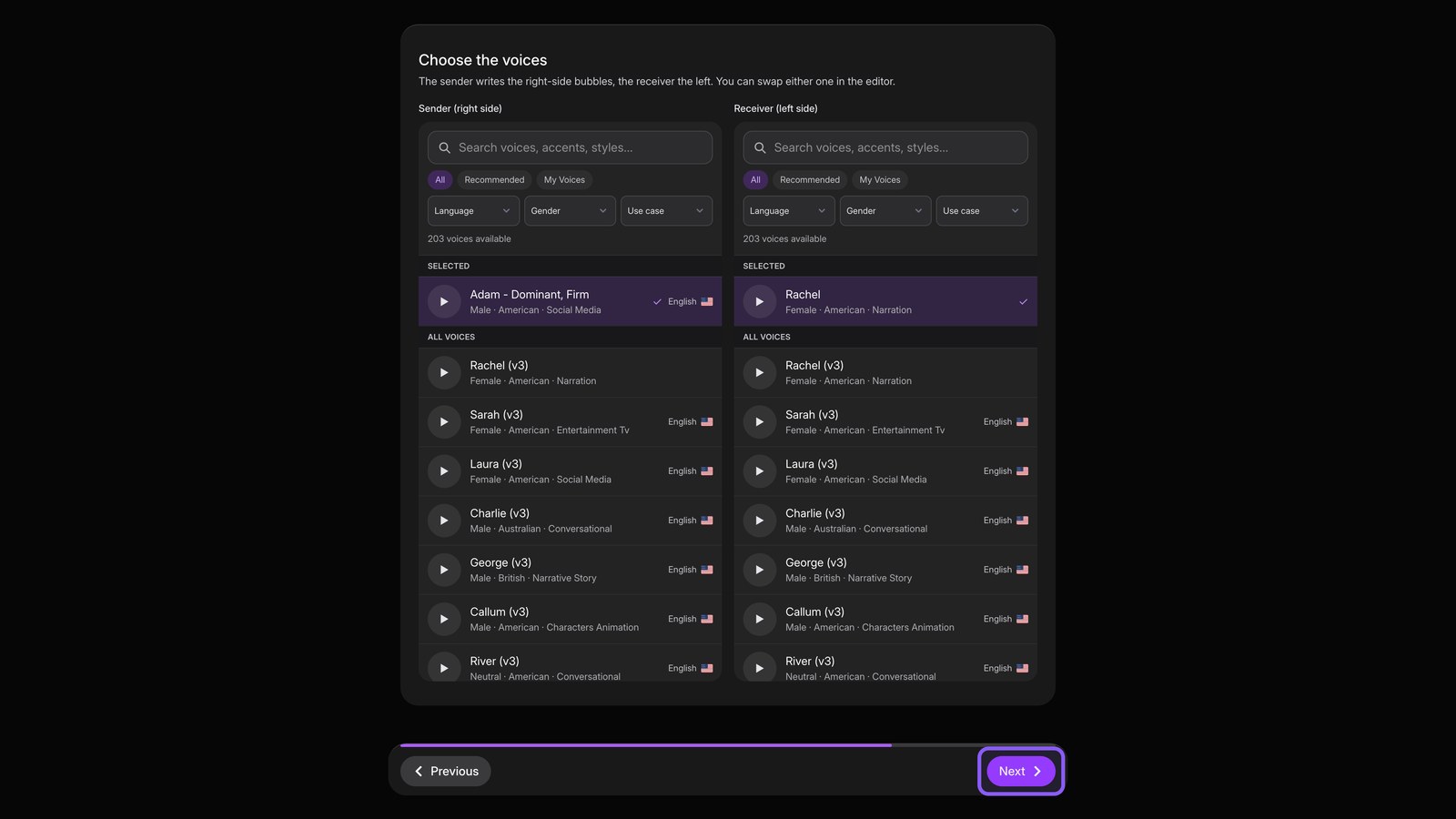
Fake Texts
Build a text-message story that reads like a real chat, then let Faceless voice it.
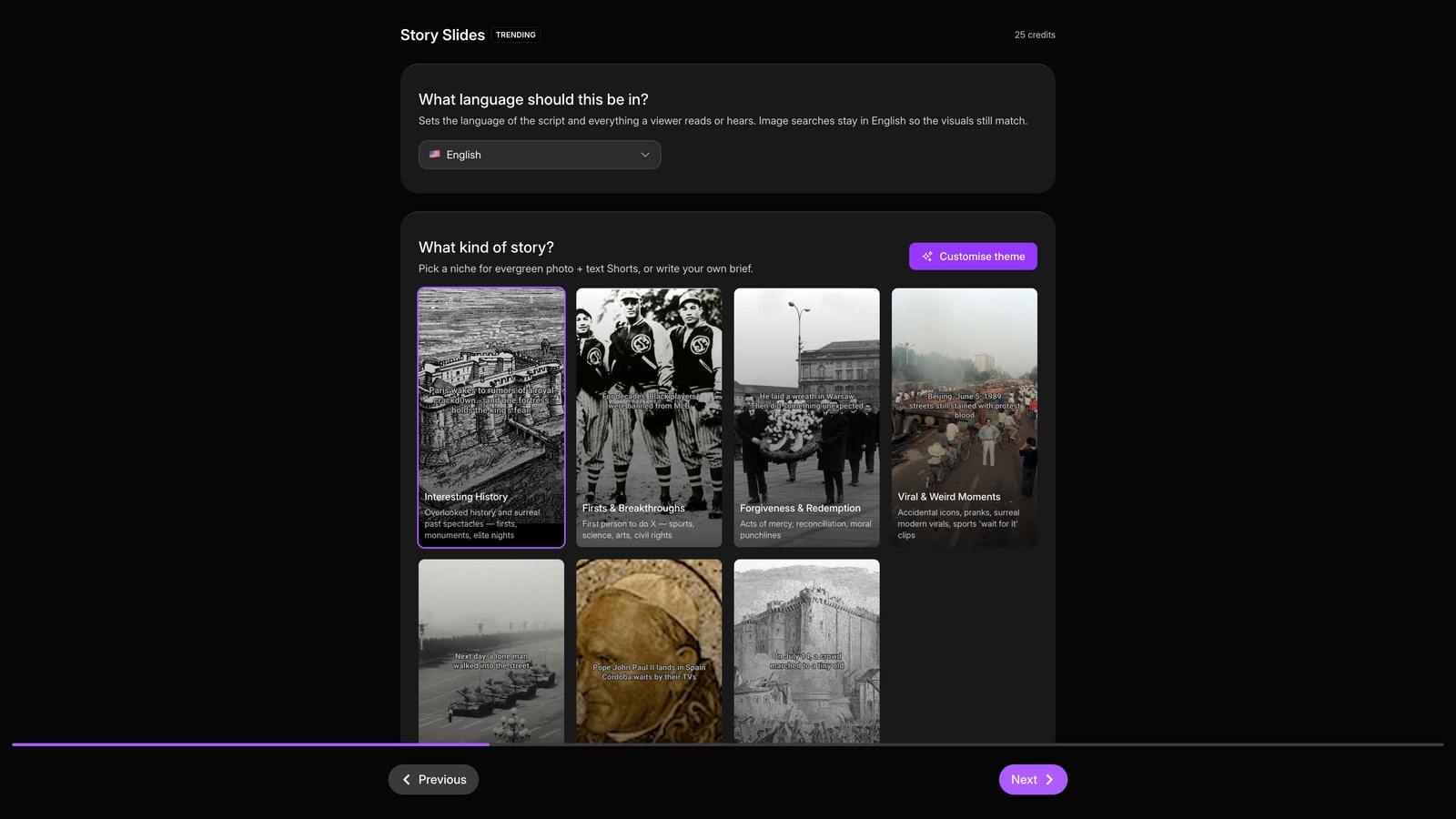
Create Story Slides & News Slides
Make trending photo-and-text Shorts with music, no voiceover needed.
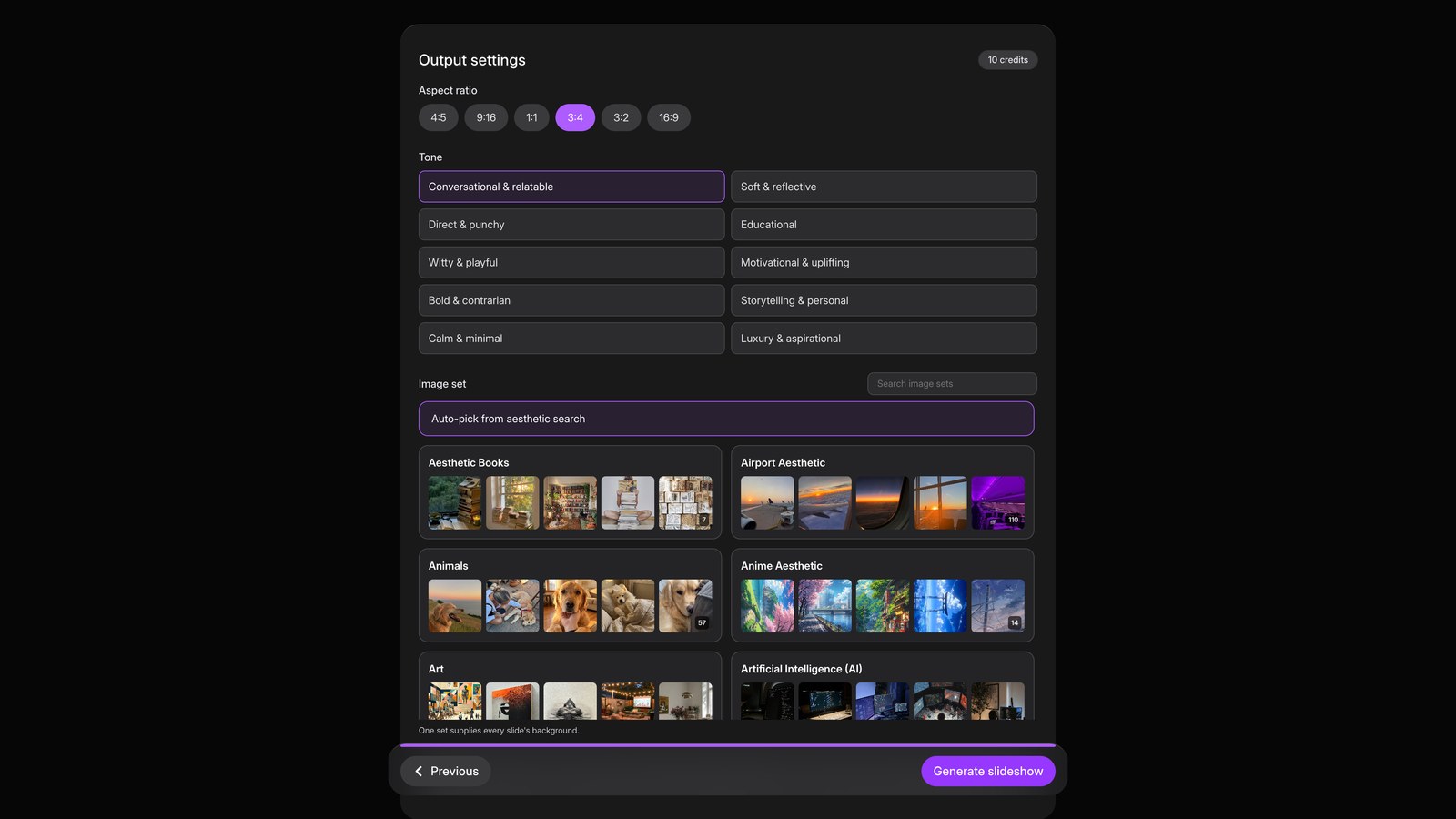
Slideshows
Remix a trending photo slideshow into your own post, end to end.
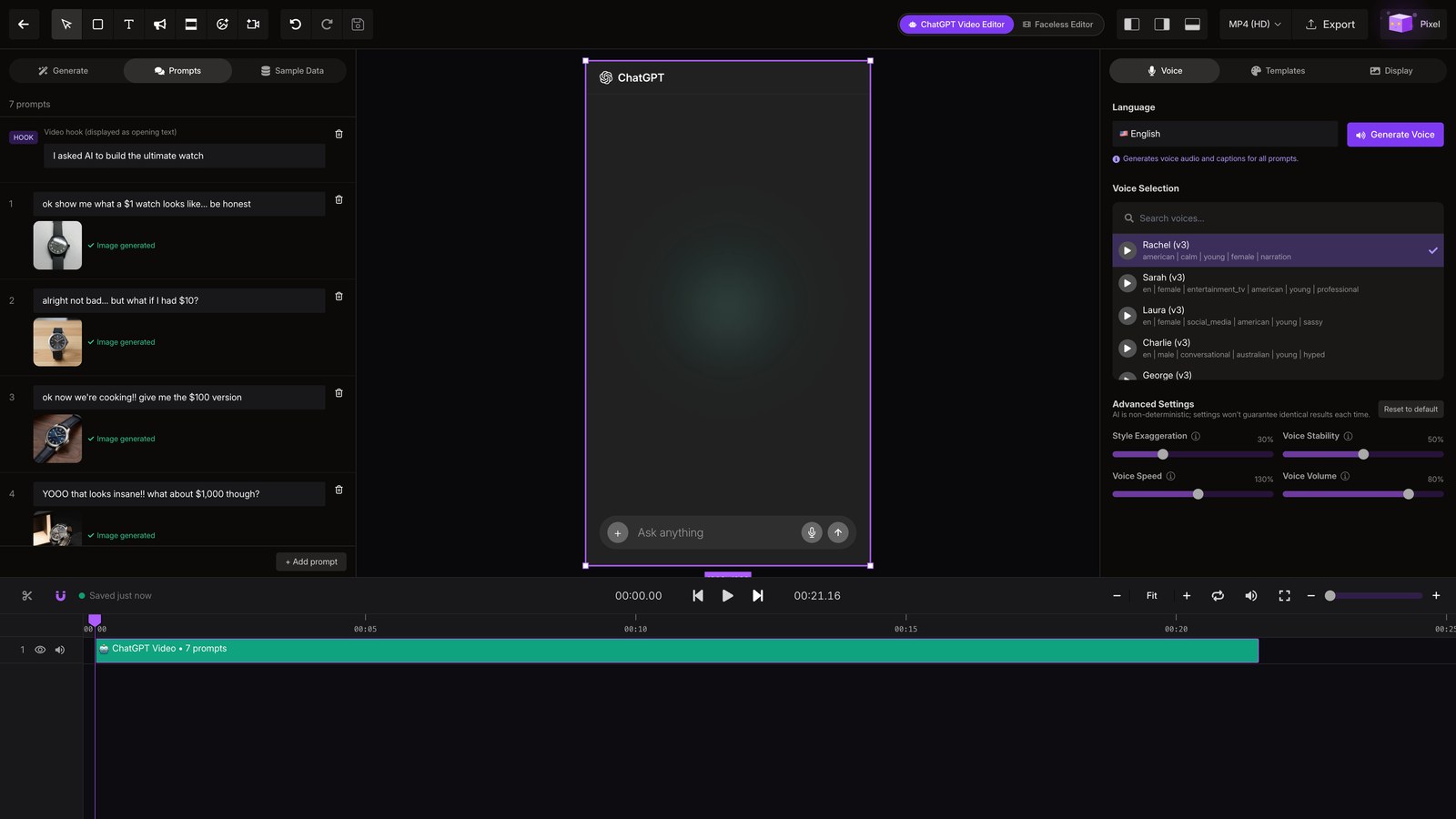
ChatGPT Video
Build a ChatGPT-style video that answers a prompt with AI-generated images.
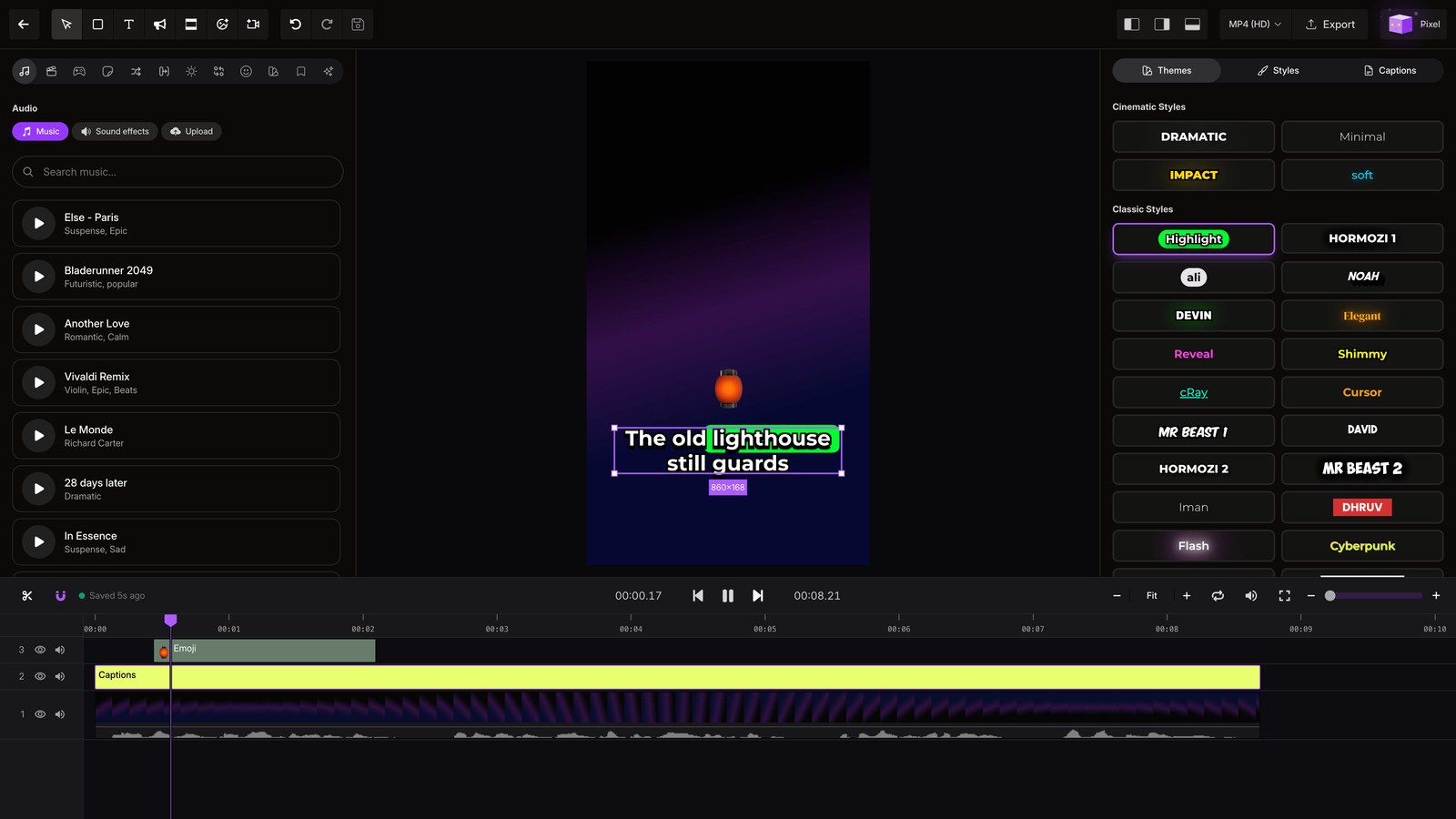
Add Subtitles to Your Video
Upload your own footage, let Faceless transcribe it, and restyle the captions live.
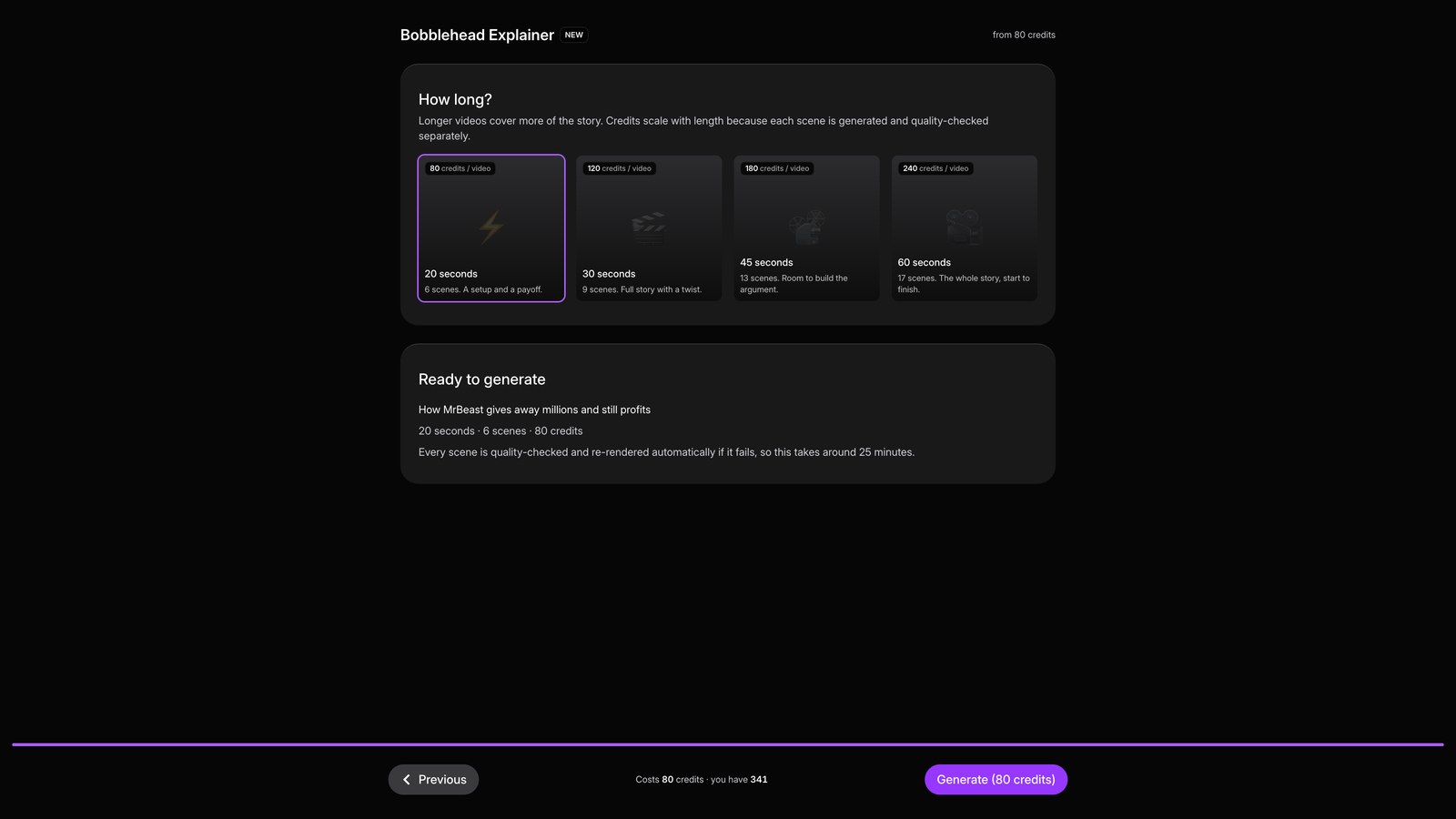
Explainer Formats
Turn one idea into an explainer: Bobblehead, Pixar, Map, Stick & Meme, or Superfoods.
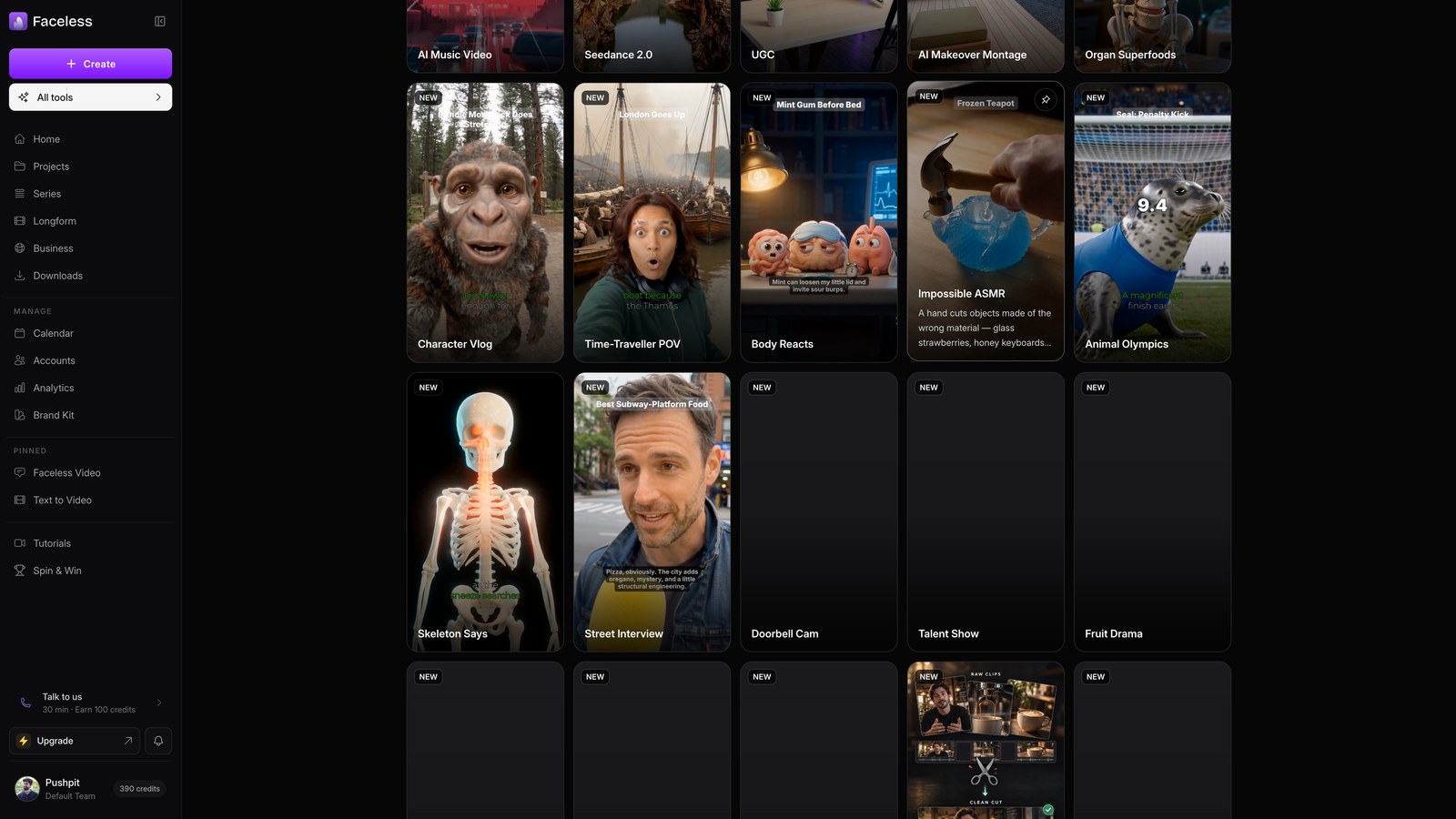
The Seedance Formats
Fourteen one-tap show formats, from Character Vlogs to Impossible ASMR.
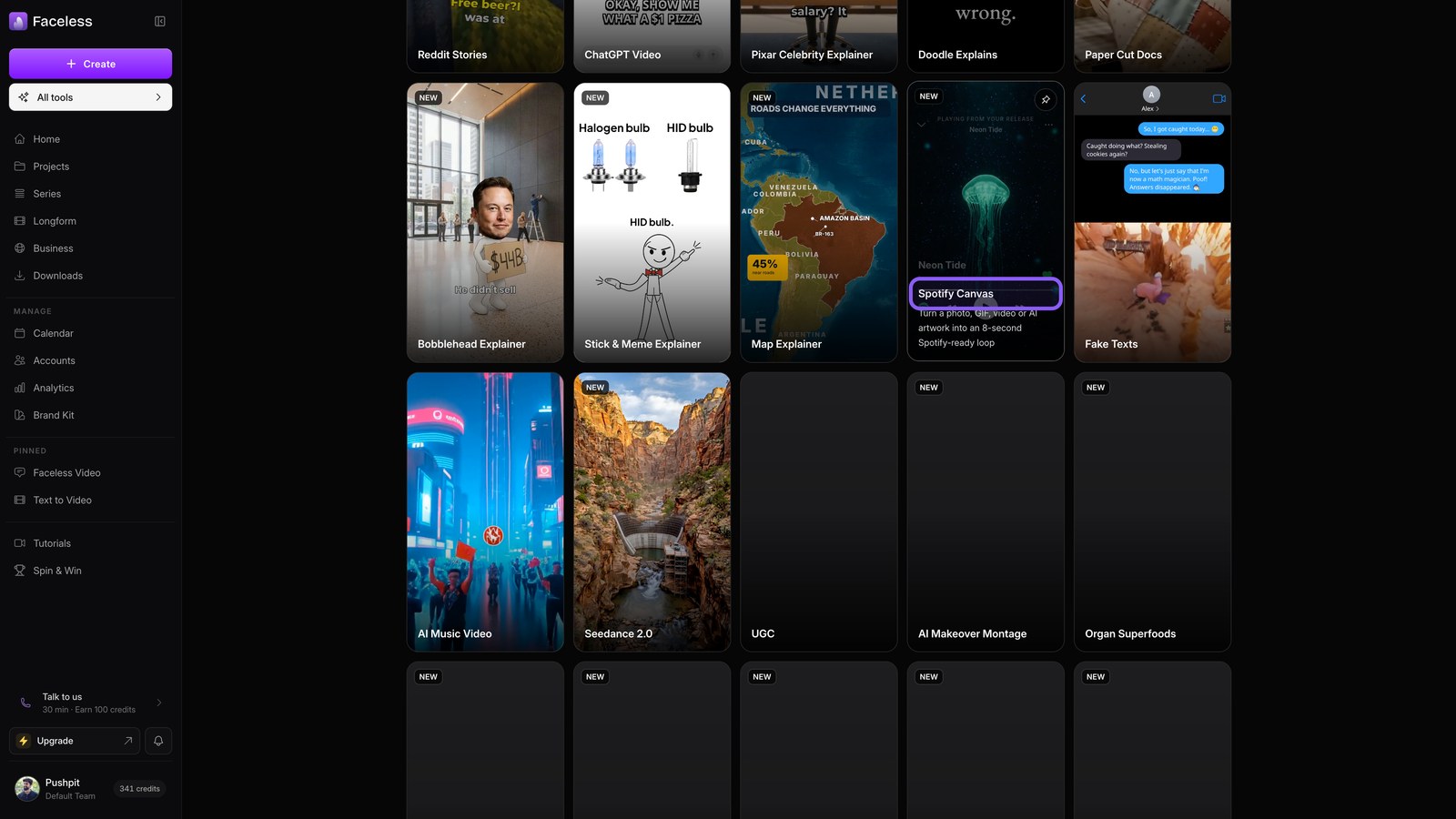
AI Music Video & Spotify Canvas
Generate a song with a faceless video, or an eight-second Spotify Canvas loop.
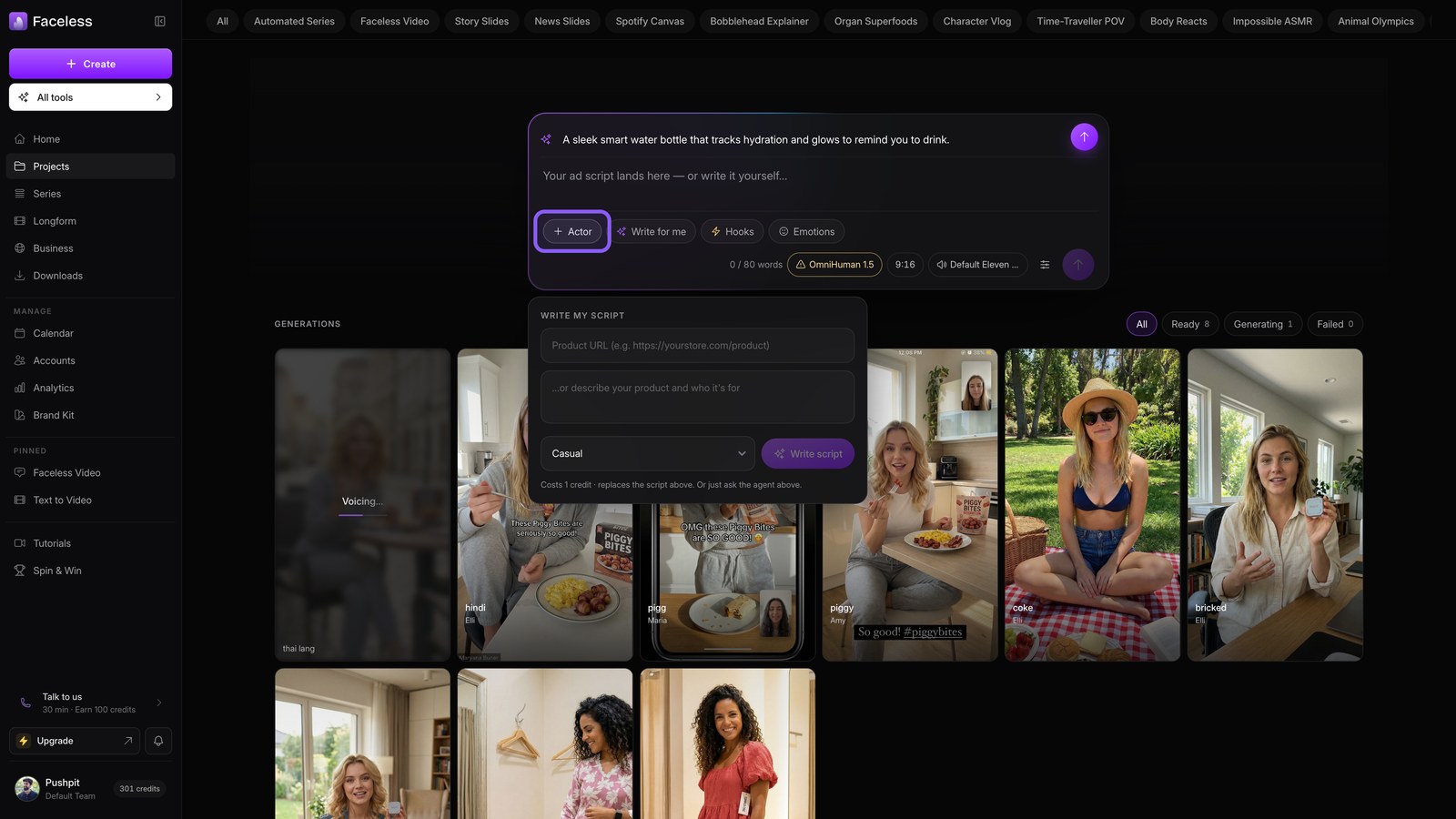
UGC Ads with AI Actors
Describe a product, cast AI actors, and batch out lip-synced ad creatives.
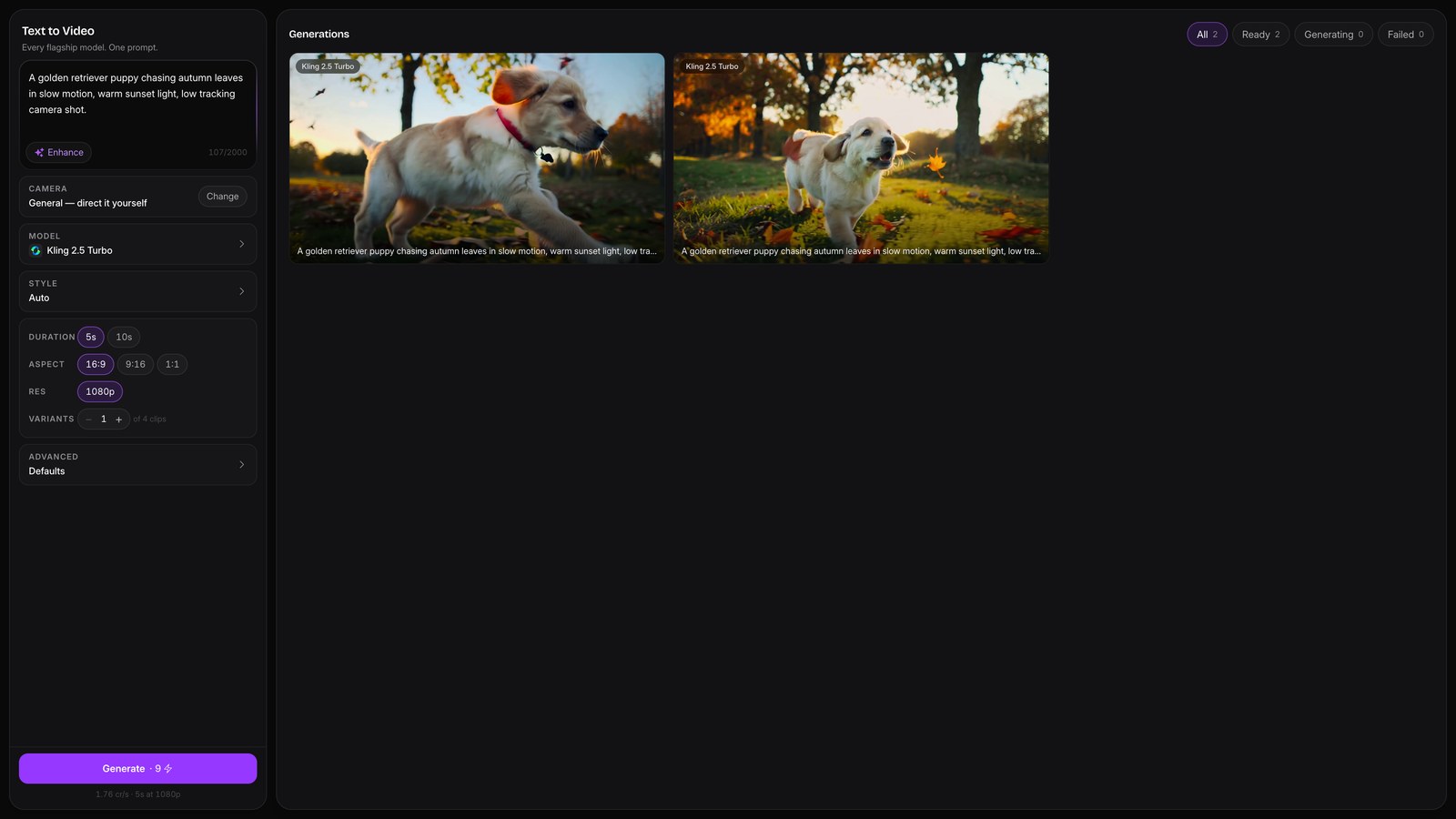
The Text to Video Studio
Prompt any flagship video model, Veo, Kling, Seedance and more, from one screen.
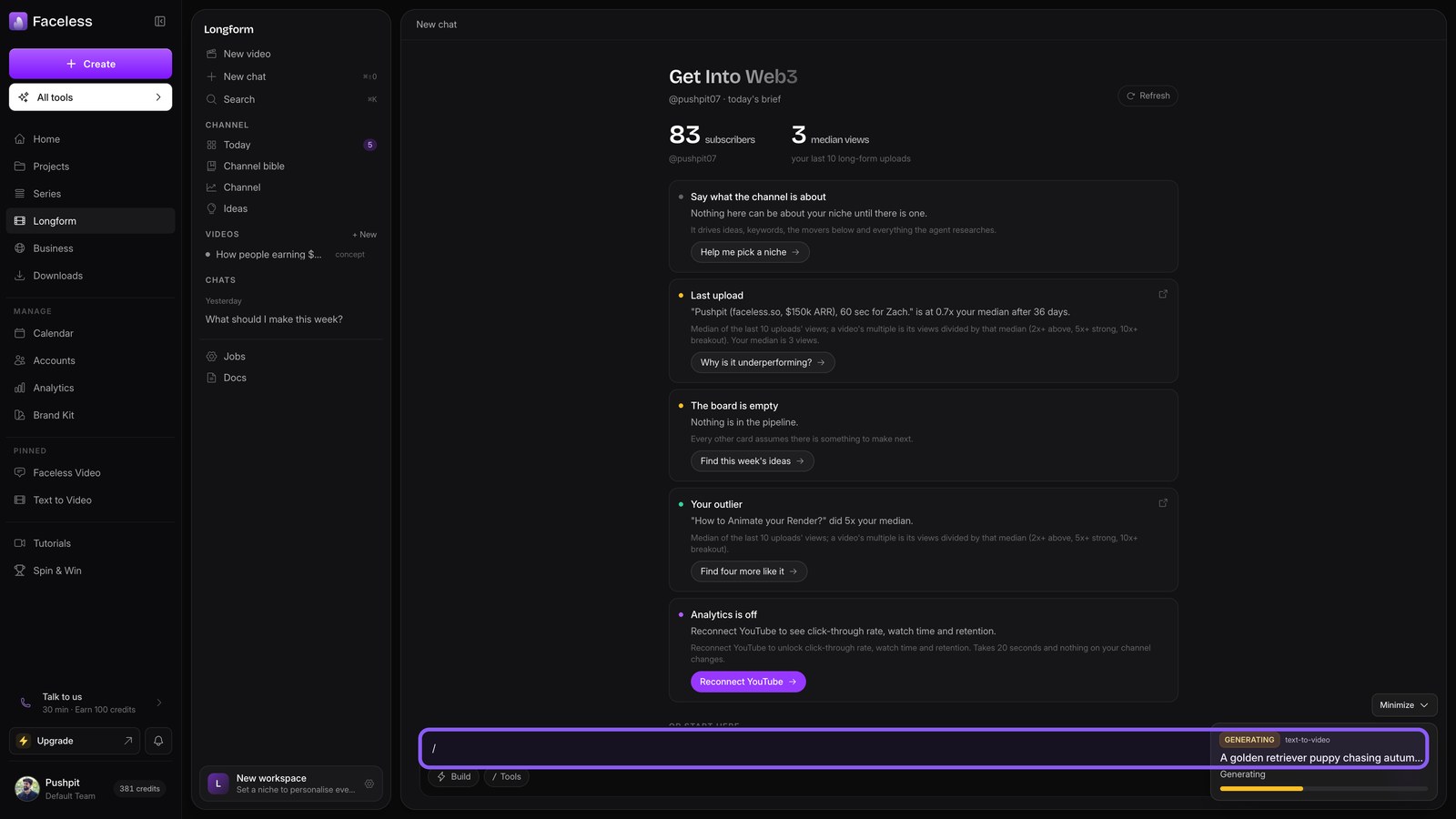
The Longform Studio
Direct ten-minute-plus YouTube videos with a Producer that knows your channel.
Power features
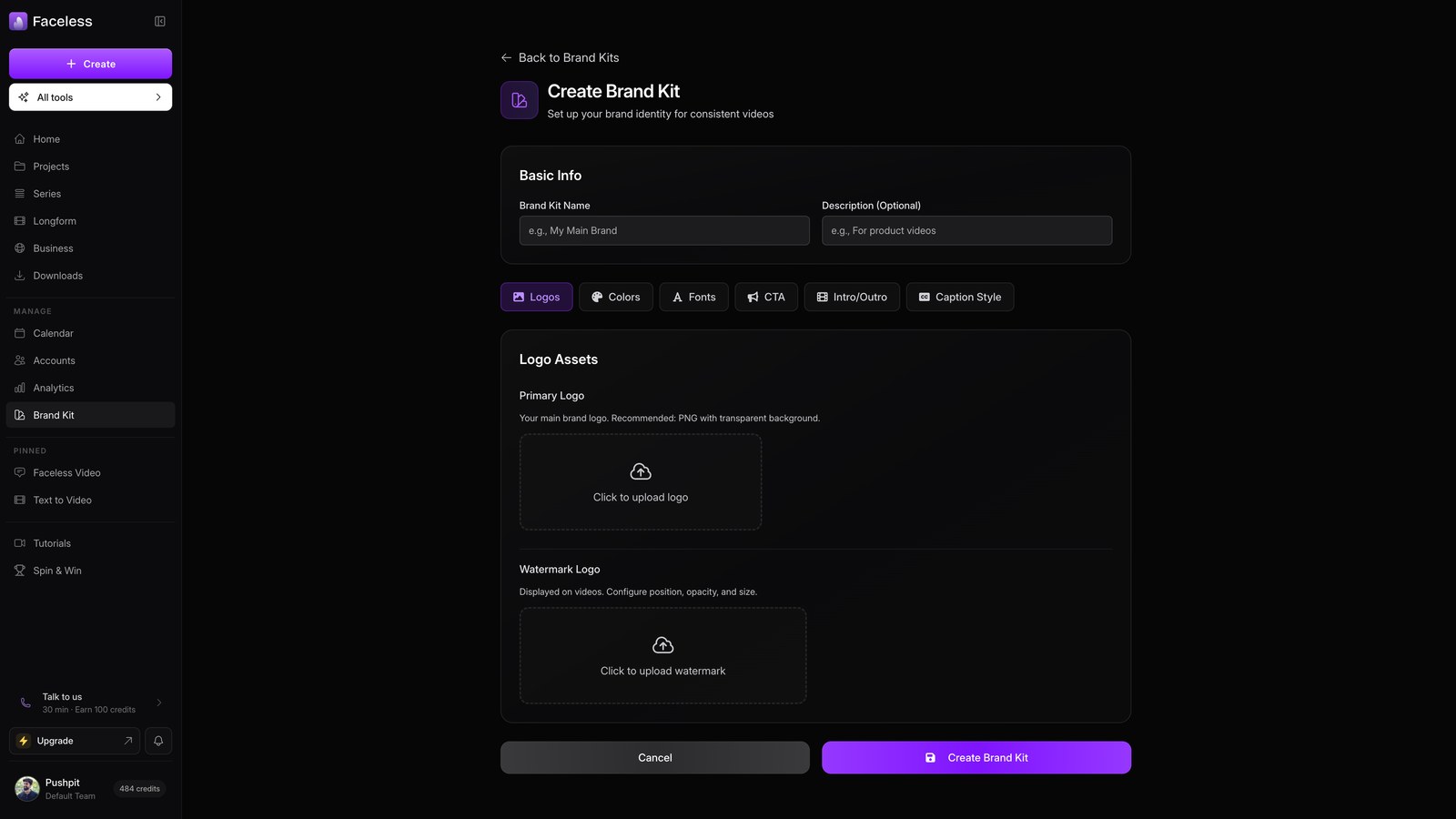
Set Up Your Brand Kit
Logos, colors, fonts, CTAs, and caption style, applied to every video automatically.
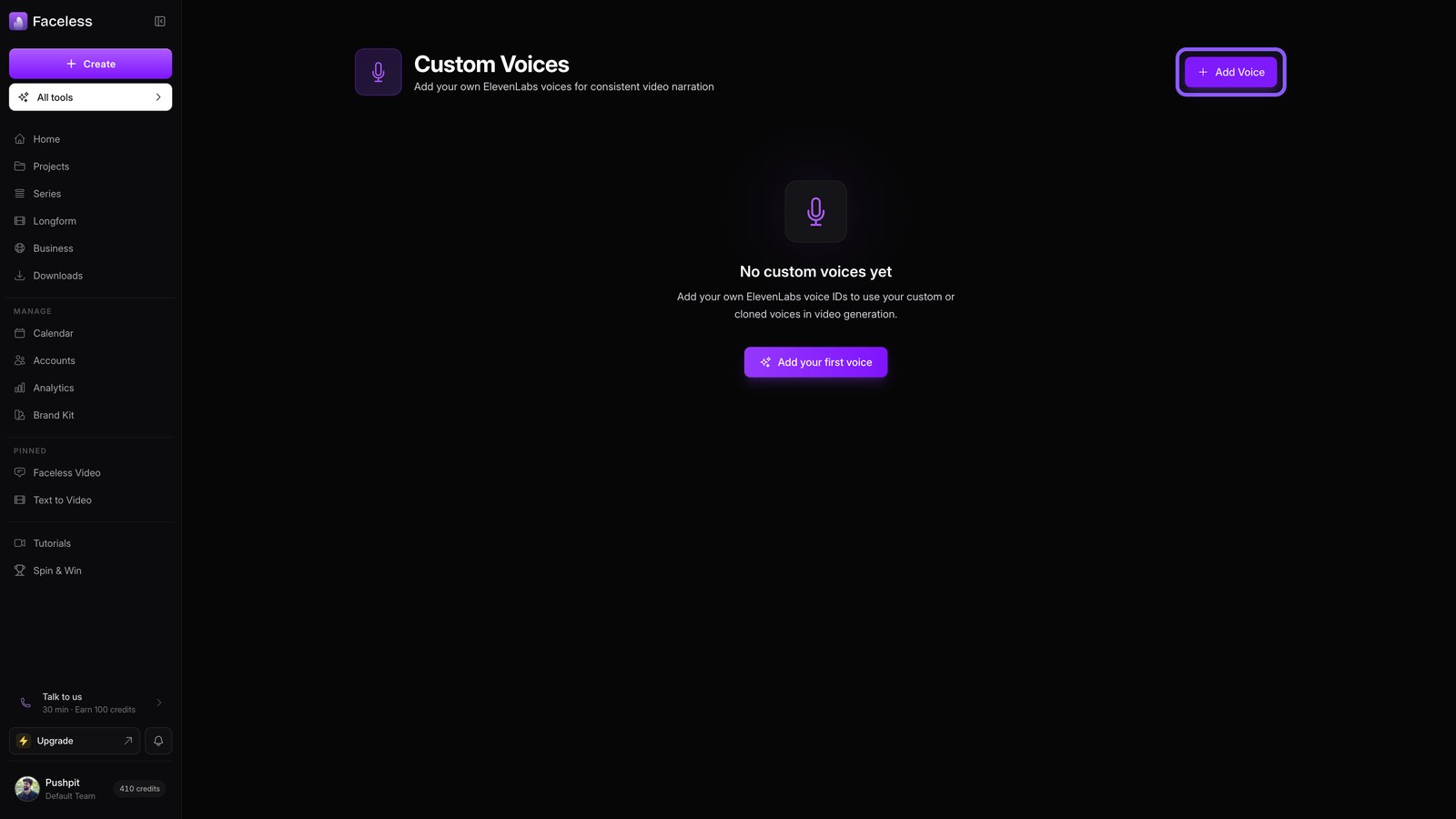
Custom Voices
Clone your own voice and use it in any video or series.
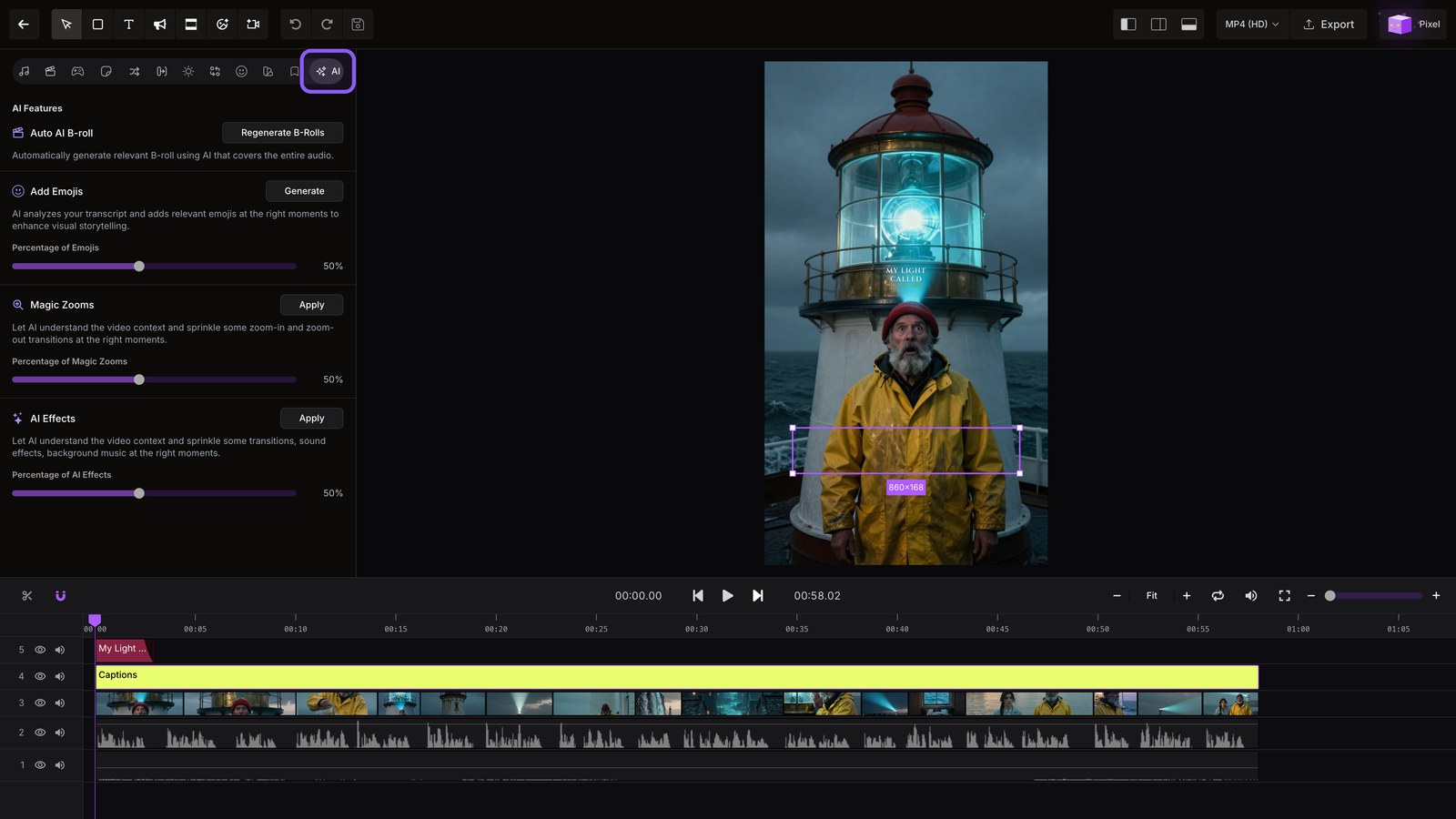
Editor Deep Dive
Master the editor: audio, morphs, brand, presets, AI density, timeline tools, and Pixel.
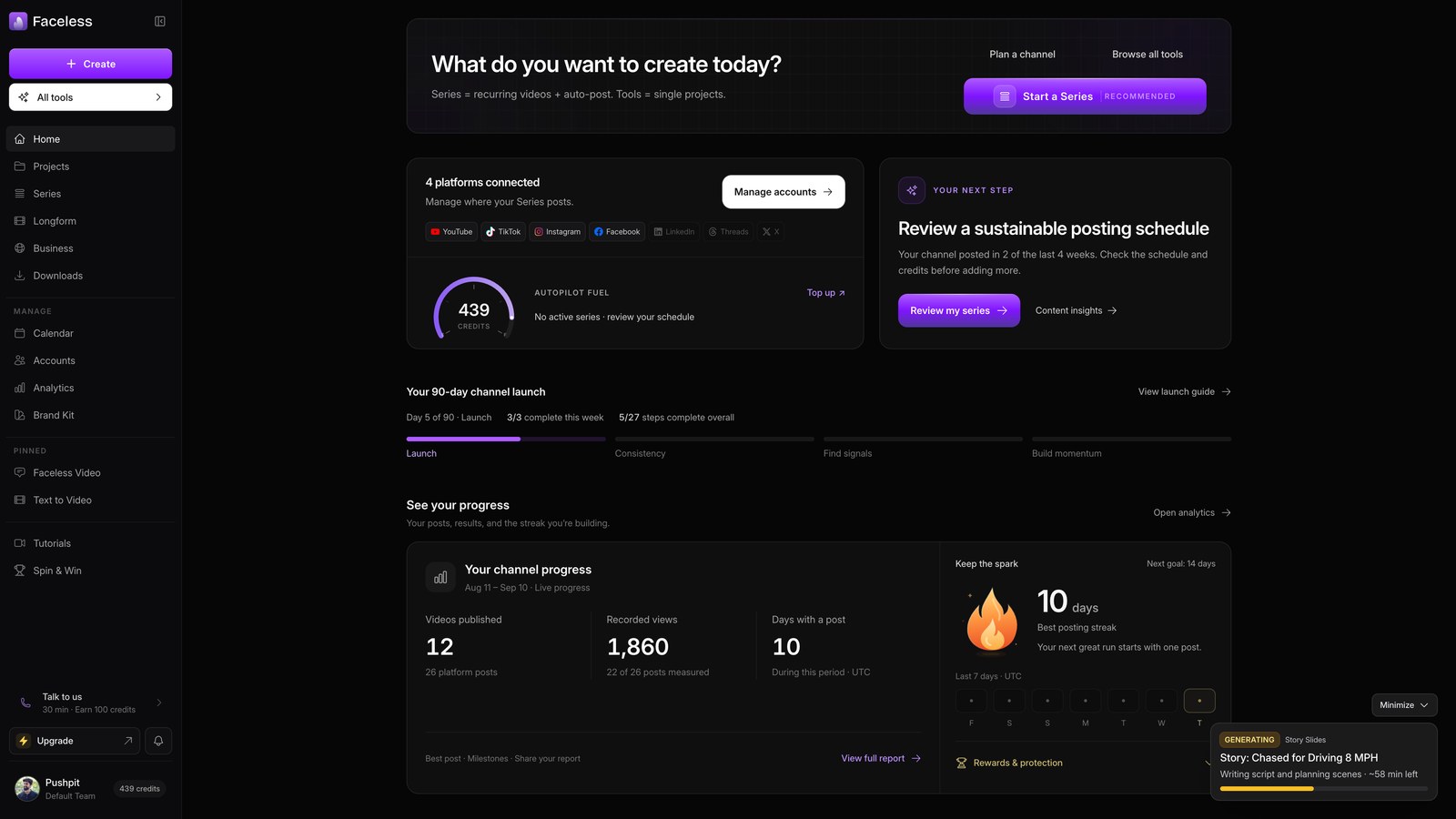
Team & Members
Open the team access and API key settings needed to manage collaborators and integrations.
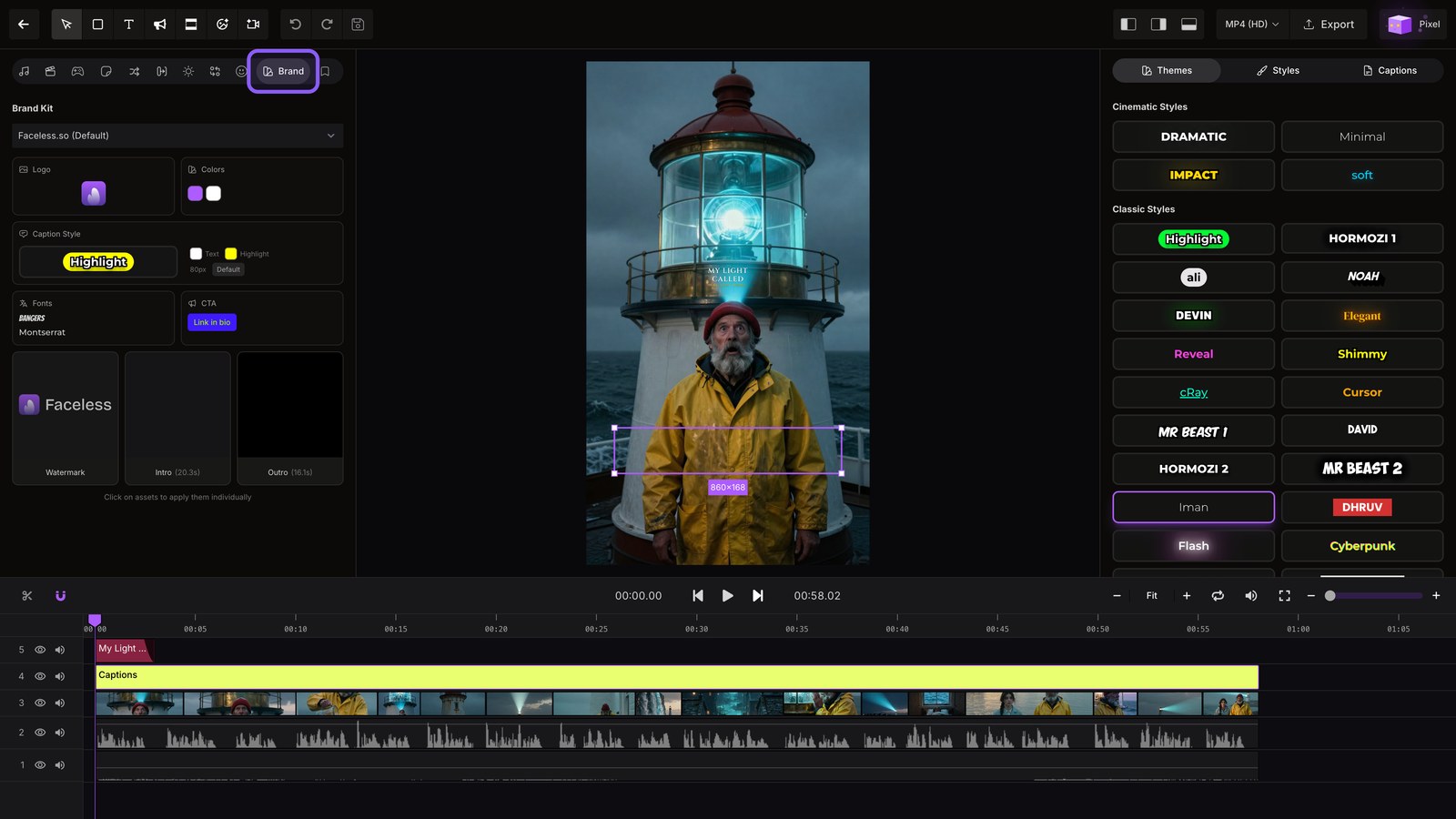
Brand & Presets in the Editor
Make every video match your brand in one click, with brand kits and style presets.
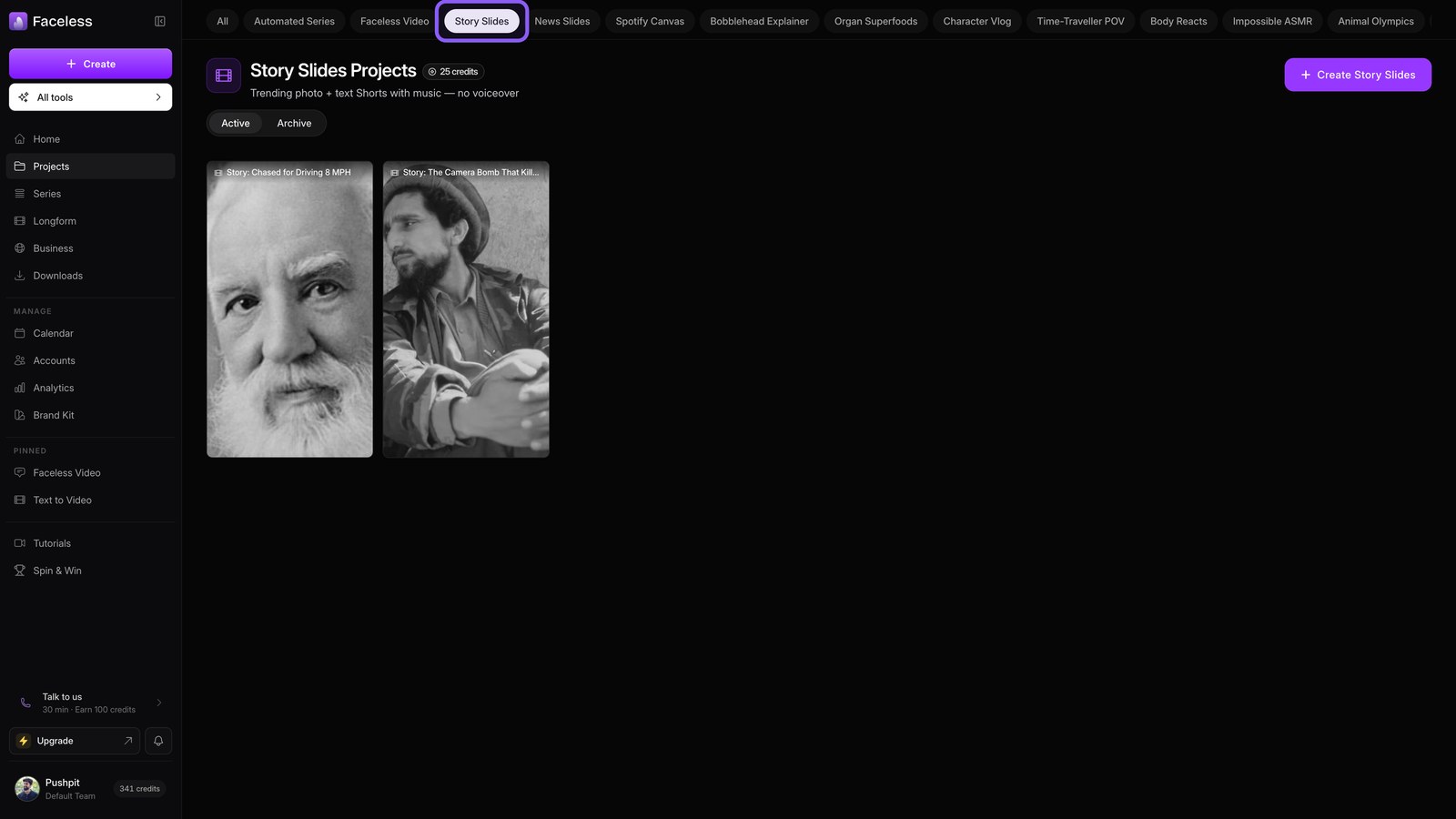
Keep Projects Organized
Filter, archive, and revisit everything you have made from one library.
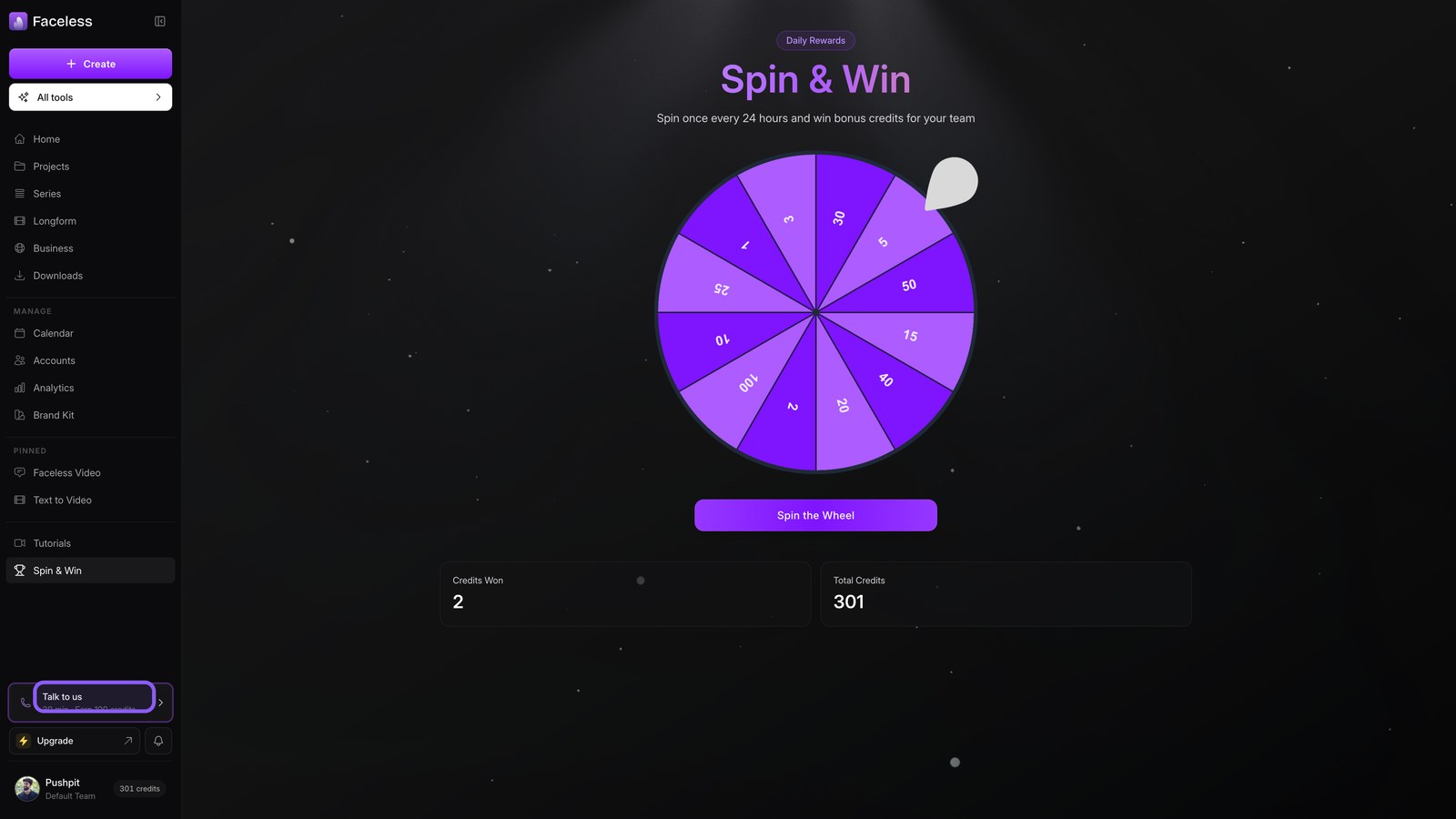
Free Credits: Spin & Win
Earn free credits with the daily wheel and a quick call with the team.
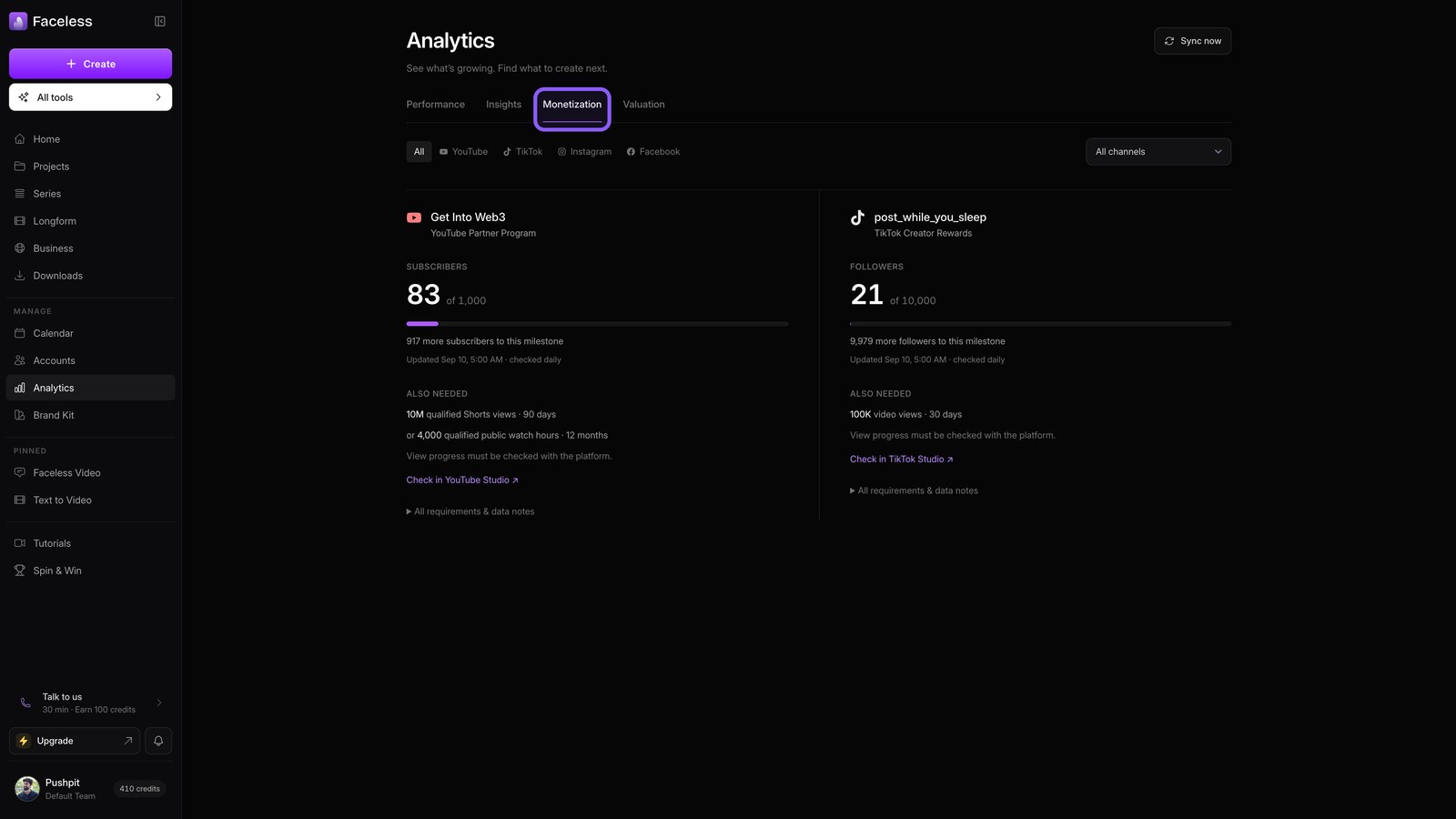
Analytics & Insights
See how every post performs, and let the insights engine pick what to make next.
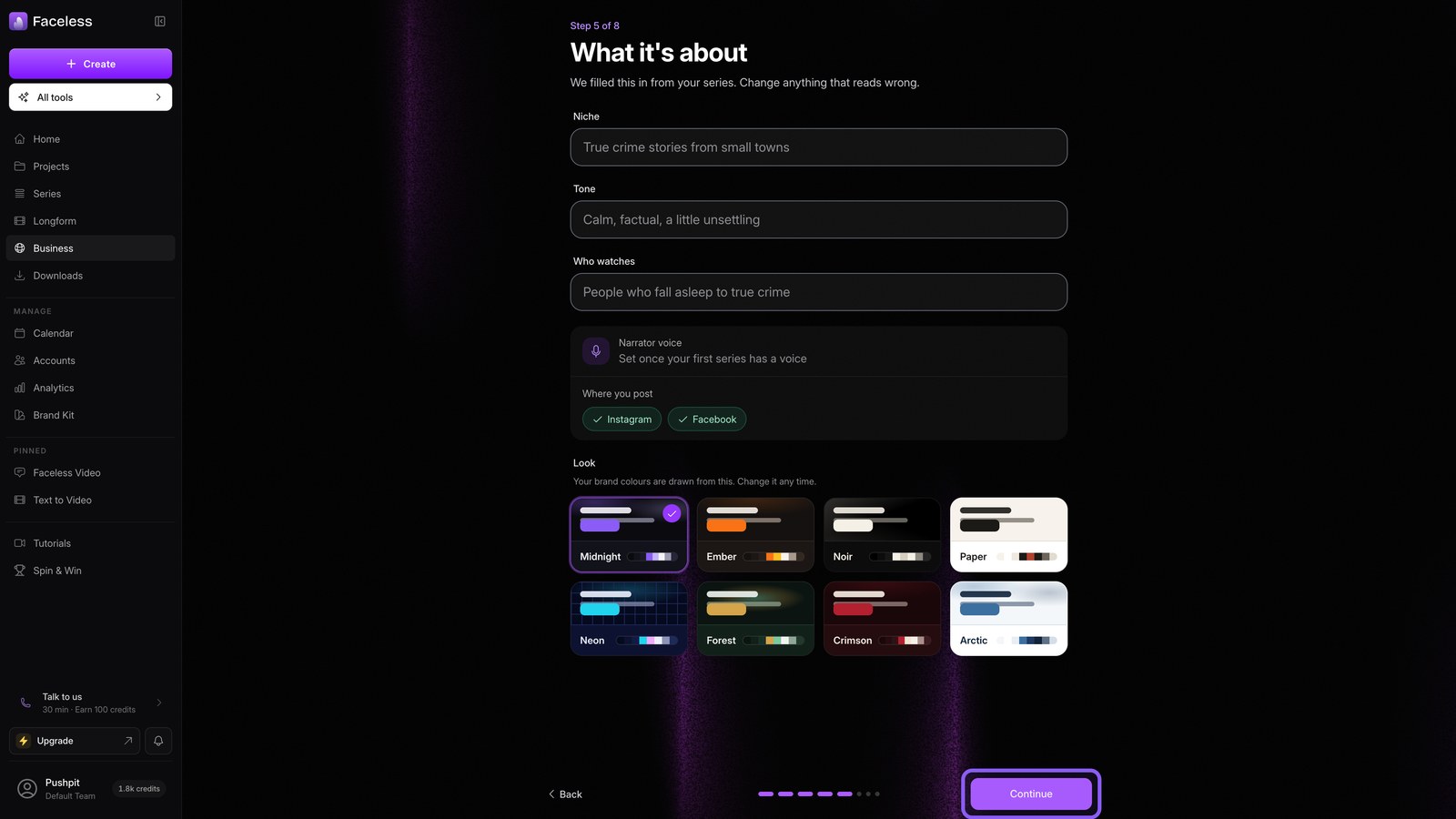
Your Channel Site
Turn your channel into a website you own, with pages, products, and an email list.