Reddit Stories
Paste a Reddit thread, let Faceless narrate it, then fine-tune it in the editor.
Open home
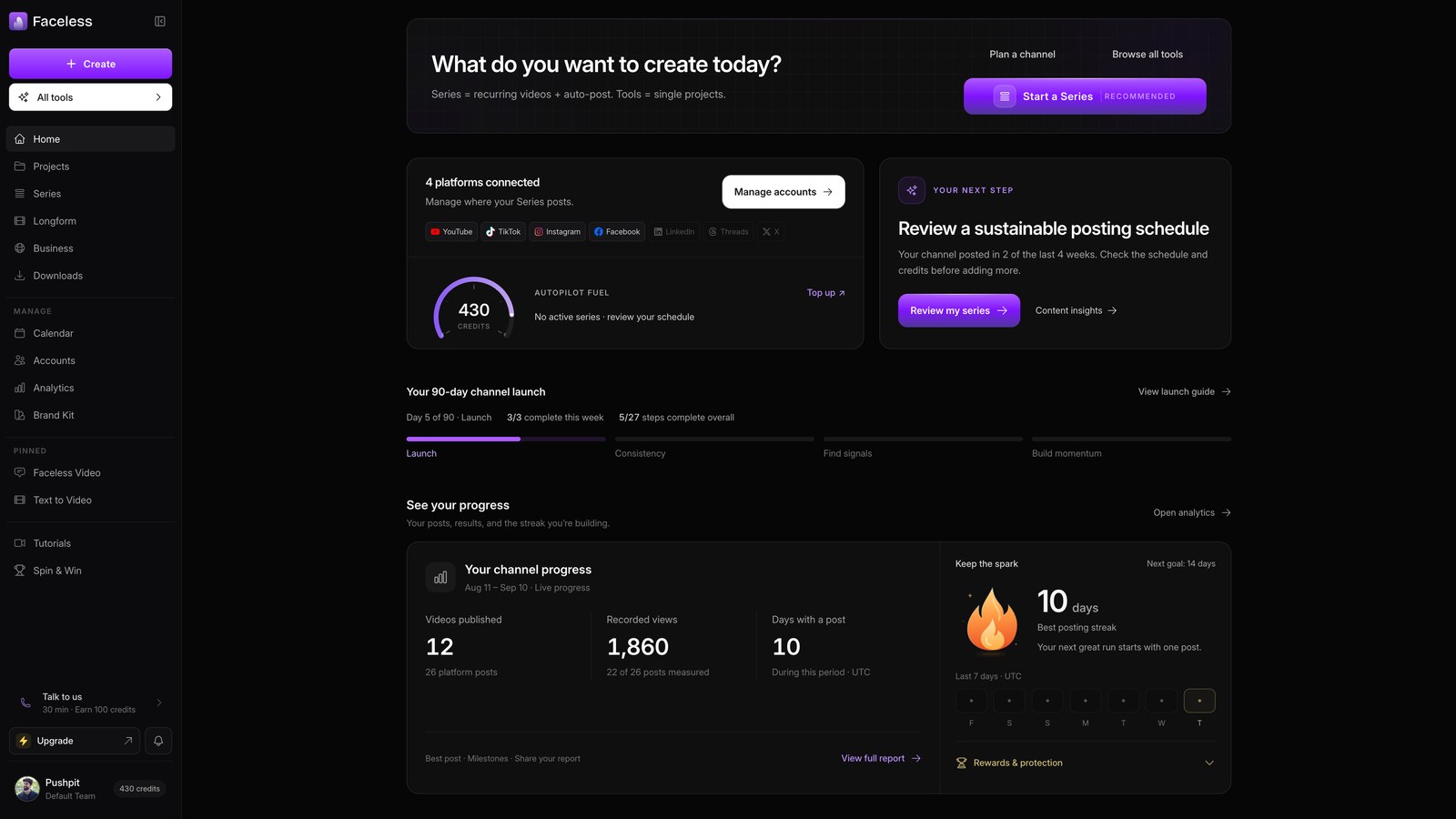
Start on your Faceless dashboard.
Open reddit stories
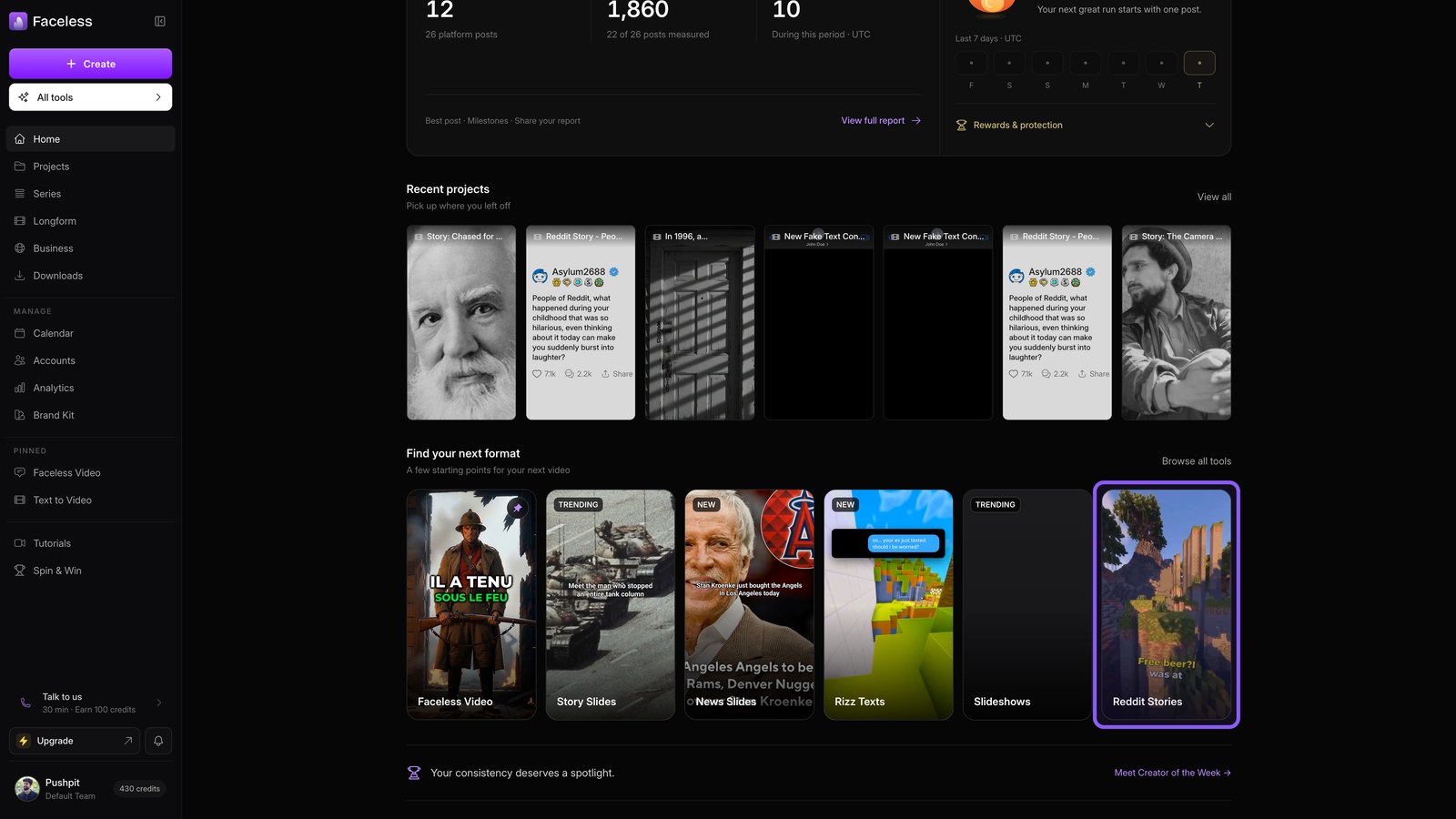
Choose Reddit Stories to turn a Reddit post into a video.
Paste reddit link
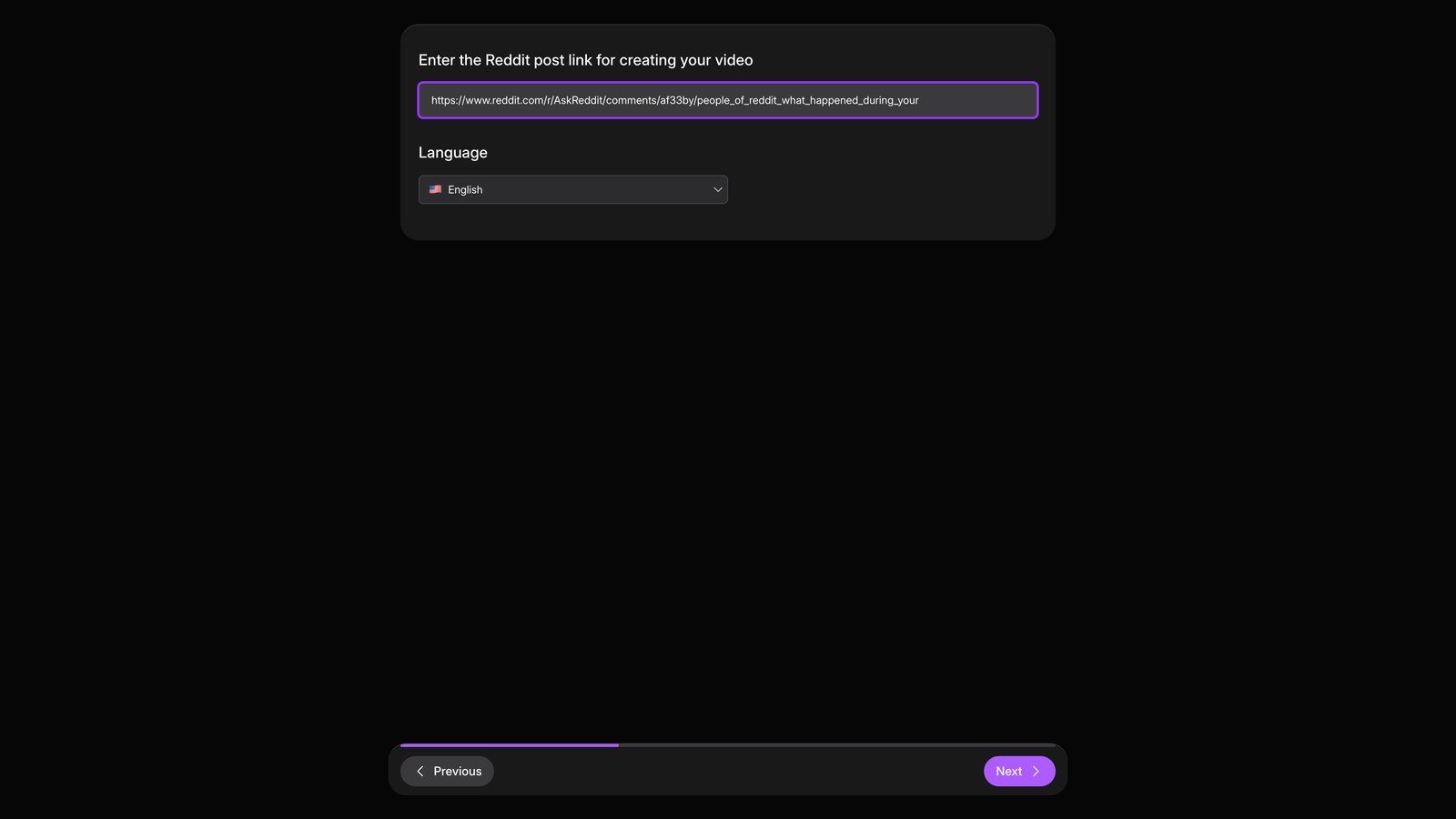
Paste the Reddit thread link you want Faceless to narrate.
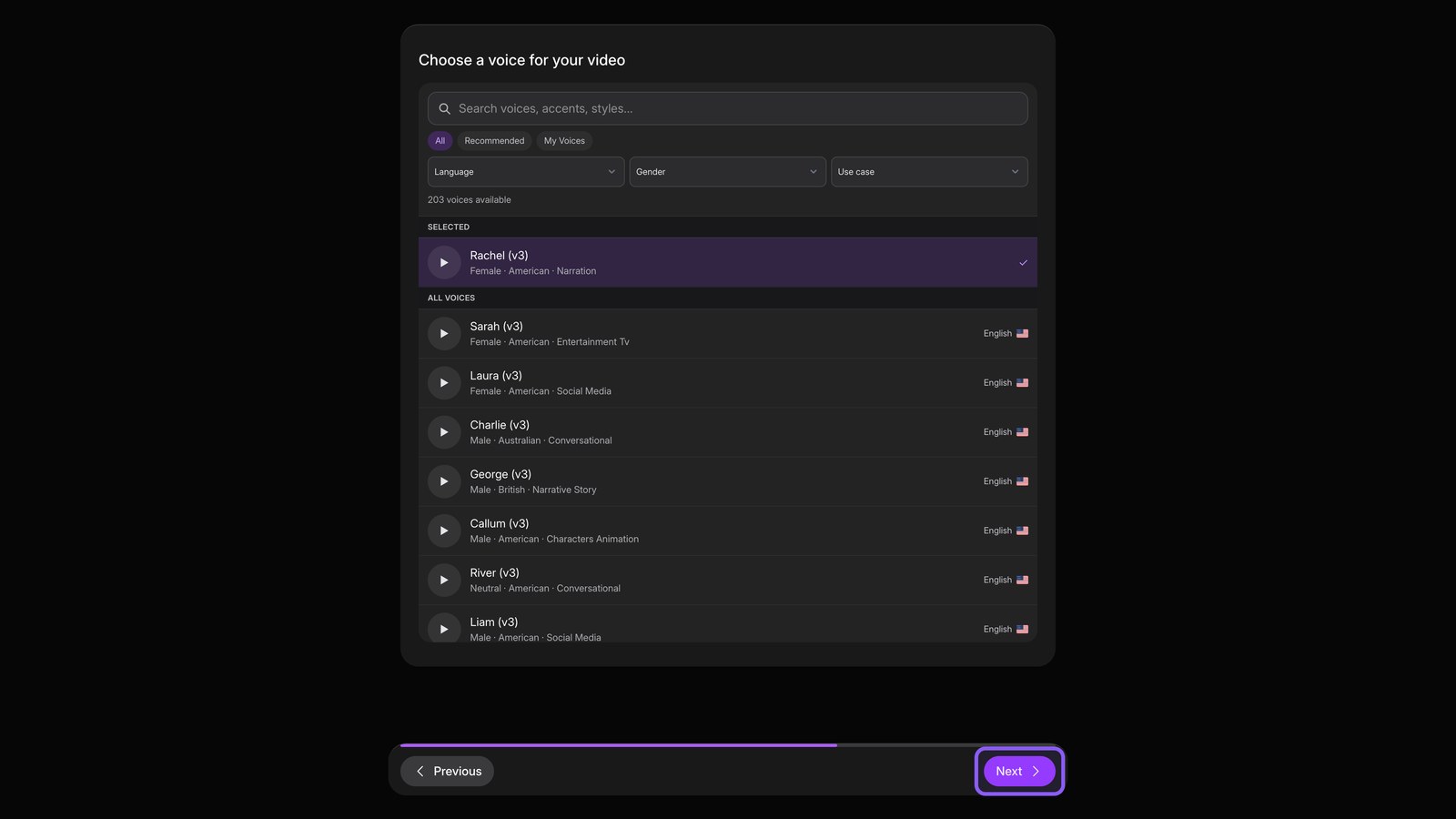
Choose voice
Continue, then choose the voice that narrates your story.
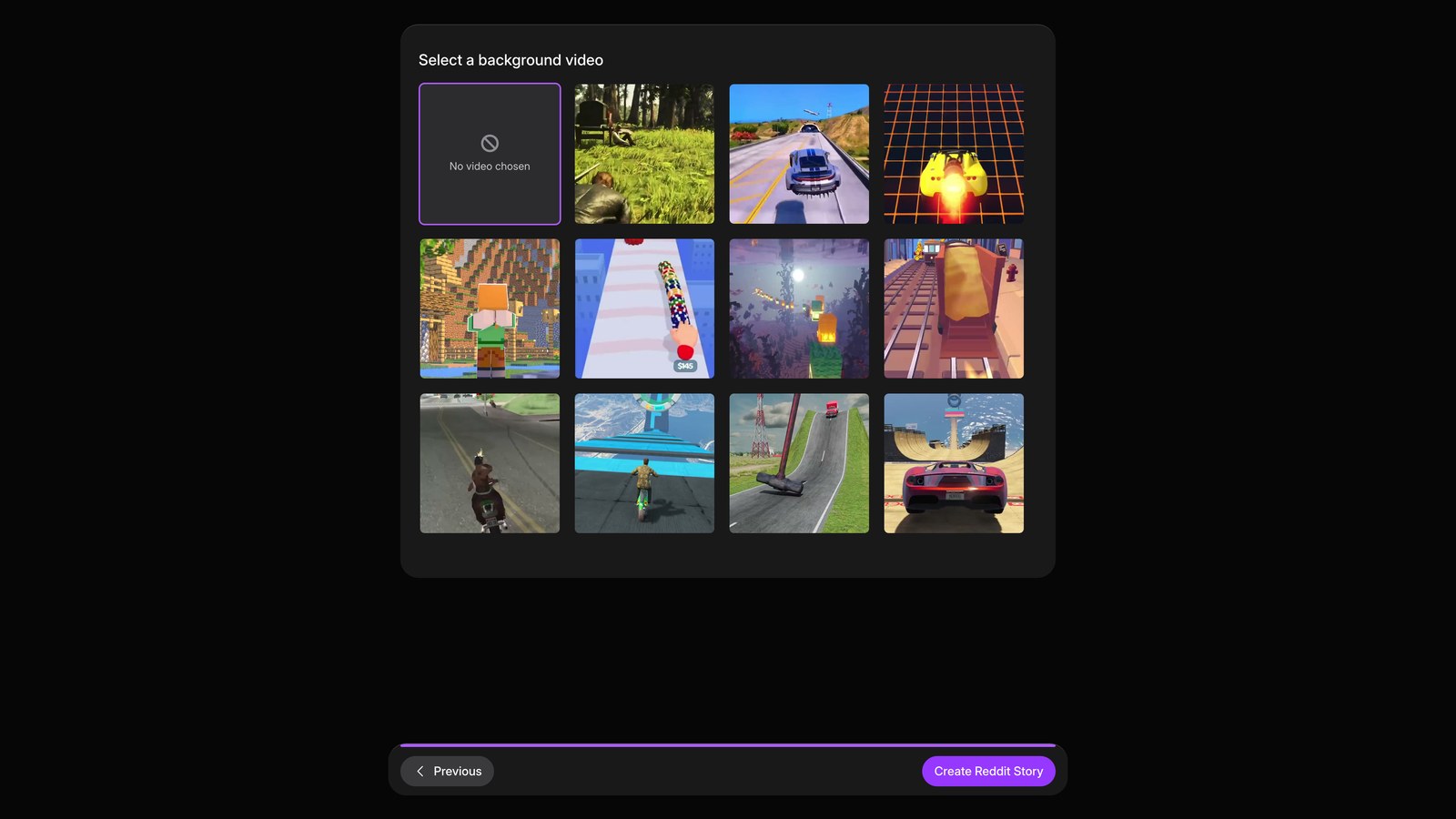
Choose visuals
Continue again, then choose the background footage behind the narration.
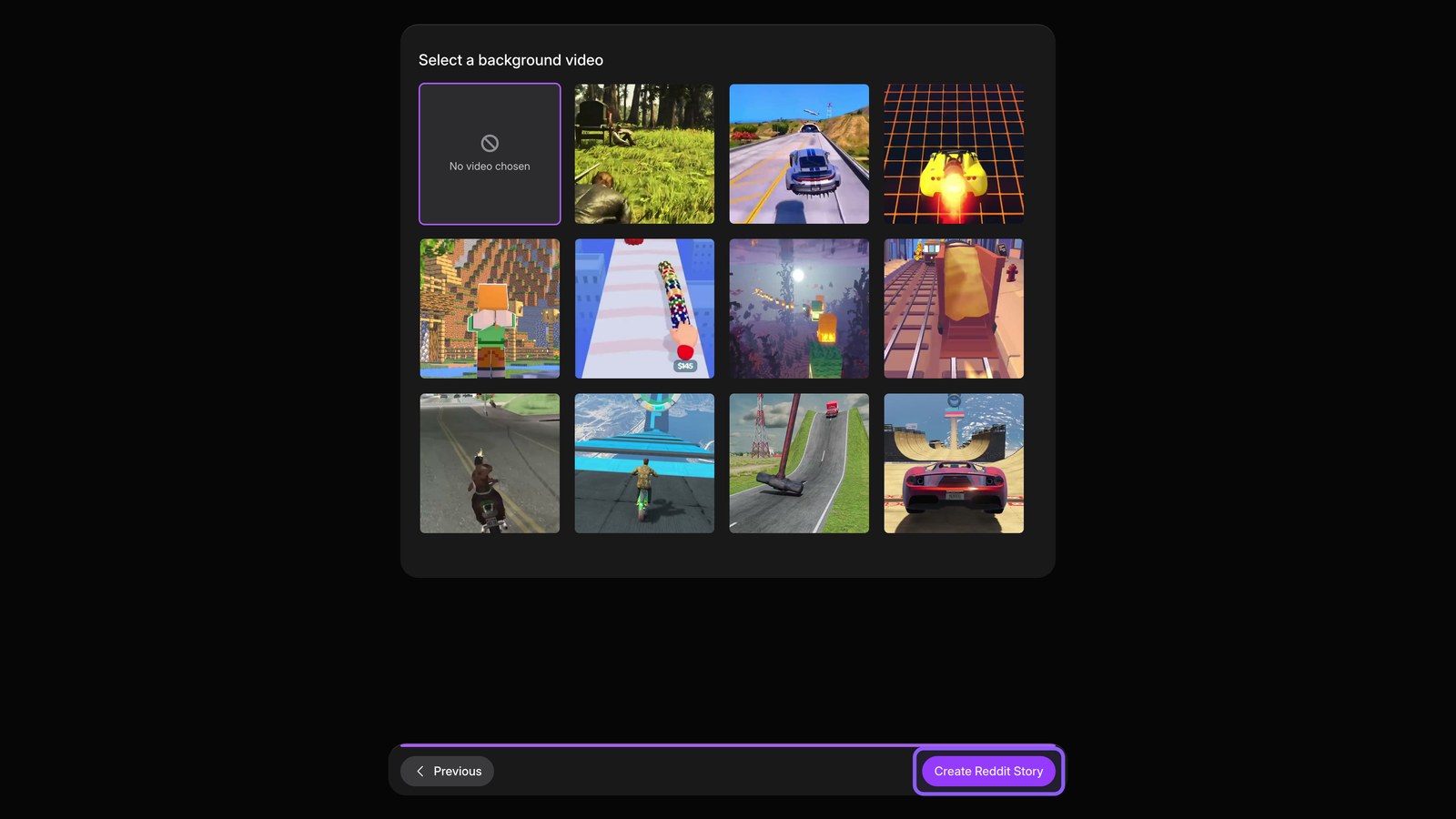
Create reddit story
Create the Reddit story, and Faceless starts building your video.
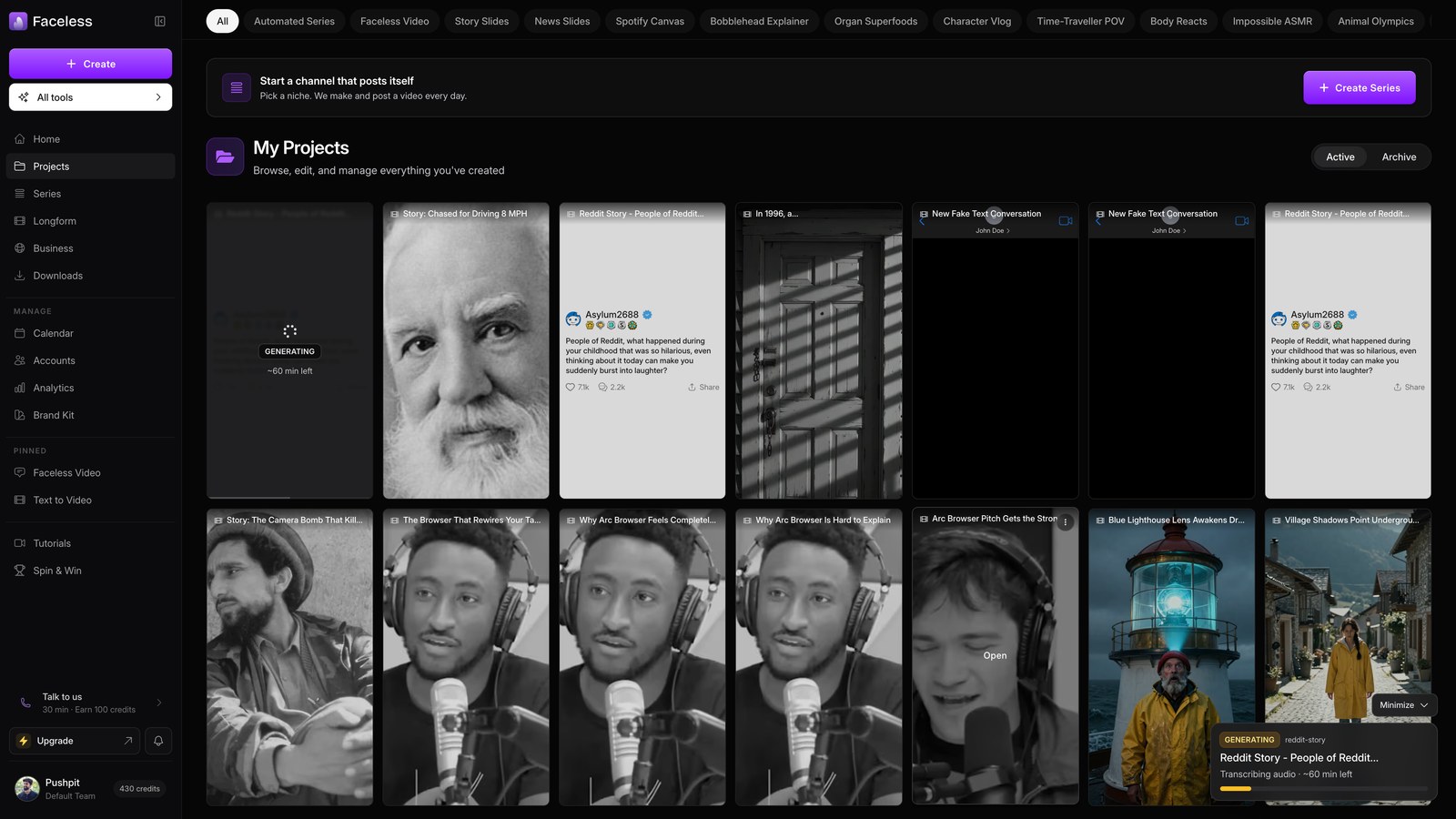
Wait for generation
Let your video render in the background. After a few minutes, find it on your Projects page.
Open project
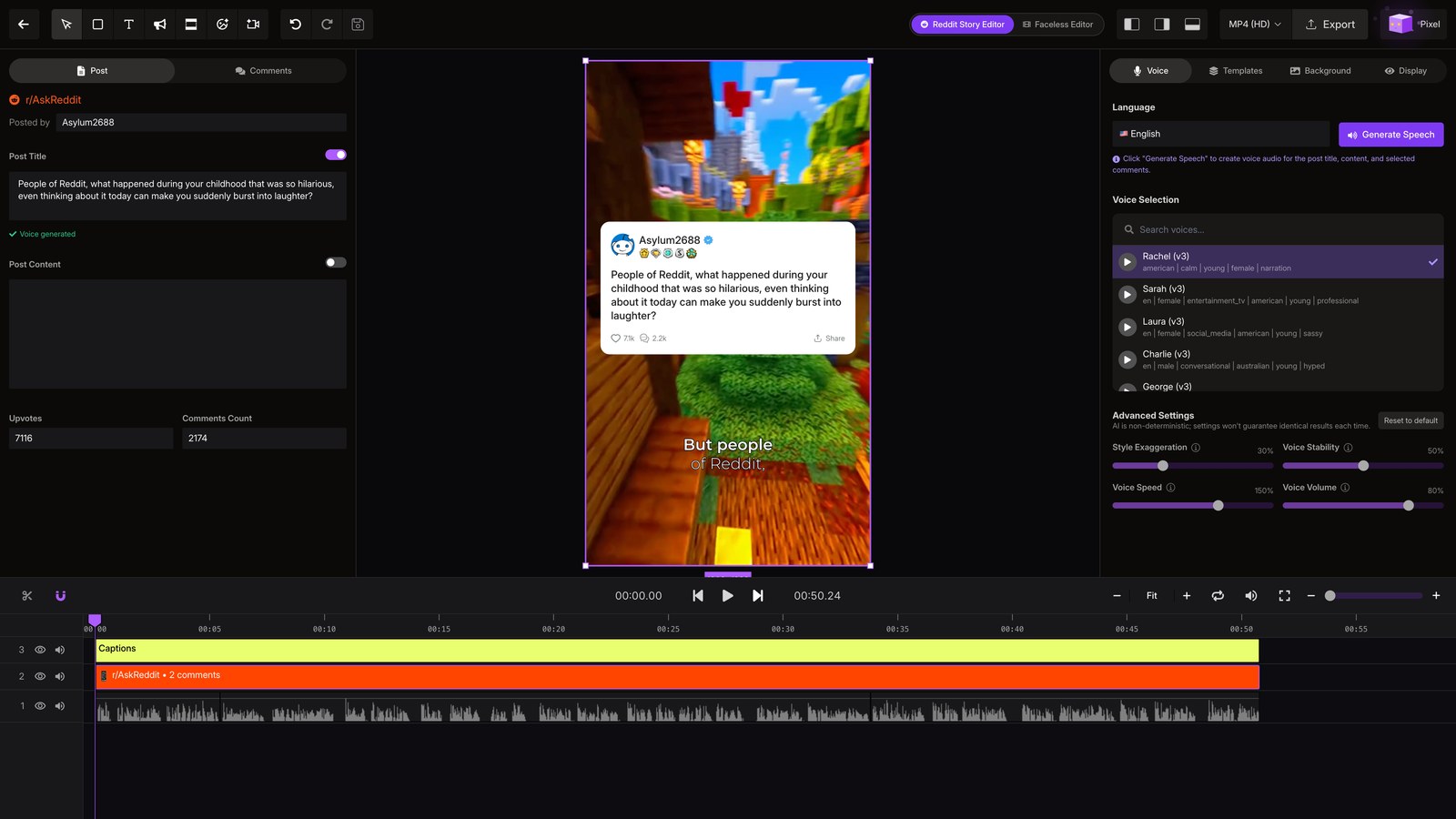
Open the finished project, then wait for the editor to load so you can fine-tune the video.
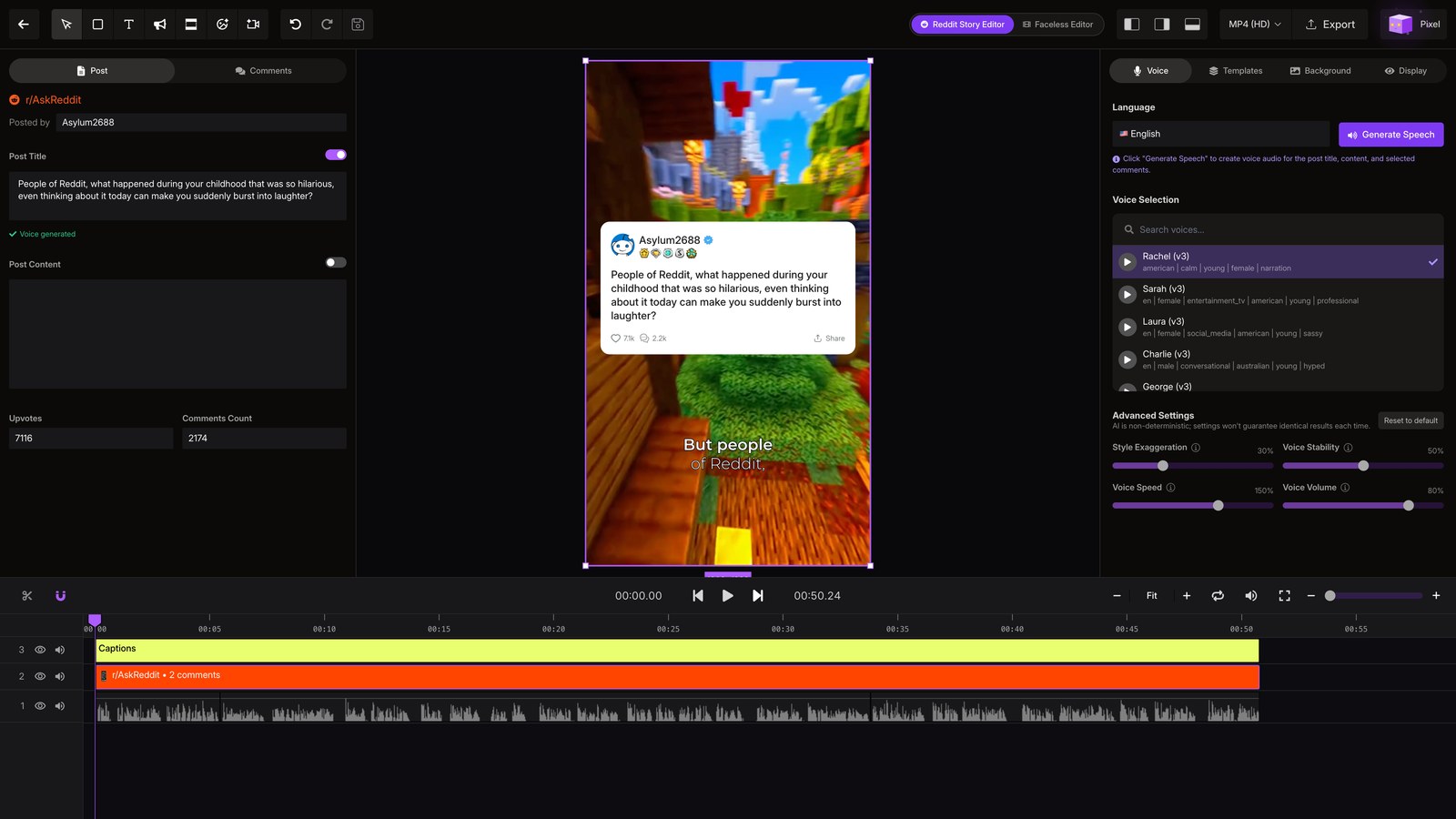
Tune in editor
Adjust the caption theme, narrator voice, and background music to fit your video.
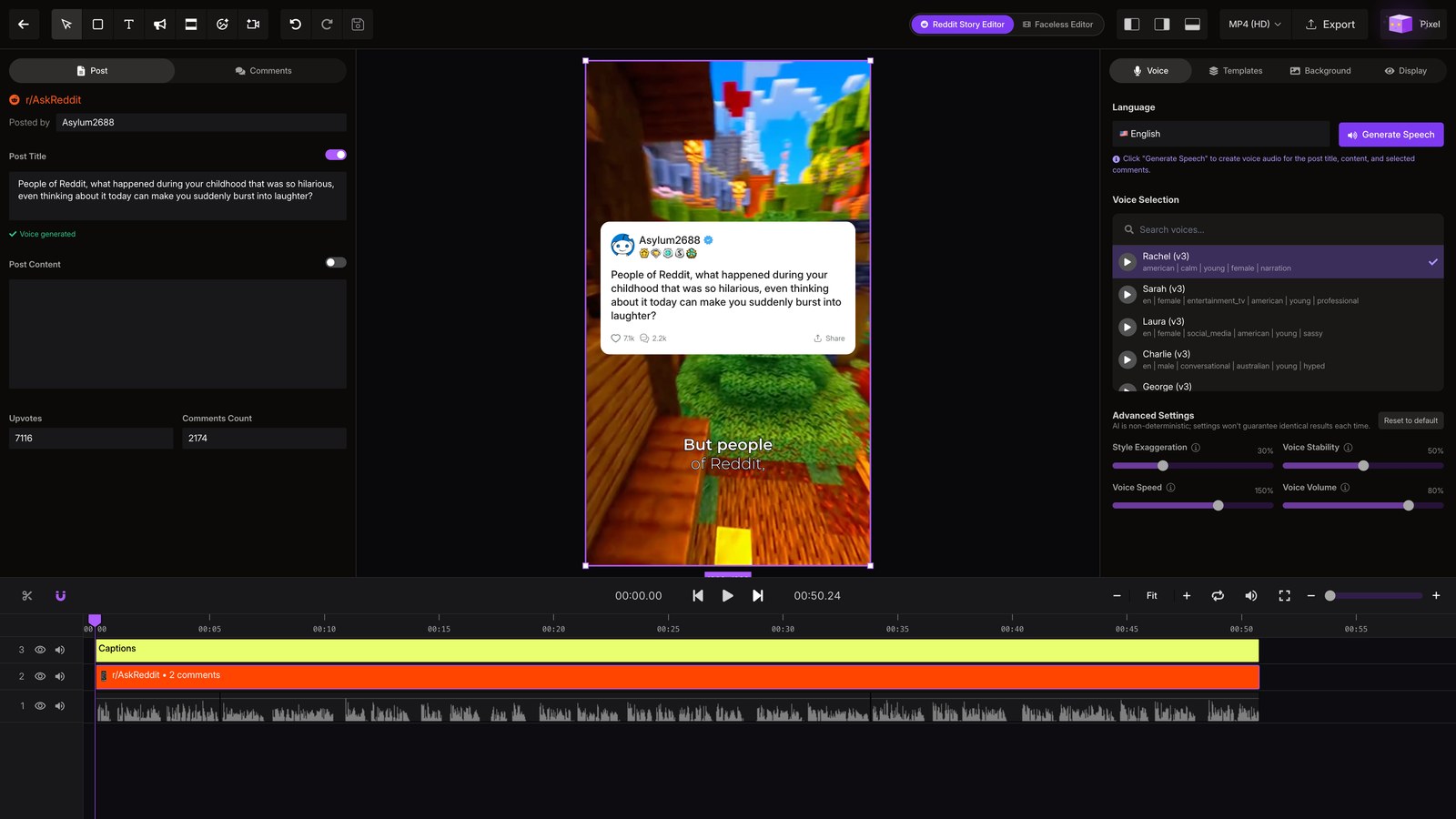
Export video
Save your changes, then export the finished video when everything looks right.