Faceless Tutorials
Tutorial 14 / 36Automation & publishing
Manage a Running Series
Check on your automated series, tune every setting, and keep it fueled.
46s7 steps
0/7 done
01
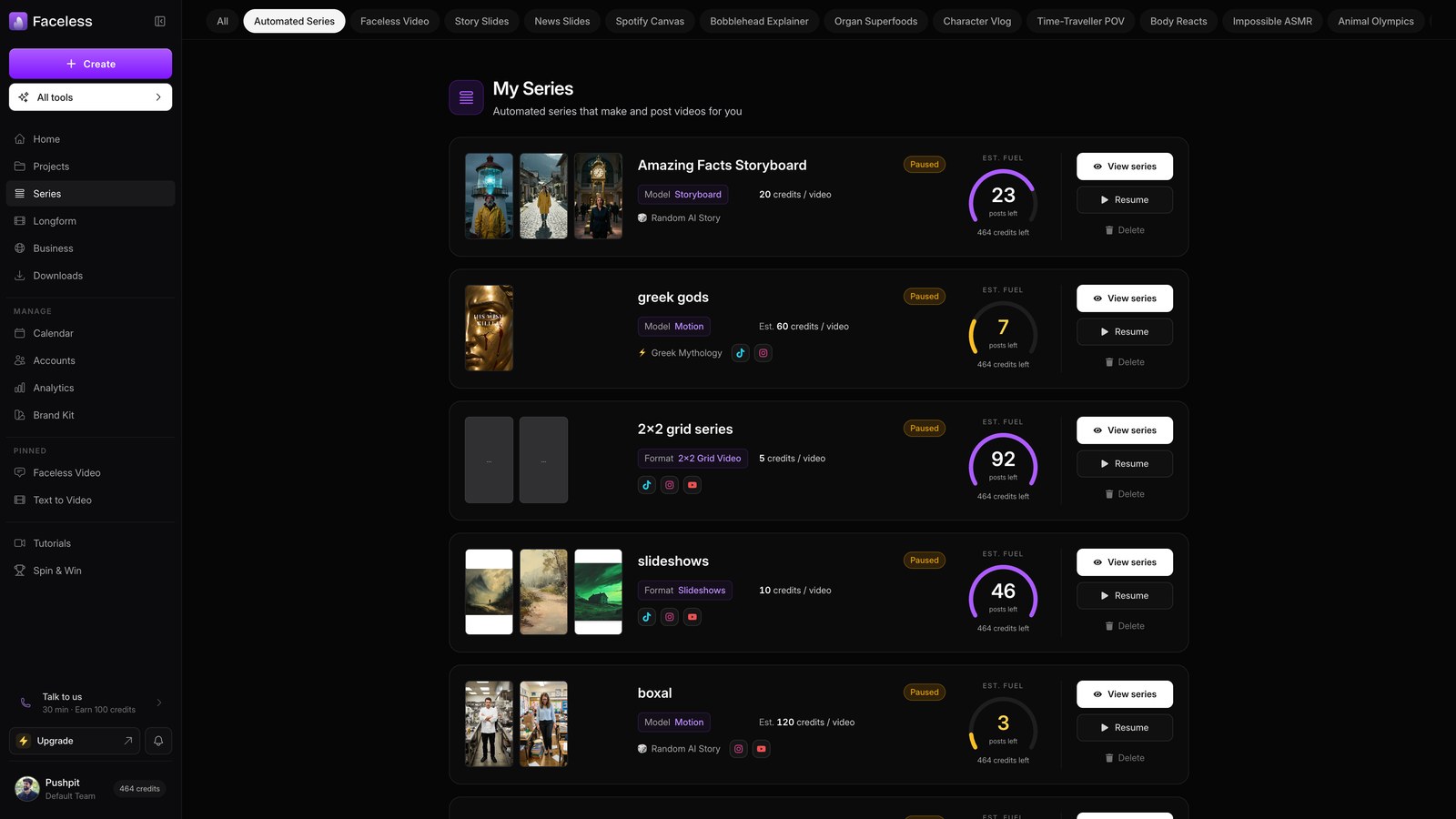
Open series
Open Series to check each show's status and credit runway.
02
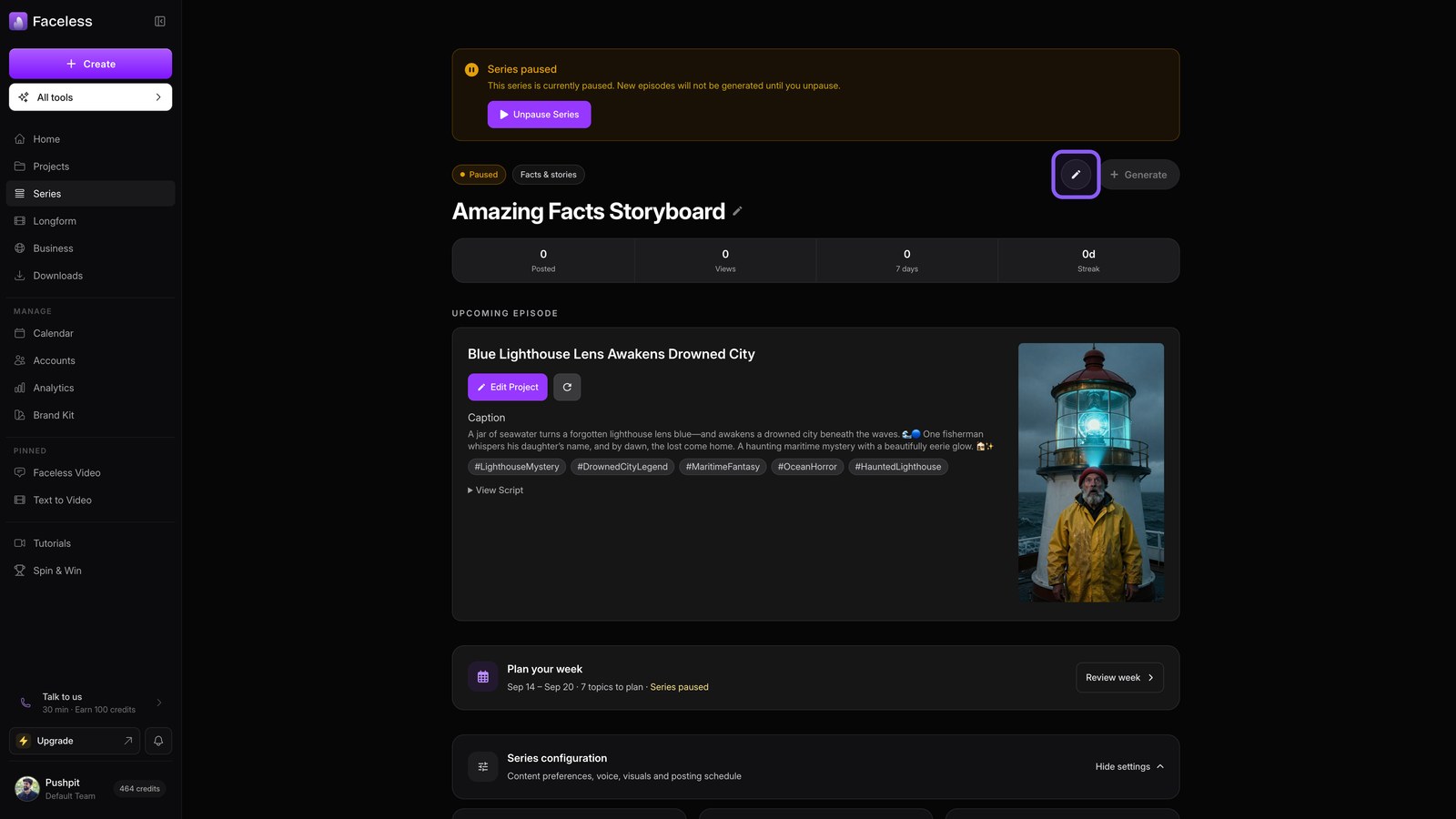
Open a series
Open a series to pause its schedule or generate an episode now.
03
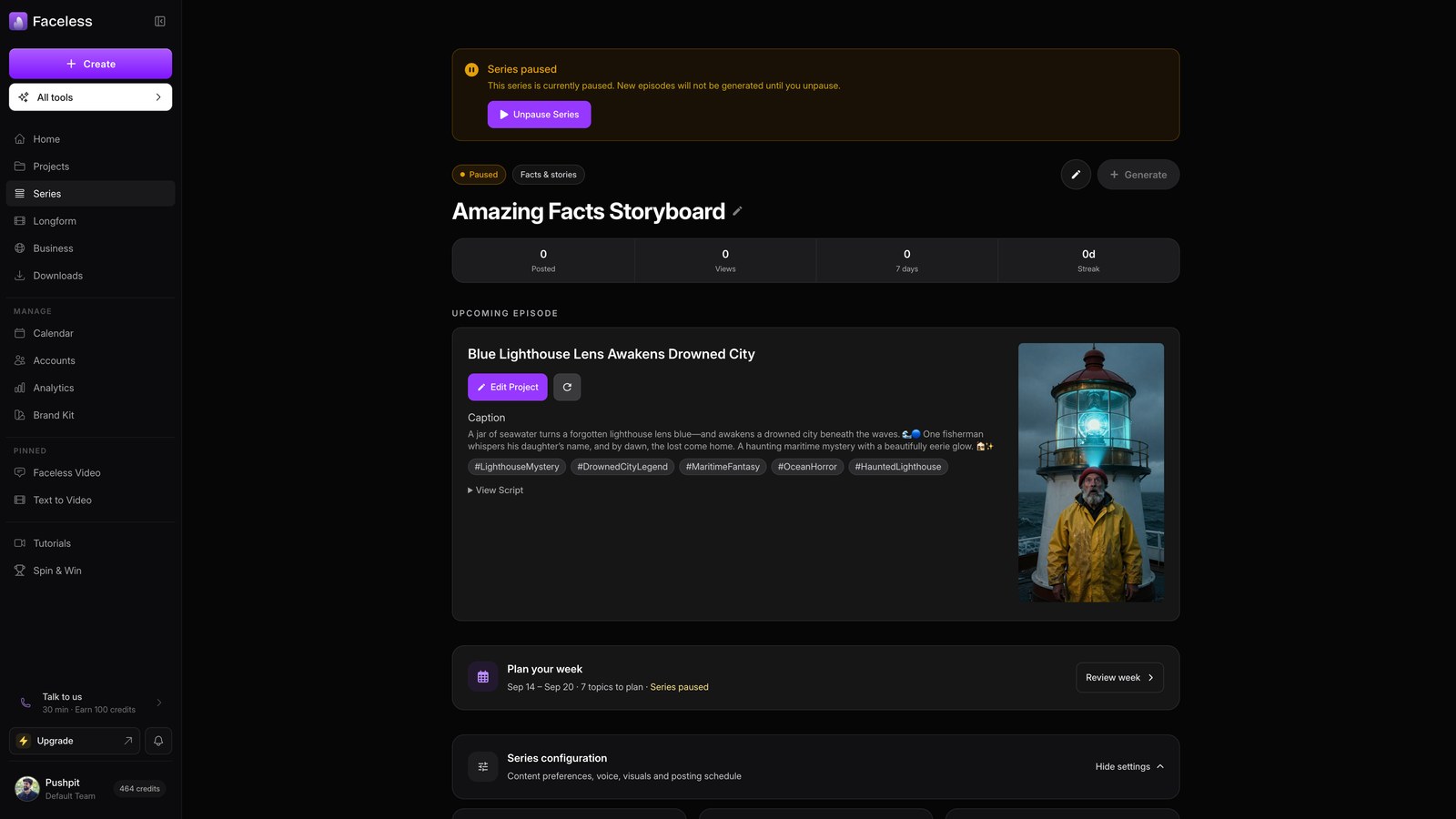
Upcoming episode
Check the upcoming episode, then open or regenerate it.
04
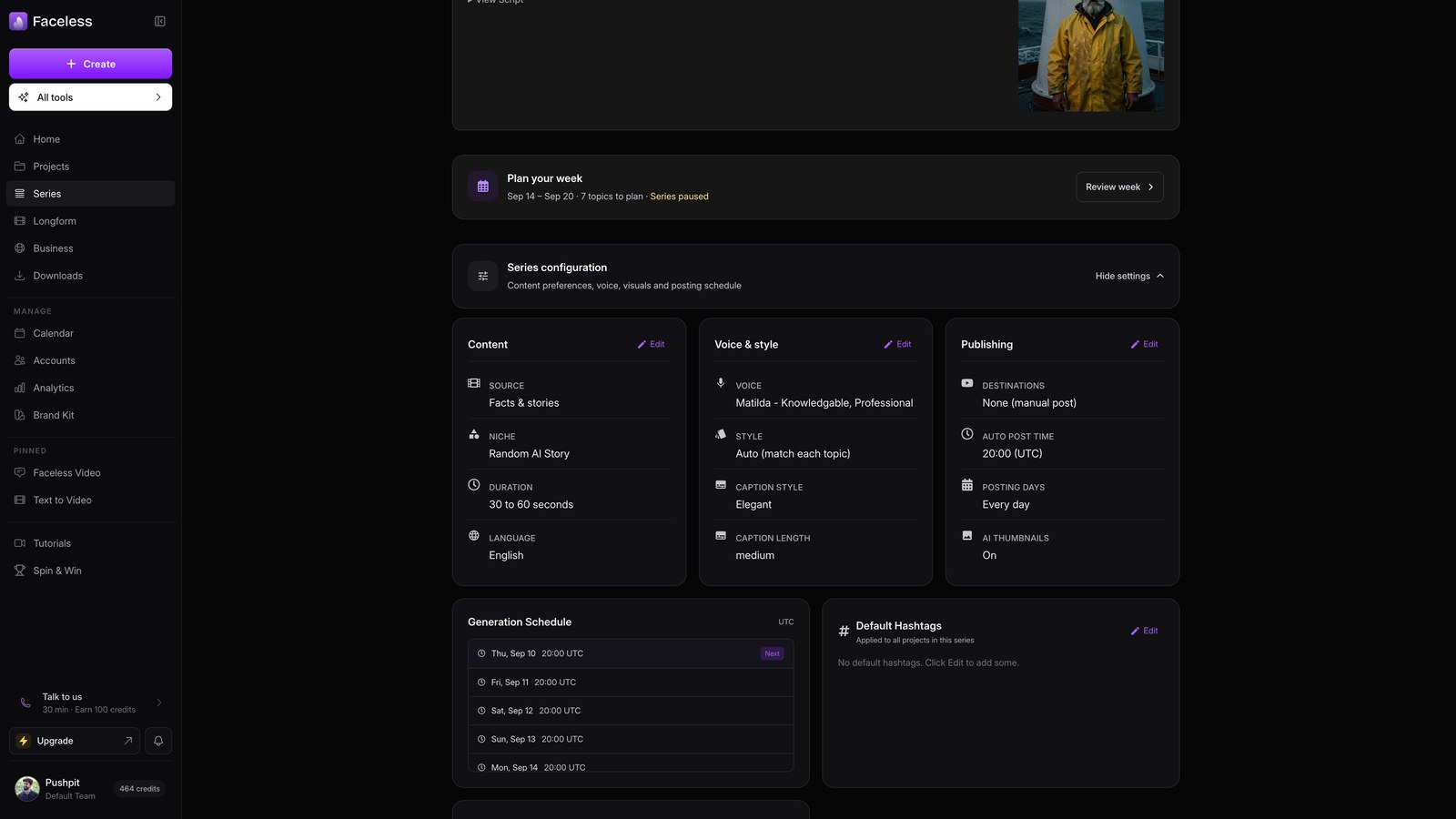
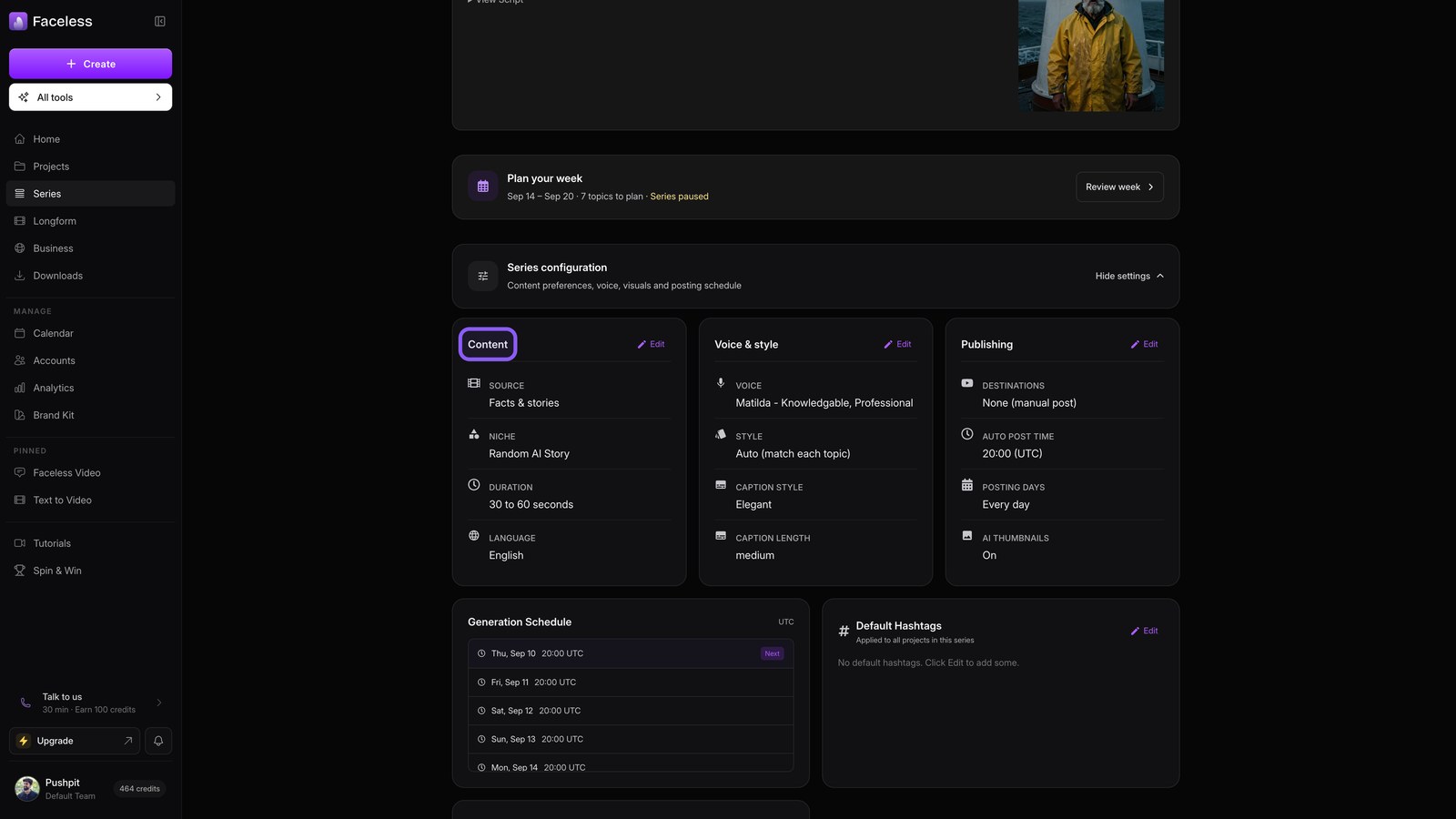
Config content
Open Content to adjust the niche, topics, and episode length.
05
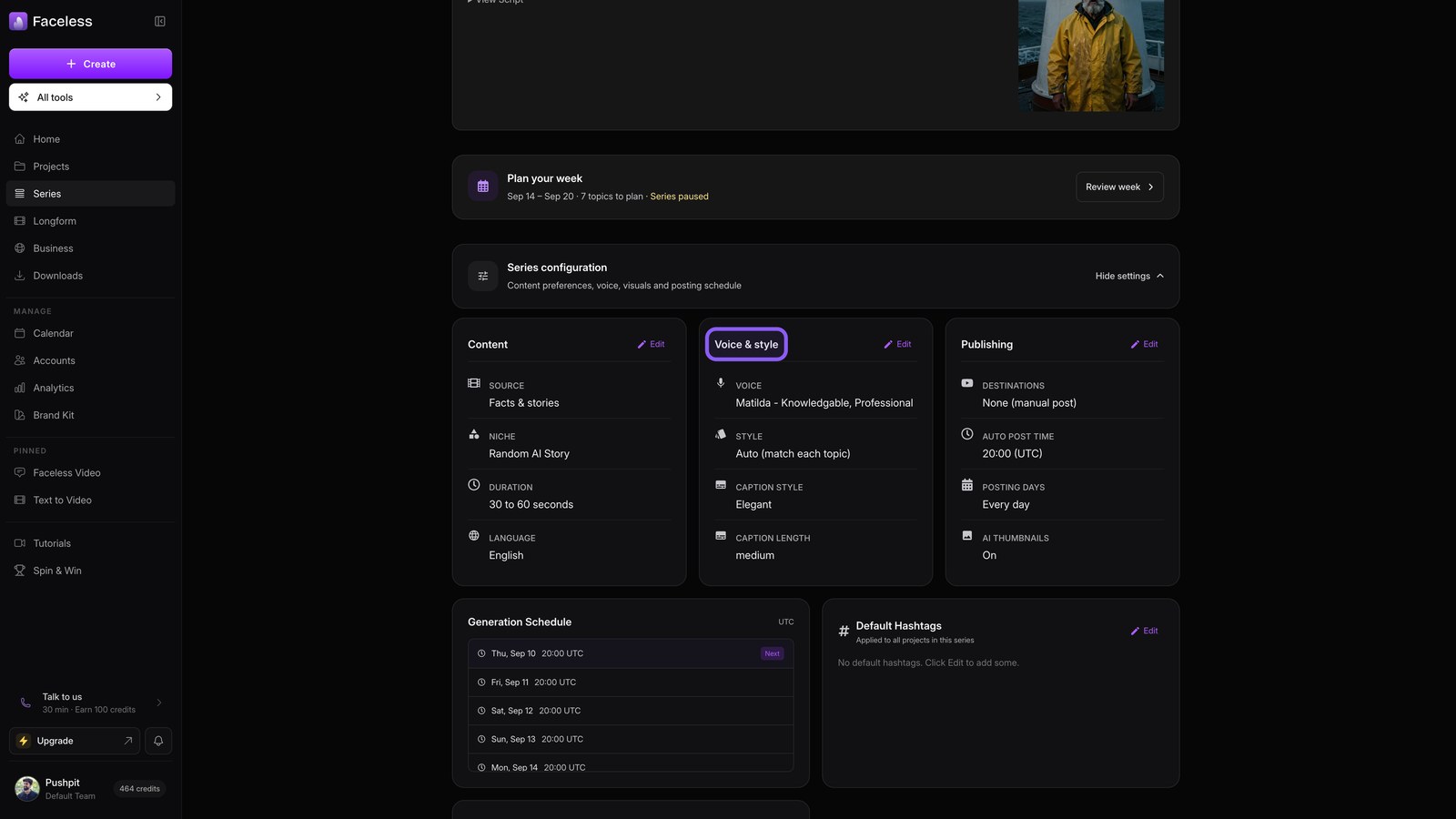
Config voice style
Open Voice and style to set narration, visuals, and captions.
06
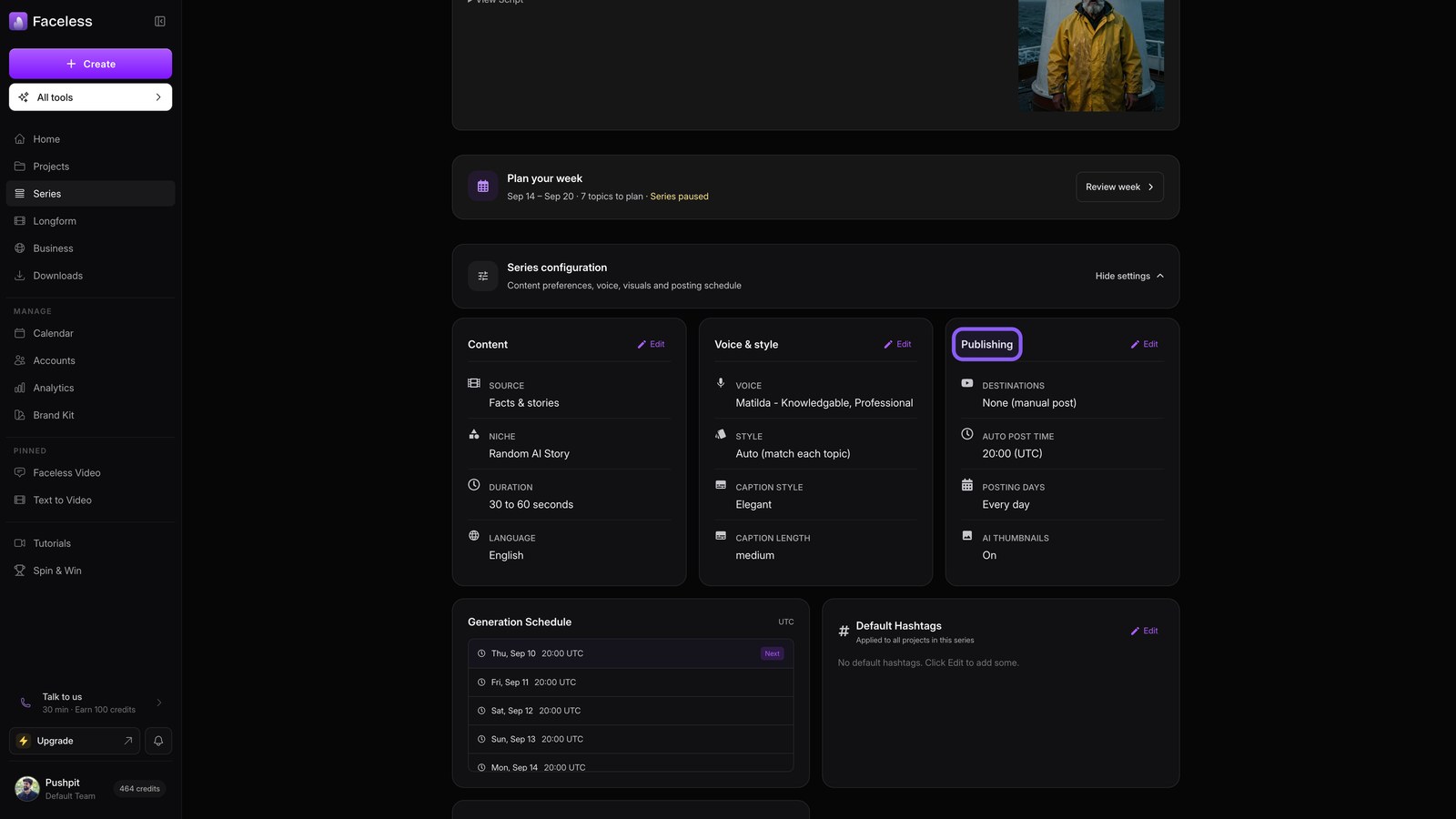
Config publishing
Open Publishing, choose destinations and a schedule, then save.
07
Past episodes
Browse past episodes to rewatch or repost previous videos.