Faceless Tutorials
Tutorial 20 / 36Creation formats
ChatGPT Video
Build a ChatGPT-style video that answers a prompt with AI-generated images.
59s8 steps
0/8 done
01
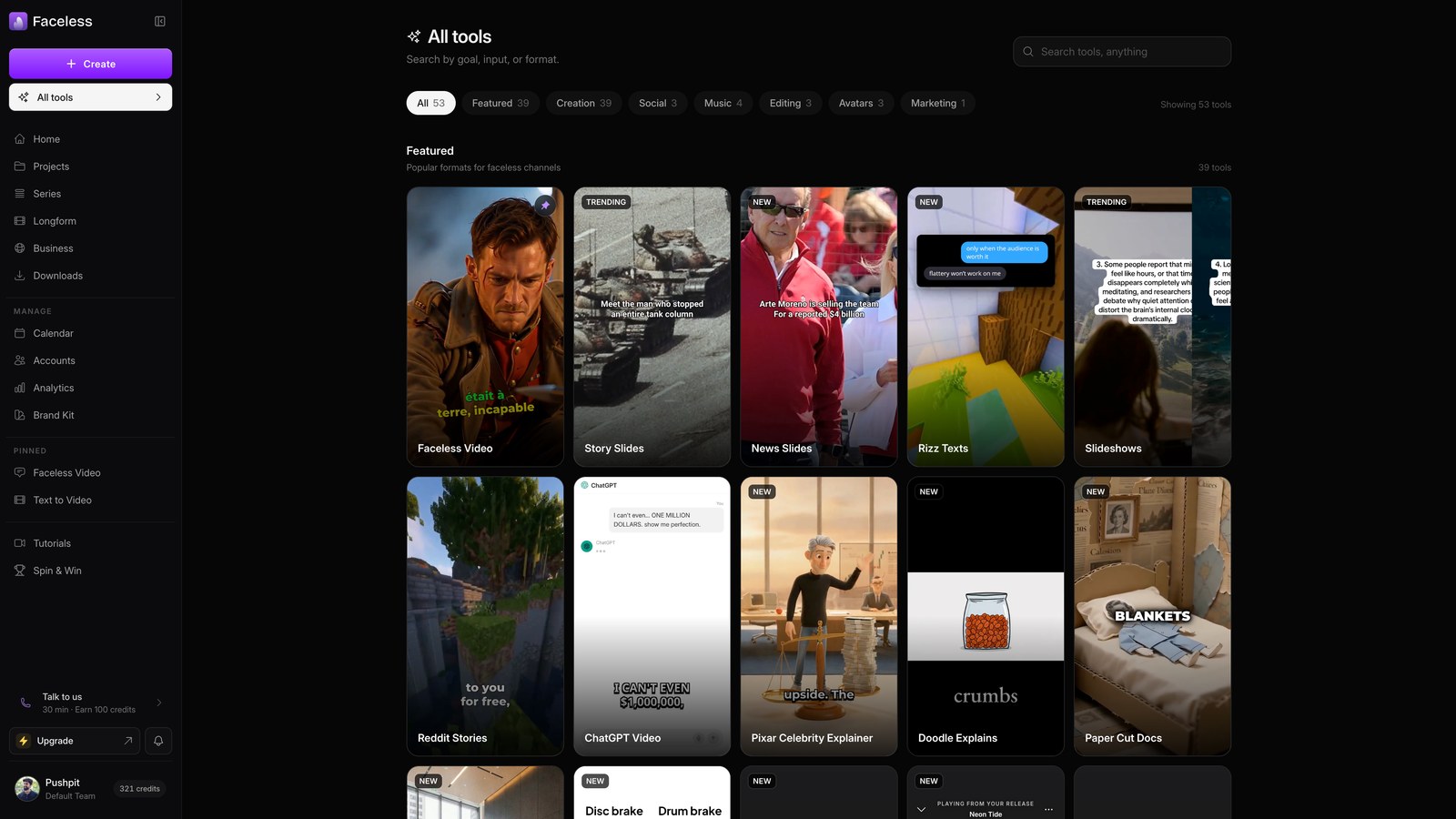
Open all tools
Open All tools to find the format that turns a chat answer into a picture-based video.
02
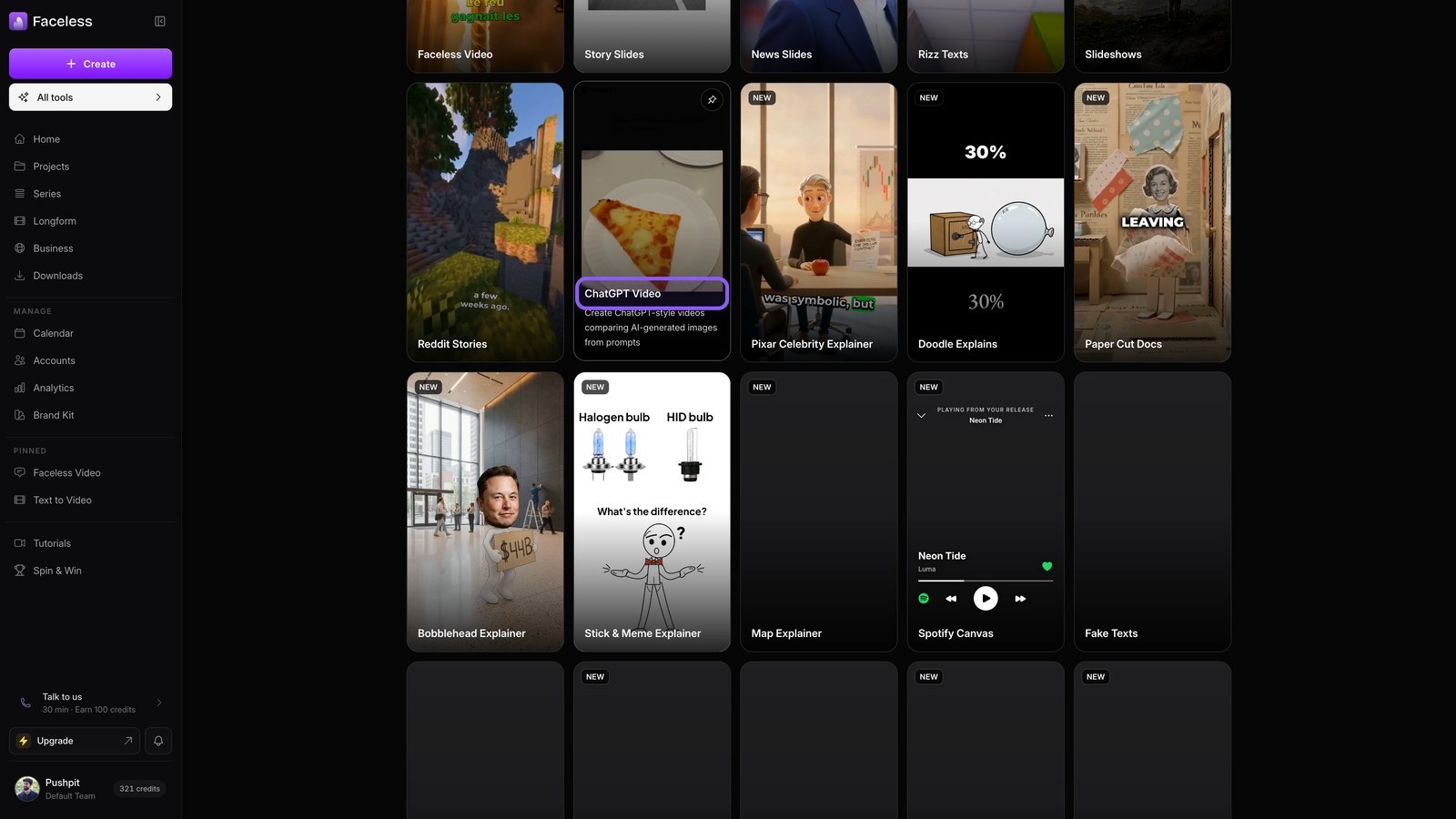
Open chatgpt card
Pick the ChatGPT video card to open your projects for this format.
03
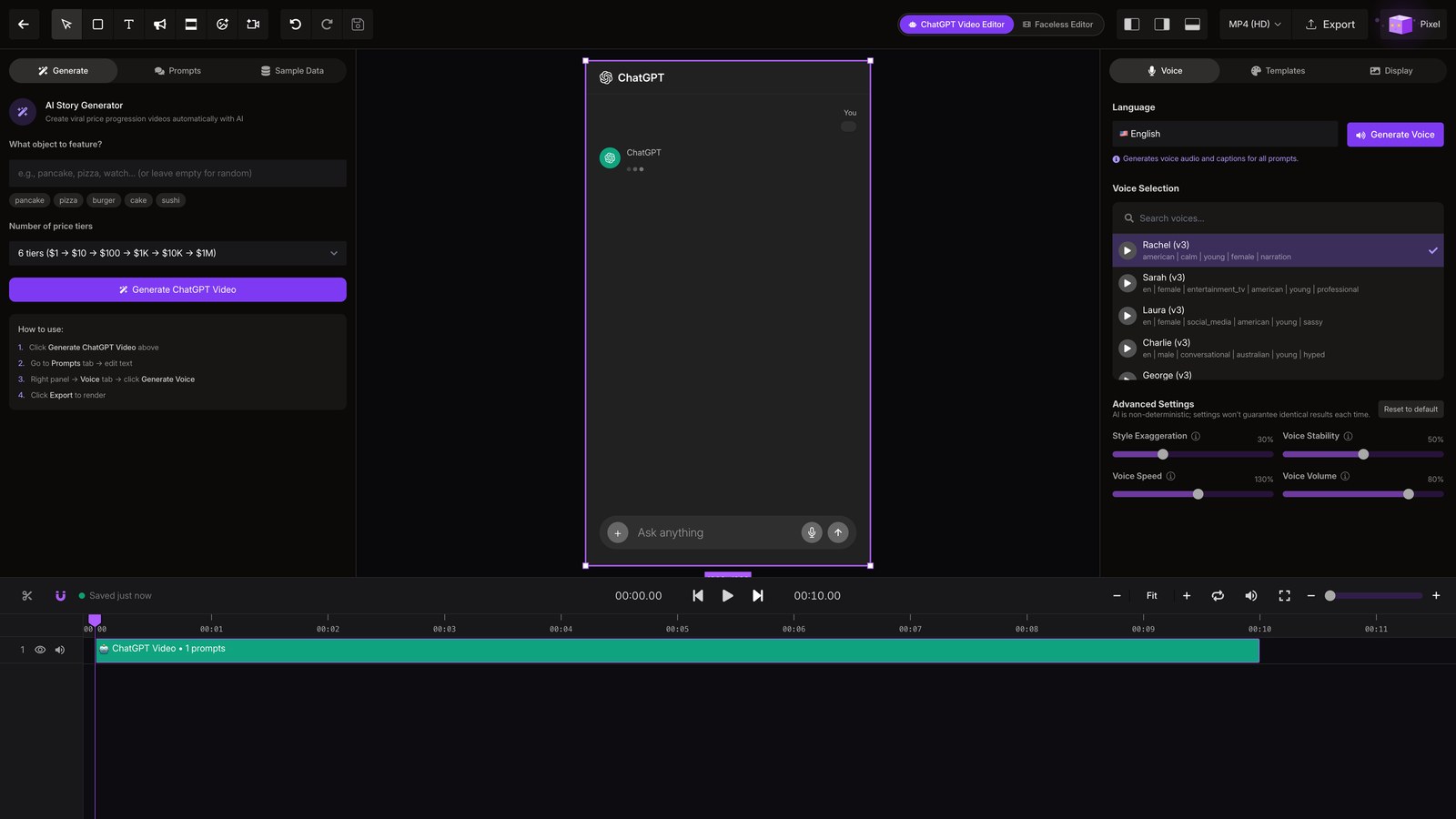
Open chatgpt editor
Open the project, then wait for its editor.
04
Pick object
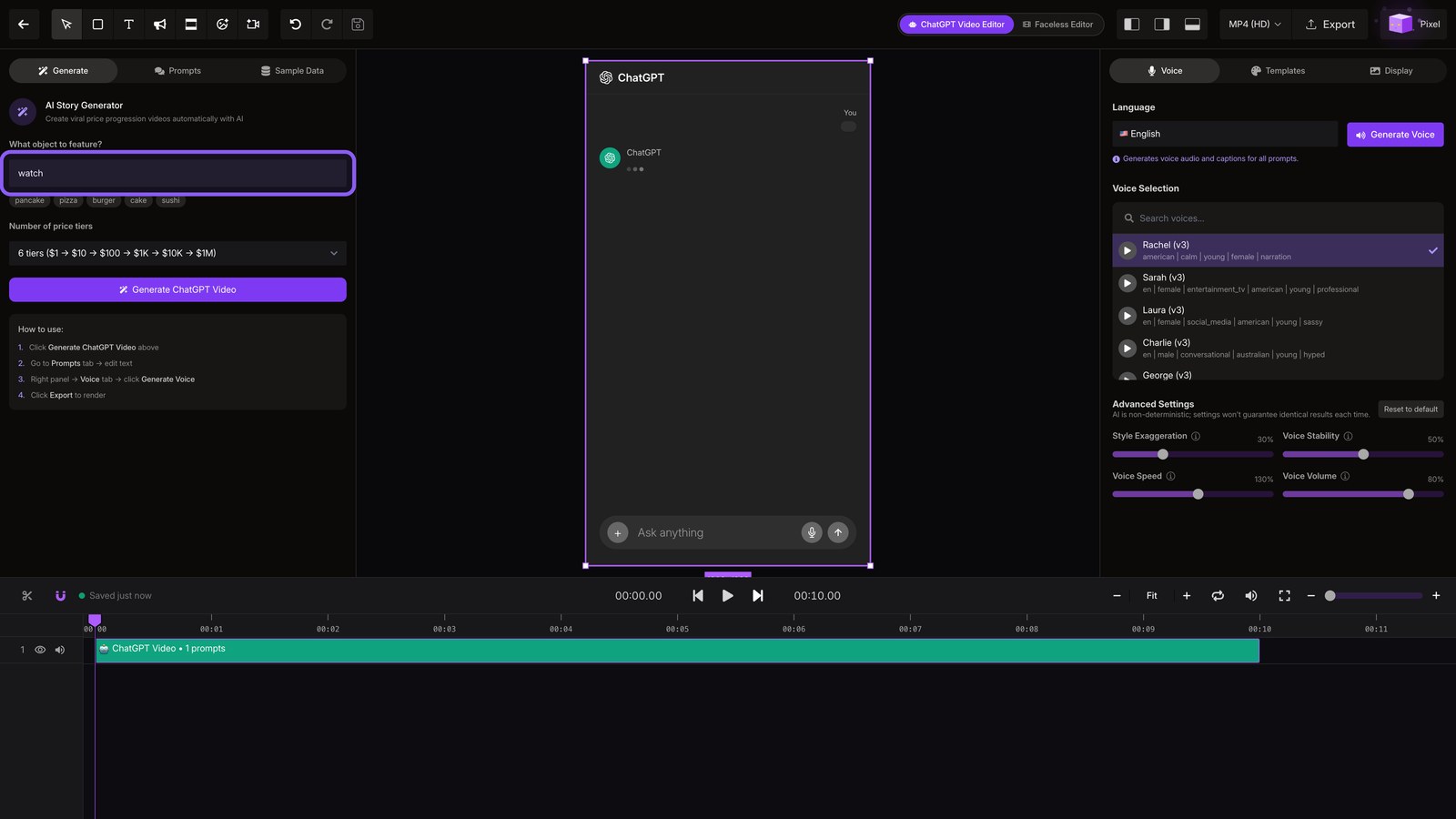
Enter watch and choose the number of price tiers.
05
Generate video
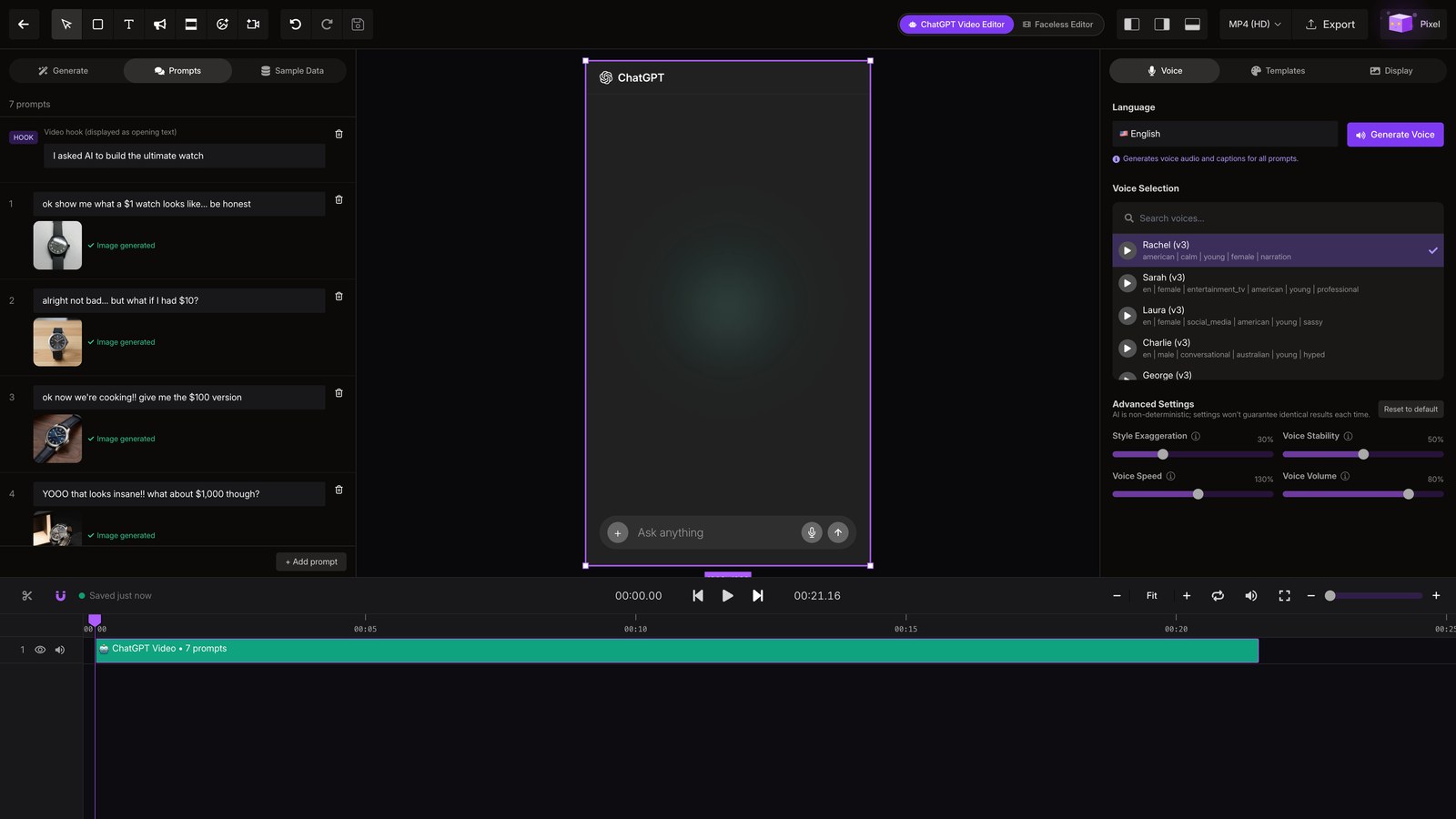
Generate the ChatGPT video to write the chat and create one image for each price tier.
06
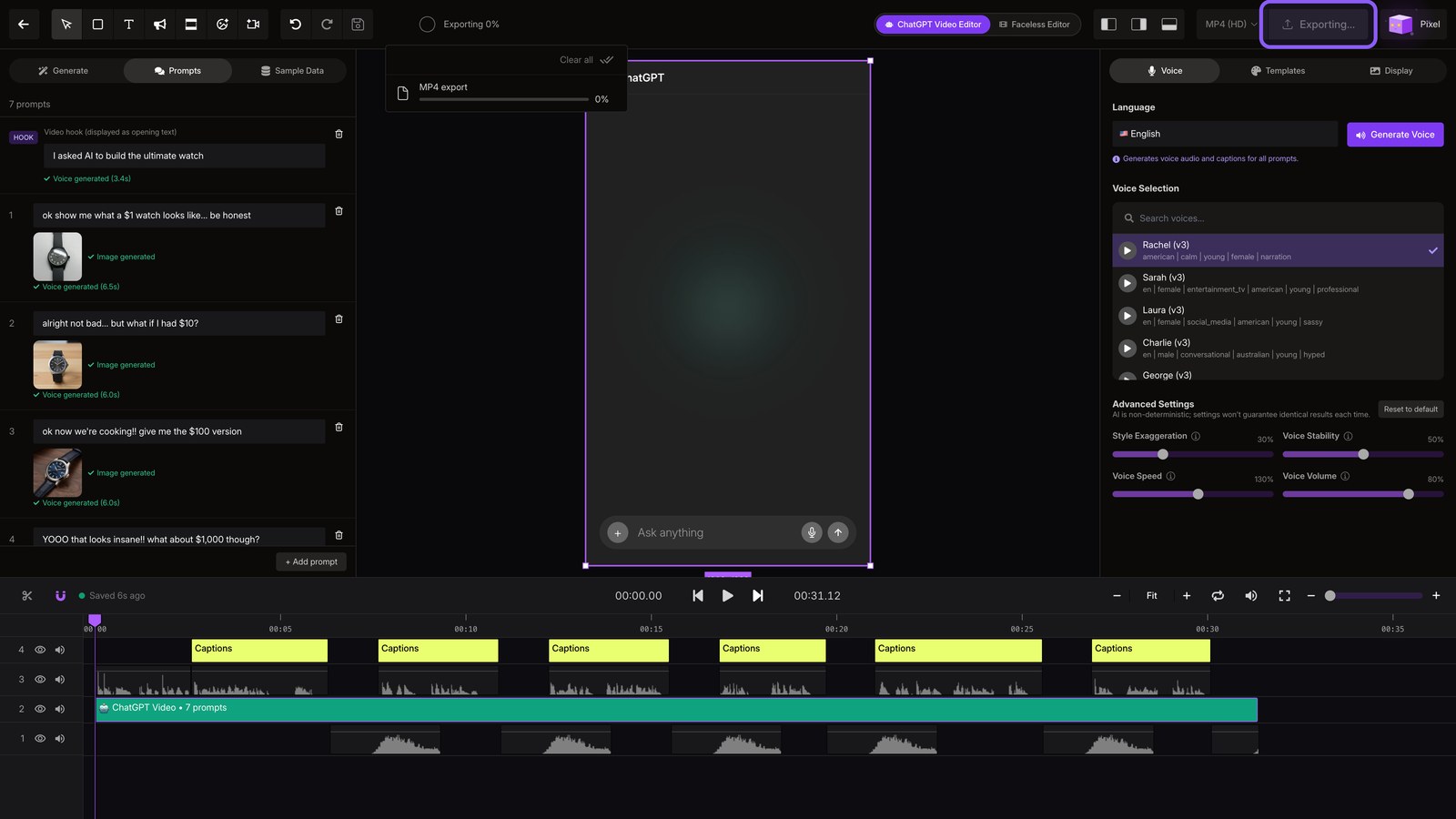
Edit prompts
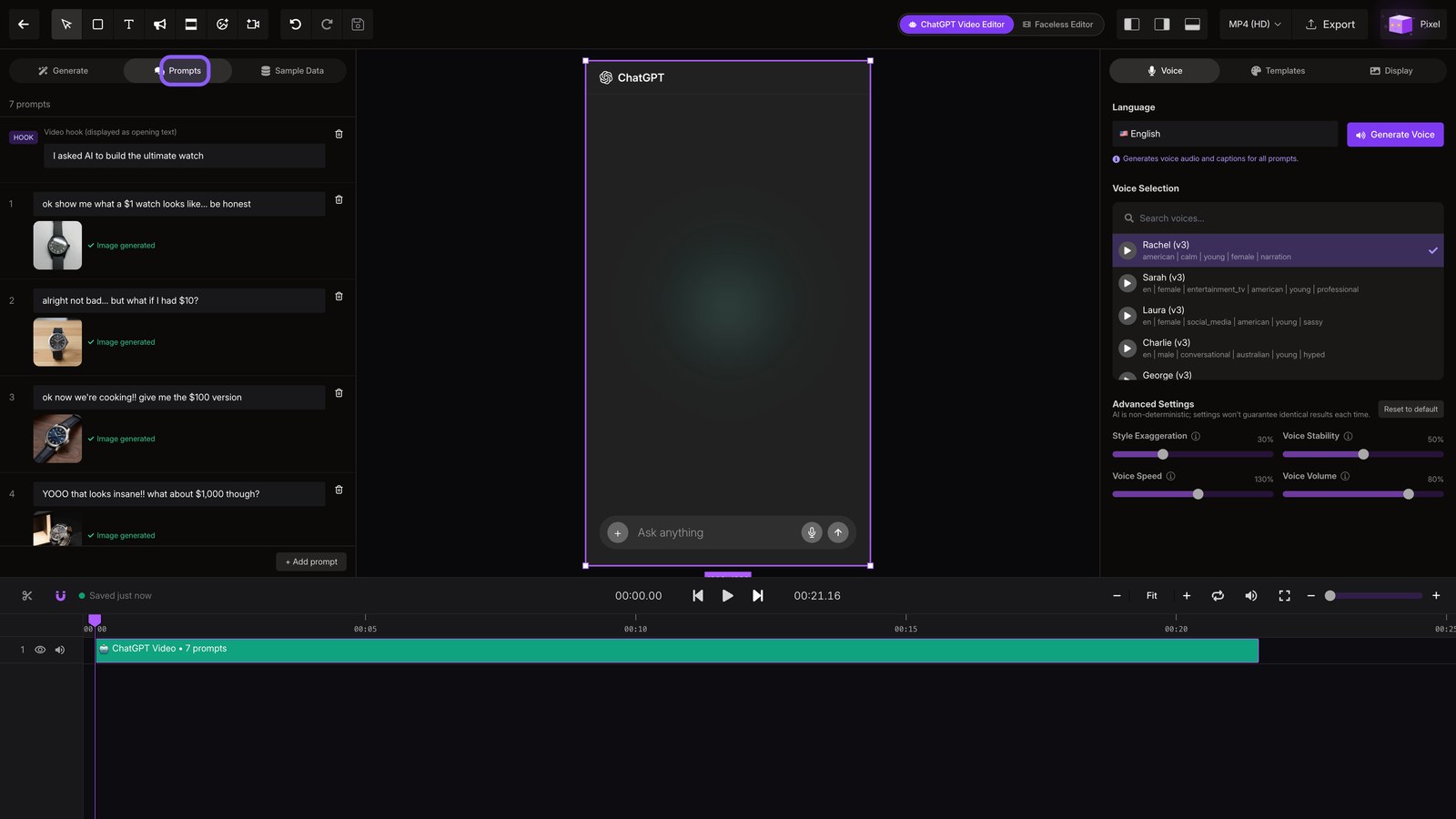
Open Prompts to edit each line of the chat as plain text.
07
Generate voice
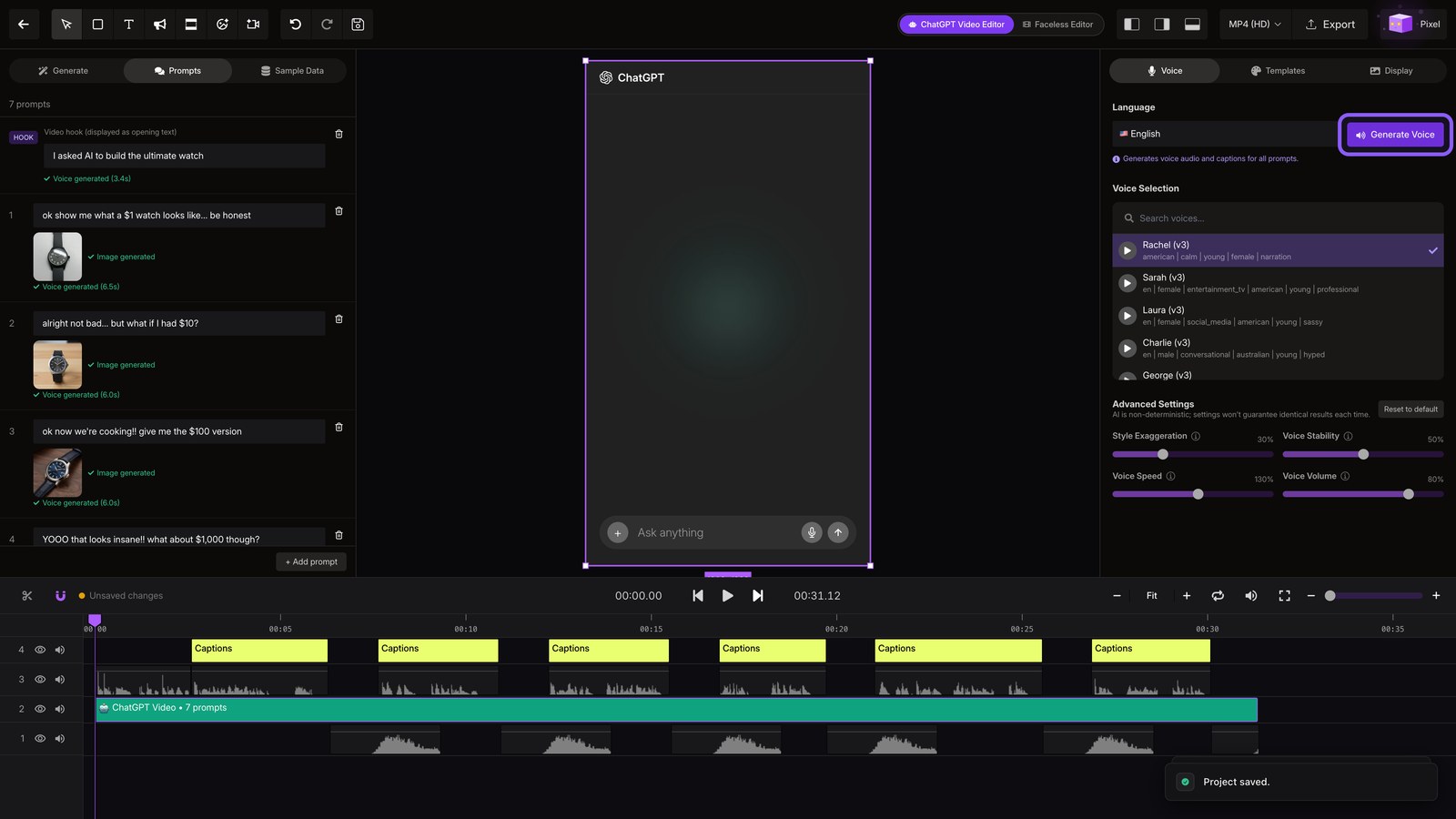
Generate the voice to narrate each prompt and add matching captions.
08
Export
Export the finished video, then download it for posting.