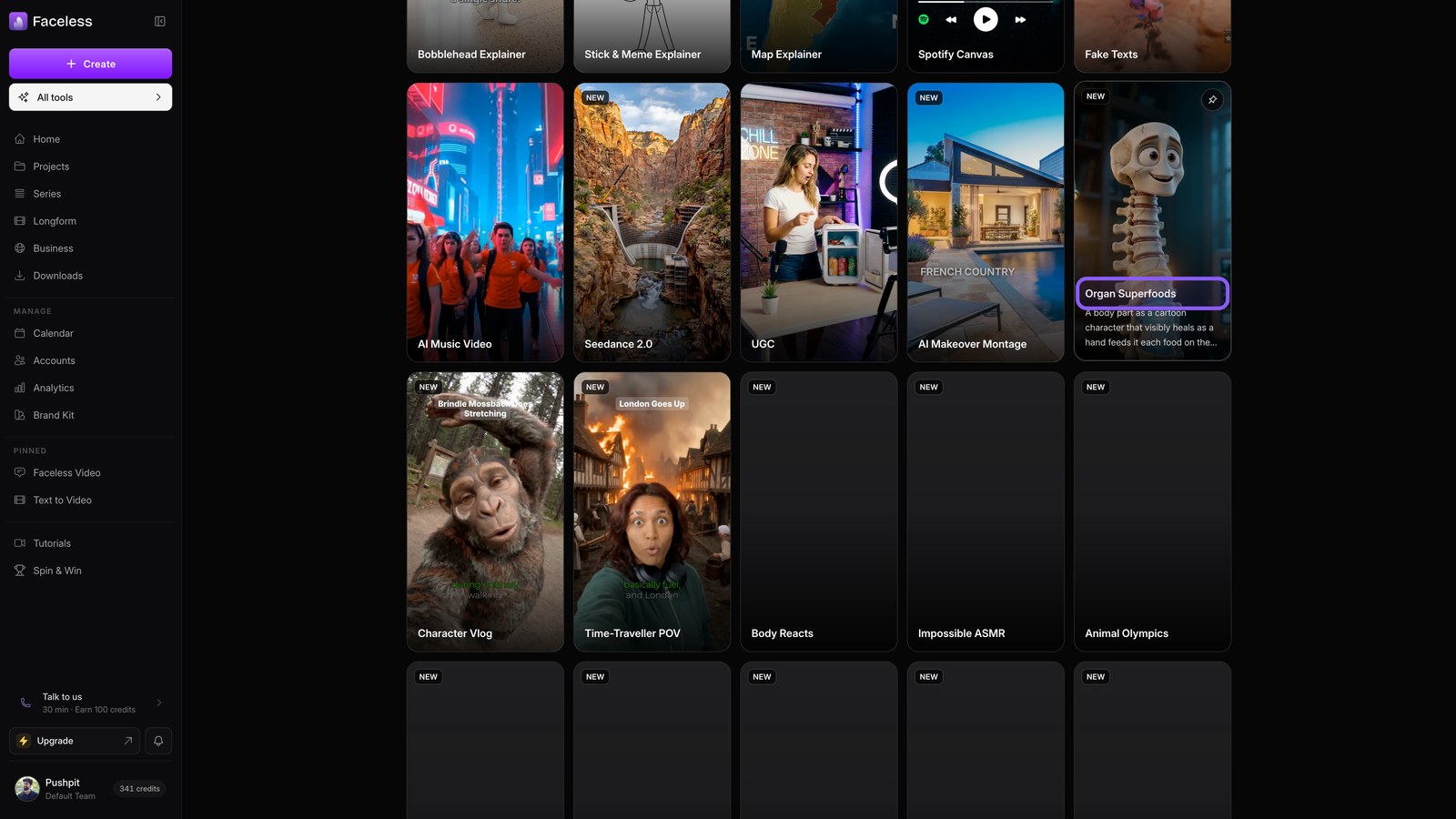
Explainer Formats
Turn one idea into an explainer: Bobblehead, Pixar, Map, Stick & Meme, or Superfoods.
Open all tools
Open All tools to find every explainer format in one place. Each one teaches a single idea through a different visual style.
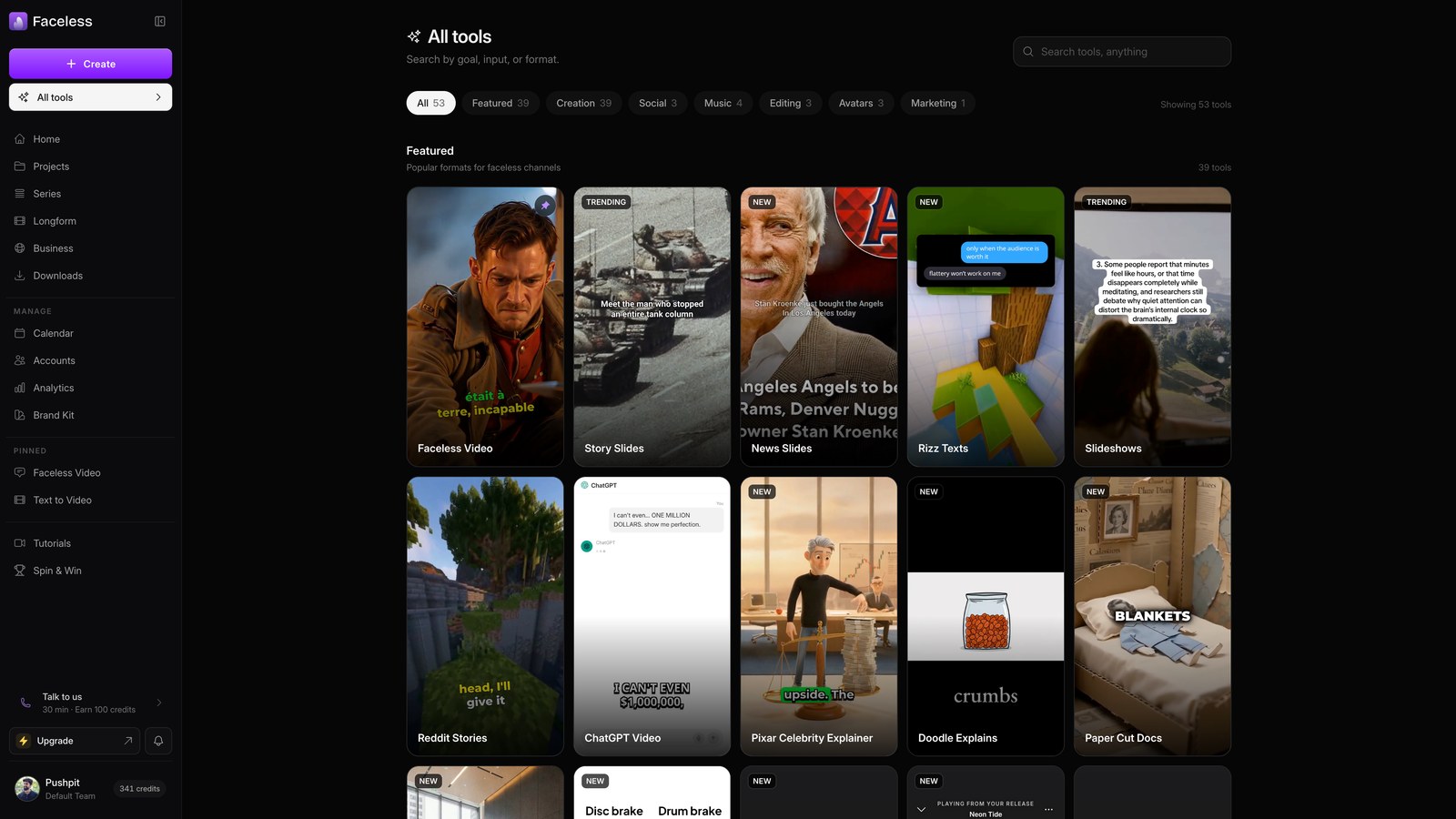
Bobblehead card
Pick the bobblehead option to place a real face on a cartoon body.
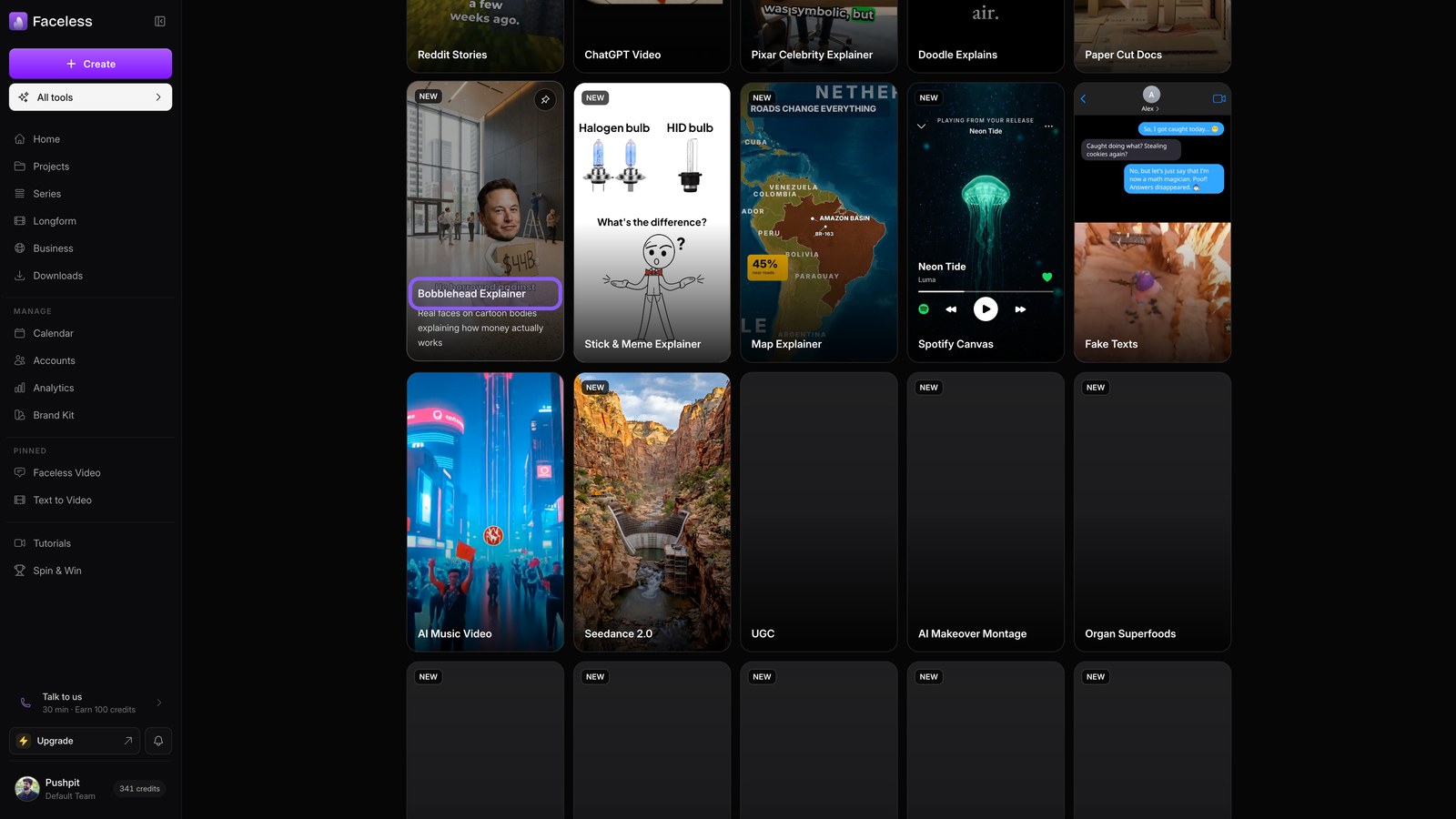
Bobblehead topic
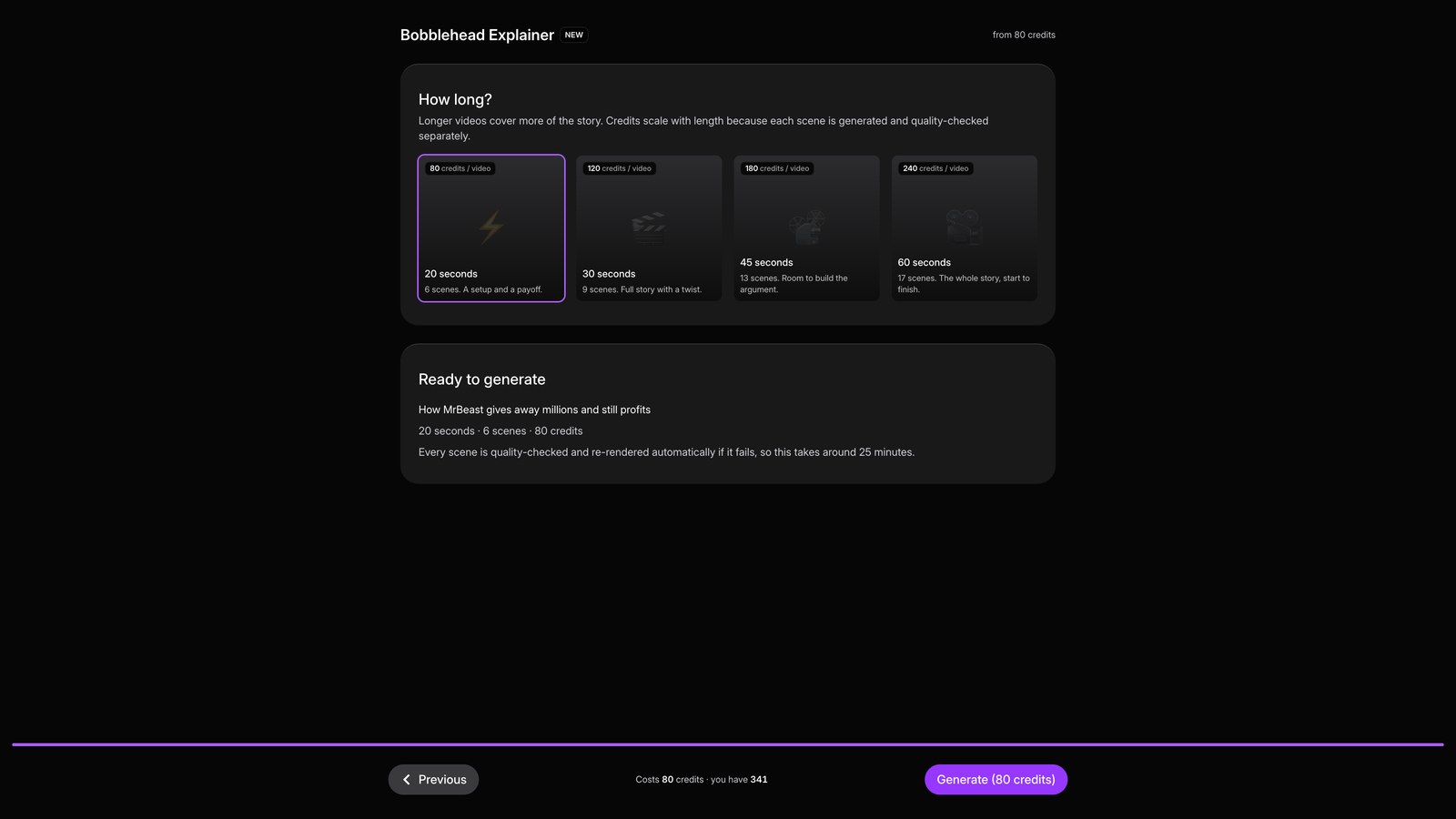
Describe your story, like how MrBeast gives away millions and still profits.
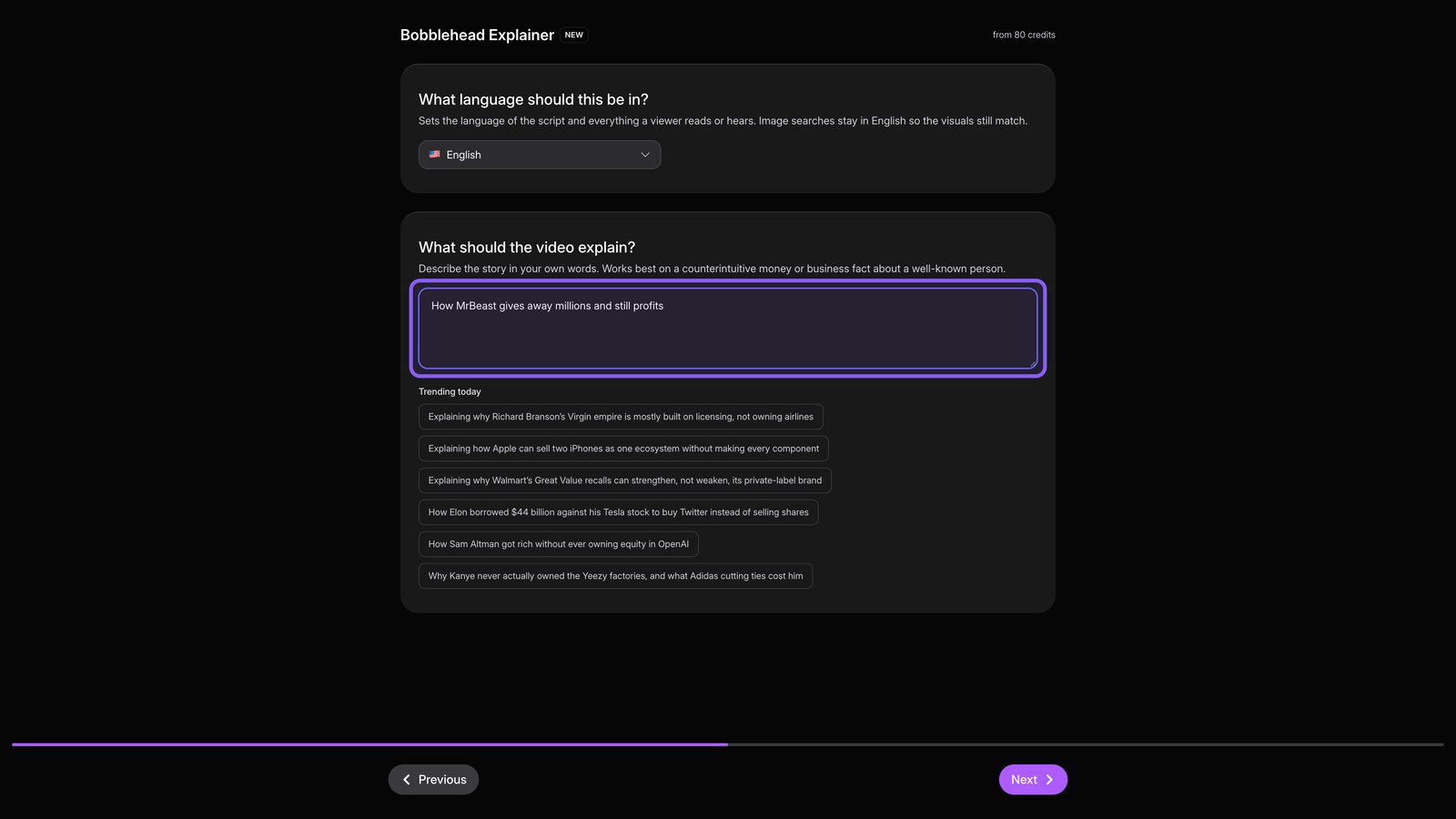
Bobblehead review
Hit Next, review the settings, then hit Generate to build the full video.
Pixar card
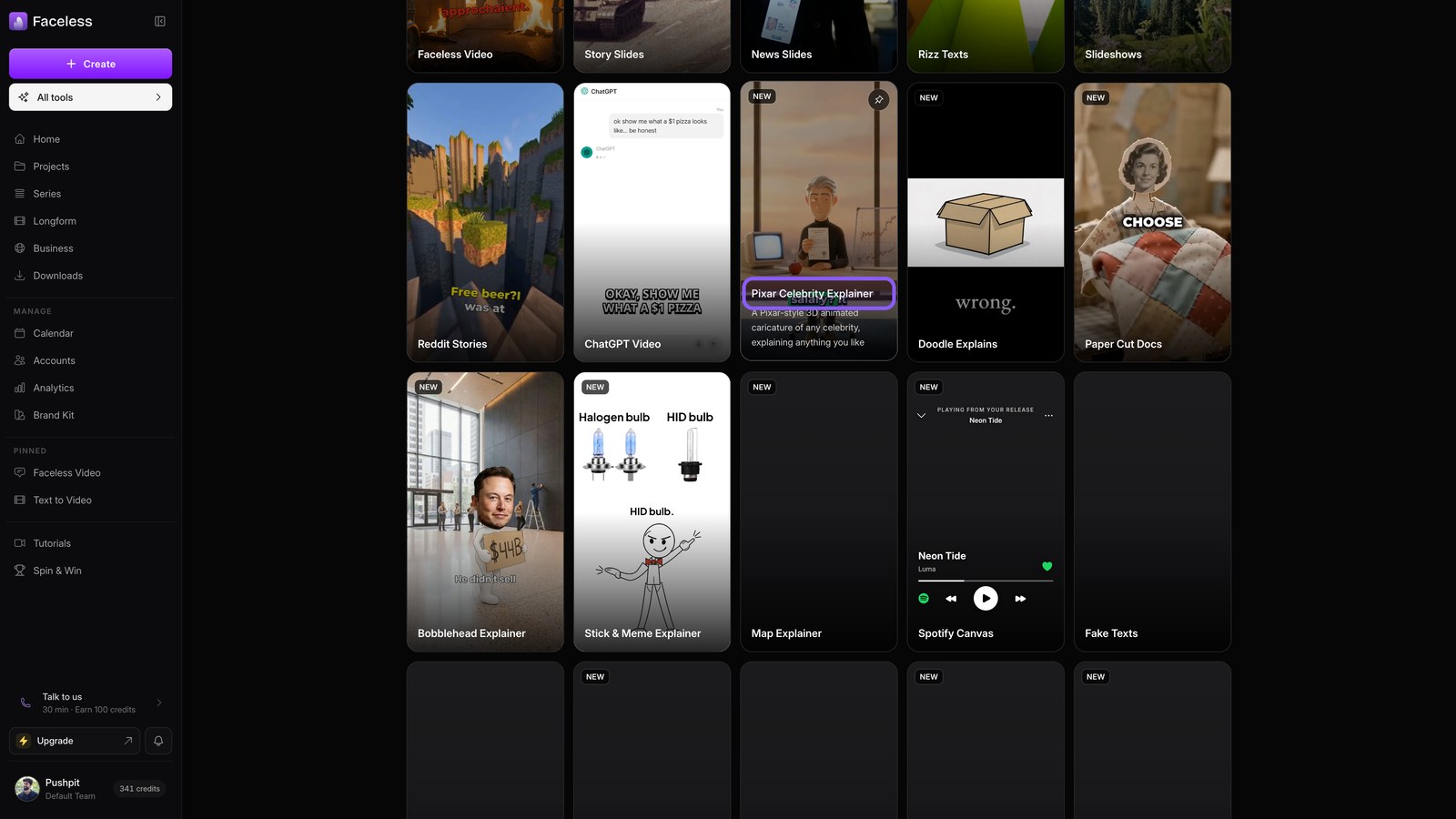
Return to All tools and pick the Pixar format. It retells your idea with movie style characters.
Map card
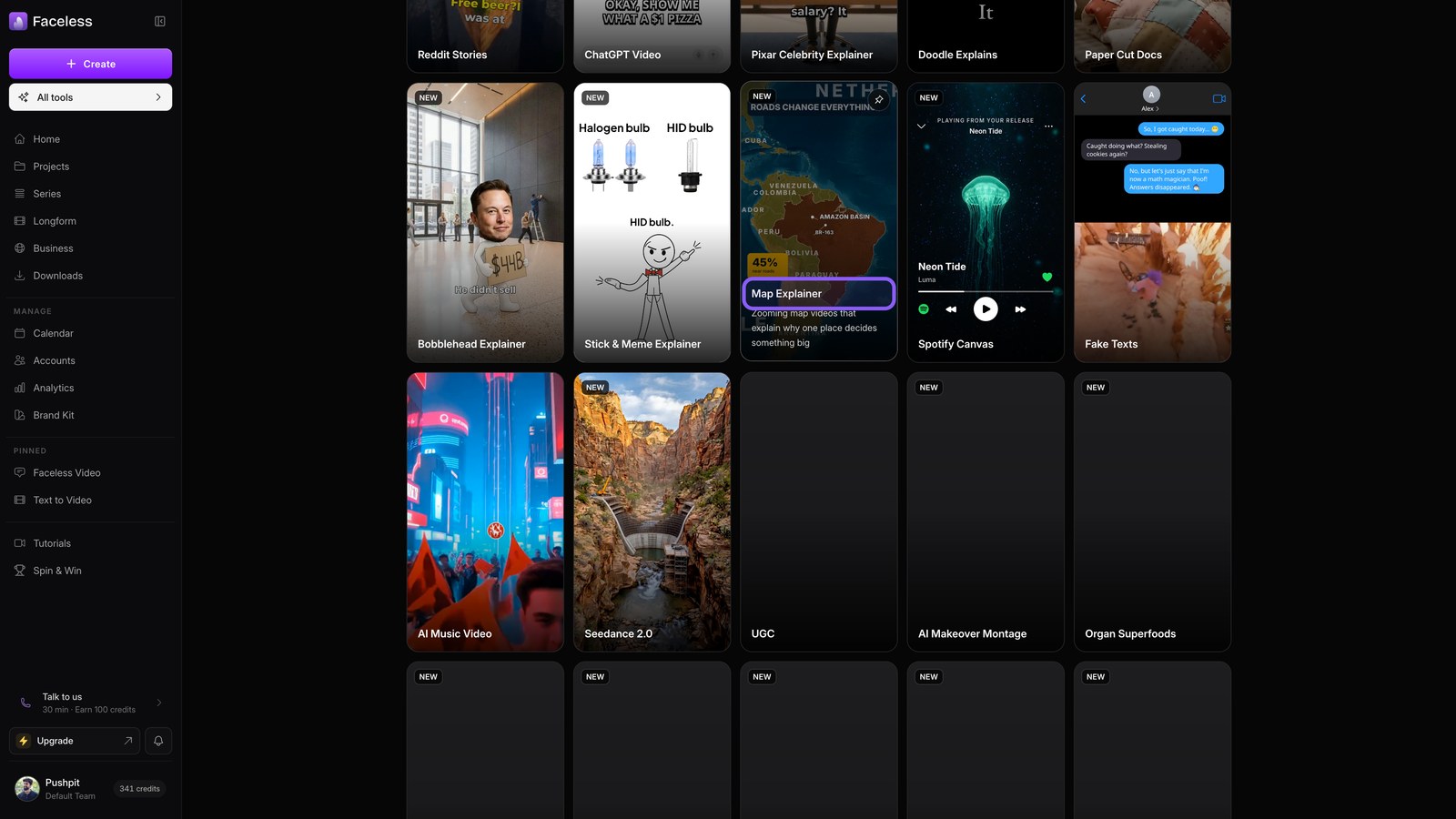
Return to All tools and pick the map format. It animates your story across locations using the same setup.
Stick meme card
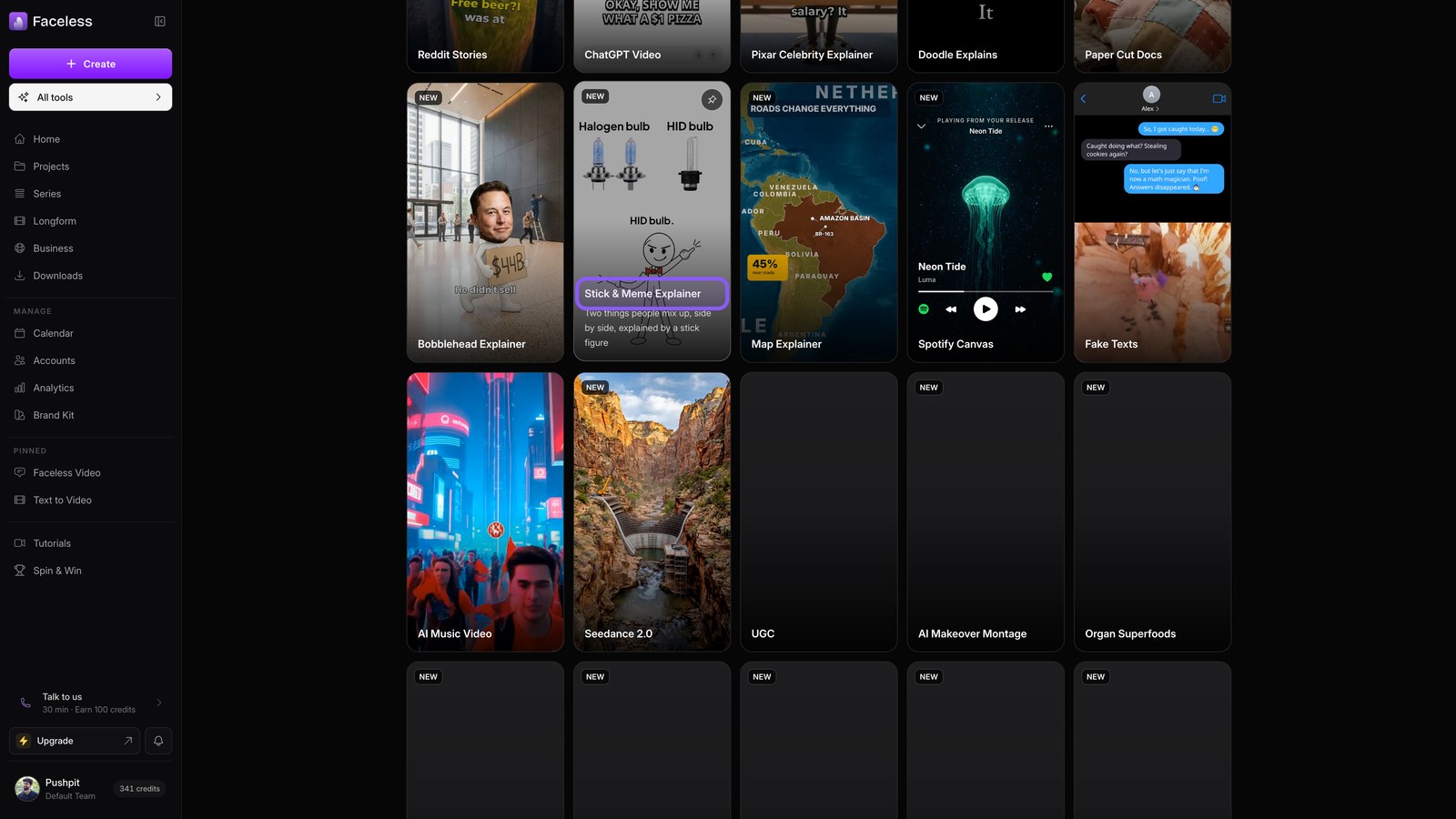
Return to All tools and choose the stick and meme format. It mixes simple drawings with meme cuts to explain your idea.
Organ superfoods card
Return to All tools and choose the organ superfoods format for a health topic. You use the same setup, with a fifth visual style.