Launch a True-Crime Channel in 15 Minutes
Set up a fully automated true-crime channel, from blank account to launch-ready series.
The goal
Open your dashboard to build a true crime channel.
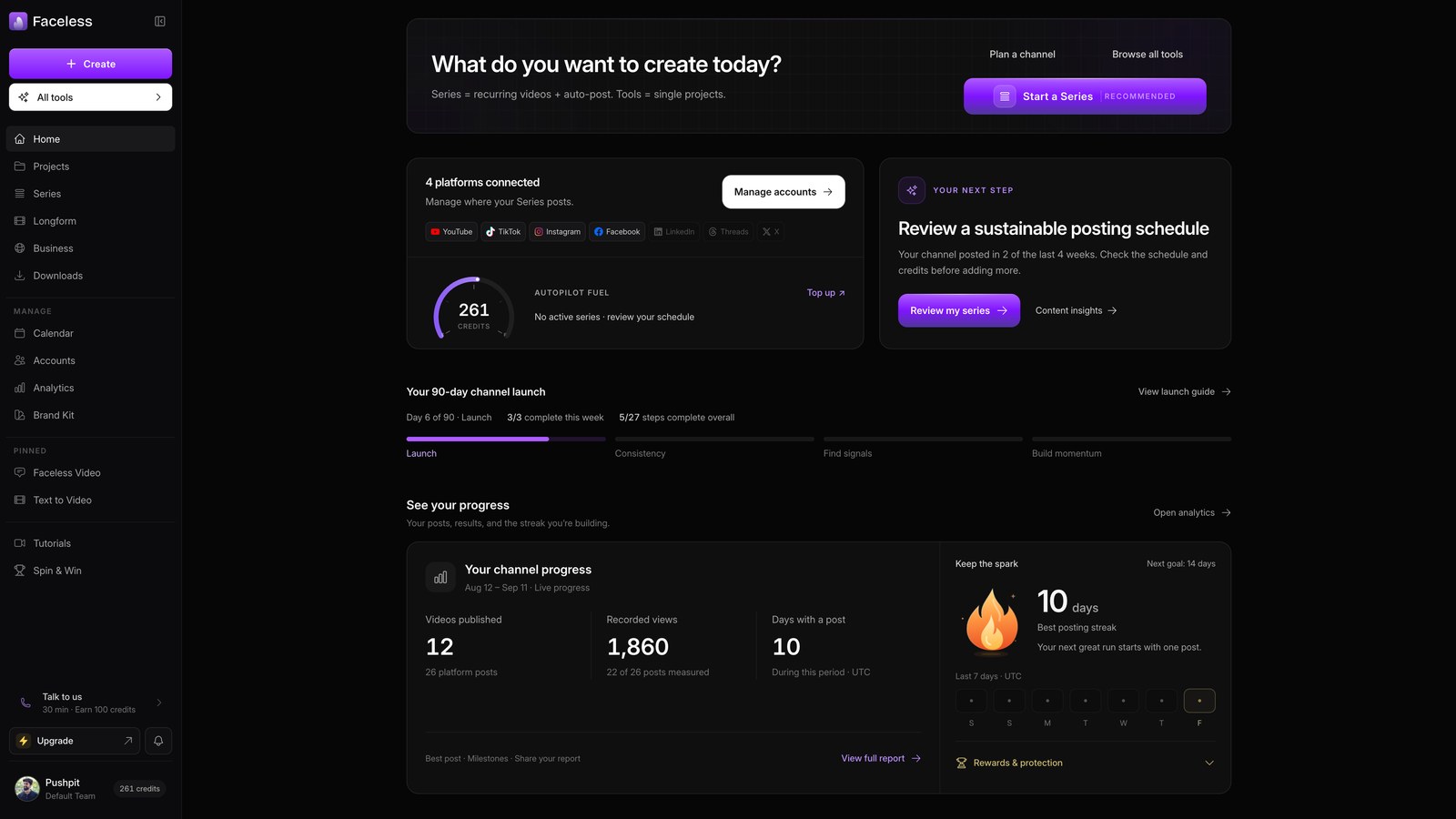
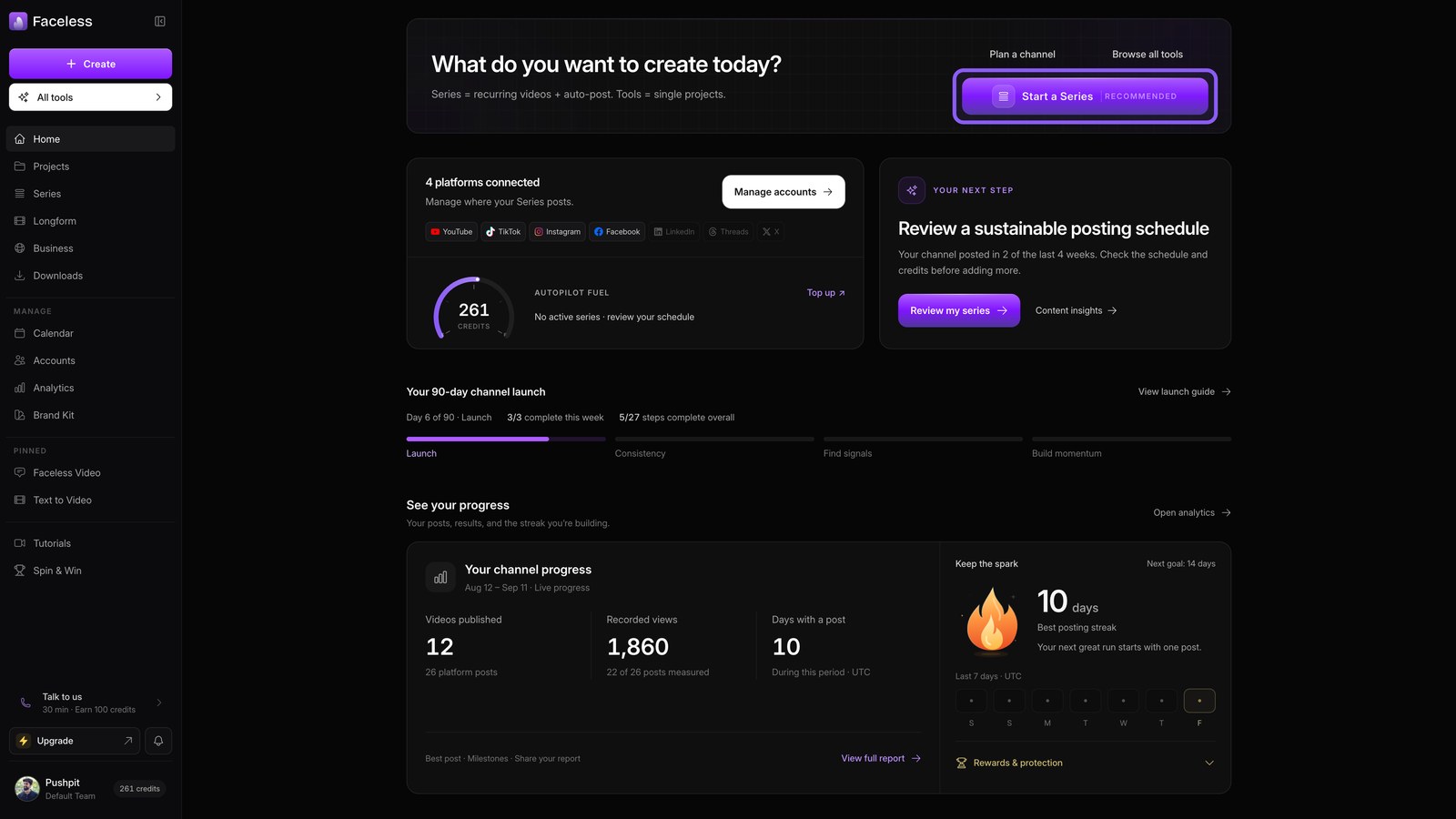
Start a series
Start a series to put your channel on autopilot. Faceless uses these settings to create each episode for you.
Facts and stories
Choose facts and stories as your storytelling format. This gives each episode a clear, case driven narrative.
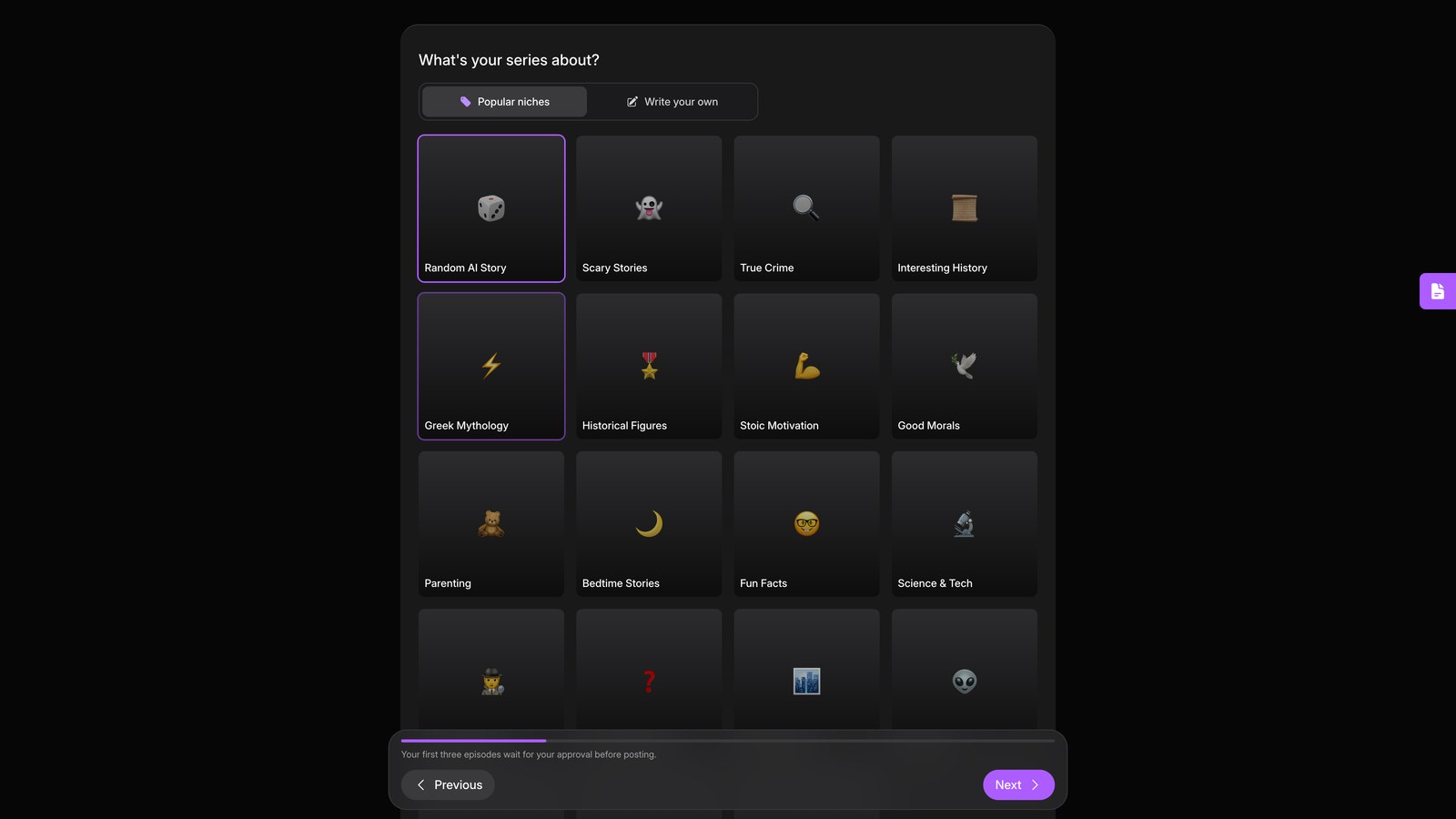
Pick true crime
Pick true crime to build episodes from real cases.
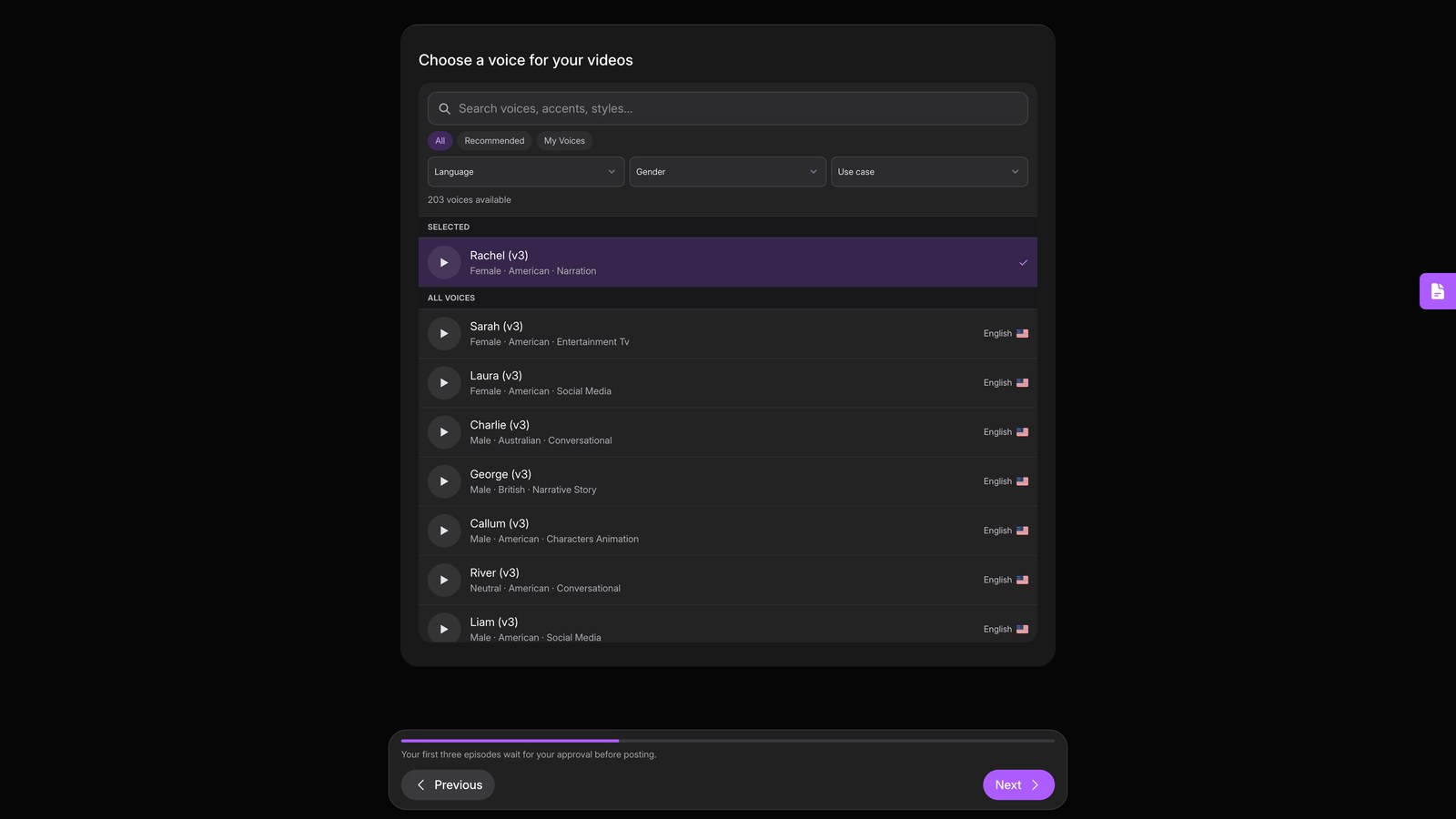
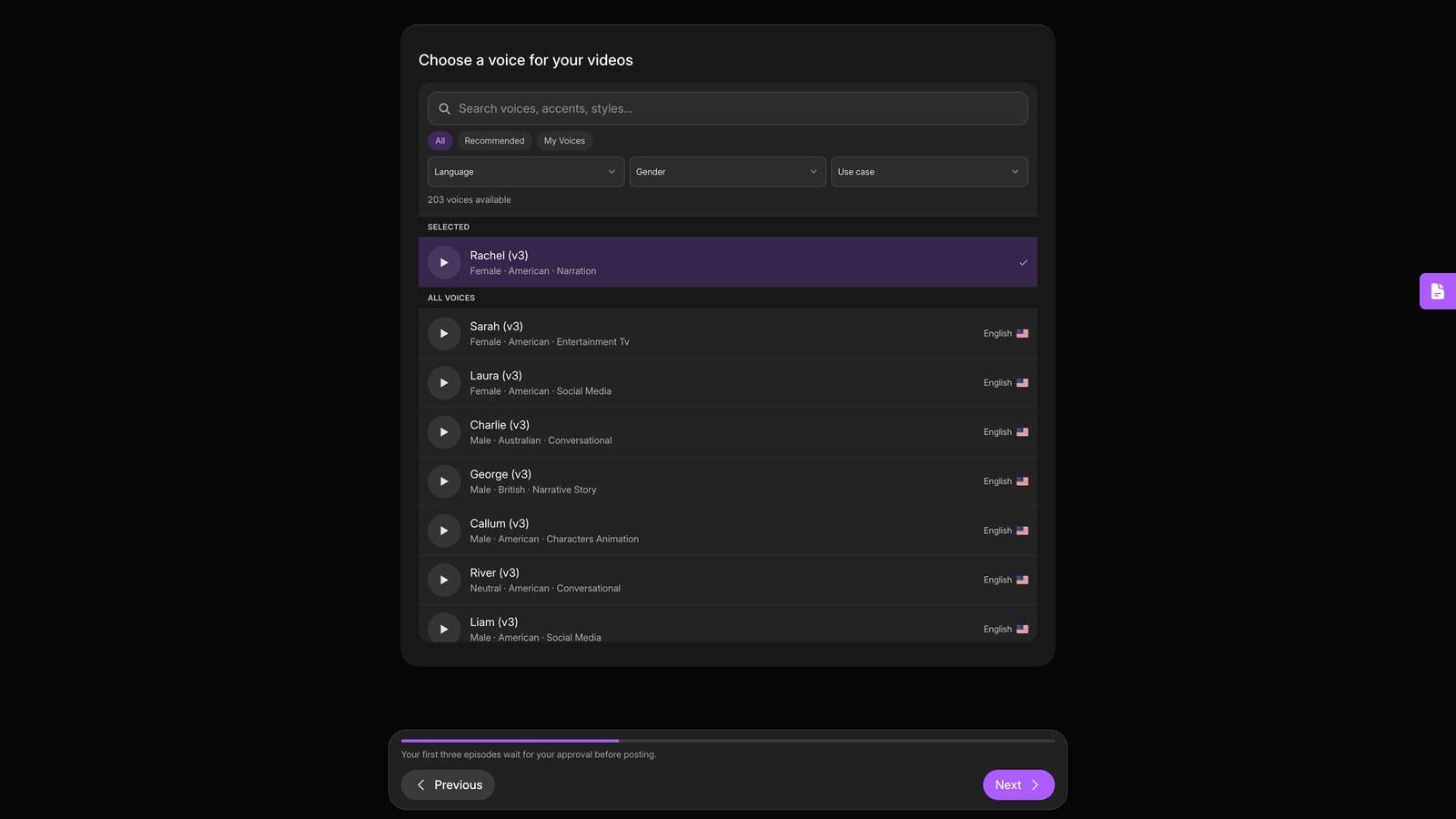
Pick voice
Choose a slower, deeper voice to hold attention.
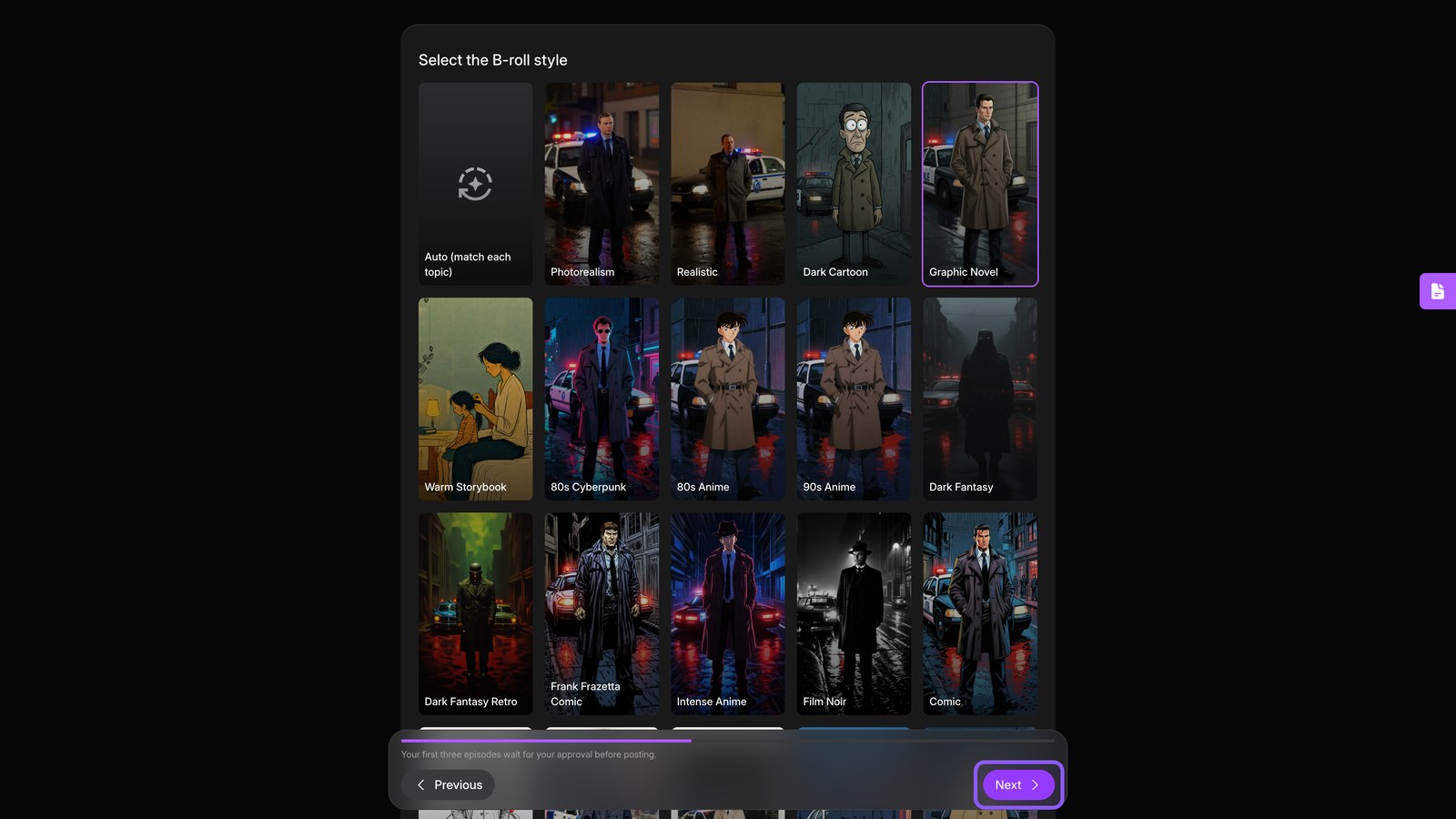
Pick visuals
Pick a dark, cinematic visual style for the footage behind your narration. Then continue to episode settings.
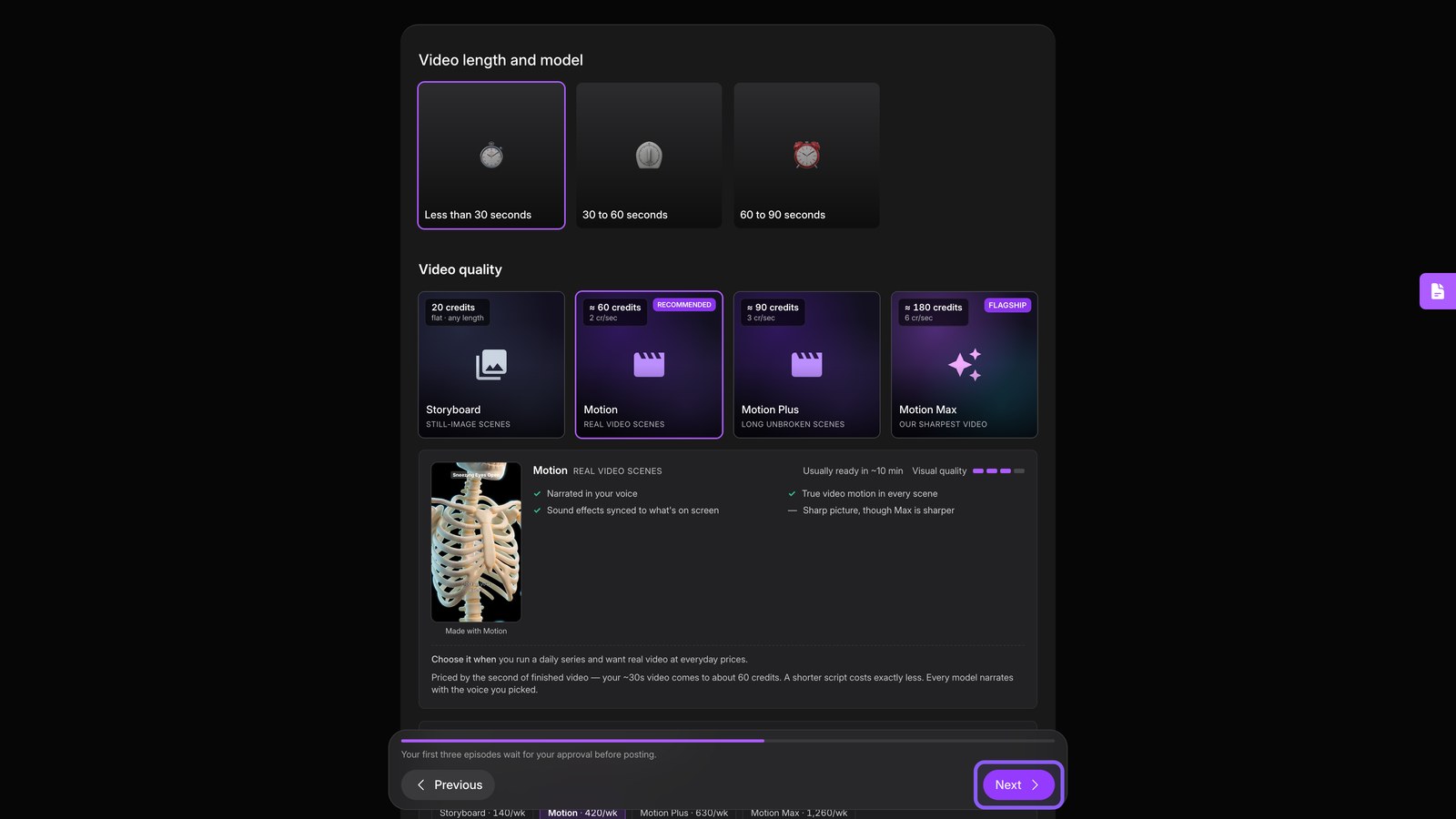
Length and quality
Set each episode to sixty to ninety seconds, a strong range for Shorts. Choose your quality, then continue.
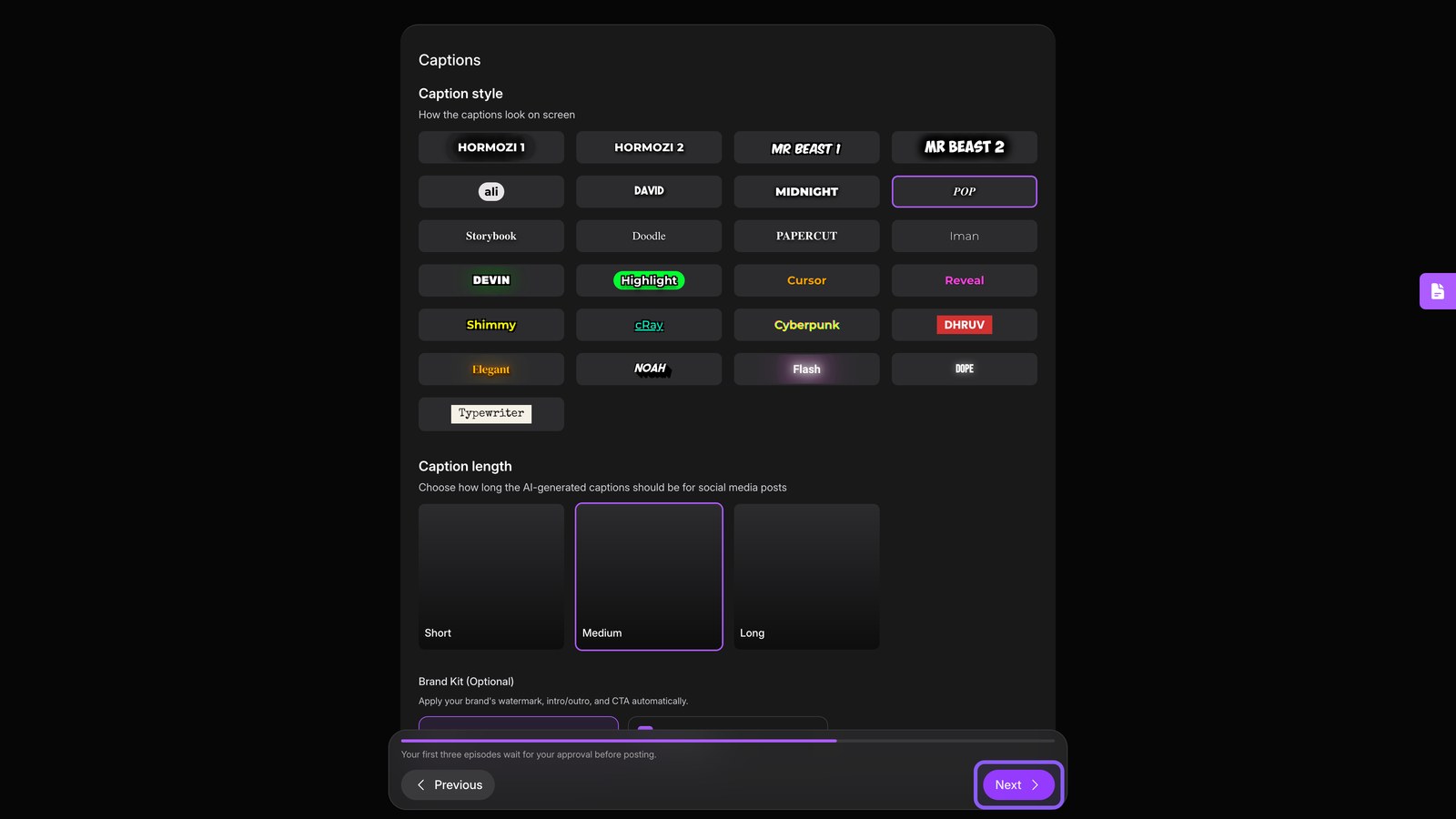
Captions
Choose a bold caption style so silent scrollers can follow every line. Then continue.
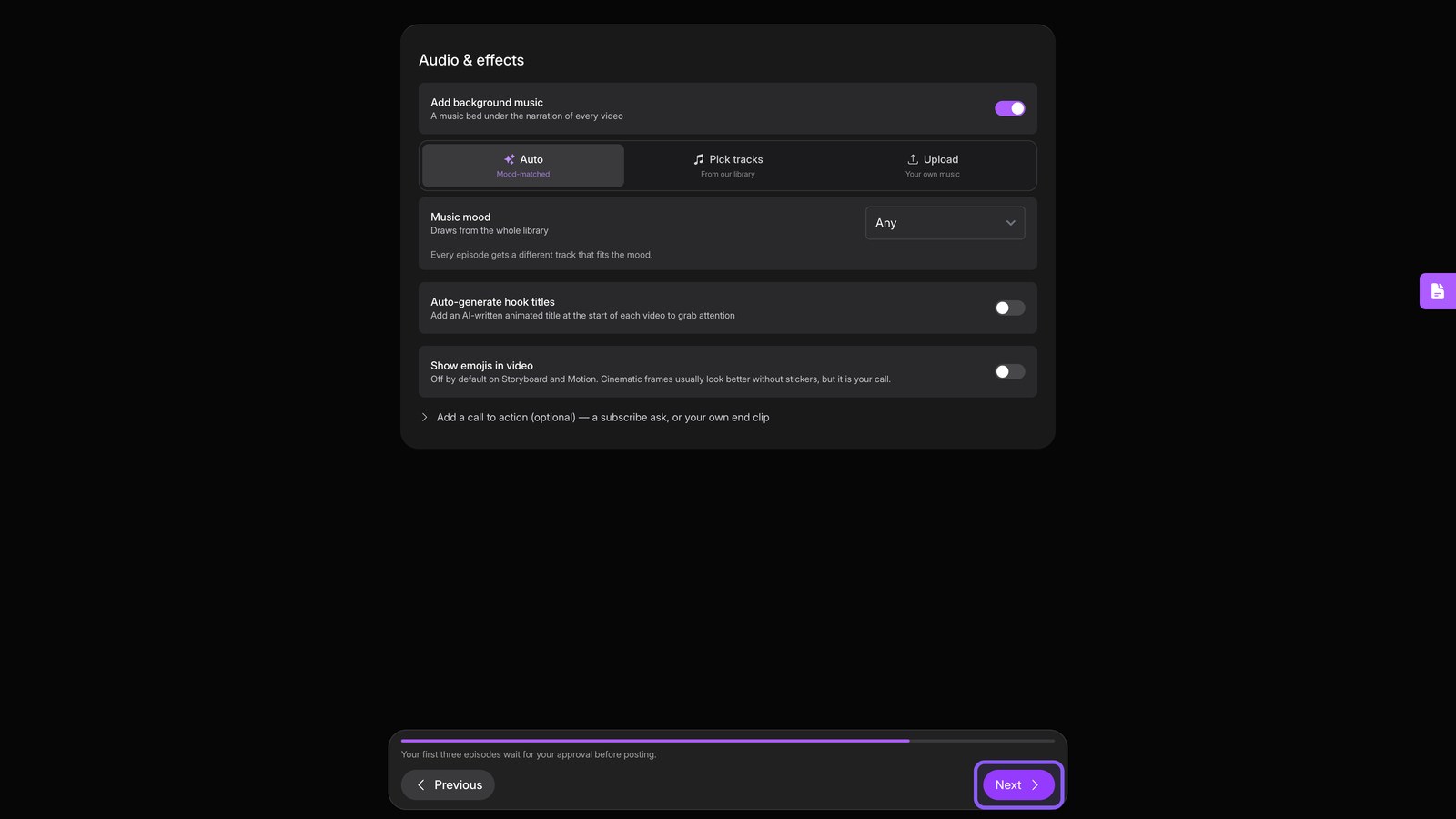
Music and effects
Add tense background music and hook titles to set the tone and frame each case. Continue.
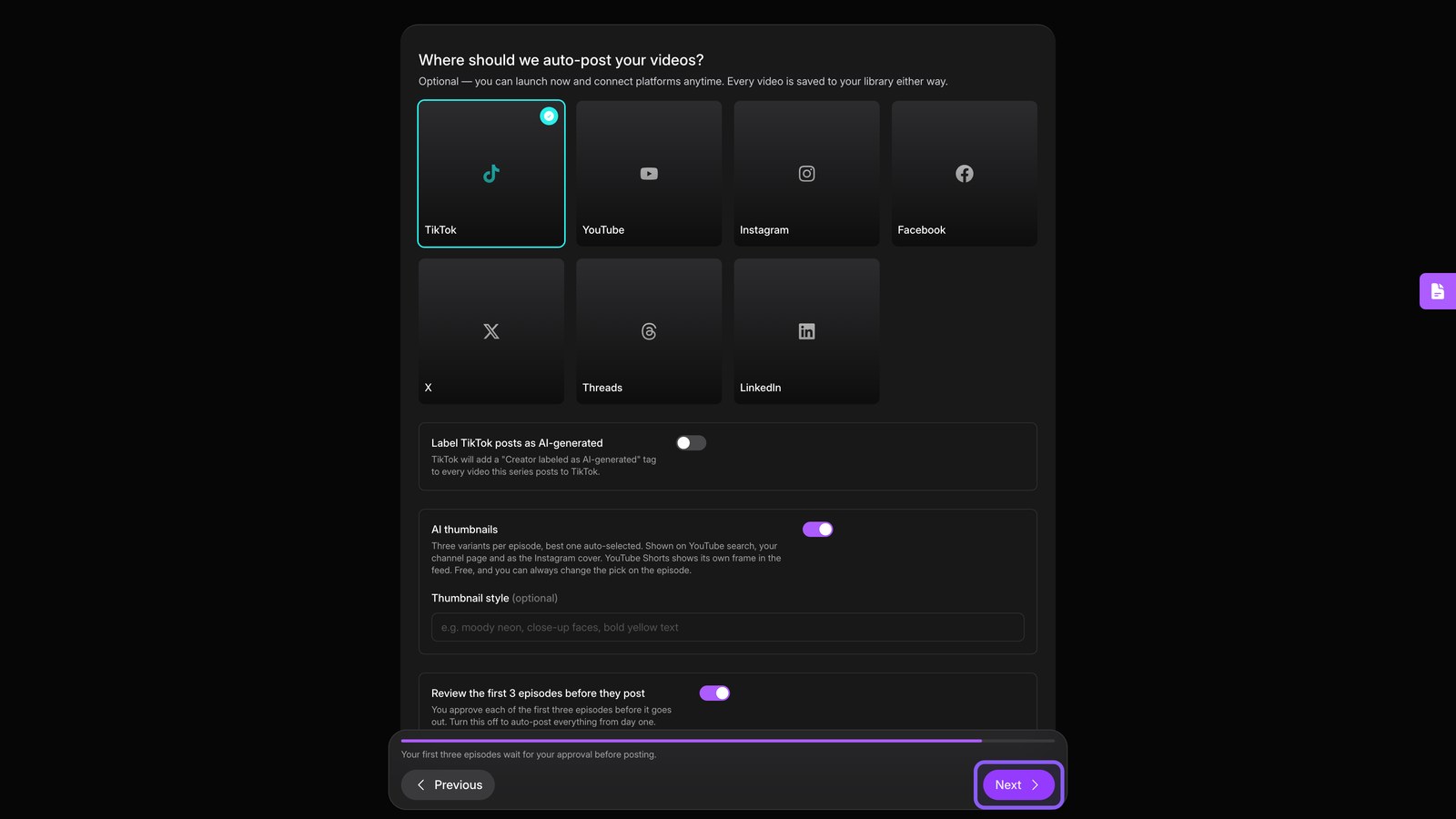
Where it posts
Connect TikTok and YouTube for automatic posting, or save drafts while you warm up. Continue.
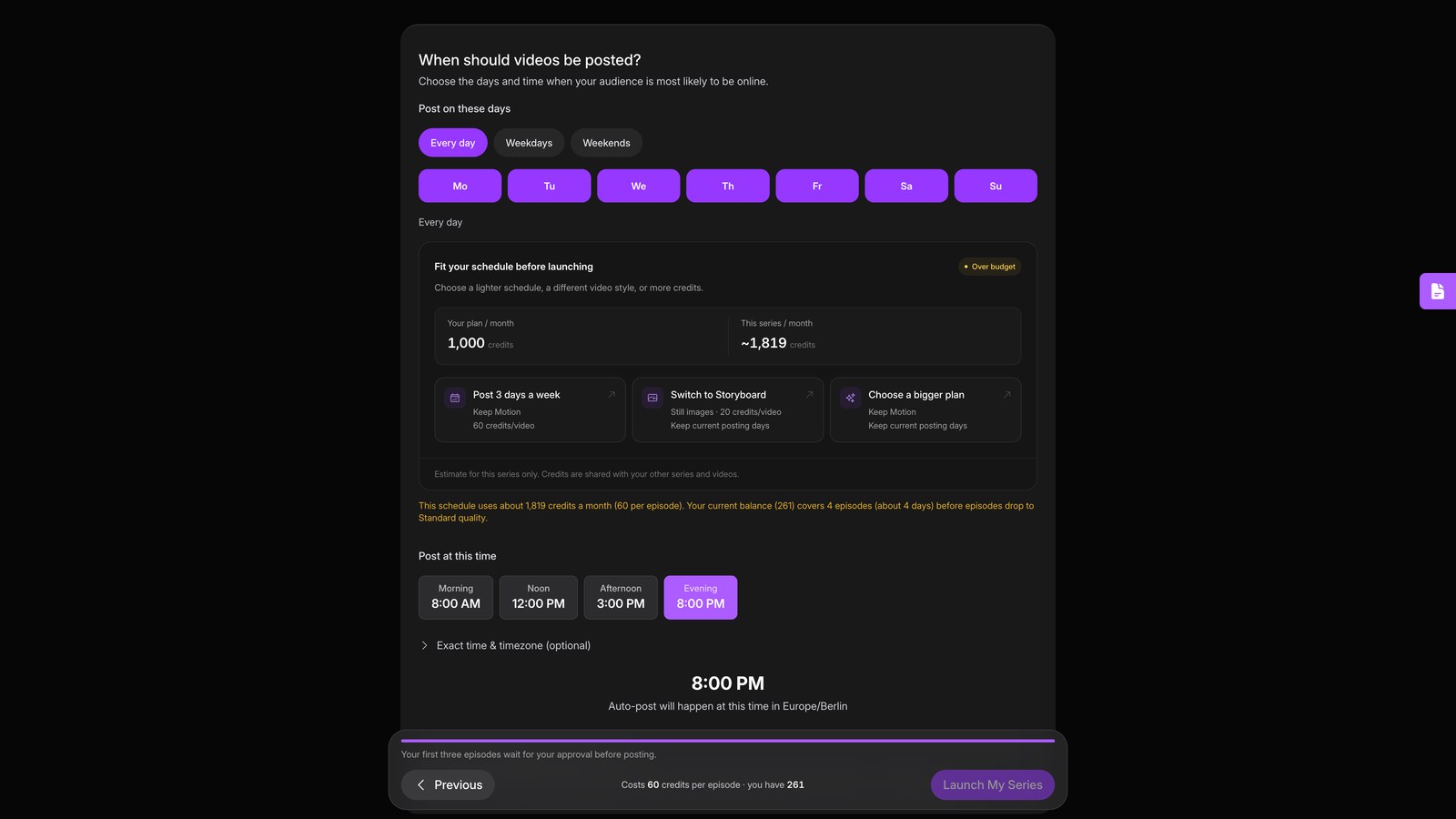
Schedule and launch
Pick your publishing days and time, then launch. Your series now writes, renders, and posts each episode automatically.