Faceless Tutorials
Tutorial 19 / 36Creation formats
Slideshows
Remix a trending photo slideshow into your own post, end to end.
52s6 steps
0/6 done
01
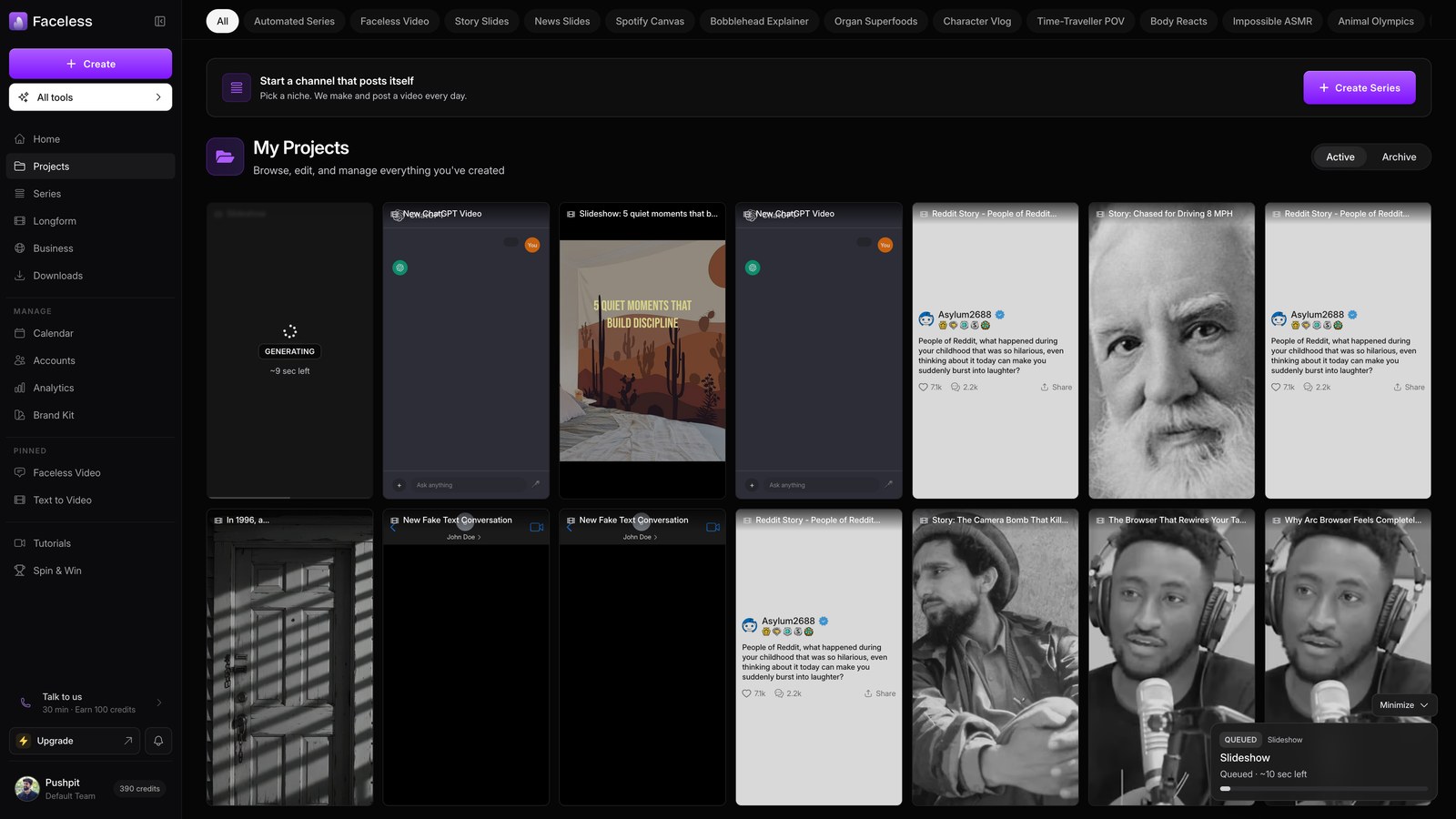
Open slideshows
Open Slideshows, then choose the language for your photo carousel.
02
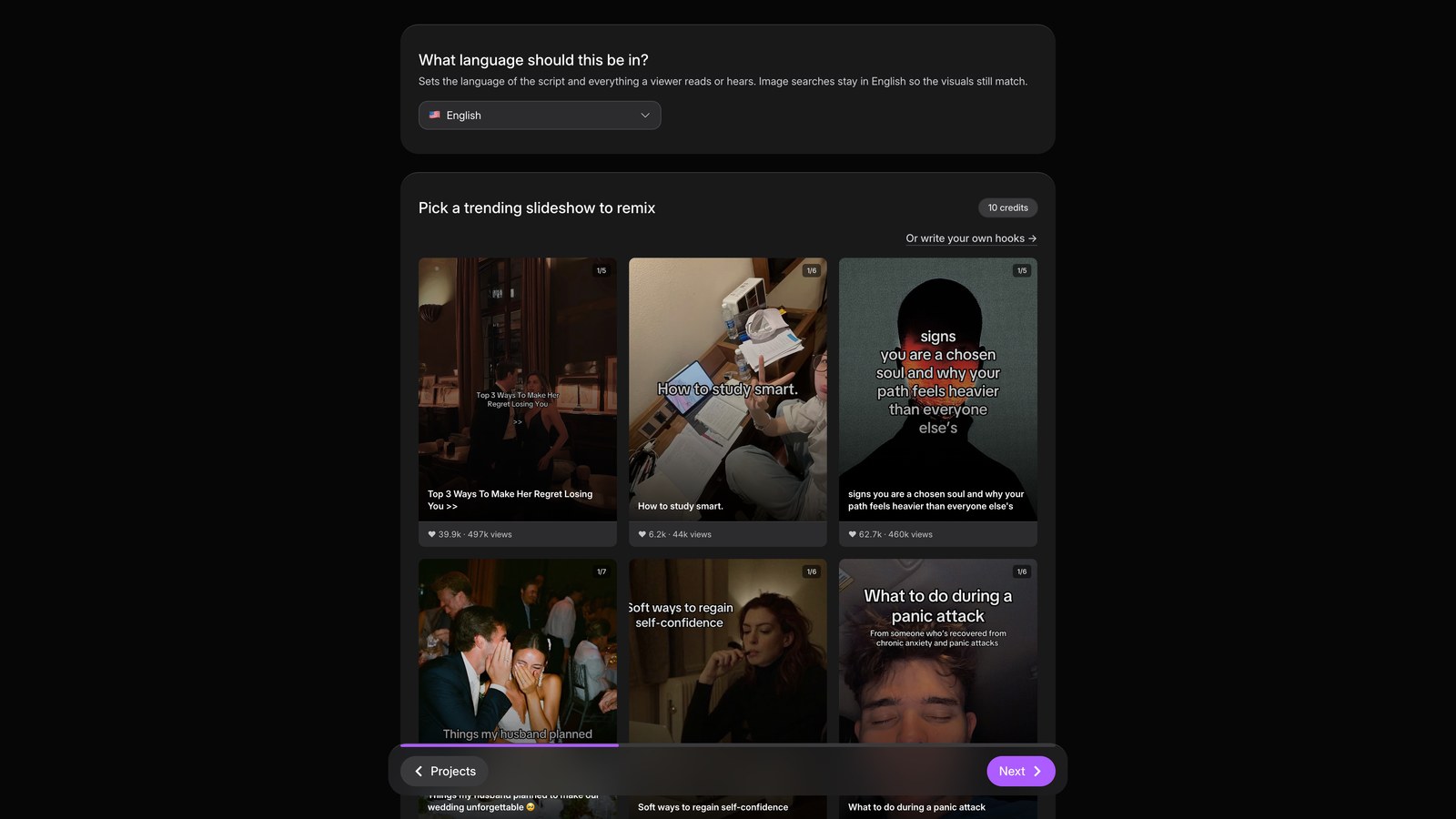
Pick trending
Pick 5 times to be quiet as your remix template.
03
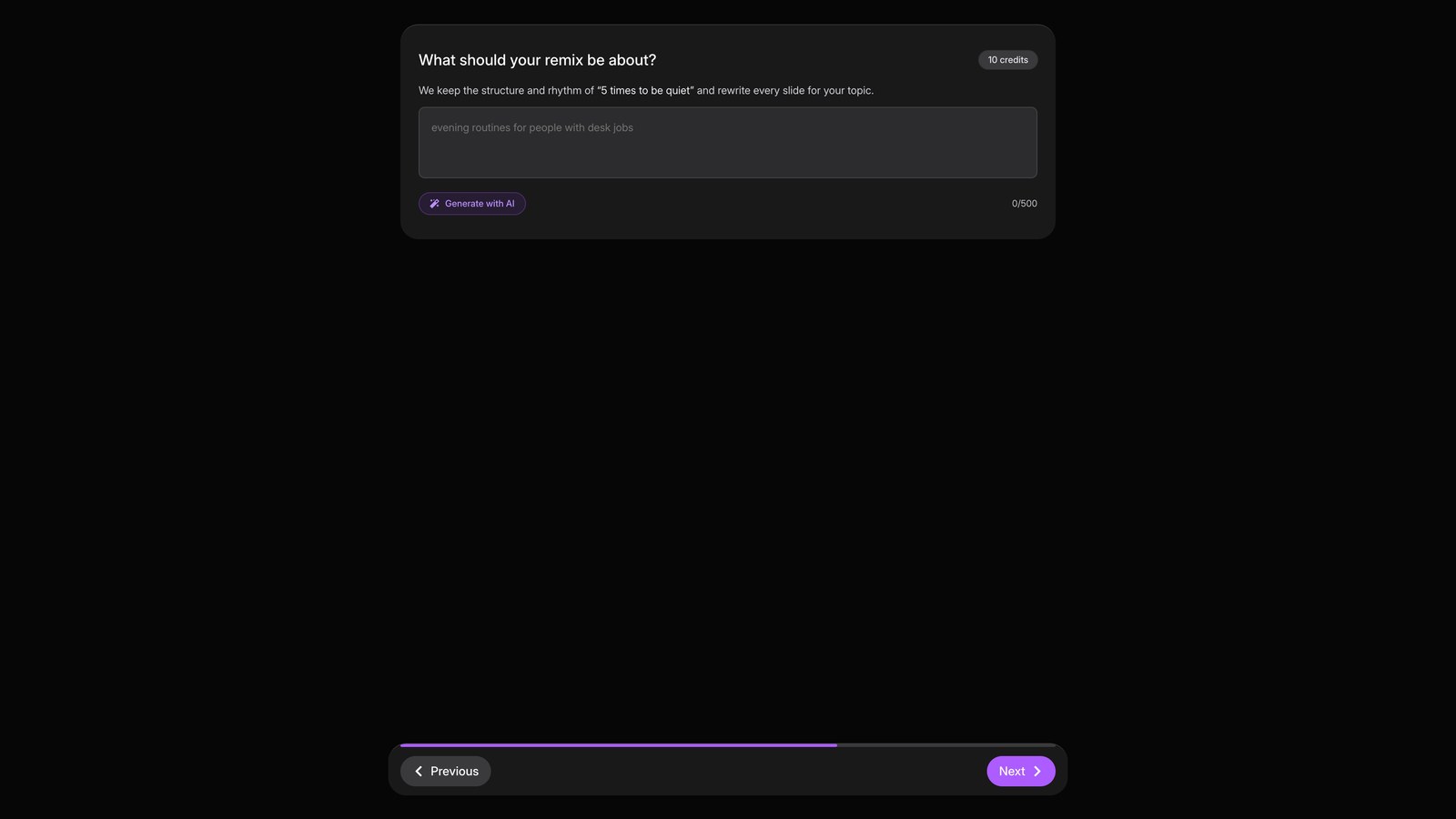
Remix topic
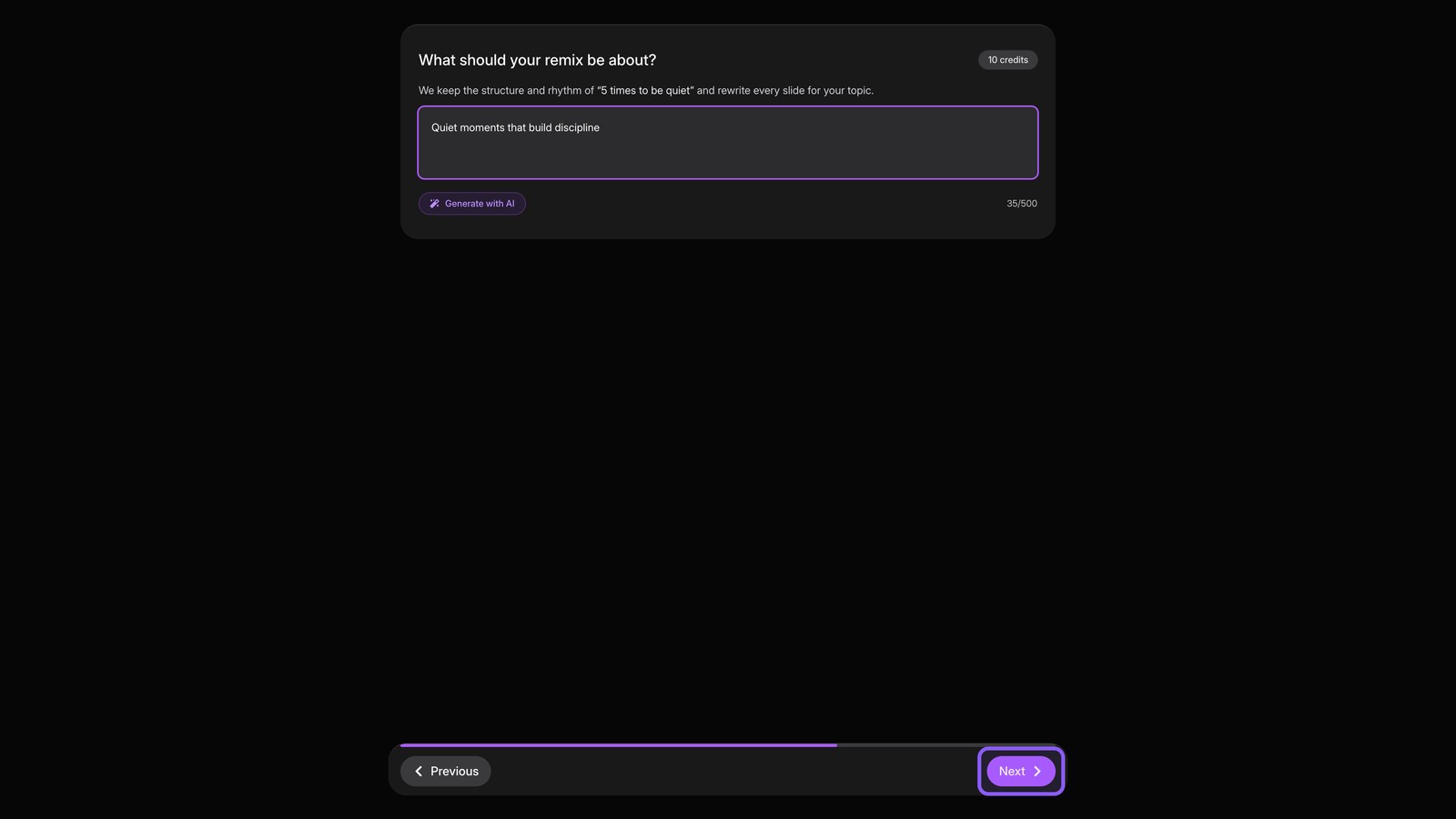
Click Next, then enter Quiet moments that build discipline as your topic. Or let AI write the hooks.
04
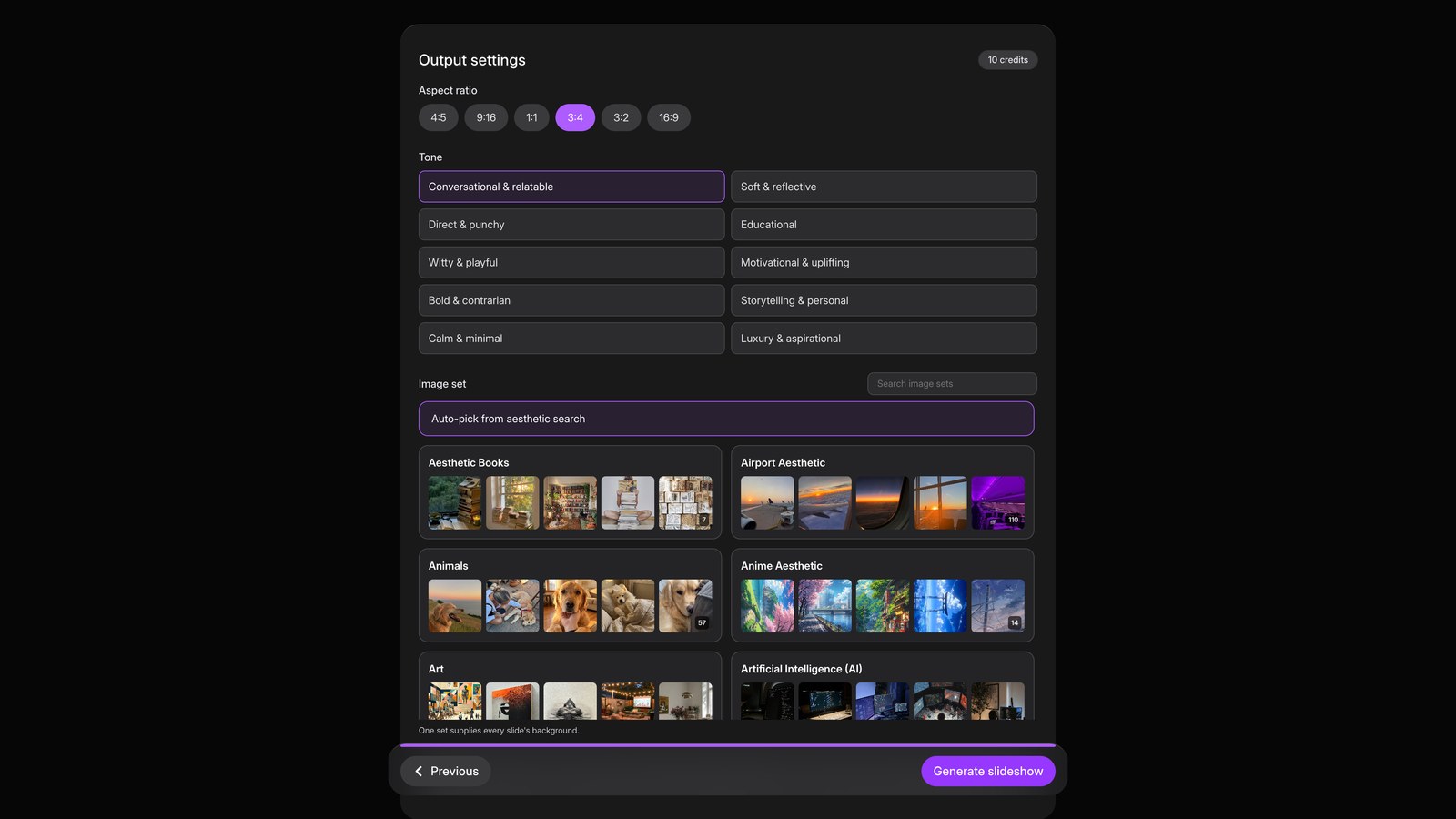
Output settings
Click Next, choose the aspect ratio and tone, then select the image set for every slide.
05
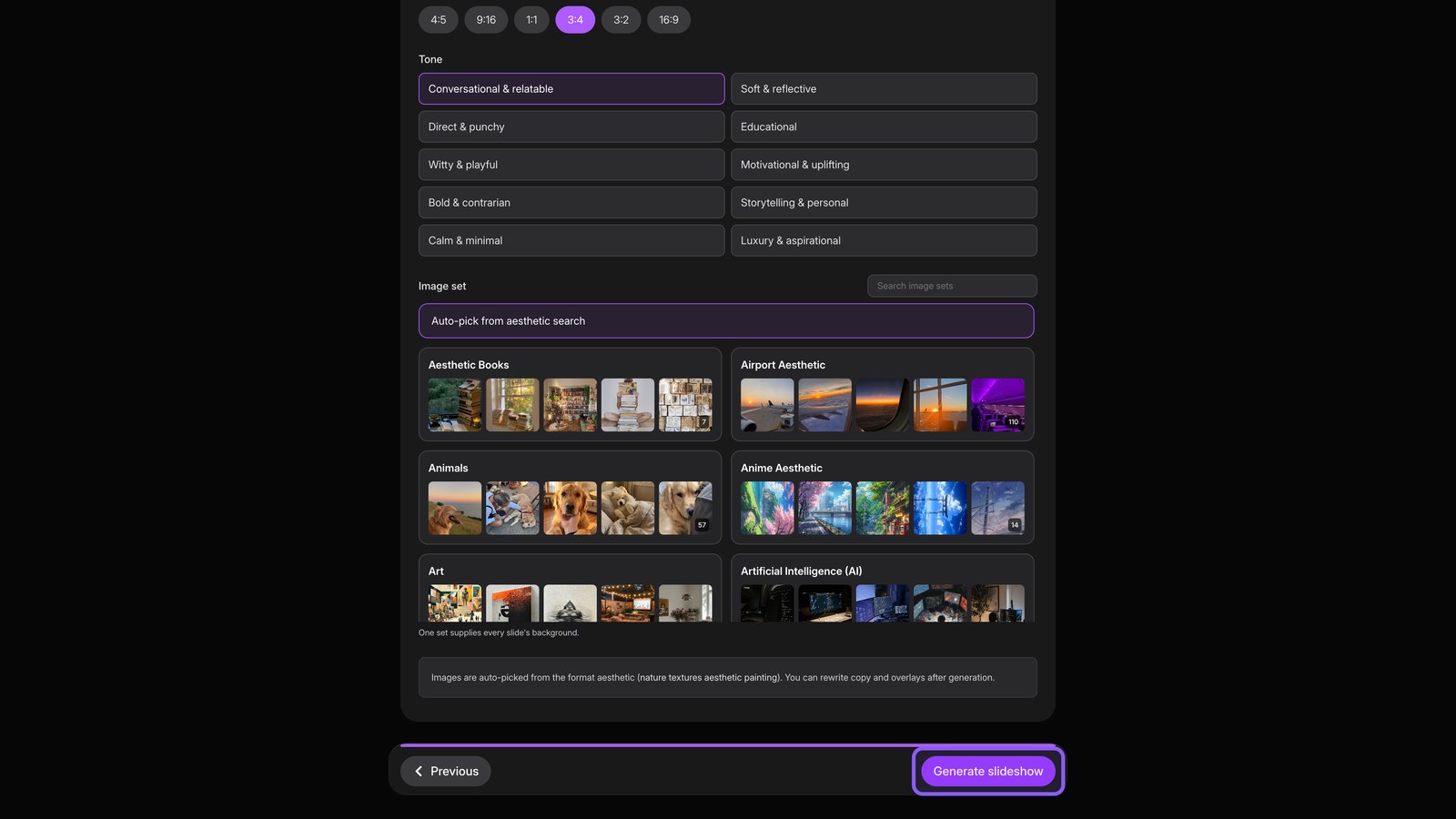
Generate
Generate the slideshow to write your copy and lay out each slide.
06
Review slideshow
Open Projects after about a minute. Review the slideshow, then edit it, download it, or post it anywhere.