Faceless Tutorials
Tutorial 32 / 36Power features
Brand & Presets in the Editor
Make every video match your brand in one click, with brand kits and style presets.
33s4 steps
0/4 done
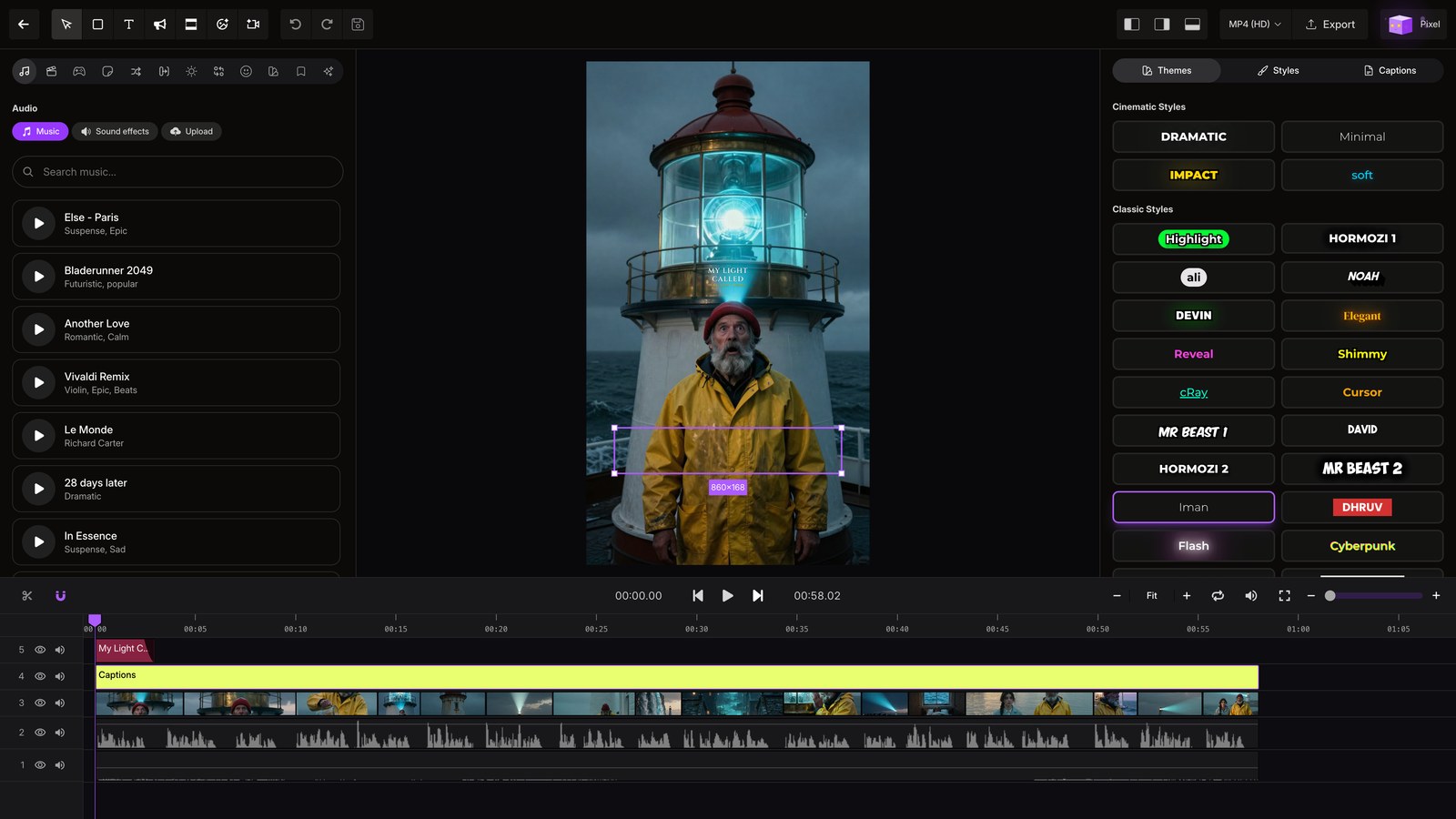
01
Open editor
Open any video to bring your saved brand into the editor.
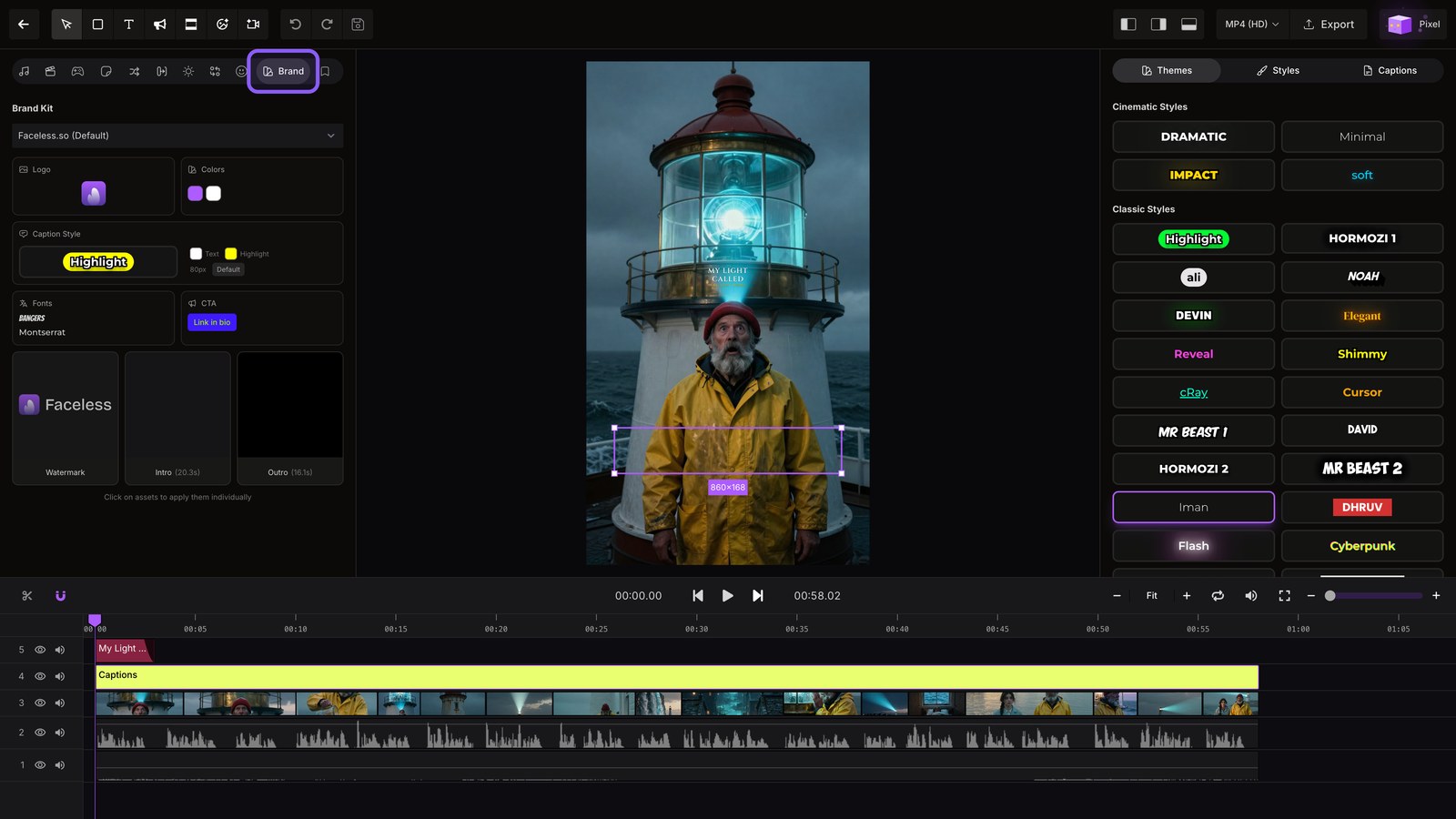
02
Brand panel
Open the Brand panel to apply your saved colors, fonts, and logo across the entire video.
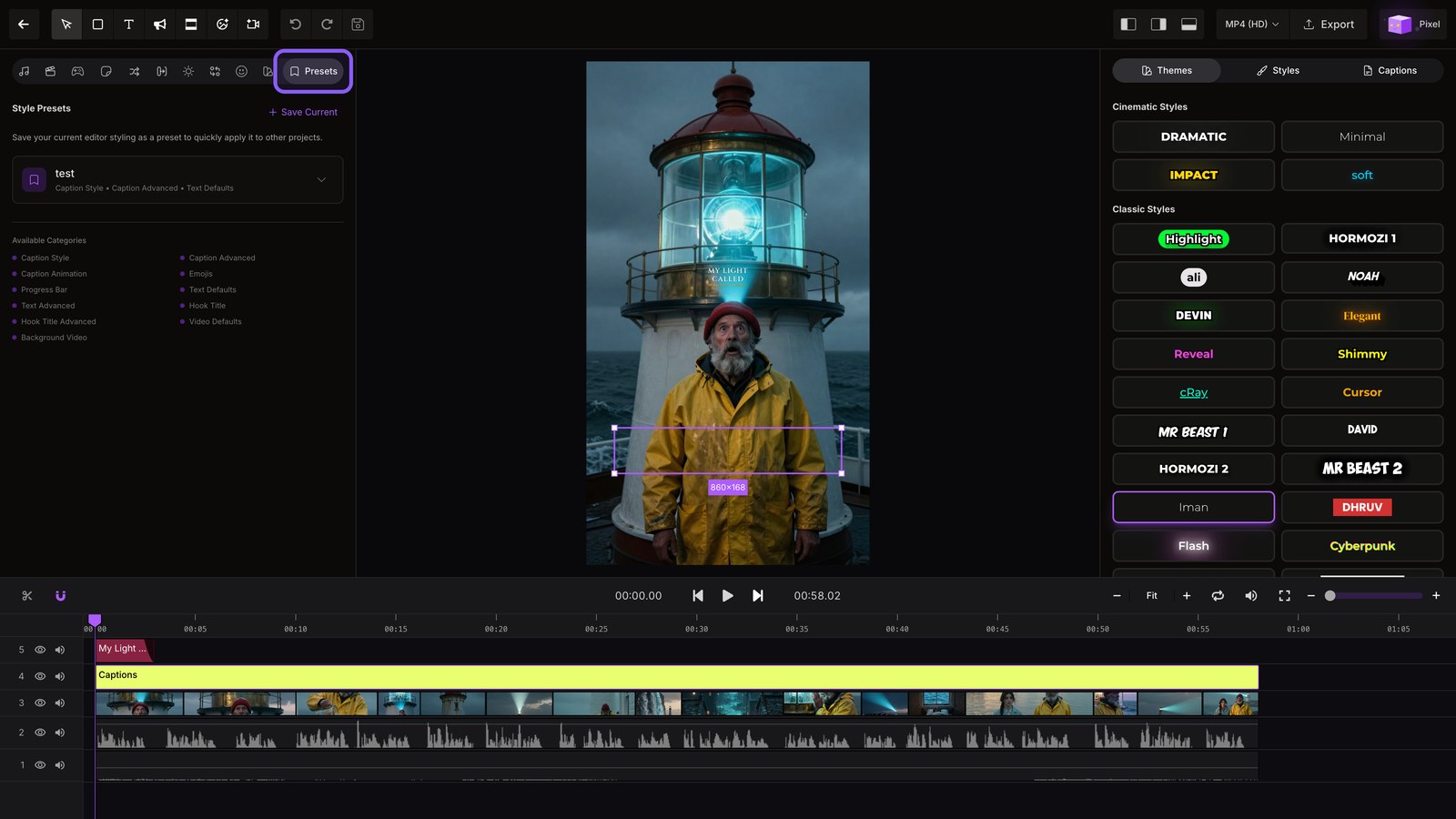
03
Presets panel
Switch to Presets to capture your captions, animations, and other styling in one reusable setup.
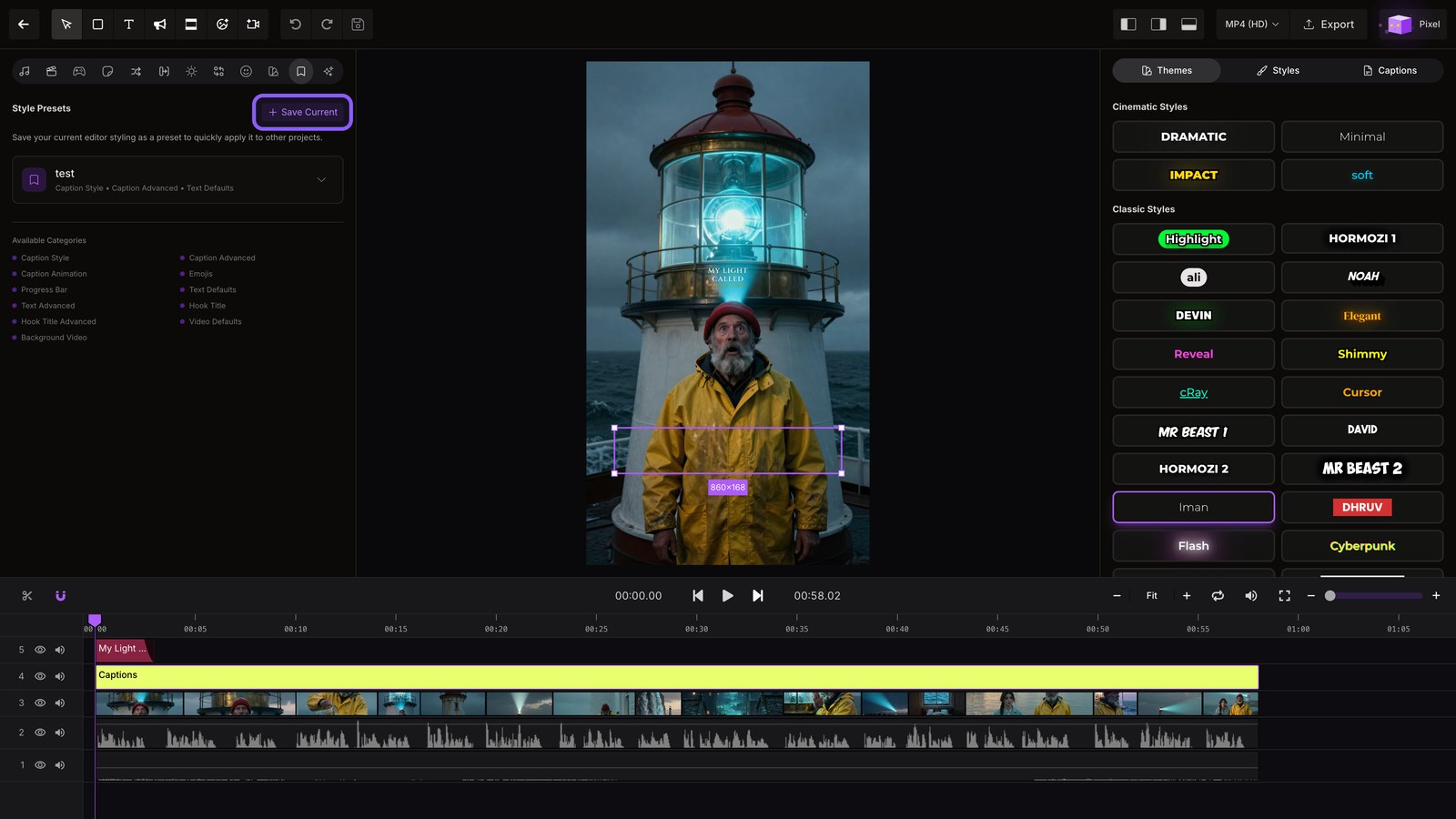
04
Save preset
Save the current look, then reuse it to restyle your next project with one click.