Faceless Tutorials
Tutorial 29 / 36Power features
Custom Voices
Clone your own voice and use it in any video or series.
30s4 steps
0/4 done
01
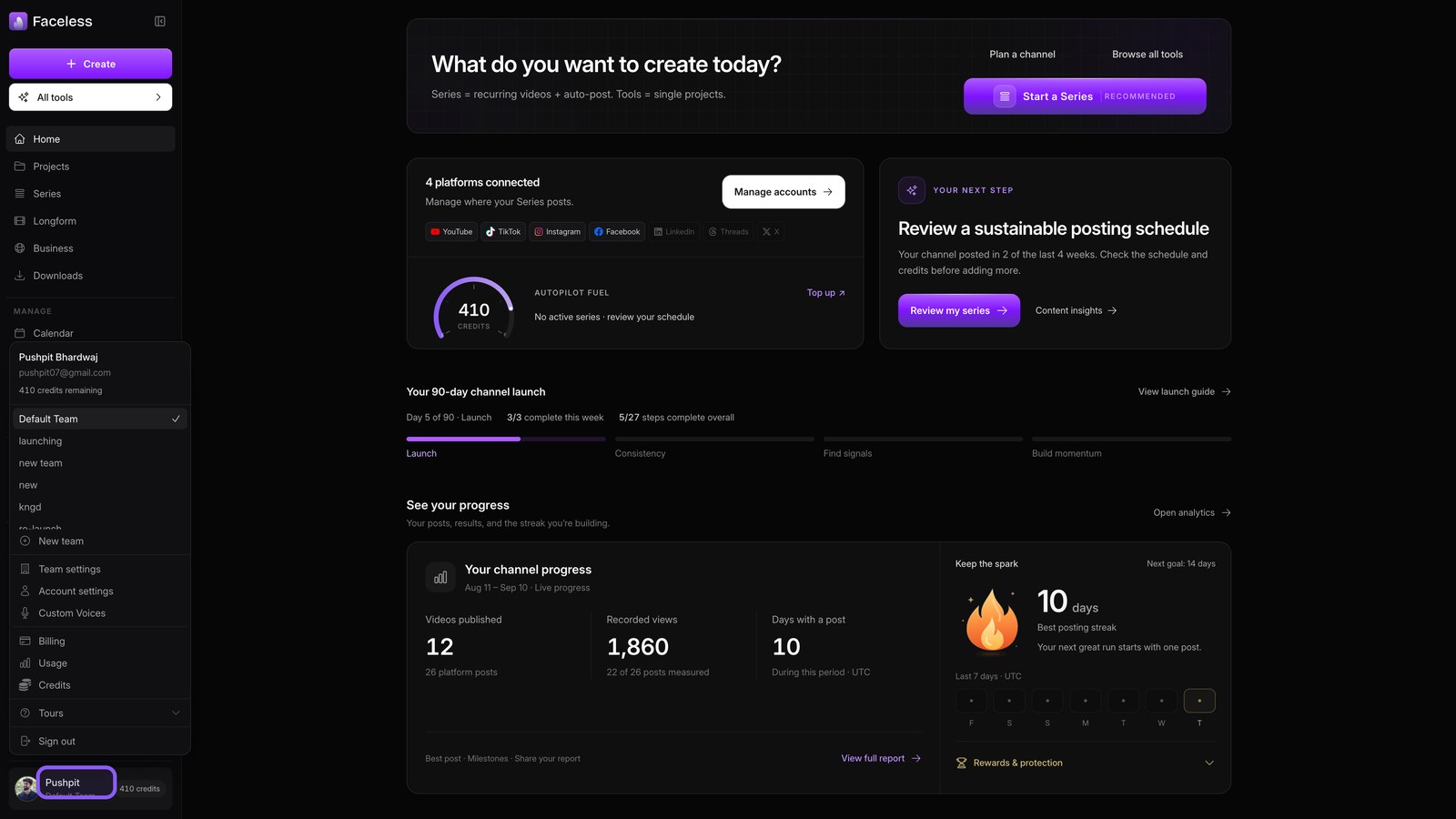
Open account menu
Click your name at the bottom of the sidebar to open your account menu.
02
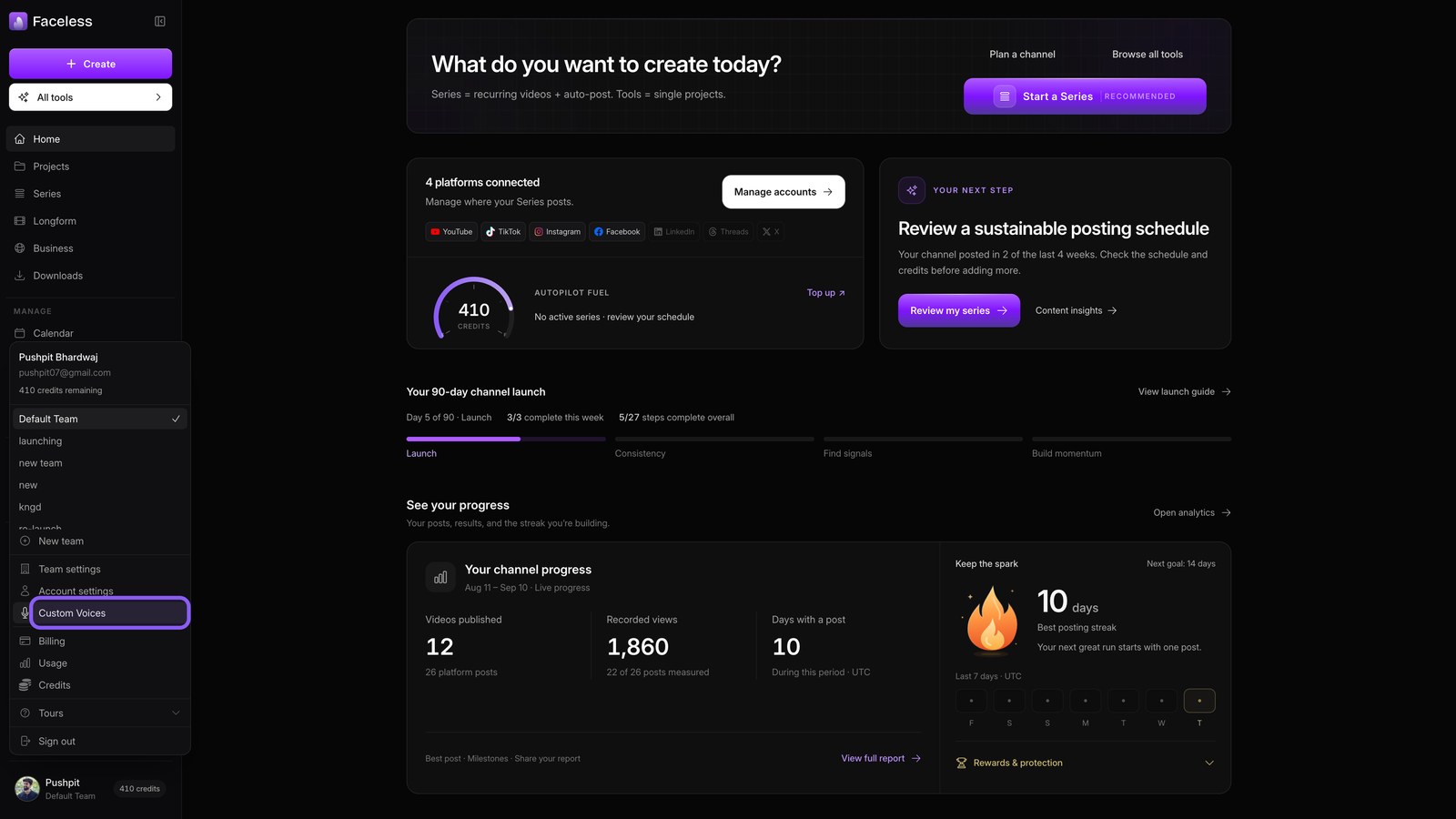
Open voices
Choose Custom Voices to see your cloned and built in voices.
03
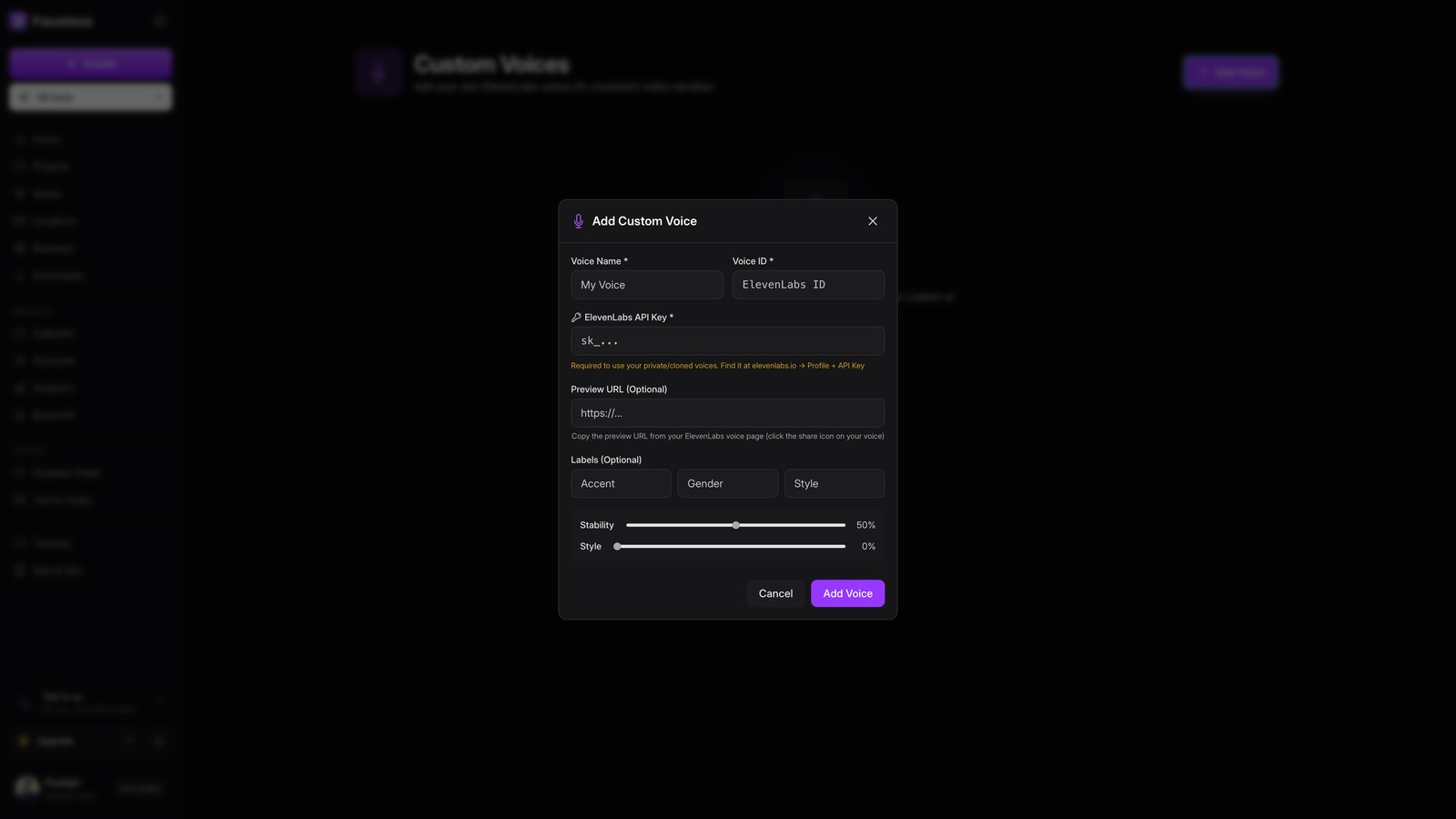
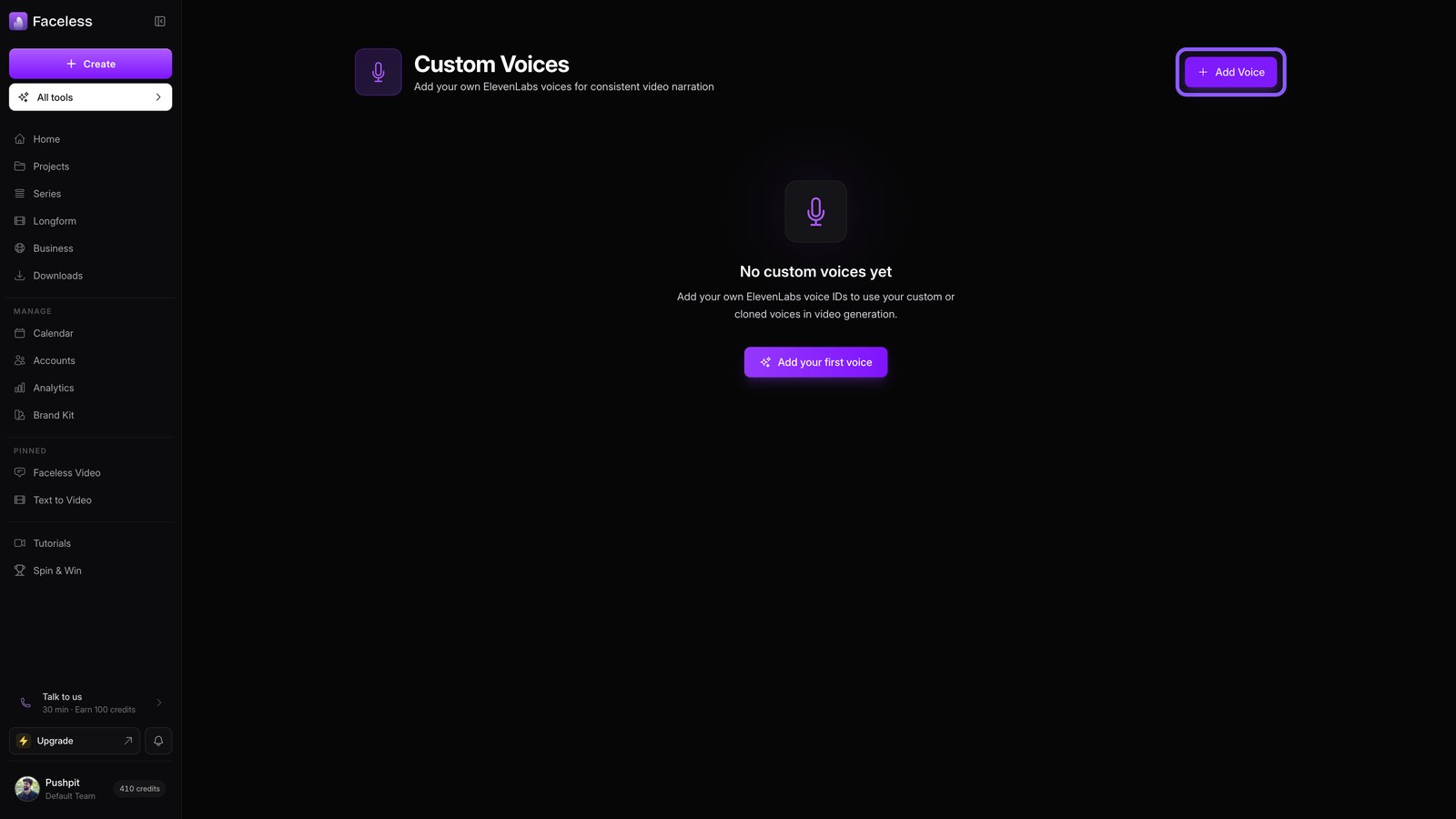
Add voice
Clone your voice in ElevenLabs. Click Add Voice, then paste the voice ID and API key to import it.
04
Use everywhere
Use the new voice in videos or series.