Faceless Tutorials
Tutorial 07 / 36Getting started
Export & Download
Render a finished edit in HD or 4K and grab the file from Downloads.
27s4 steps
0/4 done
01
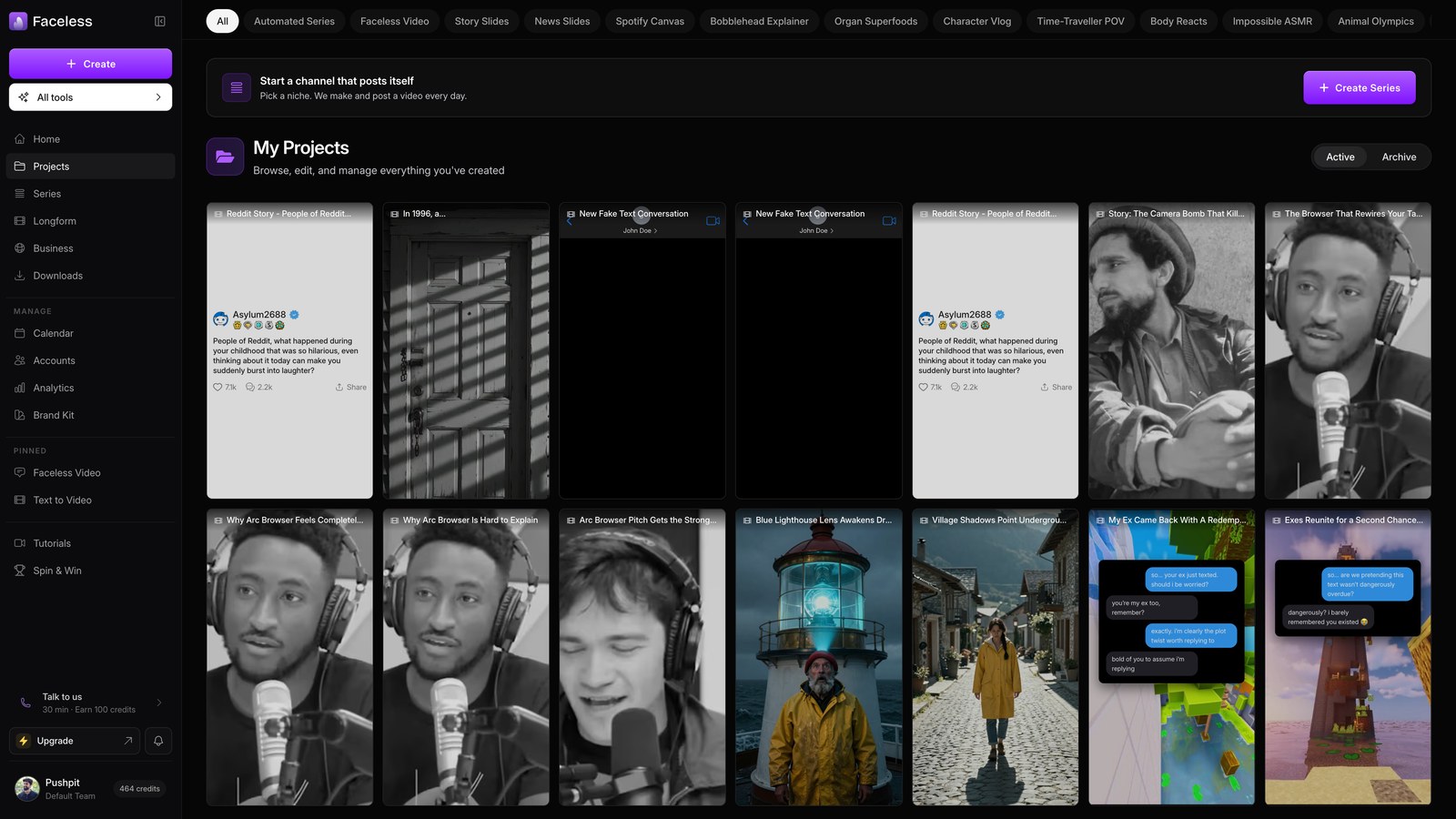
Open projects
Open Projects and pick the video to export.
02
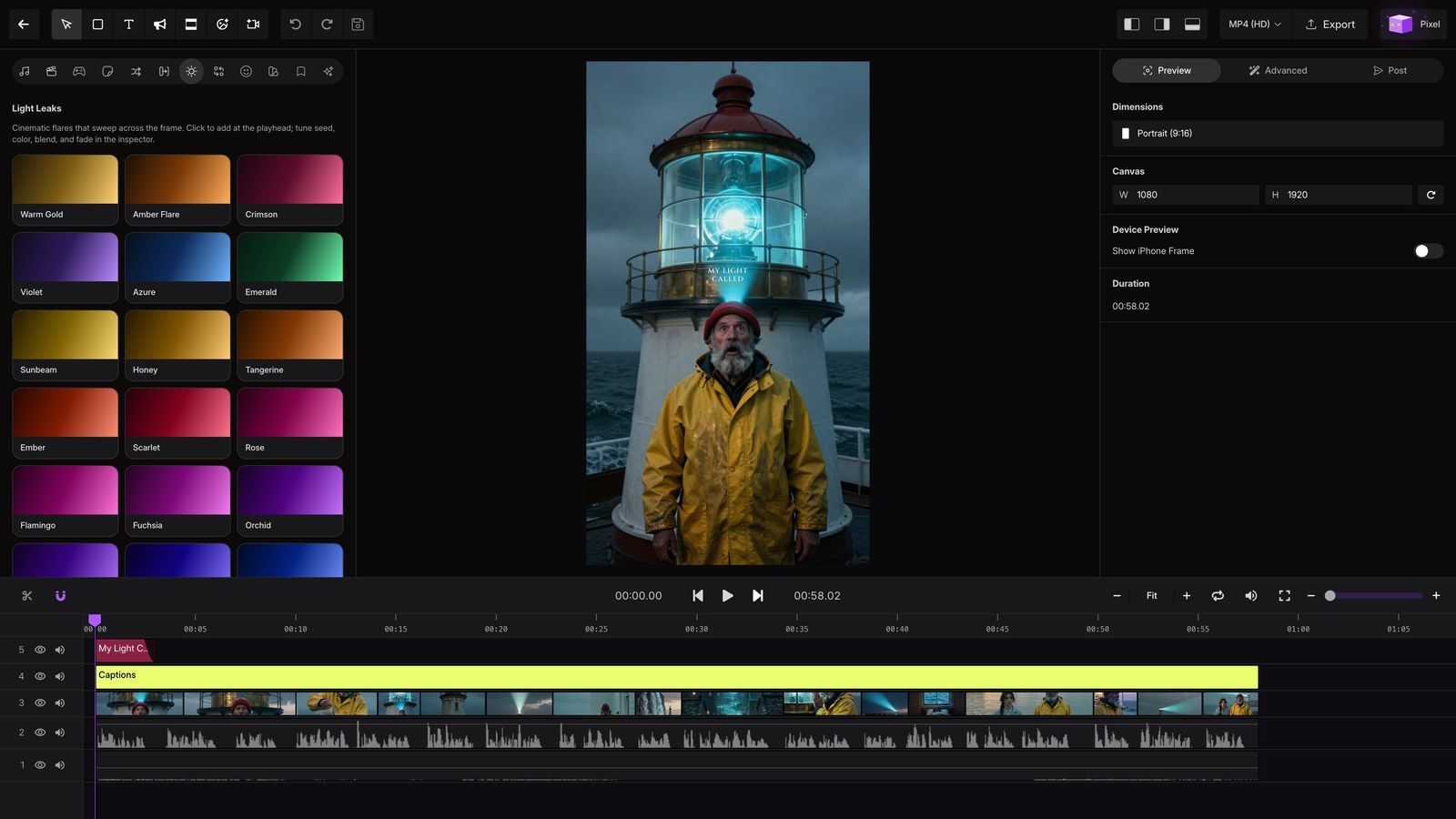
Open project
Open the project and wait for the editor to load.
03
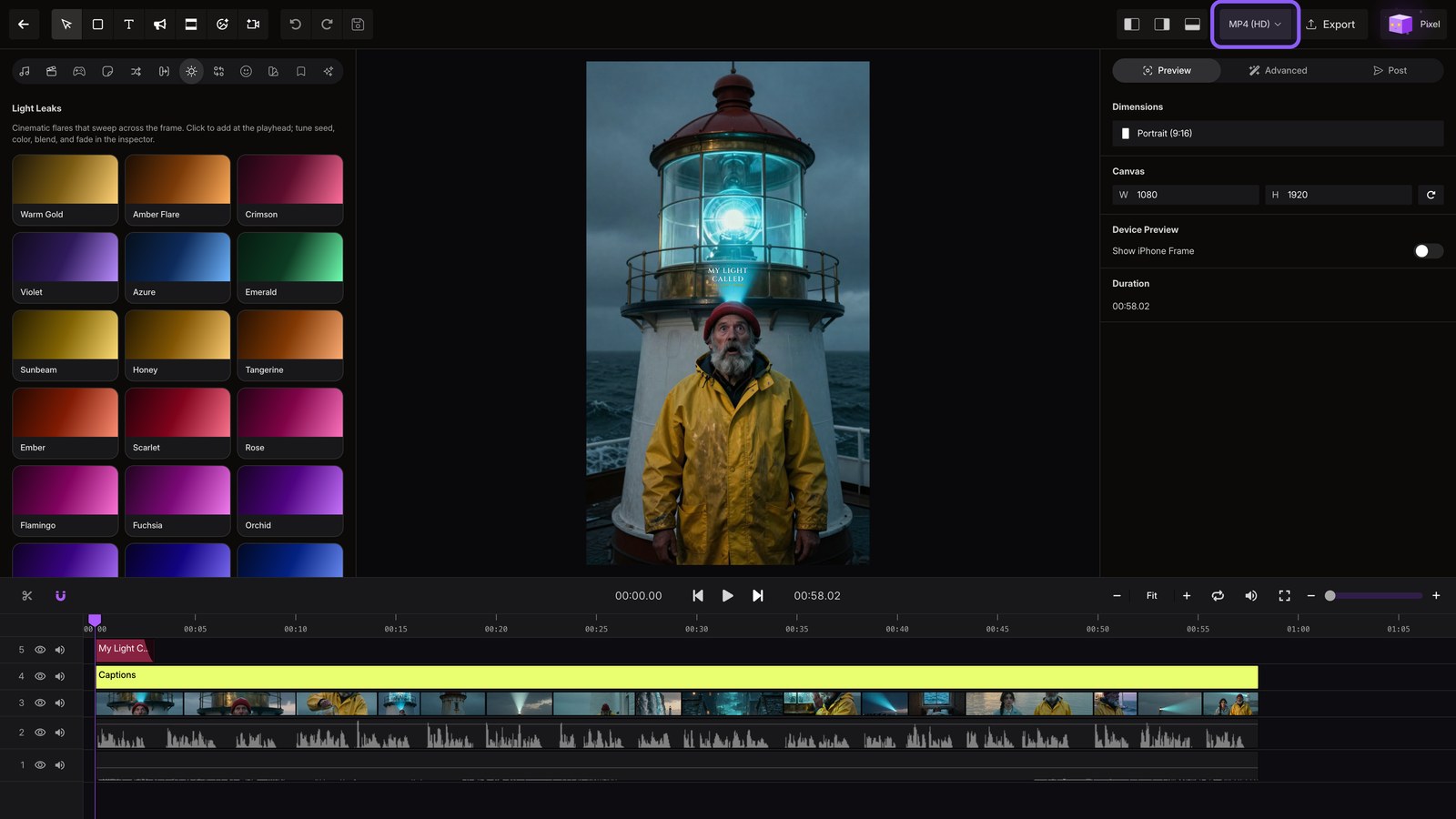
Export video
Choose MP4 in HD for speed, or 4K for sharper video, then hit Export.
04
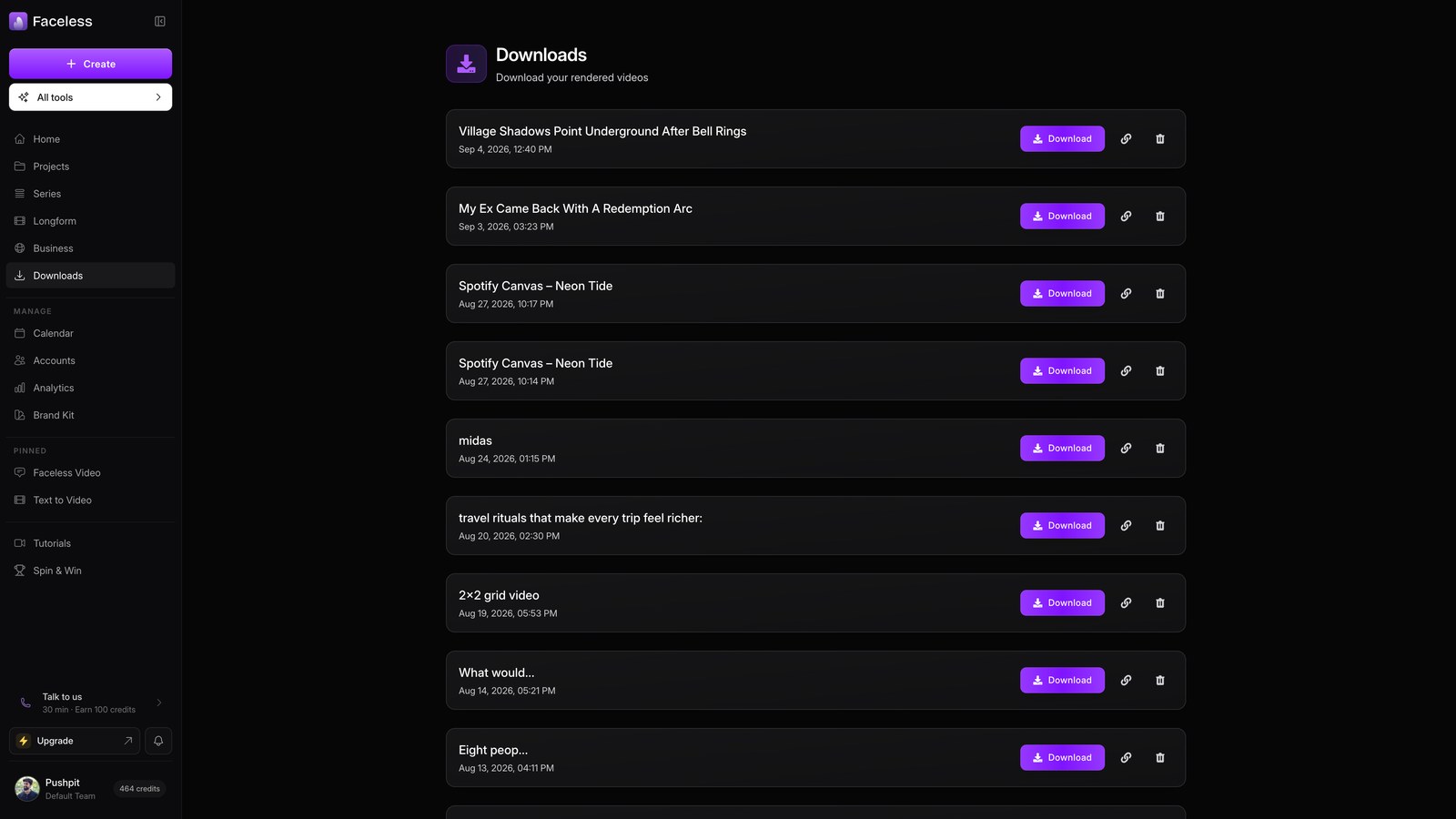
Open downloads
Open Downloads to find the finished file, ready to save.