Faceless Tutorials
Tutorial 24 / 36Creation formats
AI Music Video & Spotify Canvas
Generate a song with a faceless video, or an eight-second Spotify Canvas loop.
38s4 steps
0/4 done
01
Open music video
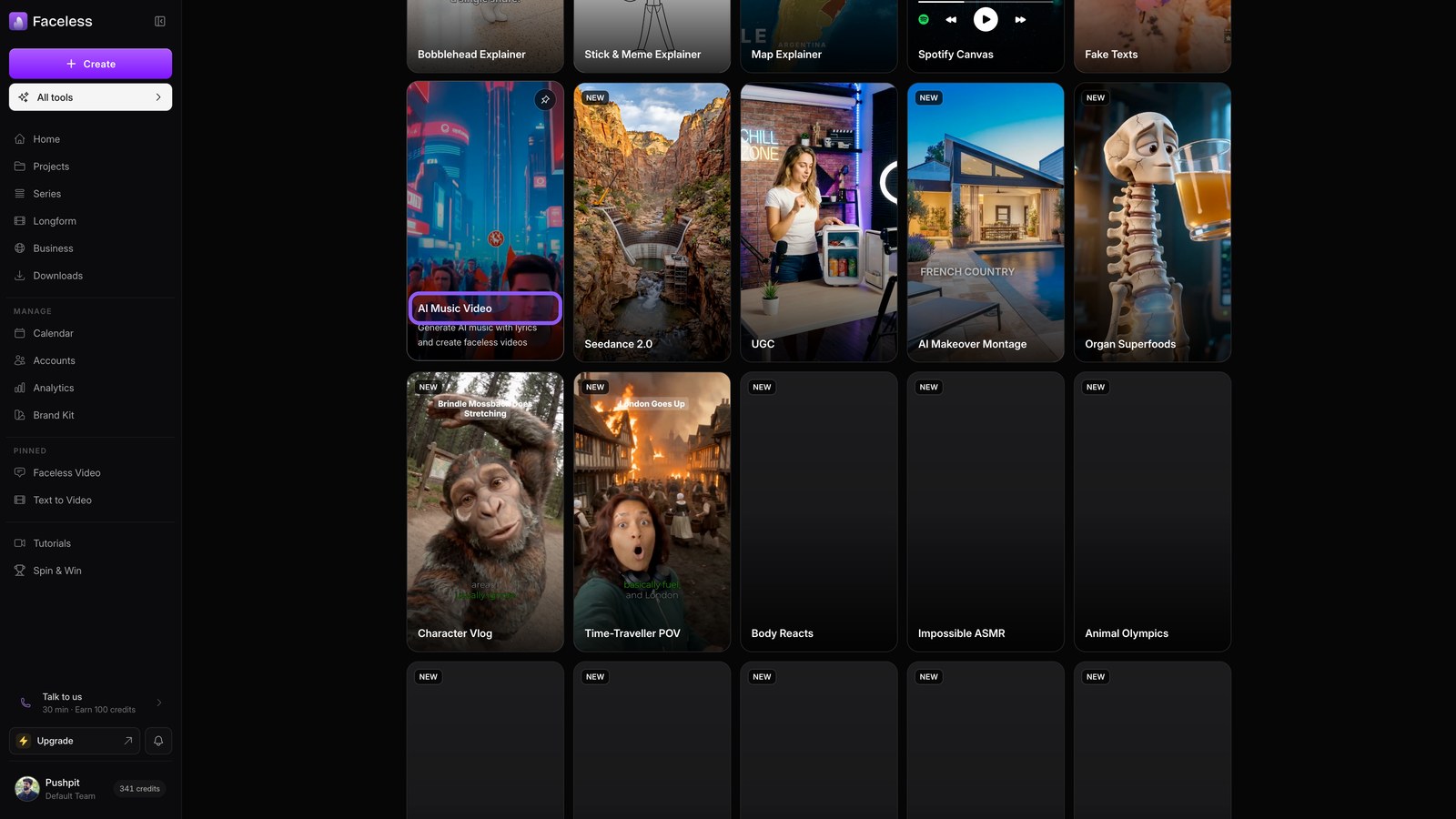
Open All tools and choose AI Music Video. Faceless writes your song, then builds matching visuals around it.
02
Music wizard
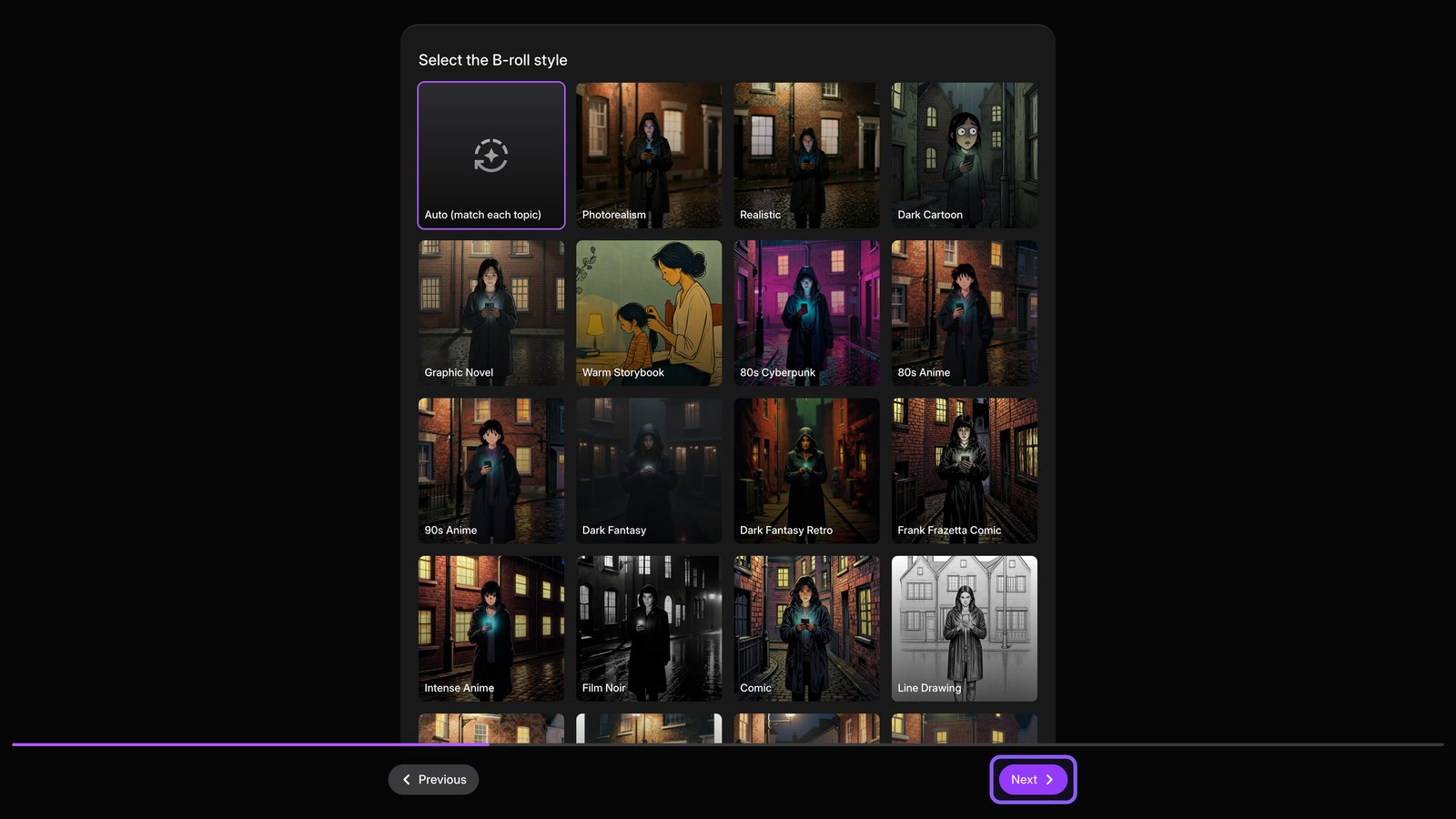
Pick a genre and mood, then hit Next. Move through the visual choices to shape the video around your track.
03
Open canvas
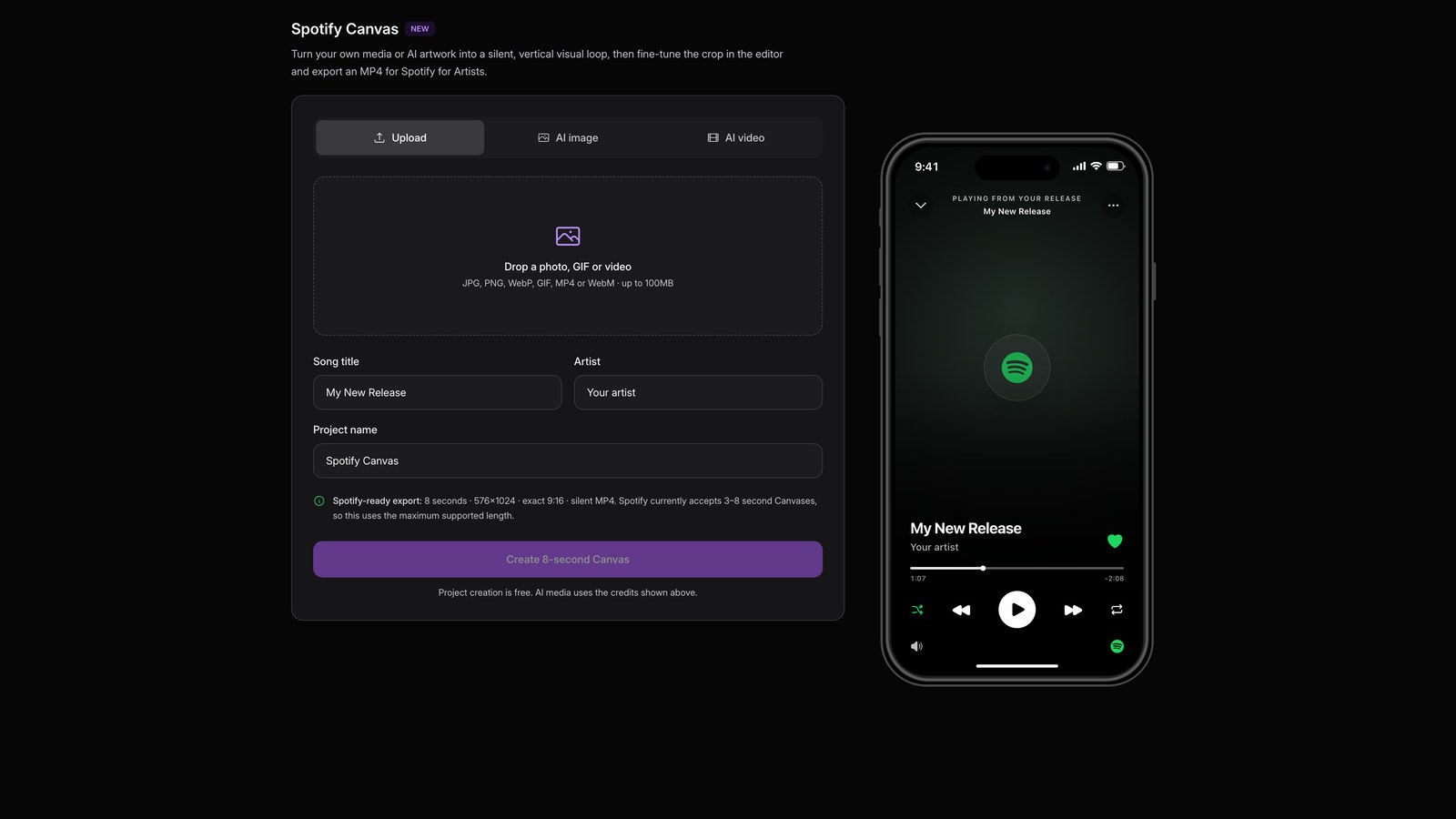
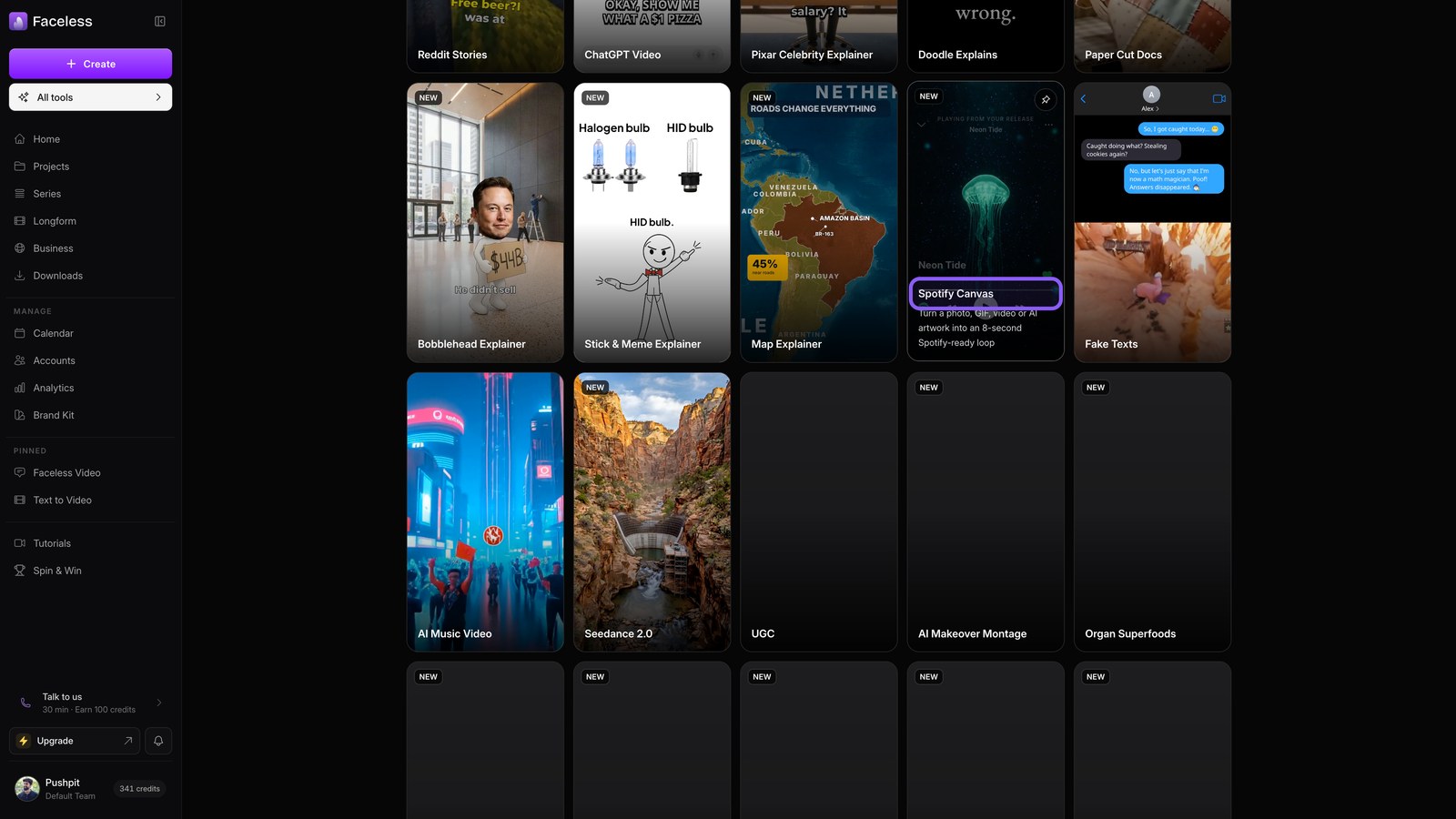
Return to All tools and open Spotify Canvas. Turn your cover art into the eight second loop shown behind your track.
04
Canvas form
Add artwork, describe the motion, then create it.