Faceless Tutorials
Tutorial 03 / 36Getting started
Create a Video with the Faceless Agent
Turn a written prompt into a new Faceless video using the Agent.
55s8 steps
0/8 done
01
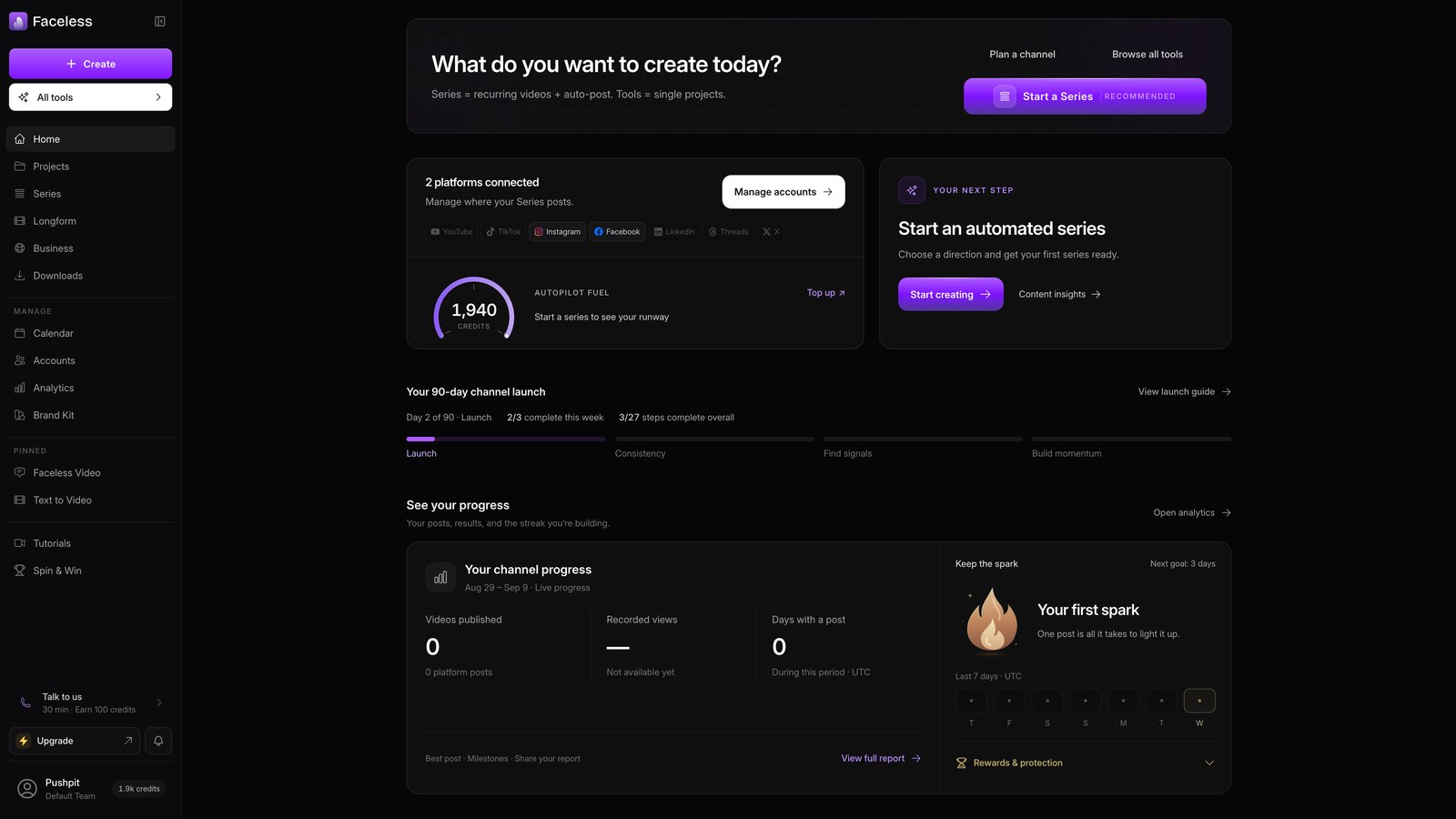
Open home
Open your dashboard to access your Faceless tools.
02
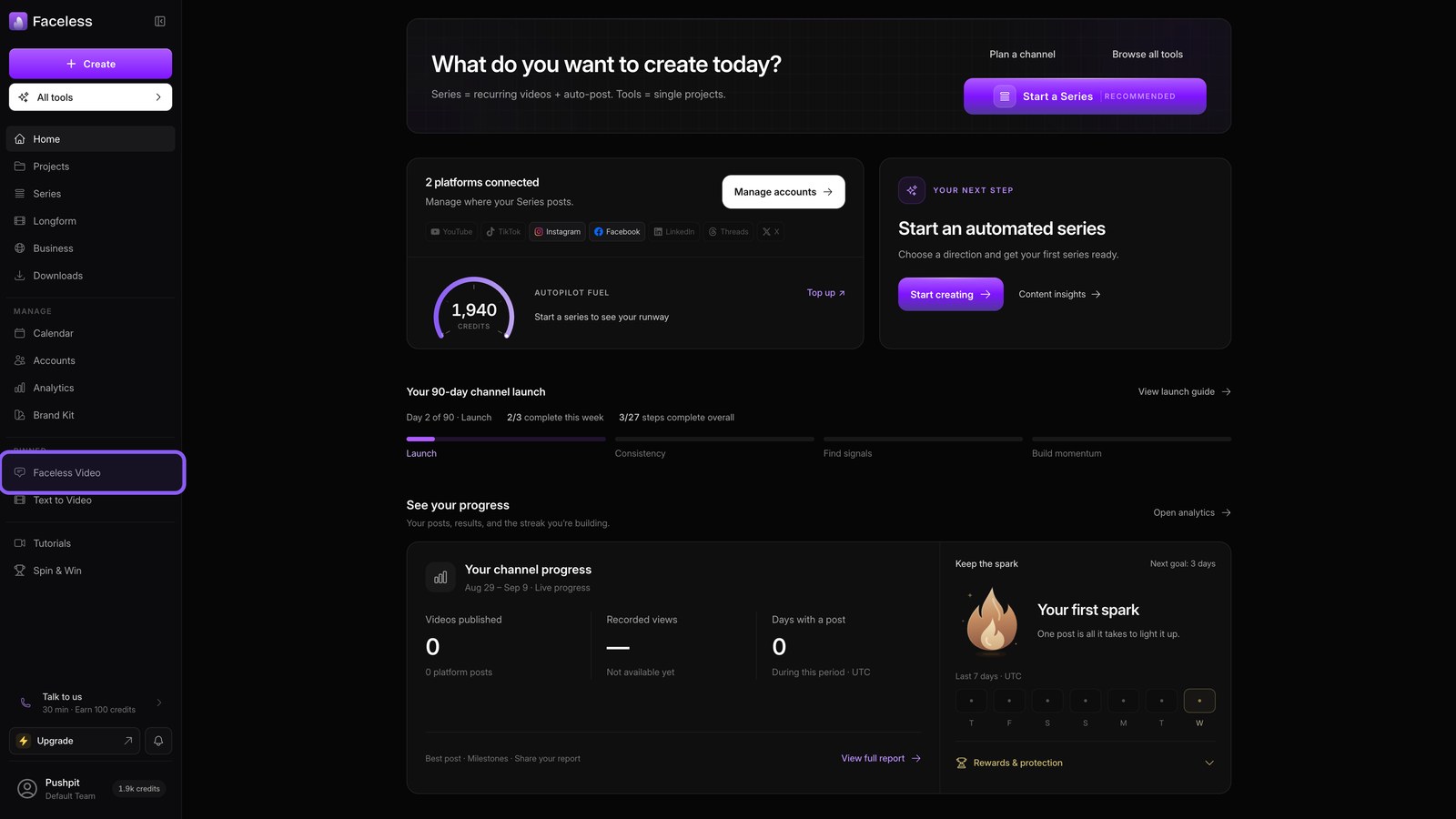
Open faceless agent
Open Faceless Video to start a new project.
03
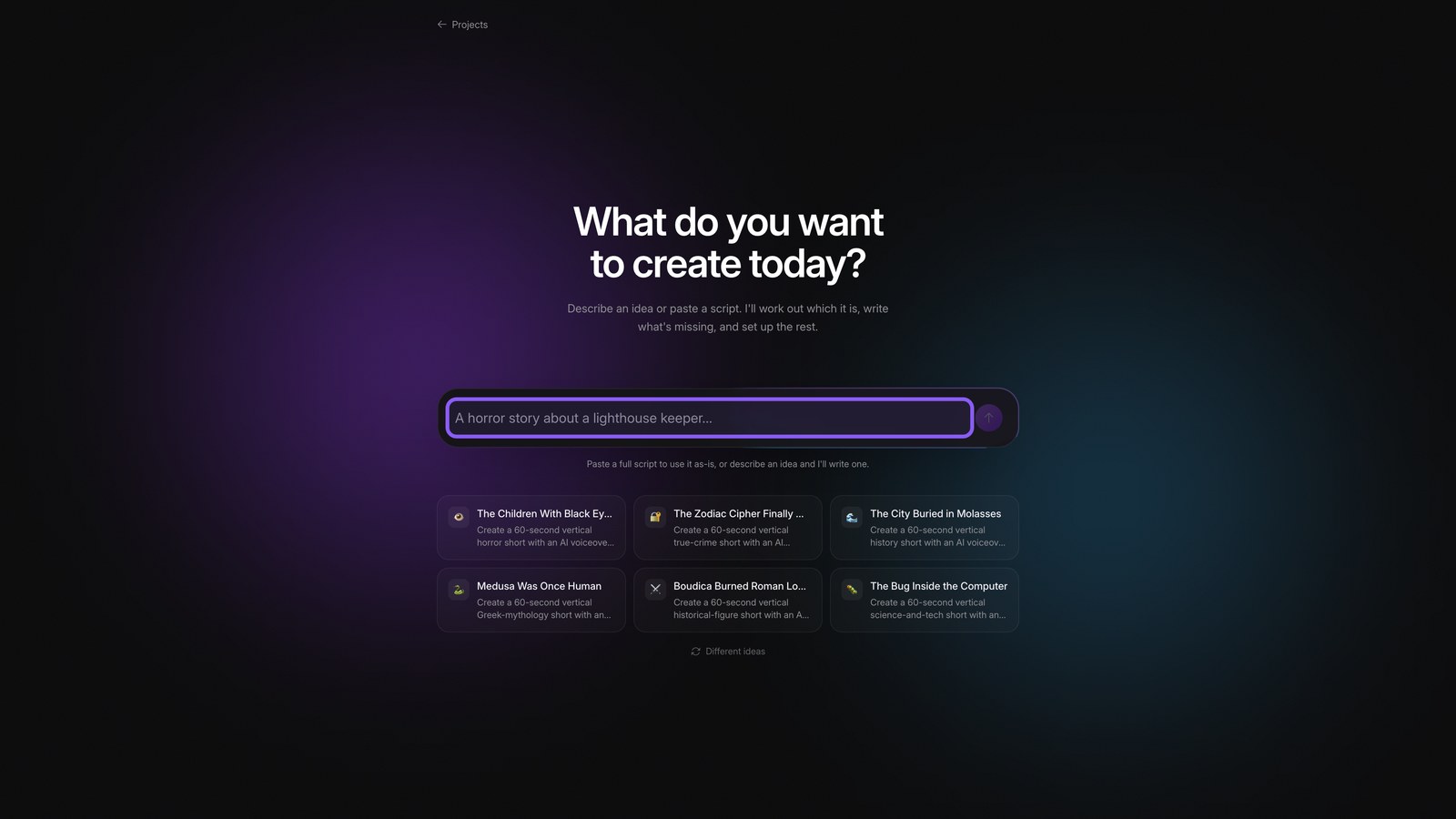
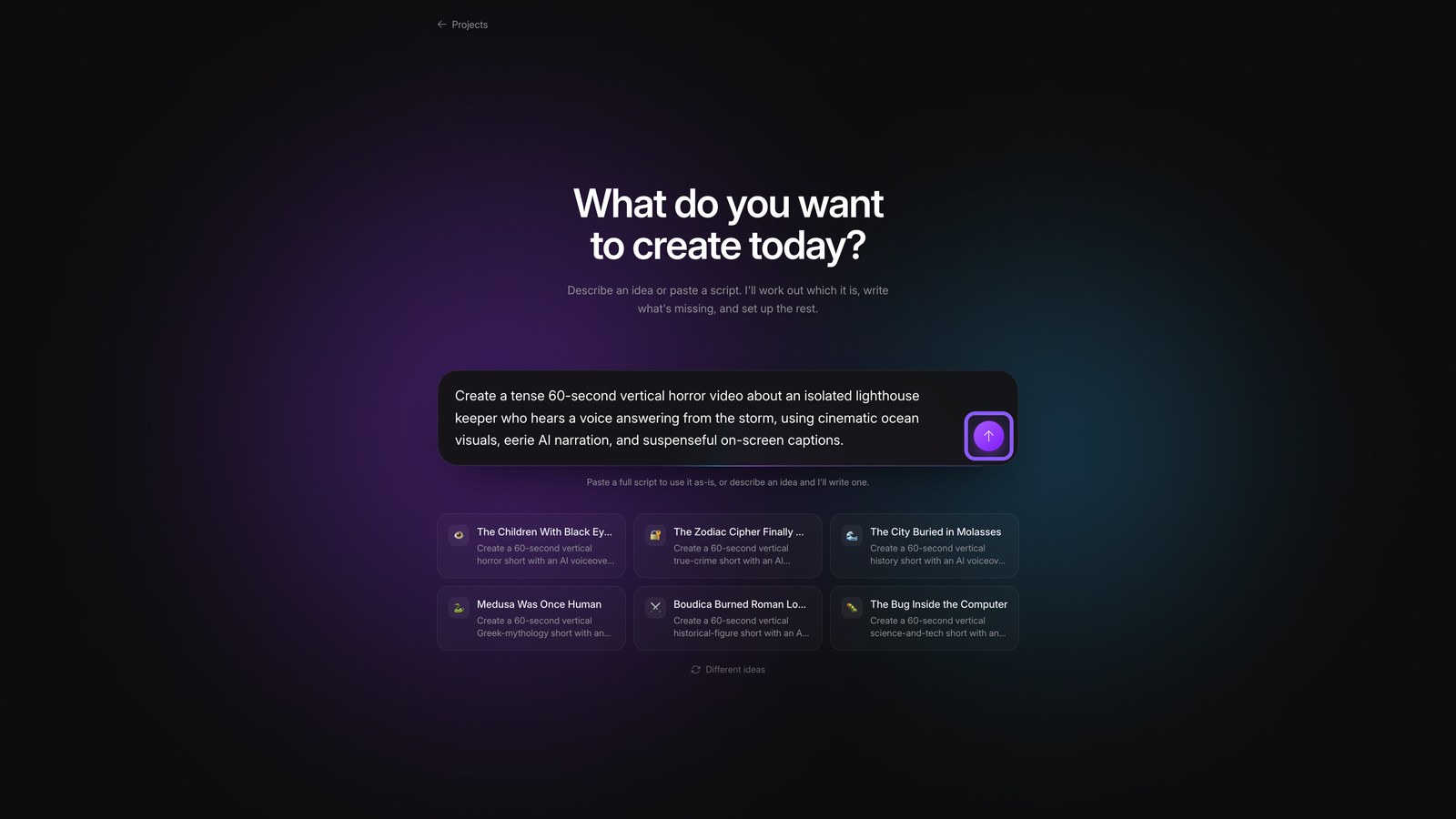
Enter video prompt
Describe the topic, length, format, visuals, narration, and captions you want.
04
Send prompt
Send your prompt to start building the video.
05
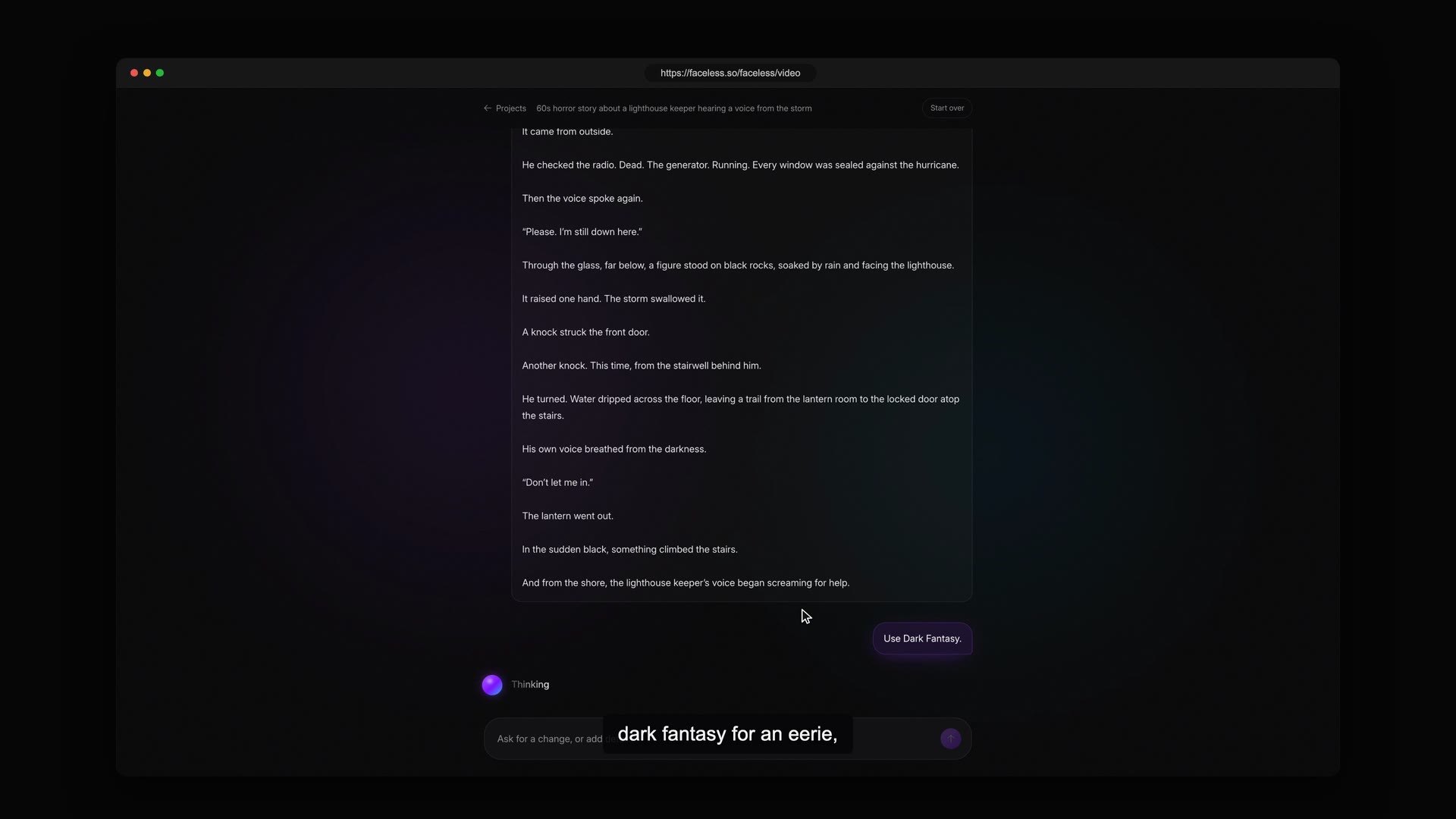
Review plan
If needed, start over and select your saved horror prompt. Then answer the Agent's setup questions to shape the plan.
06
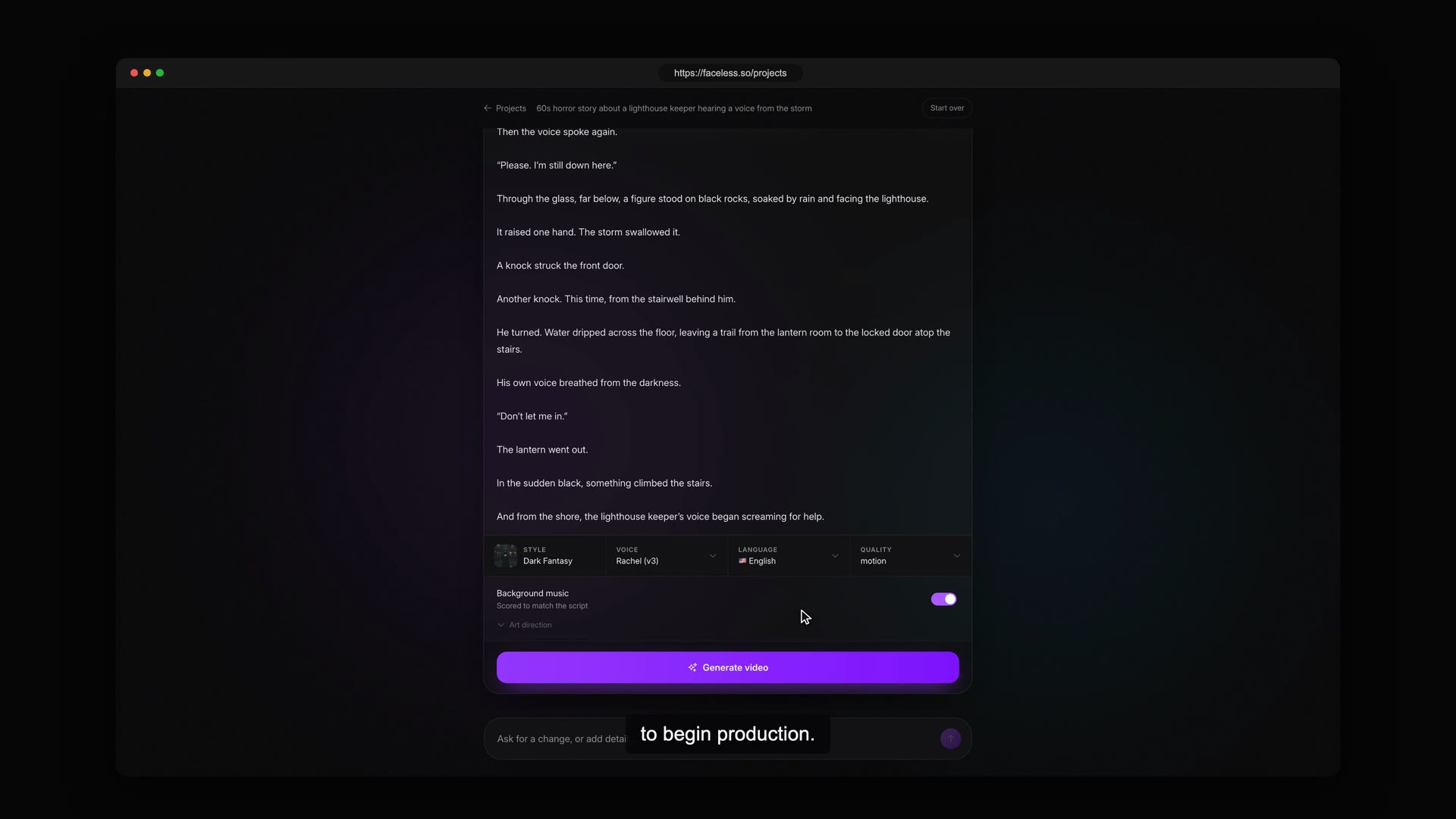
Generate video
Choose Film Noir for deep shadows and strong contrast. Review the completed plan, then generate the video.
07
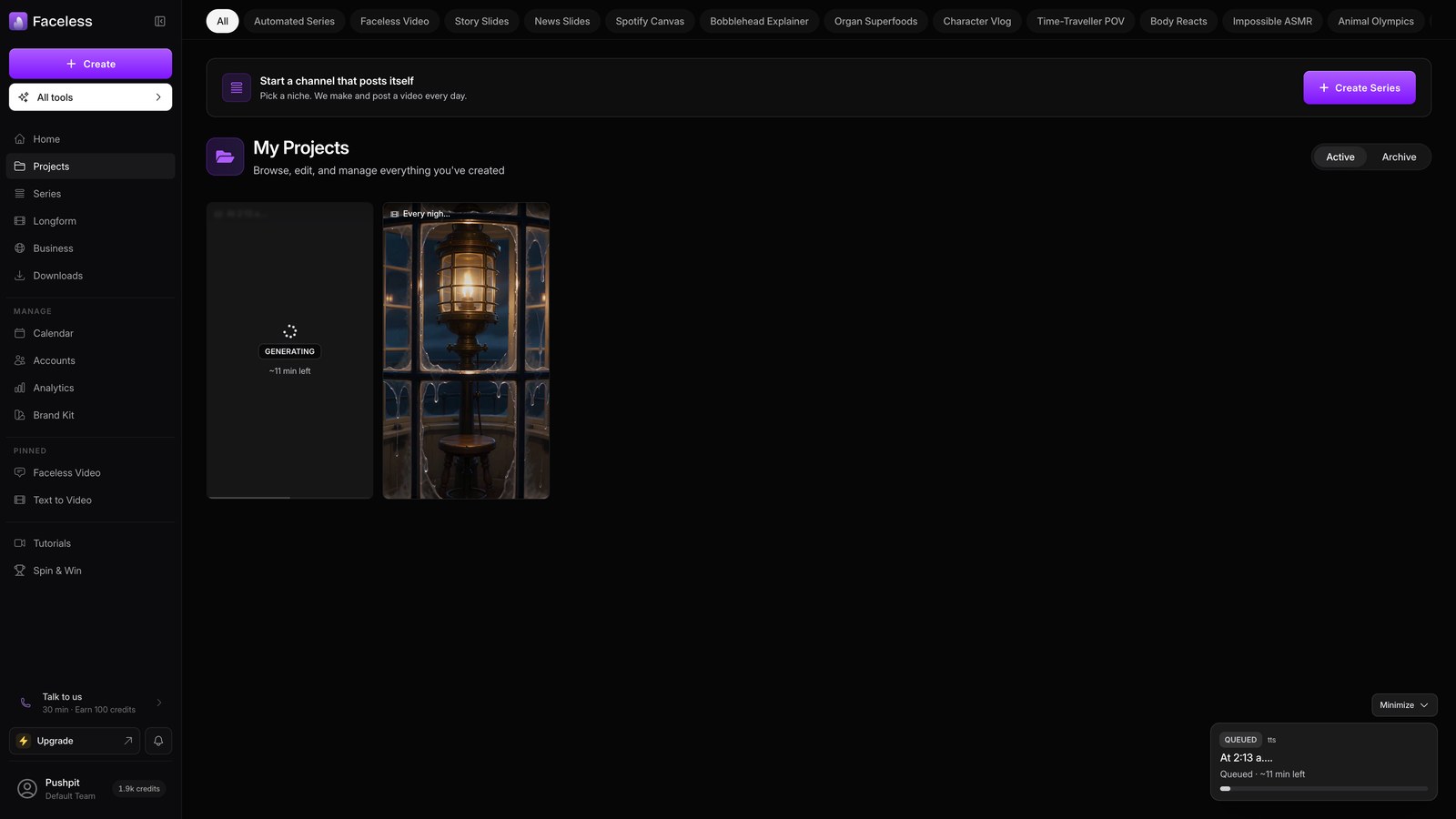
Wait for generation
Wait while Faceless renders the video in the background. This can take a few minutes.
08
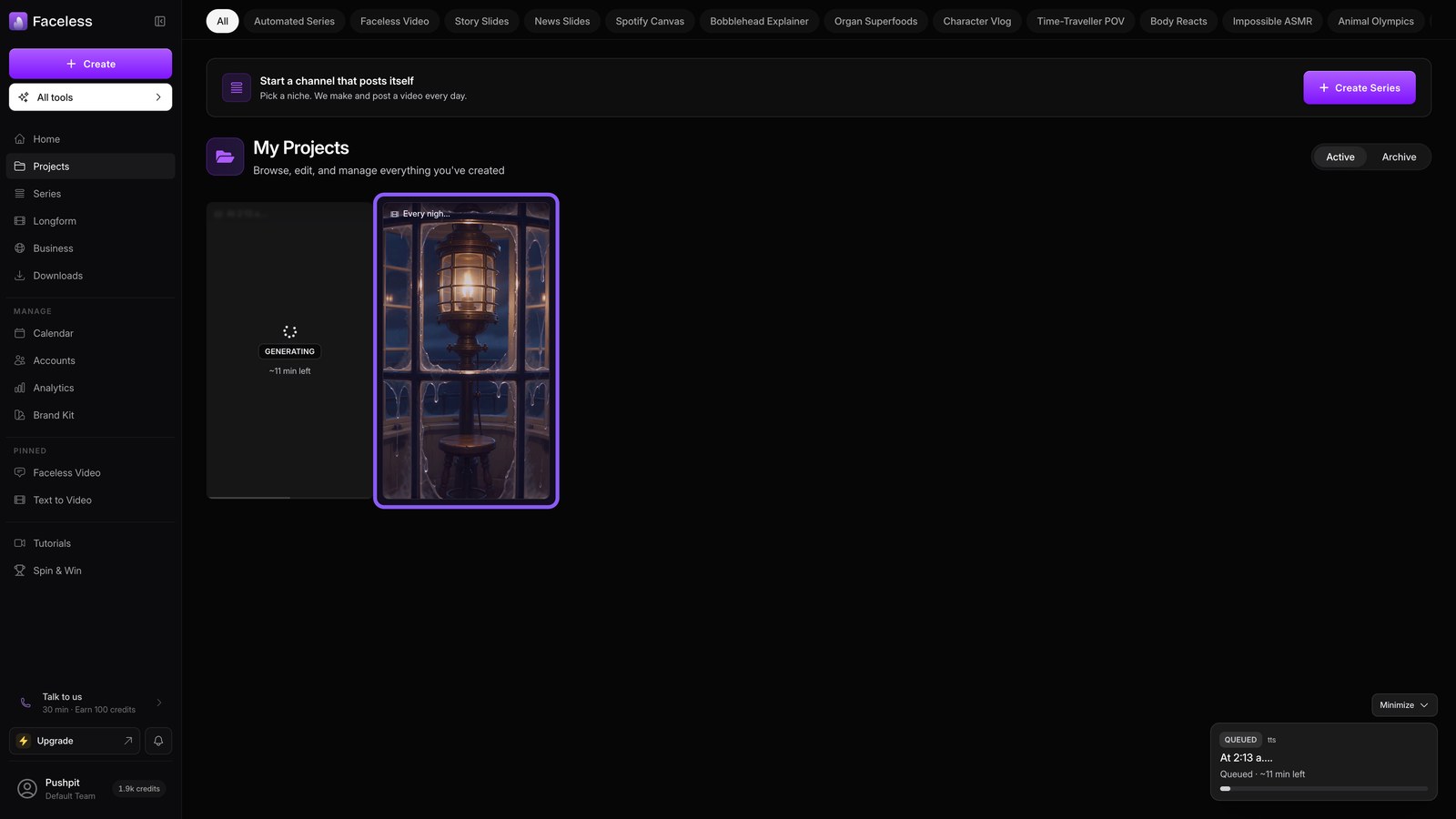
Open project
Open the finished project to watch, edit, or download your video.