YouTube Thumbnail Tester
See your thumbnail and title on the home feed, in search, in Up next and on a phone, compare up to three versions and check size and ratio. Nothing is uploaded.
Your thumbnail
Drop up to 3 thumbnails to compare
Shown in your browser only. Nothing is uploaded.
Checks
On the sample. Add your own picture to check it.
- 16:9, not 16:9: YouTube will add bars or crop it. Resize to 1280x720.
- Width 1600 px, sharp everywhere
- 143 KB, under 2 MB
- Save it as JPG or PNG: the formats YouTube lists for thumbnails.
- 52 characters: shows in full on most screens.
The squint test: as small as it gets in Up next
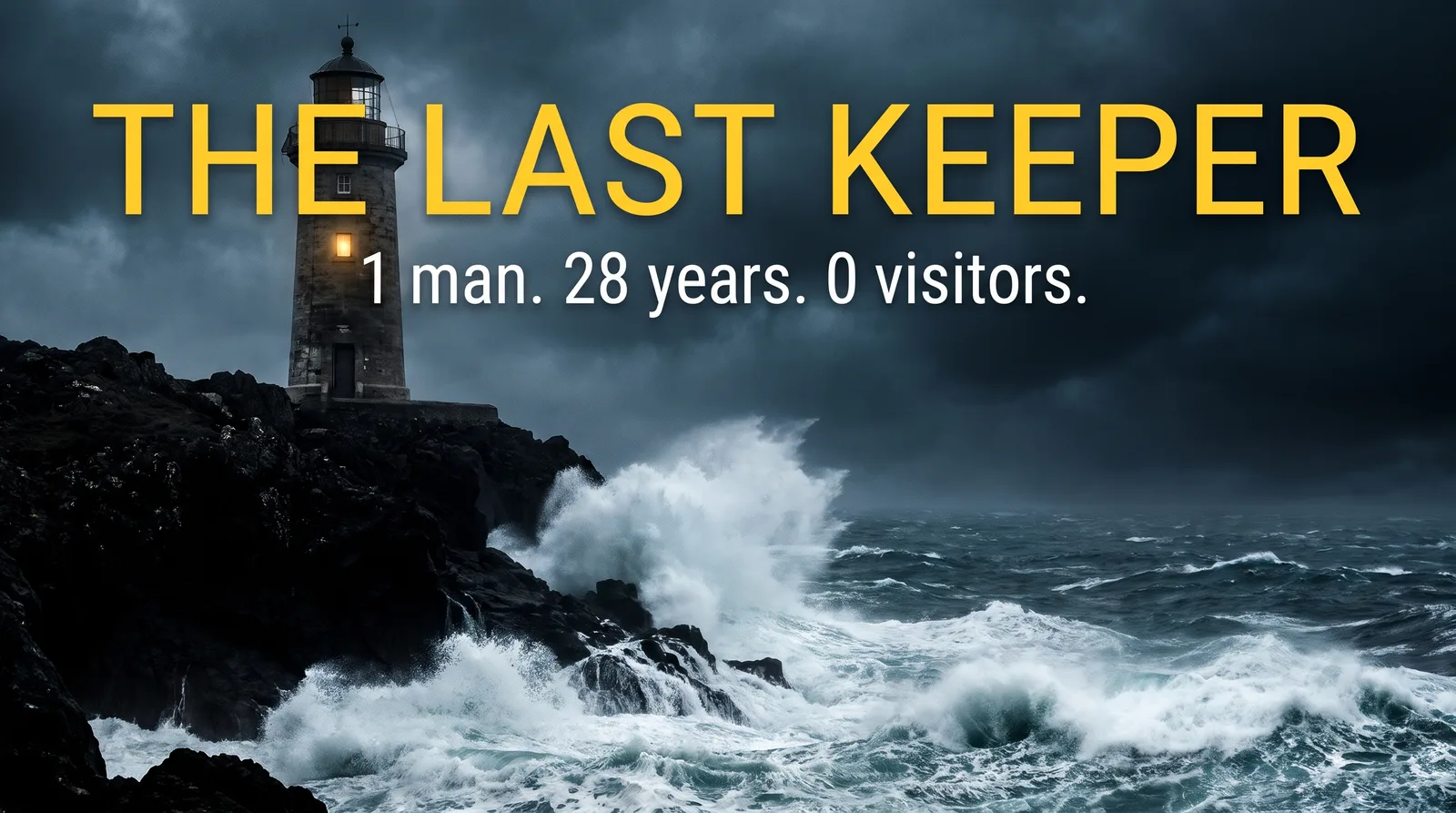 11:24
Sample
If the words or the face cannot be read at this size, most viewers never read them. Keep clear of the bottom right corner: the length badge sits there.
I tried every budget camera so you don't have to
Gear Notes
1.2M views · 3 weeks ago
11:24The lighthouse keeper who never had a single visitor
Deep Sea Files
12K views · 2 hours ago
The city that was built in 100 days
Map Stories
804K views · 5 days ago
What happens to your body when you stop eating sugar
Body Facts
2.4M views · 2 months ago
Why nobody can finish this video game
Pixel Lore
356K views · 1 day ago
10 places on Earth you are not allowed to visit
Atlas Daily
5.1M views · 1 year ago
A close copy of YouTube's layouts at their real proportions. The other videos are placeholders. Need to fix the size first? Use the image resizer or the image compressor.
Judge it where viewers see it
A thumbnail looks great at full size in an editor and very different as one tile among many. This tester puts yours in the places YouTube shows it, at their real proportions, next to other videos: a home feed card, a search result, a small Up next tile and a phone feed, in dark and light mode.
Three checks catch most problems. Can you read the words at Up next size? Does anything important sit under the length badge in the bottom right? And do the title and thumbnail say different things, so together they make a viewer curious instead of repeating each other?
Need a title to go with it? Try the YouTube title generator.
Frequently asked questions
Testing YouTube thumbnails
1280 by 720 pixels, a 16:9 ratio, at least 640 pixels wide, as a JPG, PNG or GIF. YouTube's long-standing upload limit is 2 MB. The tester checks all of this as soon as you add a picture.
More free tools
The Video Behind It is just the start. Automate your whole faceless channel
Faceless writes, voices and edits faceless videos for YouTube, TikTok and Instagram, with titles and descriptions, and posts them on your schedule.
Faceless.so is an AI faceless video generator that writes, voices and posts a new video in your niche every day.
- Script, voice and visuals
- Titles and descriptions
- Posted for you, daily
- Time-to-first-render
- 47s
- Starting price
- $29/mo
- AI voices
- 180+
- Caption styles
- 19

Ready to Create Your Own Videos?
Start creating amazing AI-powered faceless videos in minutes with Faceless