Generate First-Impression Videos of Unusual Destinations
How to capture the thrill of arriving somewhere new, from the first shot to the finished clip
 By Guest Contributor
Updated
5 min read
AI VideoHow to capture the thrill of arriving somewhere new, from the first shot to the finished clip
By Guest Contributor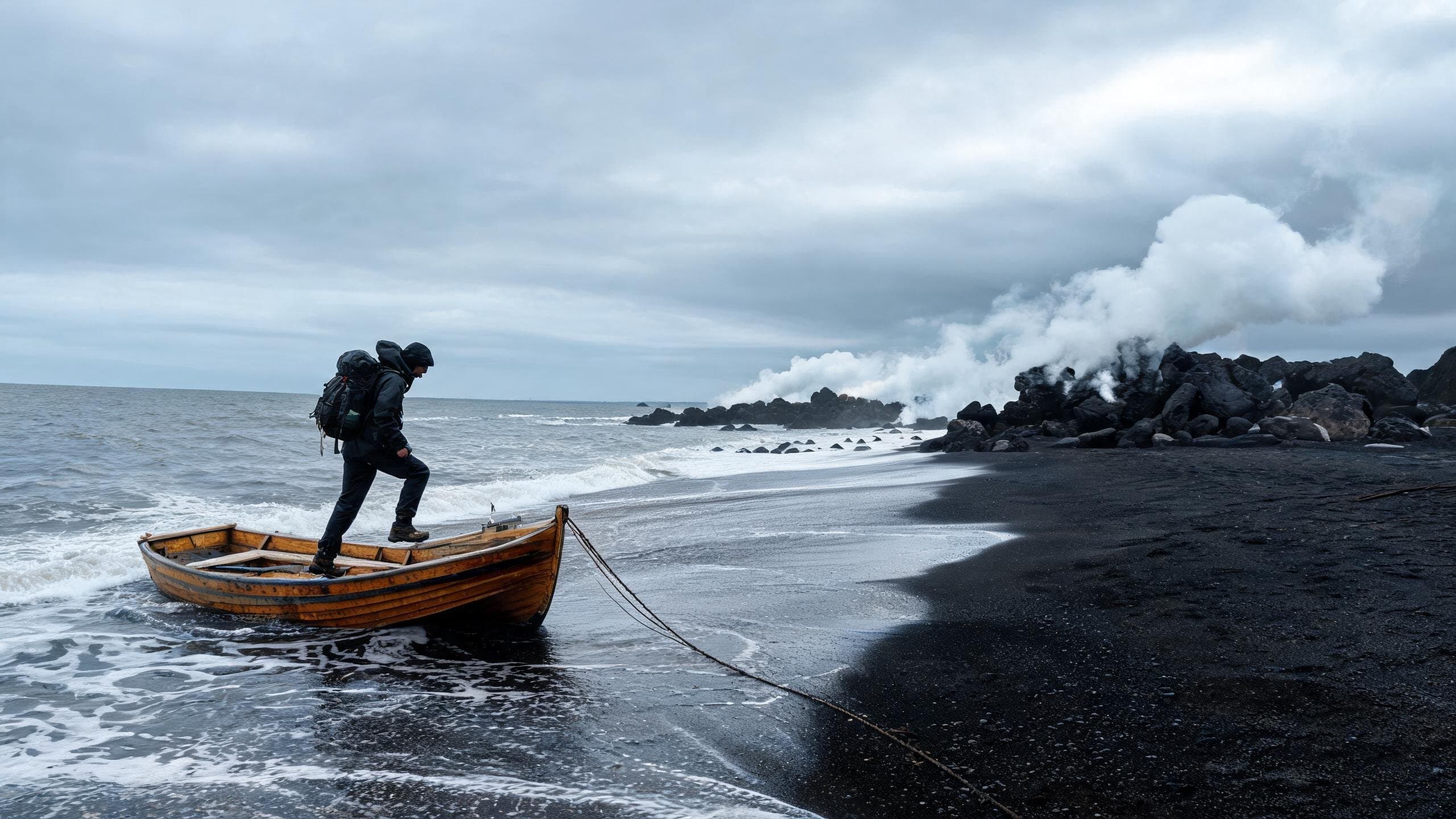
Arriving somewhere unfamiliar is a rush: the strange light, the unfamiliar sounds, the sense that everything might be about to surprise you. First-impression travel videos capture that feeling by showing a place as a newcomer sees it, before the guidebooks and expectations take over.
Filming them in remote or unusual destinations takes time and money, but an AI video generator lets you explore the idea first, or produce concept content for destinations that are hard to reach. Dreamina can turn a single reference image into a flowing first-impression clip that feels fresh and curious.
Here is how to capture the thrill of arrival in a way that makes viewers want to go.
It is not a full travel guide. It is a snapshot of the moment someone steps into a new place and takes it in. The strongest videos feel spontaneous and sensory, and they let the destination introduce itself.
Unusual does not have to mean remote. It can mean a place that feels different from what viewers expect.
Start at the point of arrival, such as stepping off a boat, opening a train door, or walking out of an airport. That moment gives the video a natural beginning and invites viewers to see the place with fresh eyes. Keep the camera close to the traveler's point of view.
First impressions are made of small details: a cool breeze, a strange smell, a bright color, a distant call. Describe the textures, light, and sounds you want to feel, and let the camera linger on them. Details make the destination memorable.
Unusual destinations are often defined by their vast space or unusual shapes. Wide shots show scale, while close shots show texture. Alternating between the two keeps the video visually rich and gives viewers a sense of being there.
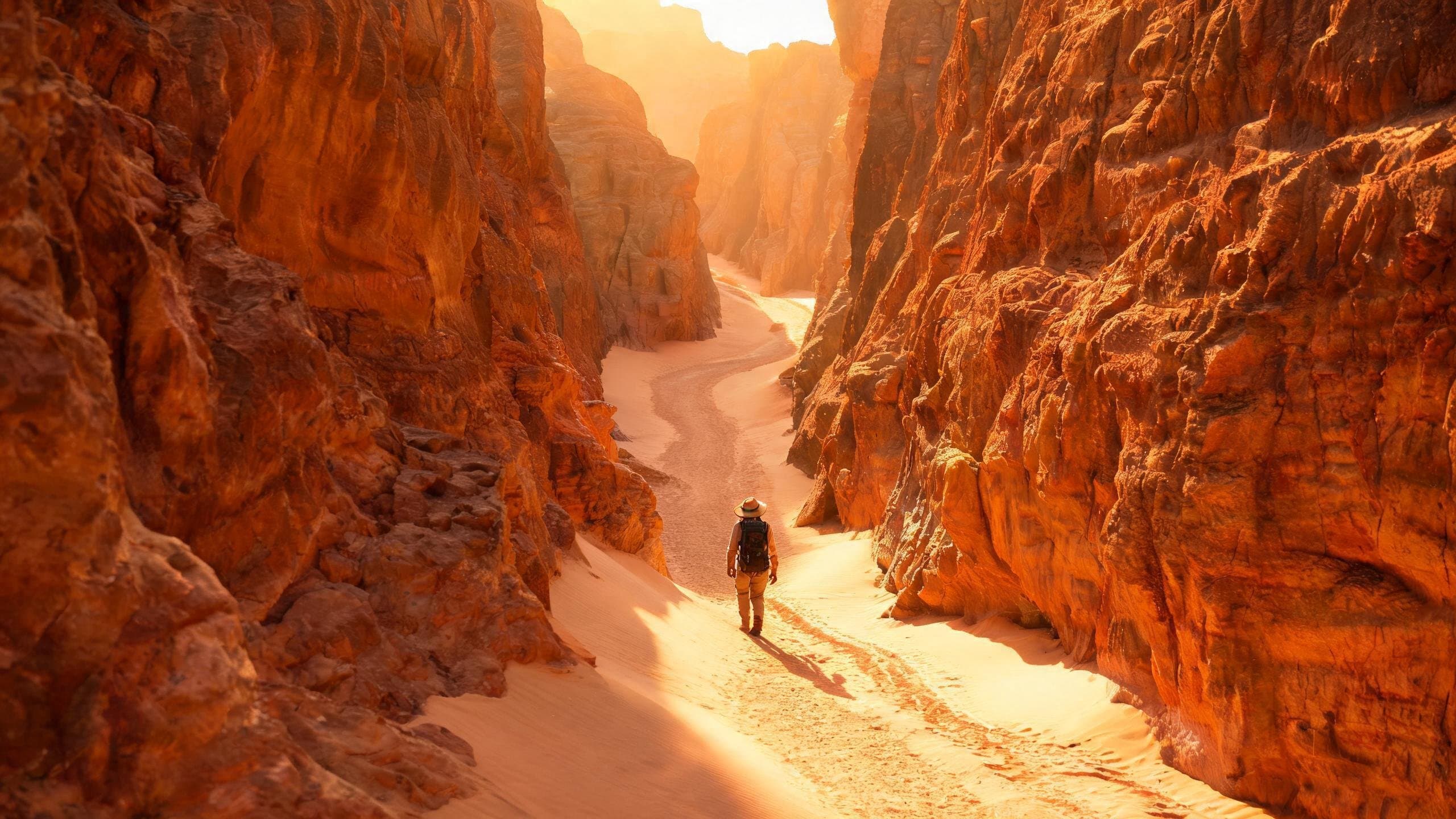
A genuine reaction anchors the video emotionally. A widening gaze, a slow smile, or a pause to take in the view tells viewers how the place feels. Subtle expressions are more convincing than exaggerated ones.
Seedance 2.5 is the model you choose in Dreamina for video generation, and several features fit this format.
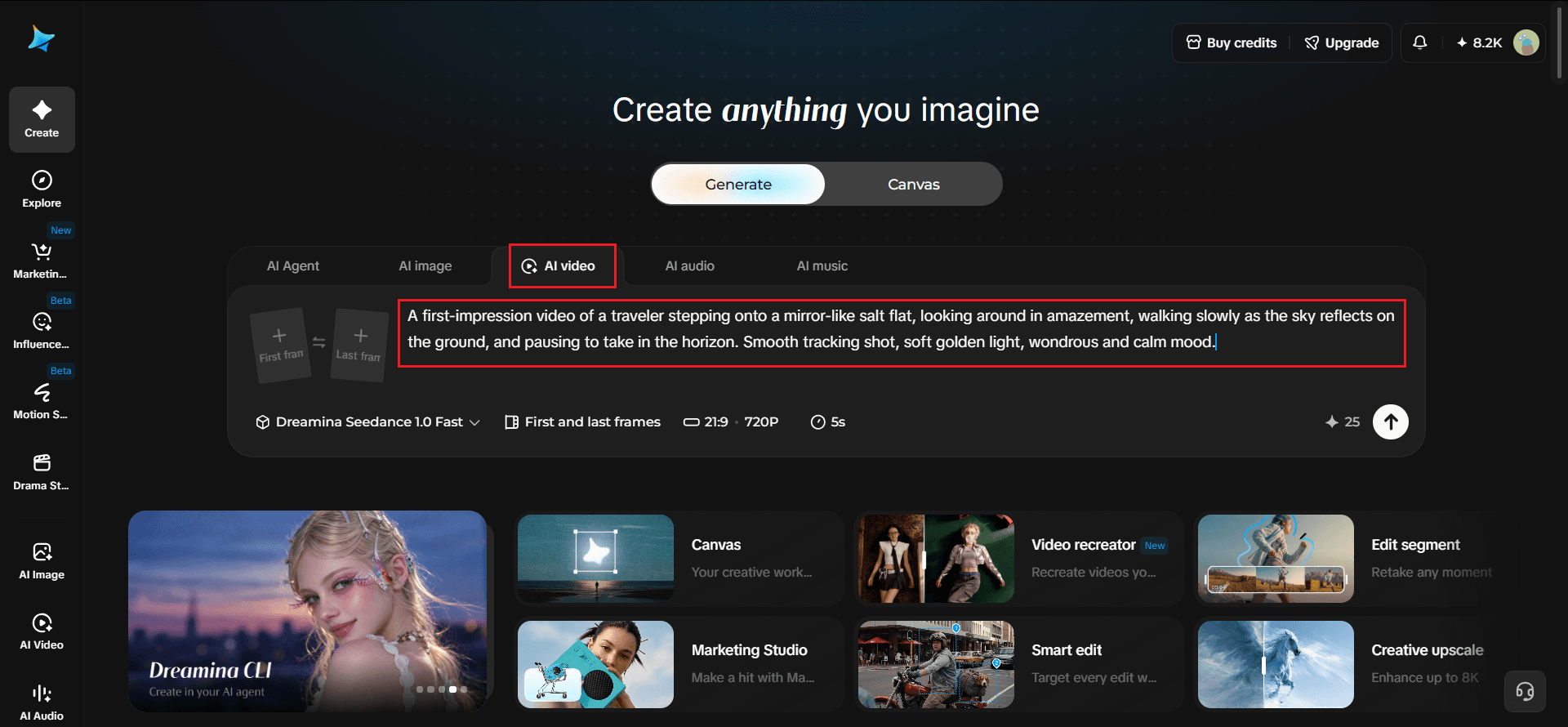
Visit Dreamina and sign in, then head to the "AI Video" section. Click "Add reference image" to upload your photo, then add your prompt to describe the video. In your prompt, state what to reference from the image, such as the landscape, the traveler's outfit, and the color palette.
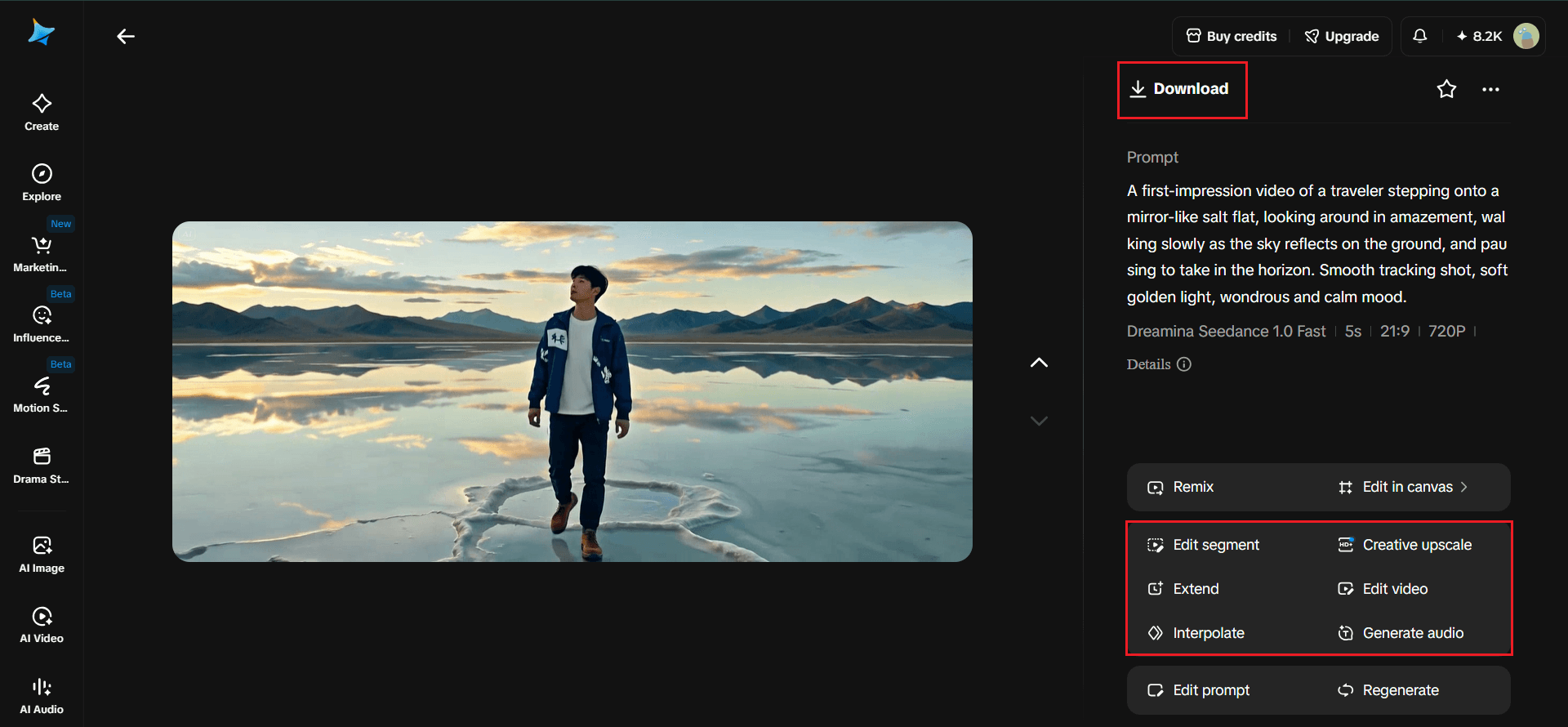
Sample prompt for a video: A first-impression video of a traveler stepping onto a mirror-like salt flat, looking around in amazement, walking slowly as the sky reflects on the ground, and pausing to take in the horizon. Smooth tracking shot, soft golden light, wondrous and calm mood.
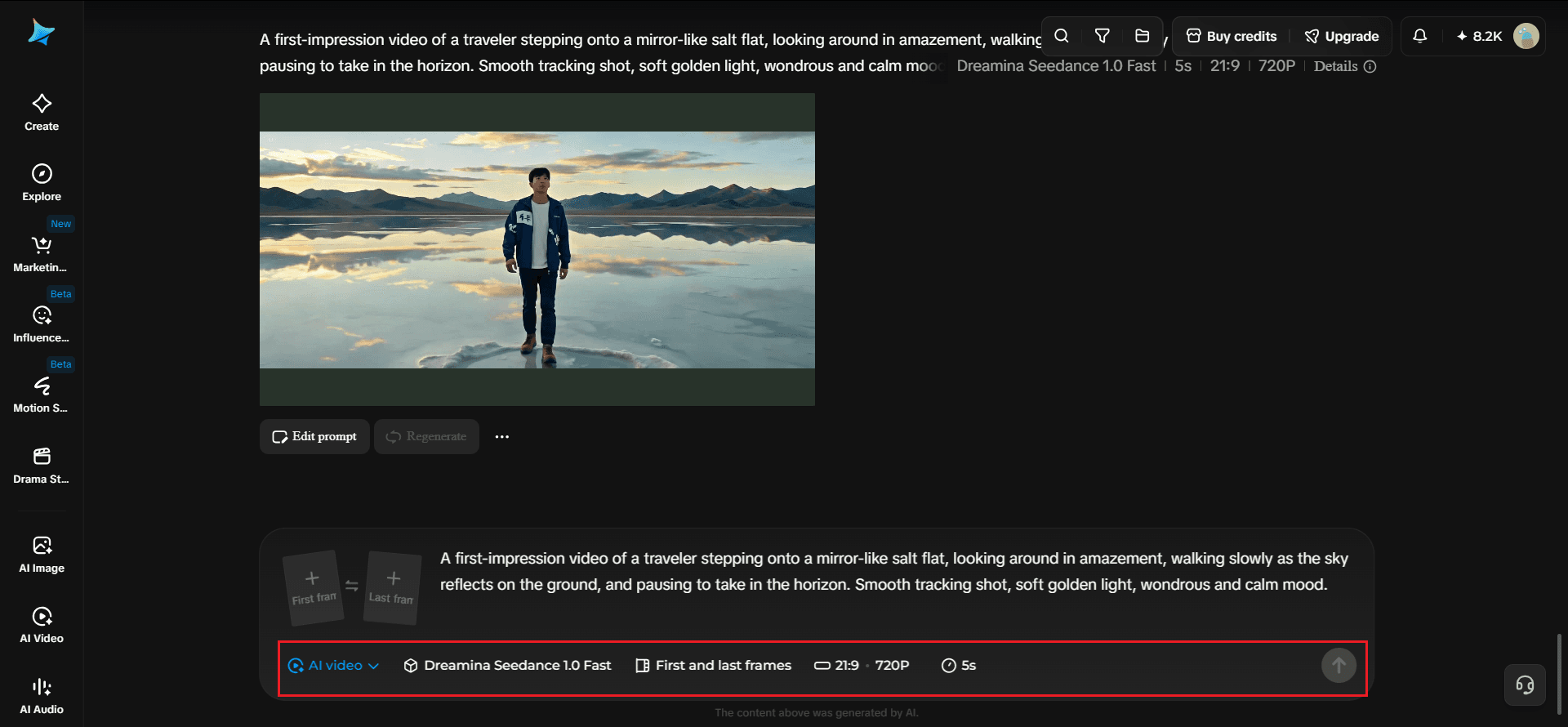
Polish your video before saving it with Dreamina's AI editing tools. Use advanced tools like Upscale for higher resolution or Generate soundtrack for adding audio. Finally, export your video and share it on social media platforms.
Ambient sound, such as wind, waves, or distant voices, gives a place its personality. A gentle musical bed can add emotion without overpowering the natural sounds. Generate a soundtrack that suits the mood of the destination.
Short captions can name the place, share one surprising fact, or note the time of day. Keep them concise, and avoid overwhelming the visuals. Viewers who want more can follow your links or comments.
If your video is a concept or AI-generated visualization, say so clearly, and avoid implying that viewers will find exactly what is shown. Respect local cultures and environments, and encourage responsible travel. Honest content protects the places you love.
A series that begins each episode with the same style of arrival shot gives your channel a signature. Viewers will enjoy collecting new destinations and suggesting places they would like to see.
The best first-impression videos make viewers feel the thrill of stepping somewhere new. With Dreamina and Seedance 2.5, you can create them in minutes, and you can start capturing your first destination today.

This article is a guest post written by a contributor outside the Faceless.so team.
“Hats off to the team for excellent customer service. Two people were helping me work through my questions.”
“Video creation is intuitive and fast. The interface is clean, the AI voiceovers sound natural, and it saves me hours of editing.”
“I was quoted $15 per video by an editor. This software will pay for itself in just a few videos, and everything is so intuitive.”
Start creating amazing AI-powered faceless videos in minutes with Faceless